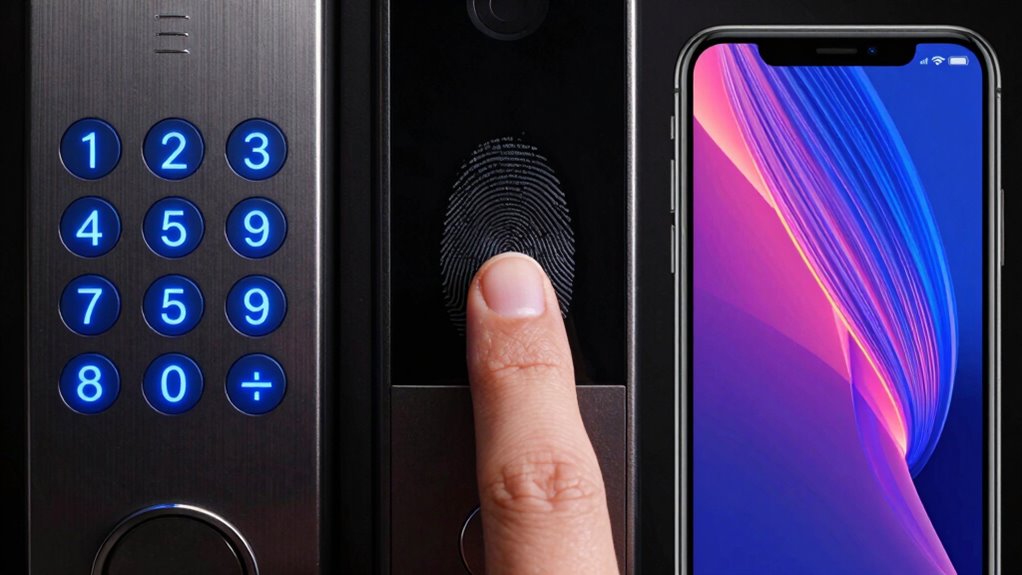

You weigh the convenience of phone unlocks, like facial recognition, against the better security of fingerprint sensors and keypad codes. Phone face ID is quick but can be fooled or affected by lighting. Fingerprints are reliable but can be rejected due to dirt or moisture. Keypads offer customization but are vulnerable if codes are weak. Considering these tradeoffs helps you choose the right method—exploring further reveals how to balance convenience and security effectively.

Prime made for students and young adults
- Fast, free delivery for dorm and study essentials
- Prime Video and Amazon Music included
- Member-only deals
Key Takeaways
- Fingerprint systems offer high security but can be fooled by fake fingerprints, while keypads with strong codes are more resistant to spoofing.
- Phone unlock methods like facial recognition prioritize convenience but may be vulnerable to spoofing or environmental interference.
- Keypads are less affected by environmental factors but rely on users choosing strong, unique PINs for security.
- Fingerprint sensors are quick and user-friendly but can experience false rejections due to dirt or skin conditions.
- Combining multiple methods (multi-factor authentication) enhances overall security by balancing convenience and vulnerability.
When choosing a way to unfasten your device or secure your property, you might wonder which method offers the best balance of convenience and security. If you’re considering fingerprint sensors, keypads, or phone unlock features, understanding their strengths and weaknesses can help you make an informed decision. Biometric reliability plays a key role here, especially with fingerprint authentication. Fingerprint sensors are generally quick and straightforward, allowing you to open your device with a simple touch. They tend to be quite reliable in controlled conditions, but factors like dirt, moisture, or skin changes can occasionally cause false rejections or false acceptances. That means, while fingerprint authentication offers a high level of security, it isn’t infallible. On the other hand, user convenience is one of its biggest advantages. You don’t need to remember passwords or carry keys—just touch your finger, and you’re in. This seamless experience makes it popular for smartphones and some smart locks, providing quick access without fumbling around.
Keypads rely on entering a PIN or passcode, which can be quite secure if you choose a strong, unique code. They also offer flexibility—multiple users can have different codes, and you can change them as needed. The main downside is that entering a code can be less convenient, especially if you’re in a hurry or wearing gloves. Someone watching over your shoulder could also potentially memorize your code, reducing security. However, they tend to be less affected by environmental factors like dirt or moisture, making them reliable in a variety of conditions. From a security perspective, keypads can be quite effective if you avoid common or simple codes, but they’re vulnerable to theft or guessing if your code isn’t strong enough. Additionally, environmental factors can impact their performance, but generally, they remain dependable in many situations.
Phone unlock methods, such as facial recognition or pattern locks, strike a different balance. Facial recognition can be very convenient—just look at your phone, and it opens. The biometric reliability varies depending on lighting, angle, and whether you’re wearing glasses or hats, but modern systems are quite advanced. Pattern locks or PINs are less convenient but can be more secure if used thoughtfully. Phone unlocks are highly accessible but also come with security considerations, especially if someone can spoof your face or guess your pattern. Ultimately, your choice depends on what you prioritize more: the ease of access or the level of security. Each method has trade-offs, but understanding their strengths and limitations helps you pick what fits your lifestyle best.
Popular right now

Vitamix Propel Series 510 Professional-Grade Blender, 3 Programs, Black

Ninja Crispi Glass Air Fryer (Stone) – 4‑in‑1

Dyson V8 Cyclone Cordless Vacuum
As an affiliate, we earn on qualifying purchases.
Frequently Asked Questions
How Do Environmental Factors Affect Biometric Fingerprint Accuracy?
Environmental factors profoundly impact your fingerprint sensor reliability. Dirt, moisture, or extreme temperatures can cause environmental interference, making the sensor less accurate. When your fingers are wet or dirty, the sensor struggles to read your fingerprint properly, leading to potential access failures. To guarantee reliable biometric security, keep your fingers clean and dry, and avoid using the sensor in harsh conditions. This helps maintain accurate fingerprint recognition.
Can Keypad Codes Be Easily Guessed or Observed?
Sure, keypad codes are almost impossible to guess or observe—said no one ever. In reality, password guessing and code observation are common risks, especially if you choose predictable numbers like birthdays or simple sequences. People often watch your keystrokes or use cameras to catch your code. So, don’t assume your keypad code is unbreakable; it’s as vulnerable as any other security measure if you don’t stay cautious.
Are Phone Unlock Methods Vulnerable to Hacking?
Yes, your phone unlock methods can be vulnerable to hacking. Biometric spoofing allows hackers to use fake fingerprints or facial images to bypass security, while keypad shoulder surfing lets them secretly observe your PIN. You should stay cautious, avoid using easily guessed passcodes, and enable additional security features like two-factor authentication to protect your device from these threats.
What Are the Privacy Implications of Biometric Data Collection?
When sharing biometric data, you’re entrusting your privacy to a delicate balance. While data encryption helps protect this sensitive information, there’s always a chance it could be accessed without your consent. It’s essential to give biometric consent carefully, knowing that your fingerprints or facial scans might be stored or shared. Stay informed about how your data is handled to safeguard your personal privacy and prevent unauthorized use.
How Do Different Lock Types Impact User Convenience?
You find that user familiarity greatly impacts lock accessibility and convenience. Keypads are simple and widely known, making them easy for most users. Fingerprint locks offer quick access once you’re trained on how to scan your finger properly. Phone unlocks depend on your comfort with your device’s features. Overall, the more familiar you are with the lock type, the smoother your experience, balancing security with user convenience.
Conclusion
When choosing between keypad, fingerprint, or phone release, consider your security needs and convenience. Fingerprints are used in over 80% of smartphones, highlighting their popularity, but they can be fooled by high-quality copies. Keypads are simple but vulnerable to shoulder surfing, while phone unlock methods often balance security and ease. Ultimately, understanding these tradeoffs helps you pick the best method to protect your data without sacrificing quick access.