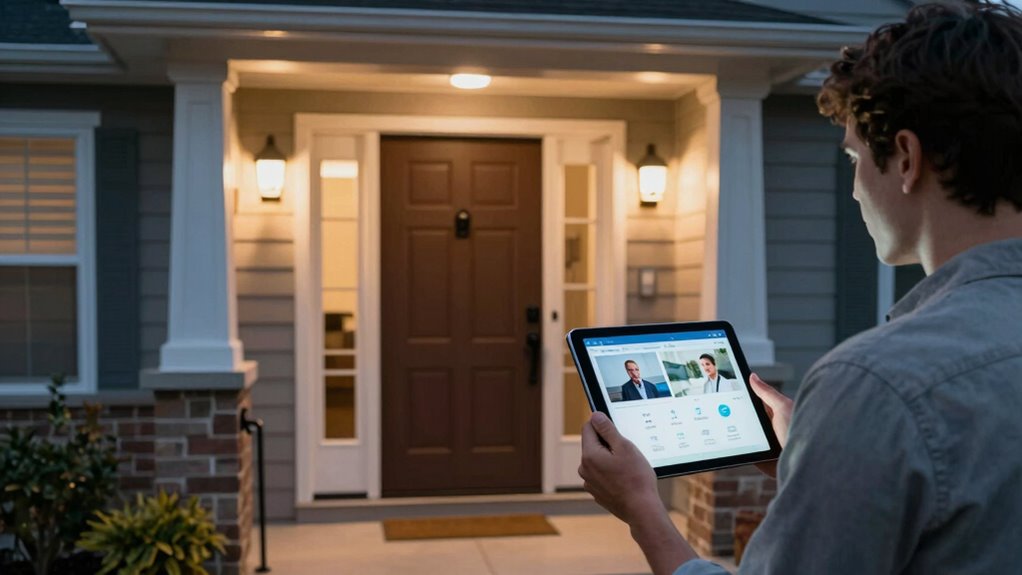

To assess home security rationally, focus on actual risks instead of letting fear take over. Look at local crime statistics and recent trends to understand real threats, and avoid overreacting to every noise or shadow. Use practical prevention measures like sturdy locks and good lighting, rather than costly solutions based on paranoia. Balancing evidence with common sense helps you make confident, effective decisions—if you want to learn how to distinguish fear from facts, keep exploring this topic further.

Prime made for students and young adults
- Fast, free delivery for dorm and study essentials
- Prime Video and Amazon Music included
- Member-only deals
Key Takeaways
- Base security decisions on local crime data and actual risk levels, not on sensationalized stories or fears.
- Evaluate both the likelihood of an incident and its potential impact before taking action.
- Use practical, proven prevention methods like locks and outdoor lighting rather than overreacting to minor threats.
- Avoid constant paranoia by recognizing that not every noise or shadow indicates danger.
- Develop a balanced security plan tailored to your specific neighborhood’s threat profile for effective protection.
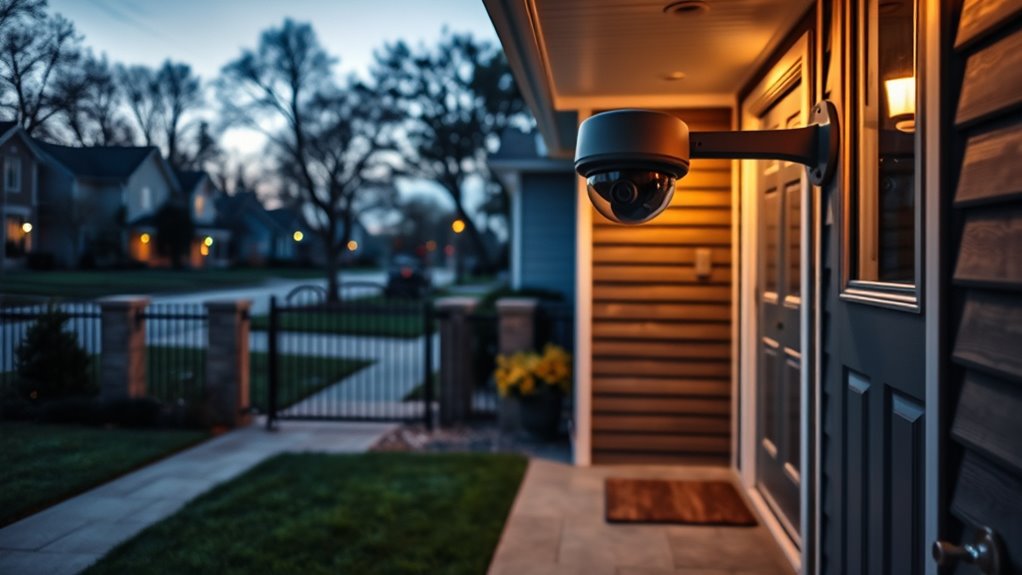
Have you ever wondered why we often let fear hold us back from taking risks? When it comes to your home, that fear can sometimes lead to overreacting or, conversely, ignoring real threats. Understanding how to evaluate risks rationally is essential, especially in the context of home invasion and burglary prevention. You might feel anxious about the possibility of a break-in, but reacting purely out of fear can cause unnecessary stress or lead to costly security measures that aren’t effective. Instead, you need to appraise actual risks based on facts and your specific situation.
To start, recognize that not every noise or shadow indicates an intruder. Fear often magnifies small details and turns them into perceived threats. The key is to distinguish between legitimate risks and exaggerated worries. For example, if your neighborhood has a history of burglaries, you should be more vigilant, but if break-ins are rare, investing heavily in high-tech security systems might not be justified. Instead, focus on practical burglary prevention tactics like solid locks, outdoor lighting, and neighborhood watch programs. These measures are proven to reduce the chances of a home invasion without creating a sense of constant paranoia. Additionally, maintaining a calm and organized approach to home security can help you make better decisions and reduce anxiety.
When you’re evaluating risks, consider the likelihood of an incident versus the potential impact. If a burglary is unlikely but would cause significant emotional distress or financial loss, it still warrants attention. Conversely, if the risk is high but the consequences are minimal, your response should be proportional. This balanced approach helps you avoid the trap of letting fear dictate all your decisions. Remember, taking certain precautions is wise, but overdoing it can lead to unnecessary anxiety and expense.
Another way to assess risks rationally is to stay informed with local crime statistics and trends. Law enforcement agencies often provide updates that can help you understand the real threat level in your area. This data-driven approach prevents you from making decisions based solely on fear or sensationalized stories. Additionally, regularly reviewing and updating your home security measures ensures you’re not relying on outdated tactics that may no longer be effective. Developing a risk management plan tailored to your home’s needs can further enhance your sense of security and peace of mind.
Ultimately, managing risk versus fear involves a conscious effort to think critically. You want to protect your home from invasion, but you also need to keep your fears in check. By evaluating the actual likelihood of threats and implementing reasonable, effective prevention strategies, you can create a safer environment without succumbing to unnecessary worry. This rational approach allows you to live confidently, knowing that you’re prepared without being overwhelmed by unfounded fears.
Frequently Asked Questions
How Do I Determine My Home’s Actual Risk Level?
To determine your home’s actual risk level, start by identifying real risk factors like neighborhood crime rates, local security myths, and your home’s specific vulnerabilities. Avoid falling for security myths that can skew your perception. Research crime data, assess your property’s safety features, and consider professional evaluations. This way, you can objectively understand your risks and implement effective security measures without overreacting to unfounded fears.
What Are Common Misconceptions About Home Security?
Many believe that high-tech security systems are foolproof, but that’s a security myth. You might assume that a visible alarm alone deters burglars, yet false assumptions like this ignore real risks. People often think they’re safer with expensive locks or cameras, but these don’t guarantee security. Stay aware that no system is perfect, and understanding these misconceptions helps you assess your home’s actual vulnerability more effectively.
How Often Should I Reassess My Home Security Measures?
You should reevaluate your home security measures at least once a year, or whenever you experience significant changes like moving, renovations, or new security technology. Regular reviews help make certain your system effectively protects your personal safety. Stay updated on the latest security tech, and identify any vulnerabilities. Consistent reassessment keeps your home secure and gives you peace of mind, knowing your security measures are always current and effective.
What Role Does Neighborhood Crime Rate Play in Risk Assessment?
Imagine moving to a neighborhood with high crime statistics; it’s natural to feel more cautious. Neighborhood crime rate plays a key role in risk assessment because it influences your perception of safety. By examining neighborhood statistics, you gain a clearer picture of actual risks, rather than relying solely on crime perception. This helps you decide whether to upgrade security measures or maintain your current setup, making your home safer and your decisions more rational.
How Can I Balance Cost and Effective Security Solutions?
You can balance cost and effective security by prioritizing essential security technology like smart locks and alarms, which offer good protection without overspending. Consider how home insurance benefits from strong security measures, potentially lowering premiums. Research affordable options, compare features, and avoid unnecessary gadgets. Focus on solutions that match your neighborhood’s risk level, ensuring your investment enhances safety without breaking the bank.
Conclusion
So, next time you’re obsessing over every shadow, remember: risk is the tiny mouse you can see, and fear is the roaring lion in your mind. Keep calm and don’t let fear turn your home into a fortress of paranoia. Instead, assess the real dangers, not just the monsters under your bed. After all, if you spend all your time dodging shadows, you’ll miss the opportunity to enjoy a peaceful, secure home—risk and all.
Halloween Picks
halloween
As an affiliate, we earn on qualifying purchases.