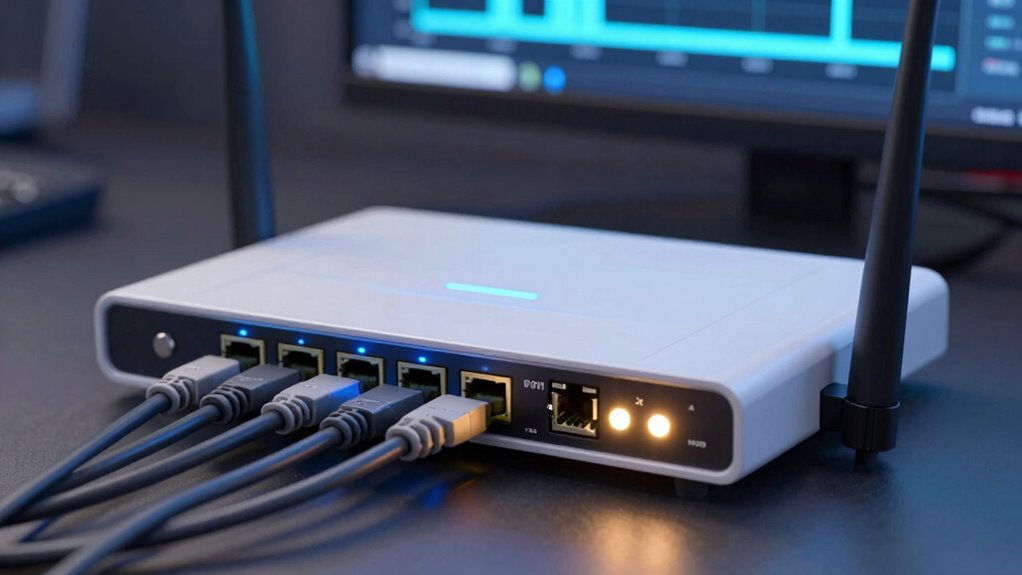

Bufferbloat is a hidden reason behind call lag during uploads. When your network devices, like routers, hold too much data in buffers, it increases latency. This causes delays in your internet, making calls feel laggy and responses sluggish. Poorly configured routers or congested networks worsen this problem. To improve your upload experience, you need to understand how bufferbloat works and explore solutions that can reduce delays. Continue to learn how to fix it effectively.

Prime made for students and young adults
- Fast, free delivery for dorm and study essentials
- Prime Video and Amazon Music included
- Member-only deals
Key Takeaways
- Bufferbloat causes high latency by excessive data buffering in network devices during uploads.
- Large buffers delay packet transmission, leading to noticeable lag in voice or video calls.
- Default router settings often worsen bufferbloat, degrading real-time communication quality.
- Proper router configuration and QoS can prioritize upload traffic, reducing call lag.
- Managing network congestion minimizes buffer buildup, improving upload responsiveness and call stability.
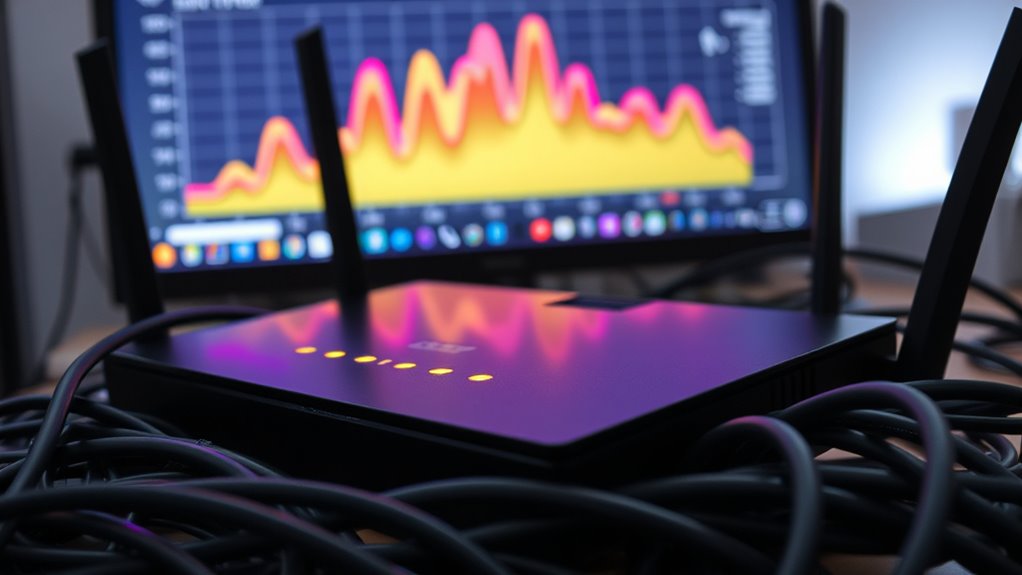
Bufferbloat occurs when excessive data buffering in network devices causes high latency and slow response times, disrupting your internet experience. When you’re uploading files or streaming content, this issue becomes especially noticeable because it can cause noticeable lag and delays, making your online activities frustrating. At the heart of bufferbloat is network congestion—when too much data flows through your network at once, your router and other devices struggle to manage the load effectively. Instead of processing data promptly, they start to hold onto packets in buffers, which leads to increased delays. This buildup of buffered data results in high latency, making your internet seem sluggish during uploads or real-time activities. Proper router configuration can significantly reduce bufferbloat and improve your overall network performance. One of the key ways to combat bufferbloat is through router optimization. Many routers default to generous buffer sizes, which might seem helpful at first glance but actually worsen the problem by holding onto too much data. To improve performance, you need to tweak these settings or upgrade to routers that support advanced traffic management techniques like Quality of Service (QoS). QoS prioritizes critical traffic—such as video calls or gaming—over less urgent data, ensuring that essential activities aren’t bogged down by background downloads or updates. Proper router optimization means reducing buffer sizes or enabling features that limit the amount of data held in buffers, thereby lowering latency and enhancing responsiveness during uploads. Understanding network congestion is vital because it’s often the root cause of bufferbloat. When multiple devices or applications are hogging bandwidth, your network becomes overwhelmed, and buffers fill up quickly. This congestion causes delays because your router has to queue packets, waiting for their turn to be transmitted. By managing this congestion through traffic shaping, bandwidth allocation, and router settings, you can greatly decrease buffer buildup. For example, limiting the data rate for less important applications frees up bandwidth for critical tasks, reducing the likelihood of buffers filling up excessively. In essence, addressing bufferbloat involves more than just upgrading your hardware; it requires optimizing your network setup to minimize congestion and manage buffers effectively. Ensuring your router is configured with appropriate buffer sizes and leveraging QoS features can make a big difference. When done correctly, these steps can lead to smoother uploads, quicker responses, and a more reliable internet experience overall. By taking control of network congestion and optimizing your router, you’ll reduce the lag during uploads and enjoy a faster, more responsive connection that keeps up with your online needs.
Top picks for "bufferbloat hidden reason"
As an affiliate, we earn on qualifying purchases.
Frequently Asked Questions
How Does Bufferbloat Specifically Affect Streaming Quality?
Bufferbloat causes your streaming quality to suffer because it leads to packet queuing, which delays data transmission. When your network experiences bandwidth throttling or excessive buffering, it results in lag and buffering during streams. This lag happens because data packets get held up in the queue, making your video or music playback choppy. To improve streaming, reduce bufferbloat by managing your bandwidth and minimizing unnecessary data congestion.
Can Bufferbloat Impact Online Gaming Performance?
Like a sudden storm cloud over a clear sky, bufferbloat can disrupt your online gaming. It causes high latency and lag, making gameplay frustrating. To combat this, you can implement QoS prioritization and network segmentation, which guarantee gaming traffic gets precedence and reduces congestion. This way, your connection stays smooth, and you experience less lag, even during intense multiplayer battles.
What Are Common Signs of Bufferbloat in Home Networks?
You might notice slow internet speeds or lag during online activities, especially when multiple devices are connected. Network congestion caused by bufferbloat can lead to high latency and sluggish performance. Check your router configuration for QoS settings to prioritize important traffic. If you experience frequent buffering or delays during uploads or streaming, these are common signs of bufferbloat impacting your home network’s efficiency.
Are There Devices That Automatically Mitigate Bufferbloat?
Yes, some devices automatically mitigate bufferbloat by using advanced QoS configurations. Many modern routers come with firmware that includes built-in algorithms to reduce lag during uploads. You should check if your router supports firmware updates, as updating can enable these features. These updates and QoS settings help prioritize traffic, preventing bufferbloat from causing call lag and ensuring smoother upload performance without manual intervention.
How Does Bufferbloat Differ From Traditional Network Congestion?
Bufferbloat differs from traditional network congestion because it involves excessive queue management that causes delays, especially during high bandwidth delay. You might notice lag even when your bandwidth isn’t fully used. Unlike congestion, which is caused by too much traffic, bufferbloat results from overly large buffers that delay packets. This hidden delay sneaks in, creating lag during uploads or video calls, surprising you with persistent lag even when the network seems free.
Conclusion
So, next time your calls lag during uploads, remember bufferbloat is the culprit lurking behind the scenes. It’s the silent thief stealing your connection’s speed, turning smooth conversations into frustrating pauses. By understanding its role, you can take steps to tame it—reducing those pesky delays. Don’t let bufferbloat control your experience; instead, act now and reclaim the clarity and speed you deserve. Because in the world of connectivity, knowledge truly is power.
Fall Picks
fall essentials
As an affiliate, we earn on qualifying purchases.