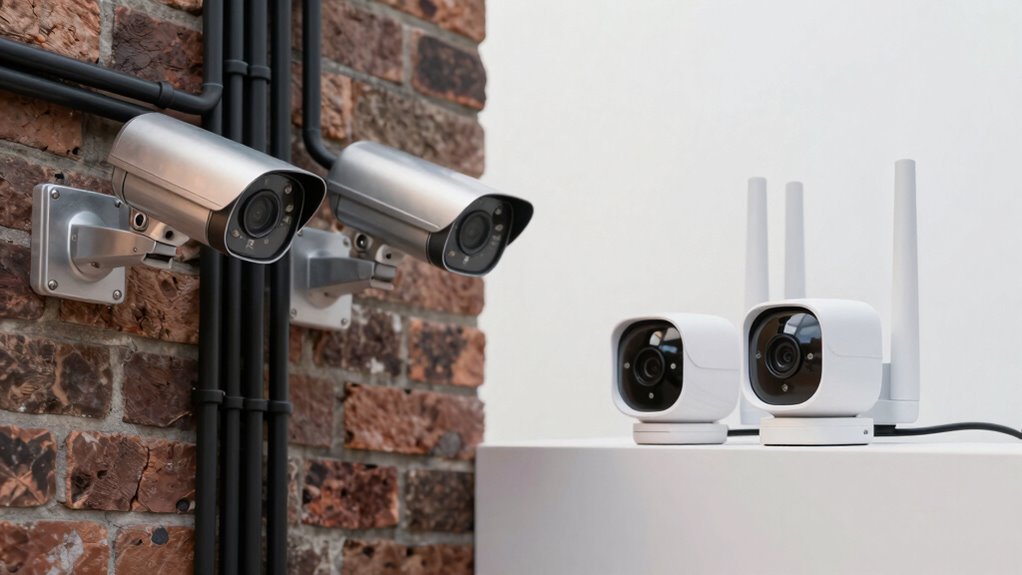

If you prioritize reliability, wired security cameras are your best choice since they receive continuous power and offer stable connections, making them ideal for critical areas. Wireless cameras, on the other hand, provide convenience with quick installs and flexible placement—perfect if you want easy upgrades or repositioning. However, they rely on batteries or Wi-Fi strength, which can affect performance. To find out which option suits your needs best, keep exploring the differences in installation, maintenance, and reliability.

Prime made for students and young adults
- Fast, free delivery for dorm and study essentials
- Prime Video and Amazon Music included
- Member-only deals
Key Takeaways
- Wired cameras provide a stable, continuous power supply, ensuring high reliability and uninterrupted operation.
- Wireless cameras offer quick, easy installation, making setup more convenient and flexible in various locations.
- Wired systems are less susceptible to Wi-Fi interference, reducing connectivity issues and improving stability.
- Wireless cameras require battery management and are vulnerable to power or signal disruptions, affecting reliability.
- Choice depends on prioritizing reliability with complex installation or convenience with easier setup.
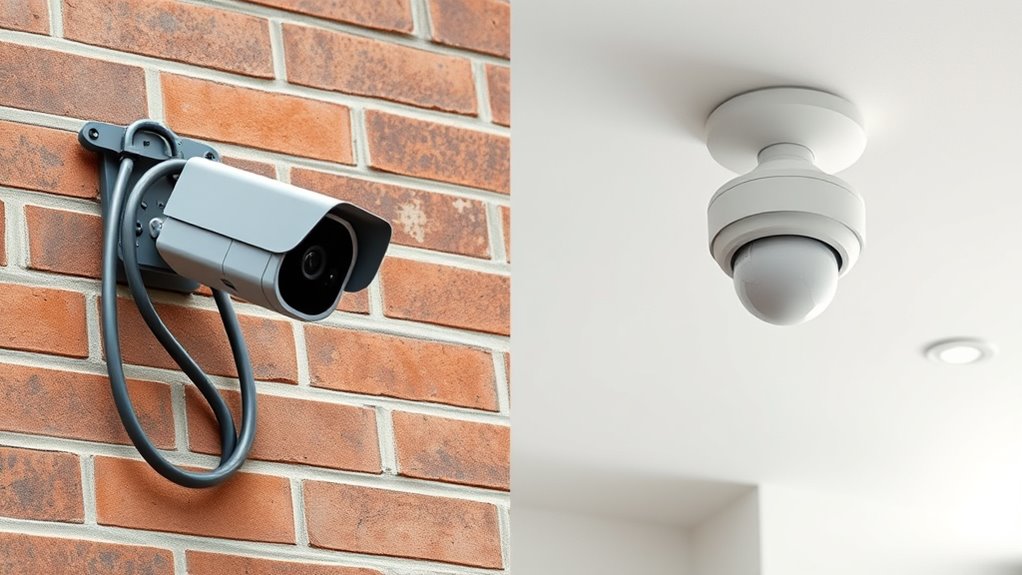
When choosing a security camera system, understanding the differences between wired and wireless options is essential. One of the main factors to consider is how each type handles power supply and installation process. Wired cameras rely on a physical connection to a power source, typically through power cables that connect directly to an electrical outlet. This means that during installation, you’ll need to run power cords from the camera’s location back to the power supply, which can be time-consuming and require some DIY skills or professional help. The installation process for wired systems often involves drilling holes, threading cables through walls or ceilings, and ensuring secure connections. While this can be a hassle initially, it results in a stable power supply that’s less prone to interruptions. A reliable power source is one of the key advantages of wired cameras, providing consistent operation without concerns about battery life or Wi-Fi interference.
Wired cameras need a direct power connection, making installation more complex but ensuring stable, uninterrupted operation.
On the other hand, wireless cameras usually operate on batteries or can be powered via Power over Ethernet (PoE) if paired with a compatible device. For battery-powered models, you simply need to install the camera in a suitable spot and replace or recharge the batteries periodically. This makes the installation process much quicker and less invasive since you don’t have to deal with running cables through walls or ceilings. Wireless cameras connect to your Wi-Fi network, so as long as your signal is strong and stable, they can be set up almost anywhere within range. Some models with PoE capability do require a wired connection for power, but even then, the process is streamlined because you only need to manage one cable for both power and data transfer.
In terms of power supply, wired cameras are generally considered more reliable because they draw continuous power directly from the electrical system, eliminating concerns about battery life or recharging. This stability ensures consistent operation, which is especially important if you’re monitoring critical areas. Wireless cameras, while convenient, can be affected by battery life or Wi-Fi interference, which might lead to occasional outages or the need for maintenance like changing batteries or troubleshooting connectivity.
Choosing between the two depends on your priorities. If you value reliability and uninterrupted power, wired systems might be the better choice despite their more complex installation process. If convenience and flexibility are more important, wireless cameras offer a quick setup and easier repositioning, although you’ll need to stay on top of battery replacements and Wi-Fi performance. Ultimately, understanding how each system handles power supply and installation helps you determine which option aligns best with your security needs and home setup.
Popular right now

Vitamix Propel Series 750 Professional-Grade Blender, 4 Programs, Black

De'Longhi Magnifica XS ECAM22110B Automatic Espresso Machine

Samsung 75-Inch M80H Series Mini LED 4K Smart TV (2026)
As an affiliate, we earn on qualifying purchases.
Frequently Asked Questions
Can Wireless Cameras Operate During a Power Outage?
No, wireless cameras typically don’t operate during a power outage unless you add a battery backup. Many models rely on mains power, so during an outage, they shut down. To keep your wireless camera active, you can install a battery backup or uninterruptible power supply (UPS). This way, even when the power’s out, your camera continues to record and monitor, ensuring your security remains uninterrupted.
How Secure Are Wireless Security Cameras From Hacking?
Wireless security cameras can be quite secure if you use strong encryption protocols like WPA3 and guarantee your firmware is always updated. You should also activate remote access security features, such as two-factor authentication and secure passwords. These measures help protect your cameras from hacking attempts. Keep your network protected, and regularly review your security settings to maintain a high level of safety for your wireless surveillance system.
Do Wired Cameras Require Professional Installation?
Did you know that 60% of homeowners prefer professional installation for security systems? Wired cameras typically require professional setup due to installation complexity and wiring requirements. You’ll need to run cables and connect them properly, which can be tricky if you’re not experienced. While DIY options exist, hiring professionals guarantees your wired cameras are installed securely and correctly, saving you time and potential troubleshooting later.
What Is the Typical Lifespan of Wired Versus Wireless Cameras?
Wired cameras typically last 10 to 15 years with minimal maintenance, as they don’t rely on batteries and are less prone to power issues. Wireless cameras usually have a shorter lifespan of around 3 to 7 years, mainly due to battery life limitations, requiring regular recharging or battery replacements. You’ll need to check and maintain them more frequently, but wireless options offer greater convenience in installation and placement.
Are There Compatibility Issues Between Different Brands of Cameras?
Did you know that over 60% of users experience compatibility issues between different security camera brands? You might find that certain cameras don’t seamlessly support cross-platform integration, making it tricky to monitor all feeds from one app. Brand compatibility varies greatly, and some systems may require adapters or specific software updates. To avoid frustrations, check each camera’s compatibility with your existing setup before purchasing, ensuring smooth operation across brands.
Conclusion
Ultimately, choosing between wired and wireless security cameras depends on your priorities. Wired systems offer unmatched reliability, with over 98% uptime reported in some studies, ensuring you’re always protected. Wireless cameras provide convenience, making installation effortless and flexible. If you value constant security, wired might be your best bet. But if ease and flexibility matter more, wireless is ideal. Remember, your security setup should fit your lifestyle—because peace of mind is priceless.