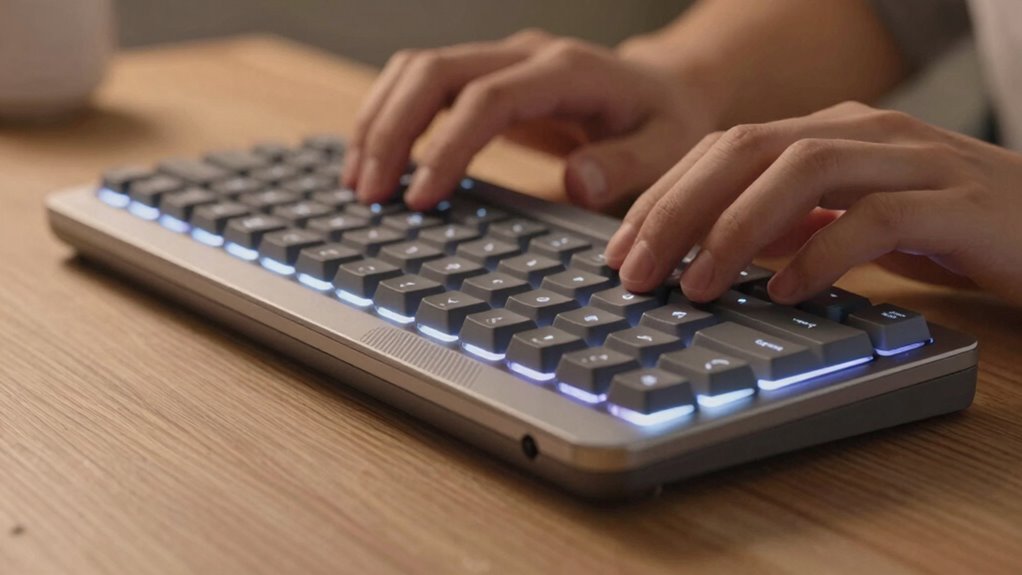

Keyboard comfort is more important than many laptop buyers realize because it directly affects your health and productivity. An ergonomic keyboard supports your natural hand position, reducing strain and preventing discomfort during long hours. Poor design can lead to fatigue, aches, and even long-term injuries. When you choose a keyboard with proper layout, spacing, and support, you’ll work more efficiently and avoid health issues. Keep exploring to discover how the right keyboard can make a real difference.

Prime made for students and young adults
- Fast, free delivery for dorm and study essentials
- Prime Video and Amazon Music included
- Member-only deals
Key Takeaways
- Comfortable keyboards reduce fatigue and discomfort during long typing sessions, enhancing productivity.
- Ergonomic design prevents repetitive strain injuries and long-term musculoskeletal issues.
- Proper keyboard support promotes correct posture, minimizing muscle tension and health risks.
- Key features like key spacing and feedback improve typing accuracy and efficiency.
- Investing in keyboard comfort ensures sustained work quality and overall well-being.
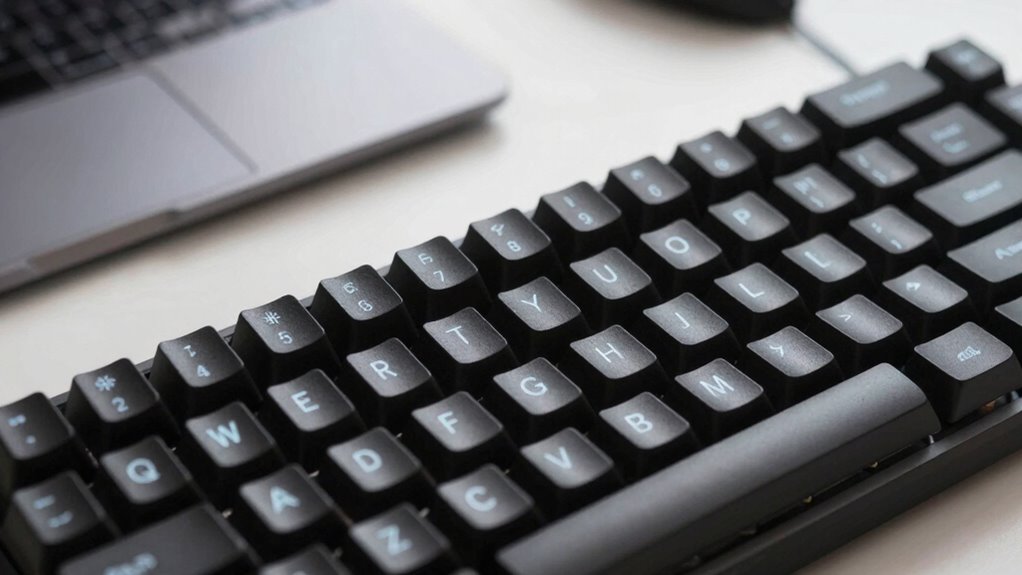
When choosing a new laptop, many buyers focus on processing power, display quality, or battery life, often overlooking an equally important factor: keyboard comfort. But the way your keyboard is designed can significantly impact your productivity and overall comfort during long hours of use. An ergonomic design is key to reducing strain and preventing discomfort that can develop into more serious issues like repetitive strain injuries. When your keyboard supports a proper typing posture, you’re less likely to experience fatigue, aches, or tension in your wrists, hands, or shoulders. This isn’t just about feeling comfortable; it’s about maintaining your health and efficiency over time.
Choosing a keyboard that promotes proper posture enhances comfort, health, and productivity during long hours of use.
A well-designed keyboard encourages a natural hand position, with keys that require appropriate pressure and travel. If keys are too stiff or too shallow, you might find yourself pressing harder or typing more slowly, which can lead to tension build-up. An ergonomic keyboard takes into account key spacing, layout, and feedback, making it easier for you to type accurately without unnecessary effort. When your hands rest in a neutral position, you reduce the likelihood of developing discomfort that could interfere with your work or leisure activities. This kind of thoughtful design promotes a healthy typing posture, which is crucial for those who spend hours at their laptops every day. Additionally, ergonomic keyboard features such as wrist supports and adjustable angles can further enhance comfort and support healthy habits.
Your typing posture is directly influenced by the keyboard’s ergonomic features. If the keyboard is flat or awkwardly angled, you might unconsciously adopt poor habits, such as bending your wrists or hunching over your device. Over time, these habits can cause strain or even long-term injuries. Choosing a keyboard with a slight tilt, wrist supports, or an adjustable angle encourages a more natural posture. This not only makes typing more comfortable but also helps you stay focused and productive for longer periods. Incorporating ergonomic principles into your workspace setup can further reduce the risk of discomfort and injury. Additionally, understanding and applying ergonomic guidelines can help you optimize your overall workstation for better health. Properly aligning your keyboard with your body position can make a significant difference in preventing musculoskeletal issues and promoting sustained comfort.
Popular right now

Hisense 65-inch U6 Pro Mini-LED 4K UHD Smart Fire TV

Apple AirPods Max 2 Wireless Over-Ear Headphones – Midnight

Ninja Foodi 6-in-1 DualZone Air Fryer, 8 qt, Grey (DZ201)
As an affiliate, we earn on qualifying purchases.
Frequently Asked Questions
How Can I Test Keyboard Comfort Before Purchasing a Laptop?
You can test keyboard comfort by trying out the laptop in-store, focusing on key travel and key spacing. Type a few sentences to feel how the keys respond and whether they’re too stiff or too soft. Pay attention to the spacing between keys—if it’s too tight or too wide. This hands-on approach helps you determine if the keyboard suits your typing style, ensuring comfort for long sessions.
Does Keyboard Type Affect Typing Speed Significantly?
Yes, keyboard type greatly impacts your typing speed. Mechanical keyboards, for example, often boost typing accuracy and speed thanks to their tactile feedback. Conversely, membrane keyboards may reduce durability and cause finger fatigue, slowing you down. You want a keyboard that enhances typing precision, maintains durability, and feels comfortable. Choosing the right type directly influences your efficiency and the longevity of your device, making it an essential consideration for your overall experience.
Are Mechanical Keyboards Better for Laptop Users?
Mechanical keyboards are generally better for laptop users because of their mechanical switches, which provide tactile feedback and durability. Key switch types vary, offering options like linear or clicky switches that suit your typing style. You’ll notice improved comfort and responsiveness, especially during long typing sessions. While they might be bulkier, their benefits in speed, accuracy, and comfort often outweigh portability concerns, making them a great upgrade for dedicated users.
How Does Keyboard Layout Impact Comfort and Efficiency?
A well-designed key layout can boost your comfort and efficiency by reducing hand fatigue and errors. Studies show that optimized key spacing decreases typing strain by 20%, making long sessions more manageable. When you choose a keyboard with a thoughtful layout, you benefit from better ergonomics and faster typing. Clear key spacing minimizes accidental presses, helping you work more comfortably and accurately for extended periods.
Can Ergonomic Keyboard Accessories Improve Laptop Typing Comfort?
Yes, ergonomic keyboard accessories can considerably improve your laptop typing comfort. These accessories, designed with ergonomic principles, provide better wrist support and promote a natural hand position, reducing strain. Using wrist supports or adjustable stands helps maintain proper alignment, preventing discomfort during long typing sessions. By enhancing ergonomic design, these accessories make typing more comfortable, boost efficiency, and can even help prevent repetitive strain injuries.
Conclusion
Did you know that an uncomfortable keyboard can decrease your productivity by up to 20%? Don’t overlook this essential feature when choosing your next laptop. Prioritizing keyboard comfort isn’t just about ease of use; it’s about protecting your hands, reducing fatigue, and ensuring you stay focused longer. So, next time you shop, remember that a comfortable keyboard isn’t a luxury — it’s a smart investment in your overall work and gaming experience.