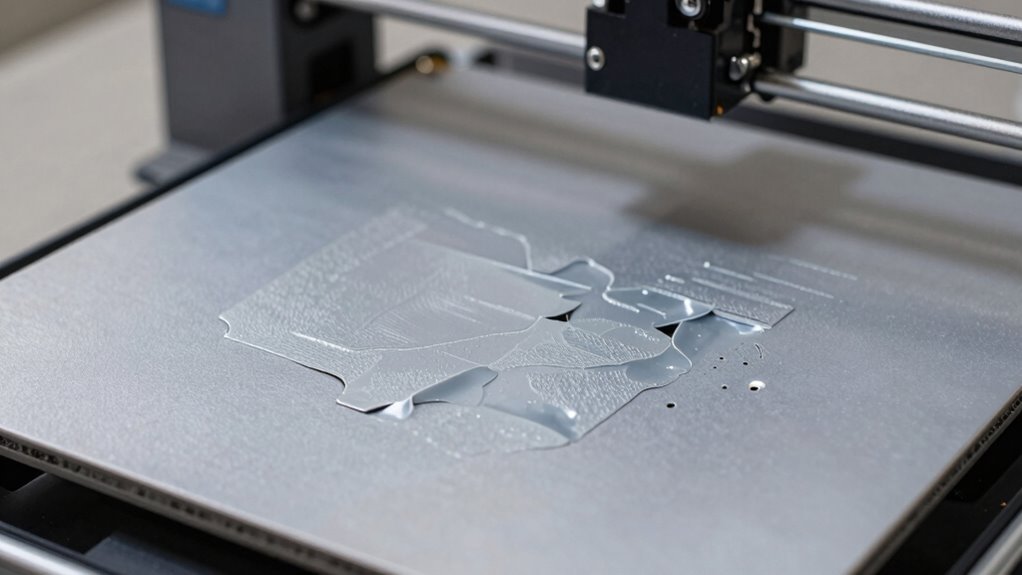

Auto bed leveling guarantees your print surface is perfectly flat, which is essential for successful 3D printing. Without it, the bed may be uneven or poorly calibrated, leading to adhesion problems, warping, or uneven layers. This causes prints to fail or look bad. Using sensors to automatically measure and adjust the bed during printing helps prevent these issues. Keep going if you want to uncover how proper calibration and routines can save your prints.

Prime made for students and young adults
- Fast, free delivery for dorm and study essentials
- Prime Video and Amazon Music included
- Member-only deals
Key Takeaways
- Without auto bed leveling, uneven surfaces cause poor adhesion and print warping, leading to failed or low-quality prints.
- Lack of proper calibration results in inaccurate sensor data, causing the print head to be misaligned with the bed.
- Manual bed leveling can be inconsistent; neglecting it increases the risk of print failures due to uneven layers.
- Unleveled beds cause nozzle crashes or gaps between layers, compromising structural integrity.
- Automatic bed leveling ensures a flat, consistent print surface, reducing errors and improving overall print success.
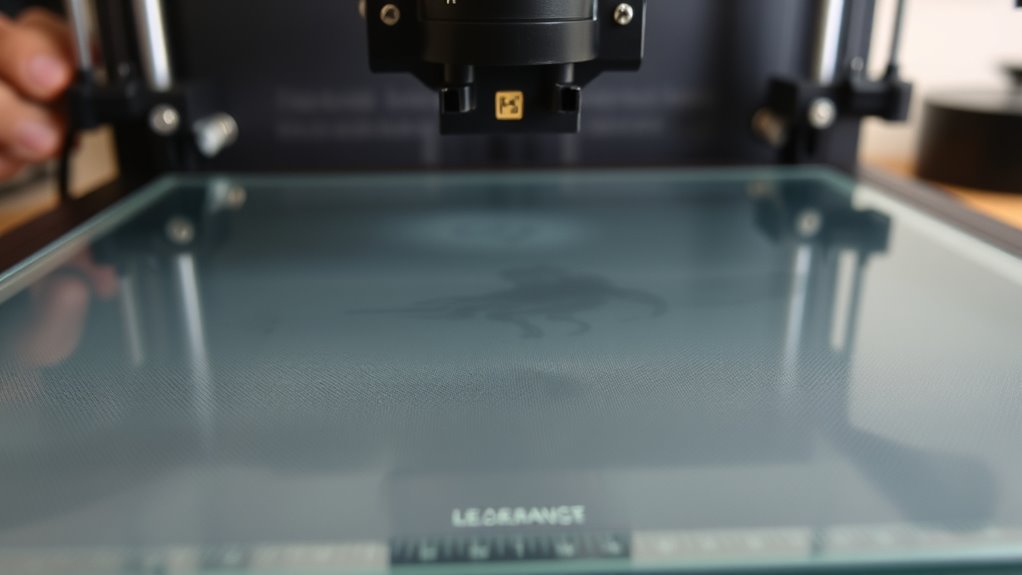
Have you ever struggled with uneven 3D prints caused by an unlevel bed? If so, you know how frustrating it can be to see your carefully designed model come out warped or incomplete. The root of the problem often lies in bed leveling issues. Fortunately, modern 3D printers come equipped with auto bed leveling systems that take the guesswork out of guaranteeing a perfectly flat print surface. But to get the most out of these systems, understanding bed leveling techniques and sensor calibration is essential.
Auto bed leveling relies on sensors—like inductive, capacitive, or optical probes—that measure the distance between the print head and the bed at multiple points. These sensors gather data to create a height map of your build surface, allowing the printer to adjust the Z-axis dynamically during printing, maintaining a consistent distance from the bed. This process eliminates the need for manual bed leveling, which can be time-consuming and imprecise, especially if your bed shifts over time or if you have an uneven surface. Proper sensor calibration ensures that the sensor’s readings accurately reflect the true distance, which is critical for precise leveling. If the sensor isn’t calibrated correctly, the printer might think the bed is higher or lower than it actually is, leading to poor adhesion or print failures.
Proper sensor calibration ensures accurate bed leveling and high-quality 3D prints.
To achieve best results, you should follow recommended bed leveling techniques tailored to your specific printer model. Many printers come with automatic routines that guide you through the process—simply select the auto bed leveling option, and the firmware will probe multiple points across the bed. However, before relying solely on these routines, it’s smart to perform a manual check and recalibrate your sensor if necessary. Regular sensor calibration ensures that the data collected is accurate, which directly impacts the quality of your prints. It’s also essential to keep the build surface clean, as dirt or residue can interfere with sensor readings, causing inaccuracies in the leveling process. Additionally, understanding the role of sensor calibration can help you troubleshoot common issues more effectively.
In essence, mastering bed leveling techniques combined with proper sensor calibration is vital for consistent and high-quality 3D prints. Auto bed leveling systems are powerful tools that, when properly configured, reduce print failures caused by an uneven bed. By taking the time to calibrate your sensors and understand your printer’s leveling routines, you ensure that each print begins on a perfectly prepared surface, minimizing errors, and maximizing your results. This proactive approach saves you time, filament, and frustration, making your 3D printing experience smoother and more successful.
Popular right now

De'Longhi Dinamica Plus Fully Automatic Espresso Machine

Ninja Foodi DZ201 8-Quart DualZone 6-in-1 Air Fryer

Shark HydroVac MessMaster Wet/Dry Vacuum & Mop Combo (AW261)
As an affiliate, we earn on qualifying purchases.
Frequently Asked Questions
How Often Should I Recalibrate My Auto Bed Leveling Sensor?
You should recalibrate your auto bed leveling sensor whenever you notice print issues or after hardware adjustments. Follow a regular maintenance schedule, ideally every few weeks or after moving the printer. Sensor calibration ensures accurate leveling, preventing failed prints. Keep an eye on print quality and re-calibrate as needed, especially if you change filaments or update firmware. Consistent maintenance keeps your printer running smoothly and produces better results.
Can Auto Bed Leveling Fix All Print Adhesion Issues?
Auto bed leveling helps improve print adhesion, but it doesn’t fix all issues. You might face bed leveling limitations that still cause adhesion problems, especially with uneven surfaces or warped beds. While it simplifies adhesion troubleshooting, you should still check your print surface and optimize settings. Relying solely on auto bed leveling isn’t enough; combine it with proper bed prep and calibration for the best results.
What Are Common Causes of Auto Bed Leveling Sensor Errors?
Sensor misalignment and electrical interference are common causes of auto bed leveling sensor errors. If your sensor isn’t correctly aligned, it can give inaccurate readings, leading to poor print adhesion. Electrical interference from nearby devices or loose wiring can disrupt sensor signals, causing errors. To fix these issues, verify your sensor is properly aligned and check all wiring connections. Minimizing interference sources also helps maintain accurate sensor performance.
Is Auto Bed Leveling Compatible With All 3D Printer Models?
Auto bed leveling isn’t compatible with all 3D printer models. Think of it as trying to fit a key into every lock—sometimes it just doesn’t turn. You need to check sensor compatibility first, ensuring your printer supports auto bed leveling sensors. Additionally, firmware updates might be necessary to enable this feature. Always verify your printer’s specifications and update your firmware to enjoy seamless auto bed leveling performance.
How Does Auto Bed Leveling Impact Print Speed and Quality?
Auto bed leveling improves your print quality by guaranteeing the print surface is perfectly level, reducing errors and uneven layers. It can slightly impact print speed because the sensor needs to measure the bed before printing starts, but this overhead is minimal. The key is sensor accuracy; a precise sensor ensures consistent leveling, resulting in sharper details and fewer failed prints. Overall, auto bed leveling enhances your print quality with minimal speed trade-offs.
Conclusion
Auto bed leveling is your secret weapon against print failures, ensuring your prints stick and come out just right. When you neglect this step, you’re opening the door to trouble and wasted time. Think of it as the backbone of successful 3D printing—without it, you’re sailing without a compass. So, don’t cut corners; embrace auto bed leveling, and watch your prints turn out smoother than ever. It’s the best way to keep your projects on the right track.