
Your throw distance, the space between your projector and screen, directly affects how well your image turns out. If it’s too short for a standard projector, your picture might be small or blurry, while too long can cause distortion or shadows. Choosing the right throw distance guarantees your image is just the right size and clarity. Keep exploring to discover how to match your space with the perfect projector setup for the best viewing experience.

Prime made for students and young adults
- Fast, free delivery for dorm and study essentials
- Prime Video and Amazon Music included
- Member-only deals
Key Takeaways
- Throw distance determines the projected image size and must match room dimensions for optimal clarity.
- Proper throw distance prevents distortion, shadows, and glare, enhancing viewing experience.
- Understanding throw ratio helps select the right projector for available space and desired image size.
- Short-throw projectors work best in small rooms, while long-throw models suit larger spaces.
- Accurate measurement of throw distance ensures the projector delivers the ideal image size and quality.
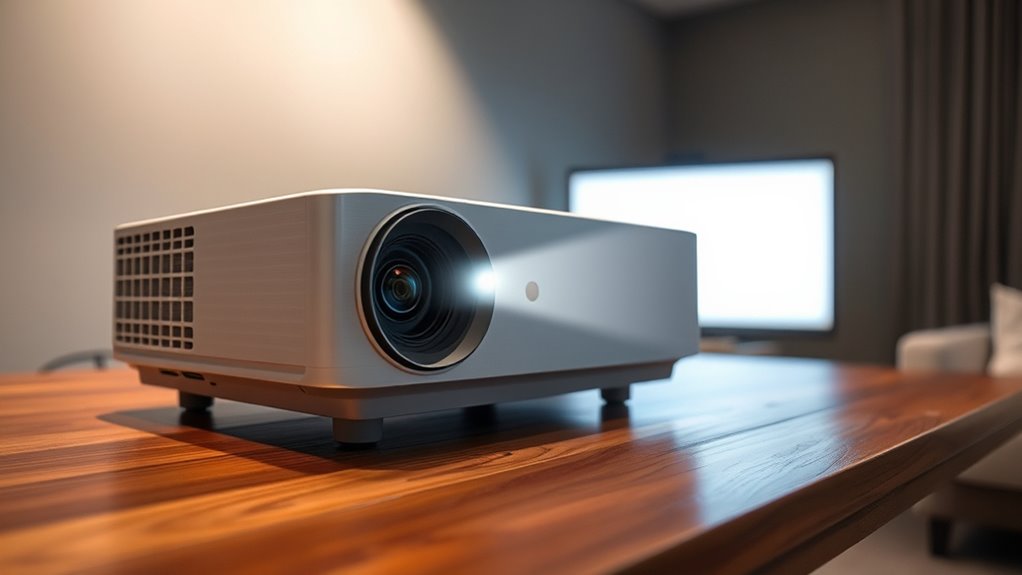
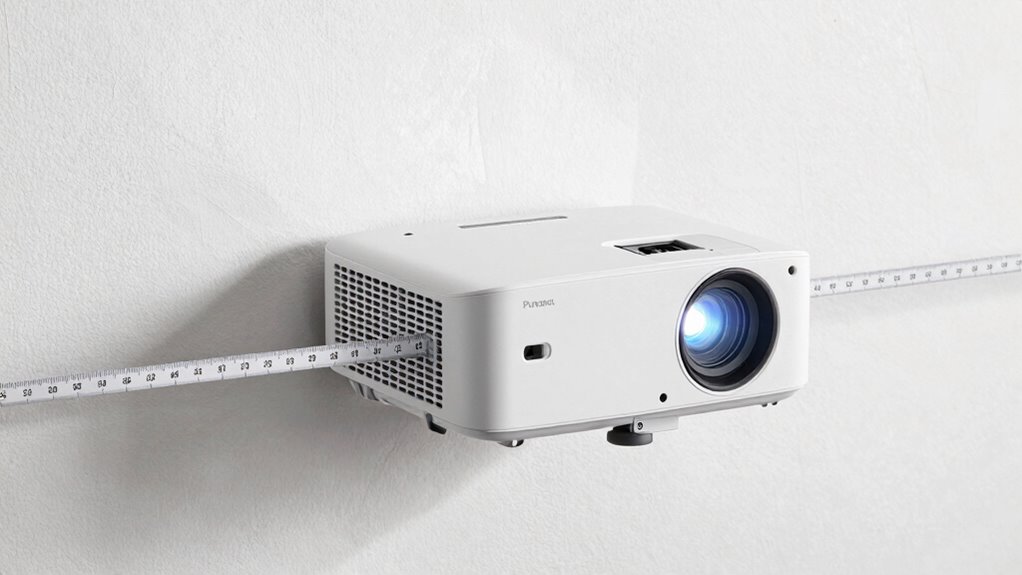
Have you ever wondered how far a projector can project images clearly and effectively? The answer depends largely on the throw distance, which is the measurement from your projector to the screen or wall. This distance directly influences the projection size — the larger the projection, the farther the projector needs to be from the display surface. When choosing a projector, understanding how throw distance interacts with your room dimensions is essential. If your room is tight, you’ll need a short-throw projector that can produce a sizable image from a close distance. Conversely, larger rooms might accommodate standard or long-throw projectors that require more space but can project bigger images from a greater distance.
Your room dimensions play a critical role in determining the ideal throw distance. If your space is small, a short-throw or ultra-short-throw projector is perfect because it can generate a large projection without being placed far from the screen. These projectors are designed to sit close to the wall or screen, reducing shadows and glare. On the other hand, in a spacious room, a standard or long-throw projector can be positioned farther away, allowing for a bigger projection that fills the space without compromising image clarity. Knowing your room dimensions helps you select a projector with the right throw ratio, which is the ratio of throw distance to image width.
Room size determines whether you need a short-throw or long-throw projector for optimal image quality.
Projection size is also influenced by the projector’s throw ratio, which varies across models. A projector with a short-throw ratio can produce a large image from just a few feet away, making it perfect for small rooms or tight spaces. Long-throw projectors, which need to be placed farther from the screen, are better suited for large auditoriums or dedicated home theaters with ample room. It’s essential to measure your available space and match it with the projector’s throw ratio to guarantee the image size fits your needs without sacrificing image quality. Additionally, understanding the throw ratio helps you anticipate how the projector’s placement affects image size and clarity.
In practice, understanding throw distance helps you avoid common pitfalls like images that are too small or distorted because the projector is placed too close or too far from the screen. It also guarantees your setup is practical, with enough space to position the projector comfortably while achieving the desired projection size. By considering your room dimensions and the projector’s throw ratio, you can maximize the projection size and quality, creating an immersive viewing experience that doesn’t leave you squinting at a tiny image or overwhelmed by an oversized display in a cramped space. Ultimately, balancing these factors makes all the difference in how effective and enjoyable your projected images will be.
Frequently Asked Questions
How Do I Determine the Ideal Throw Distance for My Space?
To determine the ideal throw distance, start by considering your mounting height and desired screen size. Measure the space where you’ll set up the projector, ensuring it’s positioned so the lens can project onto the screen without distortion. Use manufacturer guidelines for your projector model, which usually specify optimal throw distances based on screen size. Adjust the mounting height and projector placement until you achieve a clear, well-sized image.
Can Throw Distance Be Adjusted After Installation?
Like a trusty Swiss Army knife, some projectors offer lens flexibility, allowing you to adjust throw distance after installation. This feature helps overcome installation challenges, giving you more control without needing a complete setup redo. However, not all models support this, so check your projector’s specifications. If adjustable, carefully tweak the lens to refine image size and focus, ensuring ideal viewing without a costly reinstallation.
What Happens if the Throw Distance Exceeds Specifications?
If your projection placement exceeds specifications, you’ll likely see image distortion and reduced clarity. The projection might appear stretched, skewed, or blurry, making it hard to view content clearly. You could also struggle to focus the image properly. To fix this, adjust the projection placement to stay within the recommended throw distance, ensuring your image remains sharp, correctly proportioned, and easy to see without distortion.
Are There Projectors With Adjustable or Variable Throw Distances?
About 60% of projectors on the market feature adjustable or variable throw distances, allowing you to modify lens compatibility for different spaces. This flexibility helps you achieve the perfect projection size without sacrificing image quality. With these projectors, you can easily adapt to various room sizes, ensuring your display looks sharp and clear. So, if you need versatility, opt for a model with adjustable throw distances to meet your specific projection needs.
How Does Throw Distance Affect Projector Lens Selection?
Your throw distance directly influences your lens choice because different lenses are designed for specific distances, affecting lens compatibility. If you choose a lens not suited for your throw distance, you might experience image distortion or a blurry picture. To avoid this, select a lens that matches your projector’s throw distance, ensuring clear images without distortion and seamless compatibility for your setup.
Conclusion
So, next time you choose a projector, don’t just focus on resolution or brightness—pay close attention to the throw distance. Some experts say that a longer throw means better image quality, but recent studies suggest the opposite: shorter throws are now just as capable of delivering sharp, bright images without the space hassle. It’s worth testing both options yourself, because the right throw distance could make or break your viewing experience more than you’d think.
Halloween Picks
halloween
As an affiliate, we earn on qualifying purchases.