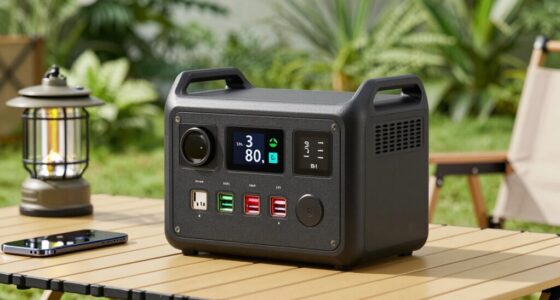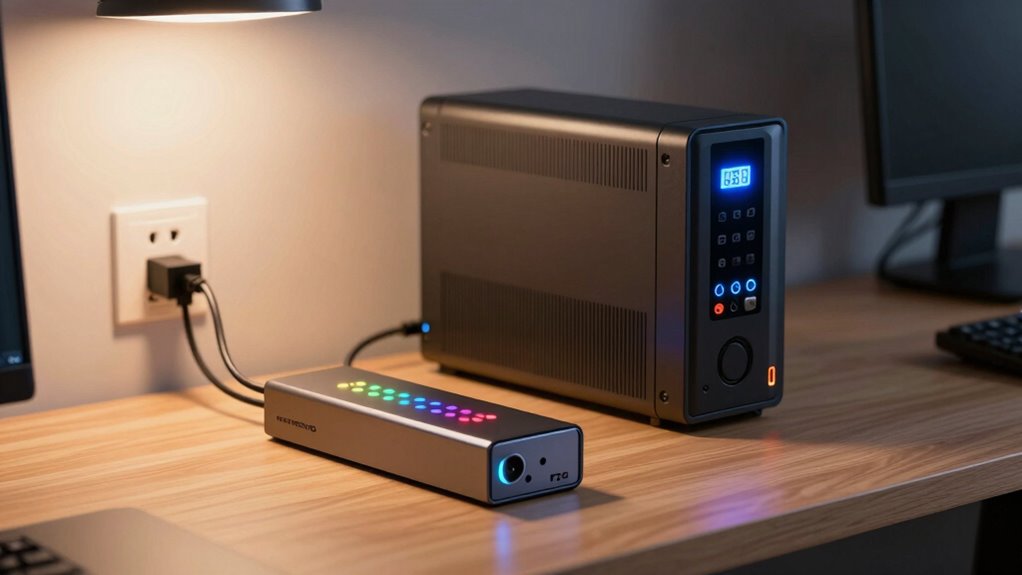

Surge protection shields your devices from sudden voltage spikes caused by storms or grid issues, but it doesn’t keep your electronics powered during an outage. Backup power solutions like UPS or generators actually supply electricity when the main power fails, letting you keep working or prevent data loss. Understanding these differences is key to protecting your electronics effectively. Keep exploring to discover how combining both options can give you full protection and peace of mind.

Prime made for students and young adults
- Fast, free delivery for dorm and study essentials
- Prime Video and Amazon Music included
- Member-only deals
Key Takeaways
- Surge protection defends devices from voltage spikes but does not supply power during outages.
- Backup power solutions, like UPS or generators, provide continuous power when the main supply fails.
- Surge protectors divert excess voltage, preventing damage, while backup devices ensure ongoing operation.
- Surge protectors are inexpensive and easy to install; backup systems are more complex and costly.
- Combining both ensures comprehensive protection against surges and power outages.
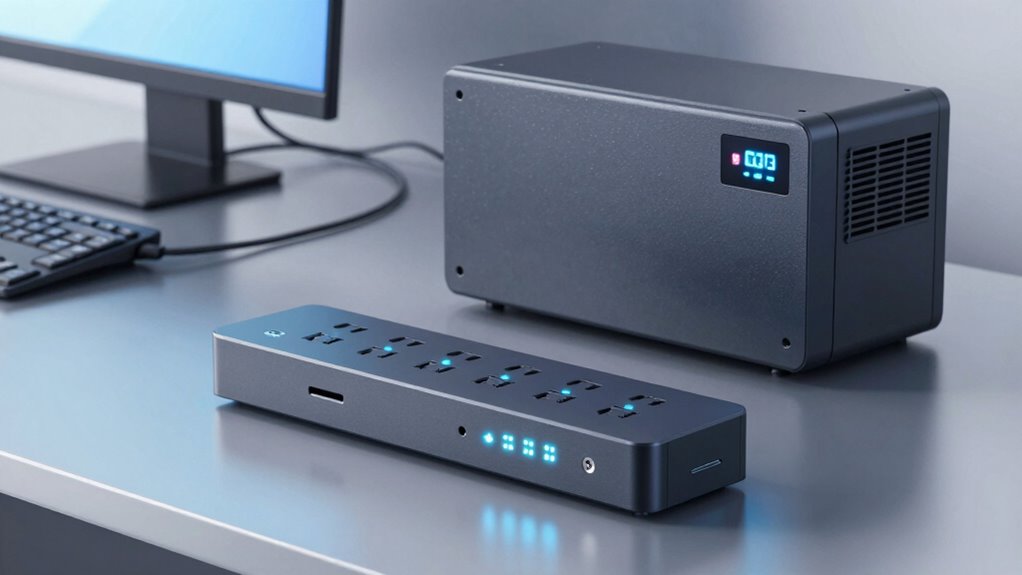
When it comes to safeguarding your electronic devices and maintaining power during outages, understanding the difference between surge protection and backup power is essential. Both serve important roles, but they address different problems. Surge protection is designed to prevent damage from electrical surges that can occur unexpectedly, often due to storms or issues with the power grid. These surges send sudden, high-voltage spikes through your electrical system, risking damage to your devices. Backup power, on the other hand, ensures you have a continuous power supply when the main source is interrupted, such as during a power outage caused by severe weather or grid failure.
Electrical surges happen suddenly and can be brief but intense, damaging sensitive electronics if not properly protected. Surge protectors act like shields, diverting excess voltage away from your devices to prevent costly repairs or replacements. They’re particularly useful for protecting computers, entertainment systems, and other electronics that don’t tolerate voltage spikes well. But it’s important to know that surge protectors don’t provide power once the main supply is cut off. They only defend against voltage spikes while power is available. Understanding the causes of electrical surges can help you better recognize potential risks and implement appropriate protections. Being aware of electrical surge sources can assist in avoiding preventable damage.
Backup power solutions, such as uninterruptible power supplies (UPS) or generators, go a step further by providing an alternative power source. When a power outage occurs, a UPS kicks in immediately, keeping your devices running without interruption. This is vital if you’re working on critical tasks, want to prevent data loss, or need essential appliances operational. Generators offer longer-term backup, providing sustained power until the main grid is restored. Unlike surge protectors, backup power devices are designed to keep your devices running during outages, not just to protect against voltage spikes.
While surge protectors are relatively inexpensive and easy to install, backup power solutions tend to be more complex and costly. Both are vital components of a comprehensive power protection plan. If you only buy surge protectors, your devices might still be vulnerable during a power outage, even if they’re safe from electrical surges. Conversely, having a backup power source won’t prevent damage from electrical surges if your system isn’t protected. An integrated approach that combines both solutions can offer a more comprehensive protection.
Additionally, understanding the differences in power protection can help you better evaluate your needs and choose the most suitable solutions for your home or business. In short, understanding these differences helps you choose the right tools for your needs. Surge protection shields your devices from sudden voltage spikes, while backup power ensures your devices stay on when the power goes out. Combining both approaches offers the best defense against unexpected electrical issues and outages, keeping your electronics safe and operational no matter what happens. Additionally, awareness of electrical surges can help you better understand the importance of protecting your devices from unpredictable power fluctuations.
uninterruptible power supply UPS
As an affiliate, we earn on qualifying purchases.
As an affiliate, we earn on qualifying purchases.
Frequently Asked Questions
Can Surge Protectors Prevent Data Loss During Power Surges?
Yes, surge protectors can help prevent data loss during power surges by maintaining voltage regulation, which shields your electronics from sudden voltage spikes. They work by diverting excess voltage, preserving circuit integrity and protecting your devices. However, remember that surge protectors don’t provide backup power, so for critical data, consider using an uninterruptible power supply (UPS) for more all-encompassing protection during outages or severe surges.
How Long Can Backup Power Systems Run During an Outage?
If you think your backup power system will last forever, think again. Usually, they run from minutes to several hours, depending on battery longevity and fuel efficiency. Your system’s runtime hinges on these factors—more battery capacity or fuel means longer backup. So, if you want uninterrupted power, don’t forget to check how long your system can sustain your devices, especially in emergencies. Planning ahead saves headaches later.
Are There Any Maintenance Requirements for Backup Power Systems?
Yes, you need to perform regular battery maintenance to guarantee your backup power system stays reliable. Check for corrosion, verify connections, and replace batteries as recommended by the manufacturer. Additionally, plan for system upgrades over time to improve performance and accommodate evolving power needs. Regular inspections and maintenance help prevent unexpected failures, ensuring your backup power system functions smoothly when you need it most.
What’s the Cost Difference Between Surge Protectors and Backup Generators?
Think of surge protectors as a small shield, costing just a few dollars, easily installed, and protecting your devices from lightning strikes—small investment, quick setup. Backup generators are like a sturdy fortress, costing thousands and requiring complex installation expenses. The cost comparison is significant: surge protectors are affordable, while backup generators demand a bigger investment. Choose based on your needs, but remember, the fortress offers real power backup, not just protection.
Do All Backup Power Systems Protect Against Power Surges?
Not all backup power systems protect against power surges. While generators provide reliable backup during outages, they don’t address power quality issues like surges that can damage your equipment. To guarantee equipment durability, you may need surge protectors alongside your backup system. Combining both safeguards your devices from sudden voltage spikes and power interruptions, giving you thorough protection and peace of mind during outages or unstable power conditions.
As an affiliate, we earn on qualifying purchases.
Conclusion
Think of surge protection and backup power as the guard dogs of your tech setup. Surge protection barks loudly to keep sudden voltage spikes at bay, while backup power is your loyal companion, standing ready to carry on when the storm hits. Both are essential, but they serve different roles—one shields your electronics, the other keeps your life running smoothly. Together, they form a sturdy fortress, ensuring you’re never left in the dark.
As an affiliate, we earn on qualifying purchases.
surge protection for electronics
As an affiliate, we earn on qualifying purchases.
As an affiliate, we earn on qualifying purchases.
Fall Picks
fall essentials
As an affiliate, we earn on qualifying purchases.