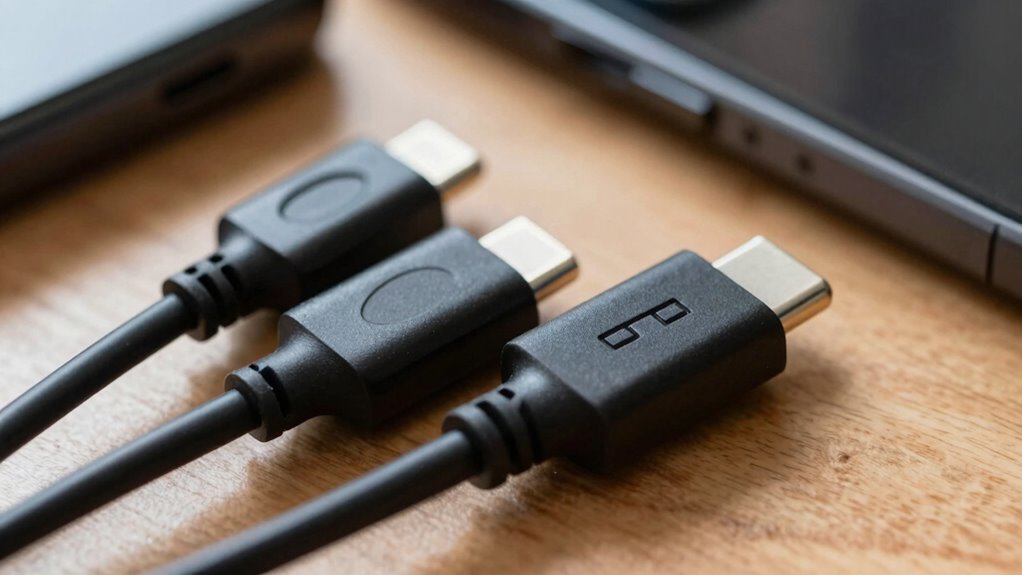

USB-C and Thunderbolt ports look alike, but they’re not the same. USB-C is common for charging and basic data transfer, supporting speeds up to 20 Gbps and standard power delivery. Thunderbolt ports also use USB-C connectors but offer faster data speeds up to 40 Gbps, higher power transfer, and better support for multiple displays. Using the wrong port can cause connectivity issues or slow performance—so learning the differences can keep your setup running smoothly.
Open a free Amazon Business account
Business pricing, bulk buying and tax-exempt orders.
As an affiliate, we earn on qualifying purchases.
Key Takeaways
- USB-C is widespread and versatile, supporting various standards with varying speeds and power, while Thunderbolt offers consistent high-speed data transfer up to 40 Gbps.
- Both ports look similar, but Thunderbolt ports support higher performance features like daisy-chaining multiple devices and more stable power delivery.
- Not all USB-C ports support Thunderbolt functionality; compatibility depends on device support for specific standards.
- Thunderbolt is ideal for demanding tasks like large file transfers and high-resolution video editing, whereas USB-C suits everyday charging and data needs.
- Choosing the wrong port type can cause performance issues or device incompatibility, complicating setups and breaking workflows.
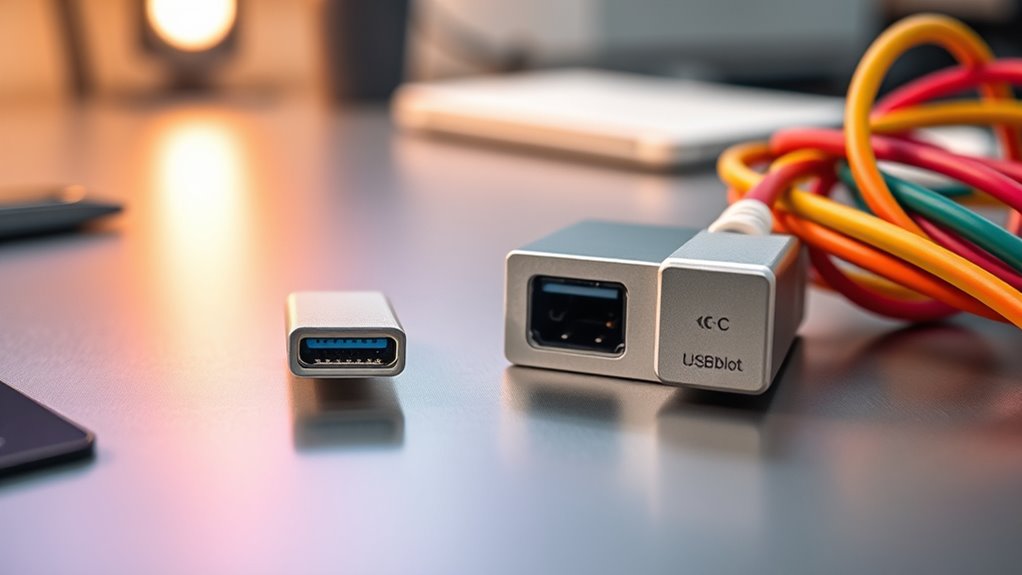
When choosing between USB-C and Thunderbolt, understanding their differences is essential for maximizing your device’s performance and compatibility. Both ports look similar, but they serve different purposes and offer distinct features that can impact your setup. One of the key aspects to take into account is power delivery. USB-C can deliver up to 100W of power, which is sufficient for charging laptops, smartphones,, and other peripherals. Thunderbolt, especially Thunderbolt 3 and 4, also supports similar power delivery, but it’s designed to handle more demanding setups, like high-powered external devices and multiple displays. This means that if you’re connecting a powerful workstation or multiple peripherals, Thunderbolt might better suit your needs, providing stable power transfer alongside data. Additionally, European cloud innovation emphasizes the importance of adopting advanced, energy-efficient standards, which can influence the choice of ports for optimal performance. Data transfer speeds are another critical difference. USB-C is versatile, supporting a range of standards like USB 3.1, 3.2, and even USB4, with data speeds reaching up to 20 Gbps or 40 Gbps in the case of USB4. However, not all USB-C ports are created equal—some may only support slower data transfer rates depending on their version. Thunderbolt 3 and 4, on the other hand, offer consistent, high-speed data transfer rates up to 40 Gbps, making them ideal for transferring large files, editing 4K or 8K video, and running multiple high-bandwidth devices simultaneously. This speed advantage can markedly reduce waiting times, especially when working with demanding media files or large datasets. Compatibility is another aspect you should weigh. USB-C is widely adopted across devices, from smartphones to laptops, and supports a broad ecosystem of peripherals. Thunderbolt ports are also compatible with USB-C devices, but to access Thunderbolt-specific features, your device must support Thunderbolt technology. This means that while a Thunderbolt port can work with USB-C accessories, the reverse isn’t always true—USB-C ports may not support Thunderbolt’s higher data speeds or power delivery features unless explicitly specified. If you’re building a setup that relies heavily on high-speed data transfer and daisy-chaining multiple devices, Thunderbolt offers more reliable and faster performance.
As an affiliate, we earn on qualifying purchases.
Frequently Asked Questions
Can I Use a USB-C Cable for Thunderbolt Devices?
Yes, you can use a USB-C cable for Thunderbolt devices if it offers universal compatibility and high cable quality. However, not all USB-C cables support Thunderbolt’s fast data transfer and power delivery features. Check the cable specifications to ensure it’s Thunderbolt-compatible. Using a certified cable guarantees peak performance and avoids potential damage, so always choose high-quality cables designed for your device’s needs.
Are All USB-C Ports Compatible With Thunderbolt Accessories?
Think of USB-C ports like different keys—some open Thunderbolt accessories, while others don’t. Not all USB-C ports are compatible with Thunderbolt devices; only those with Thunderbolt certification can guarantee seamless accessory interoperability. If your port isn’t labeled Thunderbolt-compatible, it won’t support the high-speed features or power delivery needed. Always check your port’s specifications, so your setup flows smoothly without hitting compatibility roadblocks.
How Do I Identify Thunderbolt 3 or 4 Ports on My Device?
You can identify Thunderbolt 3 or 4 ports by looking at the port labeling and symbols. Thunderbolt ports typically have a lightning bolt icon next to the port or on the device itself. Some devices might include a “Thunderbolt” label near the port. Check for these symbols to confirm if your port supports Thunderbolt 3 or 4, ensuring compatibility with high-speed accessories and docks.
Does Thunderbolt Support Daisy-Chaining Multiple Devices?
Yes, Thunderbolt supports daisy chaining multiple devices, but keep in mind the daisy chaining limitations and device compatibility considerations. You might worry about complexity, but once you connect compatible Thunderbolt devices, you can easily expand your setup without extra hubs. Just guarantee all devices in the chain support Thunderbolt, and you’ll enjoy seamless, high-speed connections across multiple peripherals, making your workflow smoother and more efficient.
Are There Speed Differences Between USB-C and Thunderbolt Cables?
Yes, there are speed differences between USB-C and Thunderbolt cables. Thunderbolt offers faster data transfer rates, up to 40 Gbps, while USB-C typically maxes out at 10-20 Gbps depending on the version. You’ll want to guarantee cable compatibility, as not all USB-C cables support Thunderbolt speeds. If speed is vital, choose a Thunderbolt cable, but for general use, USB-C is usually sufficient.
Thunderbolt 3 external hard drive
As an affiliate, we earn on qualifying purchases.
As an affiliate, we earn on qualifying purchases.
Conclusion
Exploring the world of ports can feel like tiptoeing through a delicate dance. While USB-C and Thunderbolt each bring their own charm, understanding their subtle differences helps you avoid unintended missteps. With a little patience, you’ll find the perfect rhythm for your setup, turning potential confusion into a seamless experience. Embrace the journey, and soon you’ll master the nuances, making your tech environment as graceful and effortless as a well-choreographed performance.
As an affiliate, we earn on qualifying purchases.
As an affiliate, we earn on qualifying purchases.
NFL season / tailgating Picks
team gear
As an affiliate, we earn on qualifying purchases.