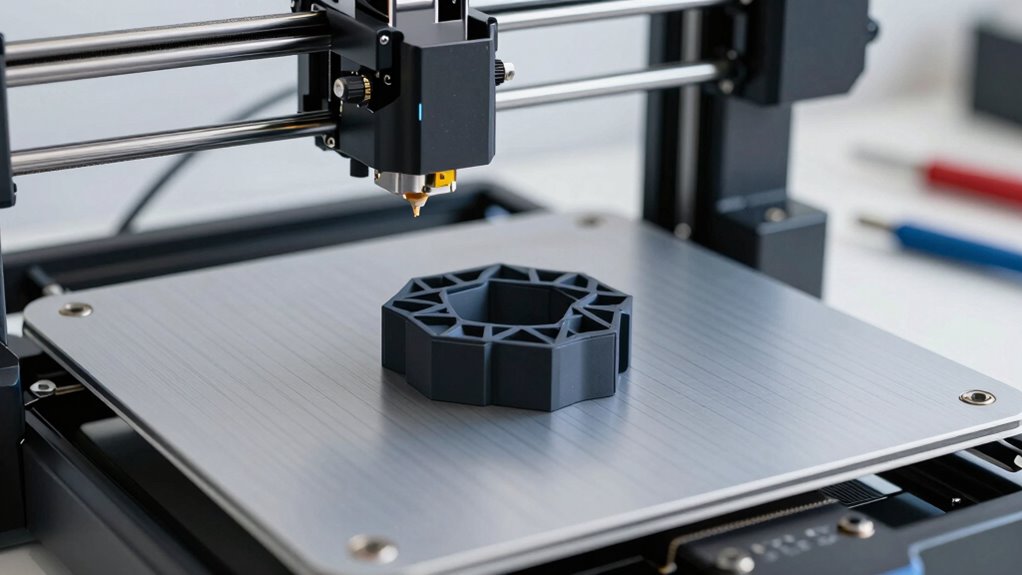

To save hours and improve your prints, follow a quick 15-minute calibration routine. Start by ensuring your filament is high-quality and stored properly. Then, level your bed accurately and clean the surface for better adhesion. Fine-tune your nozzle temperature and first-layer speed to match your filament. Regularly checking these basics reduces failed prints and rework. Keep going, and you’ll discover simple steps to keep your 3D printer running smoothly every time.
Key Takeaways
- Regularly check and adjust filament quality and storage to prevent moisture-related print issues.
- Ensure the print bed is thoroughly cleaned and properly leveled for optimal first layer adhesion.
- Fine-tune nozzle temperature and print speed based on filament specifications for consistent extrusion.
- Use proper bed surfaces and correct nozzle distance to improve adhesion and reduce warping.
- Conduct a quick calibration routine combining bed leveling, temperature, and filament checks to save hours on failed prints.
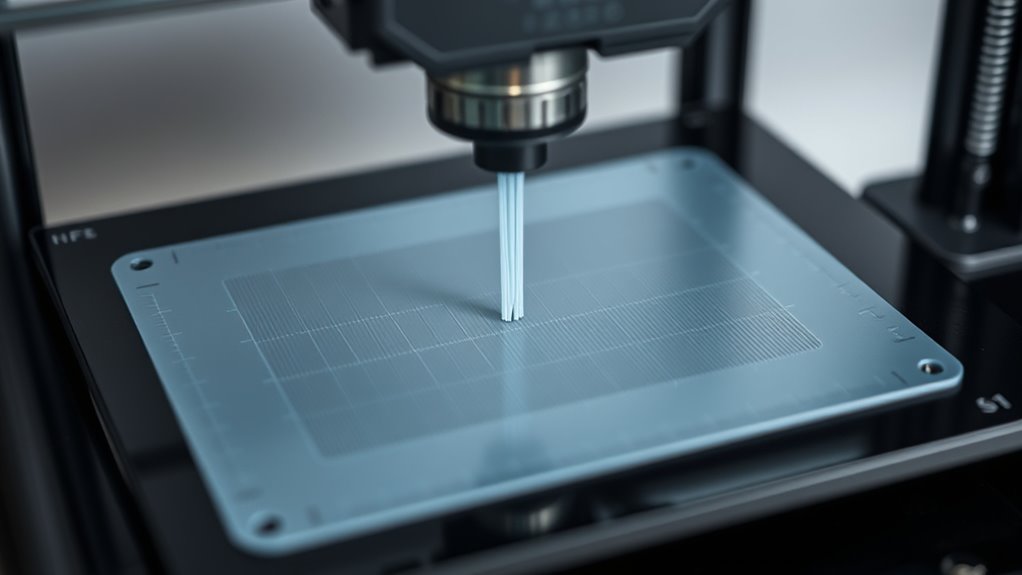
Calibrating your 3D printer is a critical step to guarantee high-quality prints and consistent results. One of the first areas to focus on is ensuring optimal filament quality. The filament you choose directly impacts the success of your print, affecting everything from surface finish to structural integrity. Always use fresh, high-quality filament from reputable brands, and store it properly to prevent moisture absorption, which can cause bubbling, stringing, or weak layers. Before starting your calibration, check that your filament diameter matches the specifications in your slicer settings, as mismatched measurements can lead to under- or over-extrusion. Using filament of consistent quality ensures a smoother extrusion process, reducing the need for frequent adjustments and saving you time in the long run. Proper filament storage helps maintain consistent quality and performance over time.
Another essential aspect is print bed adhesion. If your first layer doesn’t stick properly, your entire print can fail, wasting filament and printer time. Before calibration, clean your print bed thoroughly with isopropyl alcohol or another suitable cleaner to remove oils, dust, or residues. Then, level the bed carefully to ensure it’s perfectly horizontal across the entire surface. Proper bed leveling guarantees that the nozzle maintains the correct distance from the bed, which is crucial for good adhesion. Adjust the bed screws or use auto-leveling features if available, and double-check the nozzle height at multiple points. A well-leveled bed combined with the right print surface—whether glass, build plate, or flexible surface—improves print bed adhesion, making your first layers stick firmly without warping or detaching mid-print.
In addition to these steps, consider fine-tuning your print temperature settings to match your filament’s recommended range. Too hot or too cold can negatively affect filament quality and adhesion. For instance, printing too hot may cause the filament to become stringy or blob, while too cold can result in poor layer bonding. Adjust the temperature gradually and observe the results. Also, tweak your print speed for the first few layers; slower speeds allow better filament flow and adhesion, creating a solid foundation for the rest of your print.

Filament Friday E-Leveler 2 – The Original 3D Printer Electronic Bed Leveling Tool
FILAMENT FRIDAY E-LEVELER 2: The original electronic bed leveling tool created and featured by Chuck Hellebuyck on the…
As an affiliate, we earn on qualifying purchases.
As an affiliate, we earn on qualifying purchases.
Frequently Asked Questions
How Often Should I Calibrate My 3D Printer?
You should calibrate your 3D printer every few weeks or after any major maintenance routines. Regular calibration guarantees print quality and prevents issues. Also, keep your software updates current, as they often include calibration improvements. If you notice print defects or layer issues, it’s time to recalibrate. Staying proactive with calibration and software updates keeps your printer running smoothly and saves you hours of troubleshooting later.
Can Improper Calibration Damage My Printer?
Improper calibration is like steering a ship off course—it can cause real damage to your printer. If your bed isn’t properly leveled or your extruder isn’t calibrated, you risk poor material adhesion or filament compatibility issues, which can strain components over time. Over time, this stress can lead to misaligned parts or motor wear. So, always calibrate correctly to keep your printer sailing smoothly and avoid costly repairs.
What Tools Are Essential for Calibration?
You’ll need essential calibration tools like a feeler gauge, a square, and a leveling card to guarantee precise bed alignment and nozzle height. These tools help you perform troubleshooting techniques, identify issues, and fine-tune your printer for peak performance. Having a digital caliper can also improve accuracy. Using these calibration tools regularly saves you time, prevents print failures, and extends your printer’s lifespan.
Does Calibration Affect Print Quality?
Sure, calibration doesn’t matter—said no one ever. It actually hugely impacts your print quality. When you calibrate your printer, you guarantee proper filament compatibility and maximum print speed, preventing issues like warping or layer misalignment. Skipping calibration might seem quick, but it leads to poor results and wasted filament. Take those 15 minutes; it’s worth it for flawless prints and a smoother experience overall.
How Do I Calibrate Multiple Printers Efficiently?
To calibrate multiple printers efficiently, set a standardized routine you can quickly repeat. Start by checking filament storage to prevent moisture issues, then verify print bed adhesion for each machine. Use consistent calibration steps like leveling the bed and adjusting extrusion. Keep your tools organized, document settings, and schedule regular calibration sessions. This approach guarantees reliable prints across all your printers without wasting time on unnecessary adjustments.

SUNLU PLA 3D Printer Filament PLA Filament 1.75mm, Neatly Wound 3D Printing Filament 1.75mm, Dimensional Accuracy +/- 0.02 mm, Fit Most FDM 3D Printers, 1kg Spool (2.2lbs), Black
①【SUNLU PLA 3D Printer Filament】PLA material is the perfect choice for 3D printing enthusiasts! SUNLU PLA filament is…
As an affiliate, we earn on qualifying purchases.
As an affiliate, we earn on qualifying purchases.
Conclusion
By dedicating just 15 minutes to calibration, you prevent hours of failed prints and wasted filament. Imagine setting up your printer, tweaking the settings, and watching a perfect print emerge without issues—saving you time and frustration. For example, a hobbyist who calibrated their printer before each project found they completed twice as many prints each month. A quick routine like this transforms your 3D printing experience, making success simple and consistent every time.

Creality CR Touch Auto Leveling Kit, 3D Printer Bed Auto Leveling Sensor Kit for Ender 3/ Ender 3 Pro/Ender 3 V2/ Ender 3 Max/Ender 5/Ender 5 Pro and CR 10 with 32 Bit V4.2.2/V4.2.7 Mainboard
【Wide Application】This Creality cr touch auto-leveling kit is equipped with 3 mounting brackets and is only suitable for…
As an affiliate, we earn on qualifying purchases.
As an affiliate, we earn on qualifying purchases.

WANJAO 3D Printer Nozzle Protection Coating, 3D Printer Nozzle Cleaner High Temperature, Non-Stick Layer Avoid Nozzle Buildup for Most Printers, 10ML
PREVENT MATERIAL ACCUMULATION: Our 3D Printer Nozzle Protection Coating can effectively prevent material accumulation and nozzle clogging, significantly…
As an affiliate, we earn on qualifying purchases.
As an affiliate, we earn on qualifying purchases.