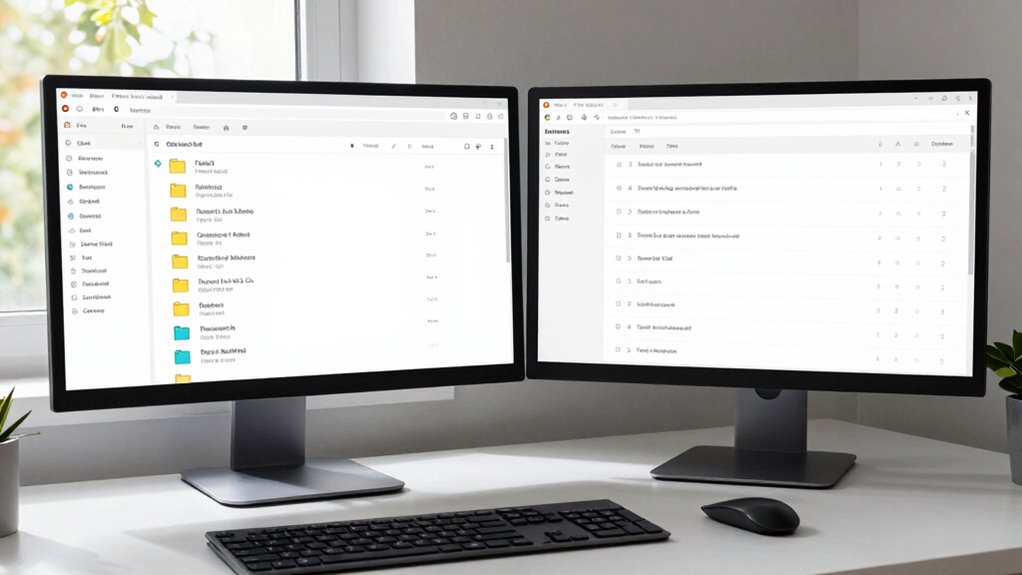

The two-window method helps you control your inbox by dividing your email workspace into focused zones. Choose an email client that supports split-screen or multiple windows, then assign one for urgent messages and the other for lower-priority emails or folders. By organizing emails this way, you minimize clutter and respond more efficiently. Want to learn how to set up and troubleshoot this system effectively? Keep exploring for expert tips to keep your inbox under control.
Key Takeaways
- Use two email windows: one for urgent messages, another for less critical tasks to organize workflow effectively.
- Apply filters to automatically sort emails into relevant segments, reducing clutter and prioritizing important messages.
- Dedicate specific time blocks for processing emails in each window, preventing overload and maintaining focus.
- Regularly review and delete unnecessary emails, and use labels or folders for efficient categorization.
- Troubleshoot technical issues and adjust filters to ensure emails are correctly routed and stay organized.
Why Email Overload Happens: And How the Two-Window Method Helps
Email overload often occurs because many people treat their inbox like a task list, constantly checking and responding without a clear system. This habit leads to inbox chaos, where important messages get buried and managing emails feels overwhelming. When you respond to every new email immediately, your inbox becomes cluttered, making it harder to prioritize tasks. The lack of organization causes stress and reduces productivity. The two-window method helps break this cycle by creating a structured approach. It encourages you to separate incoming messages from your response area, preventing impulsive replies and fostering better control. By using this method, you can reduce email overload, keep your inbox tidy, and regain focus on what truly matters. Additionally, understanding email management techniques can further enhance your productivity and reduce stress. Employing digital decluttering strategies can help maintain an organized inbox over time, transforming chaos into clarity and supporting your overall digital organization.
How to Set Up Your Two-Window Email Workspace
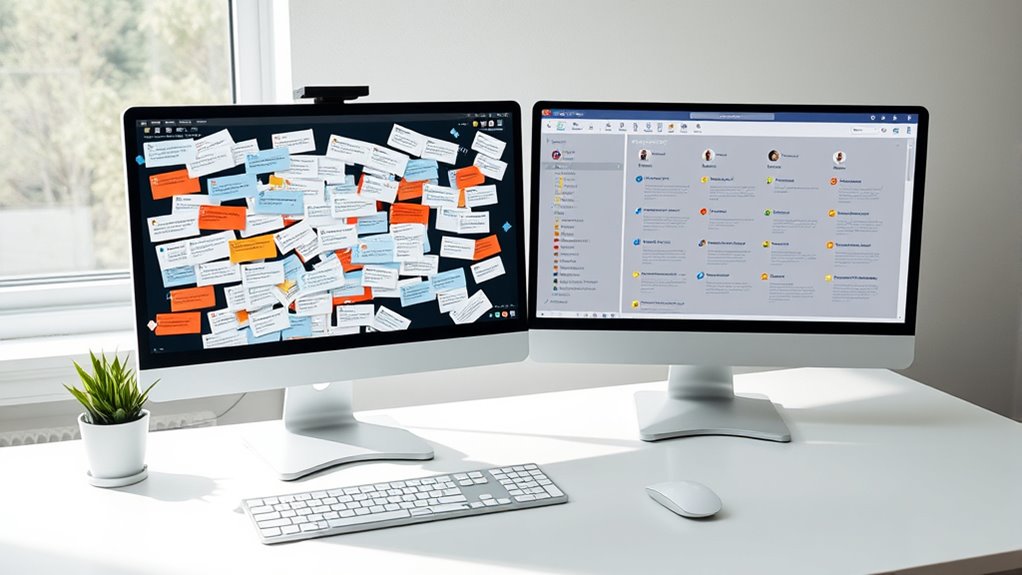
To set up your two-window email workspace effectively, start by choosing a reliable email client that supports split-screen or multiple window views. This setup allows you to implement effective email filtering and inbox segmentation, keeping your inbox organized. In one window, keep your main inbox filtered to show only high-priority or urgent messages, while in the other, display less critical emails or folders dedicated to specific projects. Adjust your filters to automatically route emails into relevant segments, reducing clutter and making it easier to focus. Position these windows side by side to quickly move emails between segments or respond without switching apps. Properly configuring your workspace streamlines your email management, empowering you to maintain control and prevent overload. Incorporating connected technology can further enhance your setup by integrating your email with other smart tools for seamless productivity.
Top Tips for Managing Emails Efficiently With Two Windows
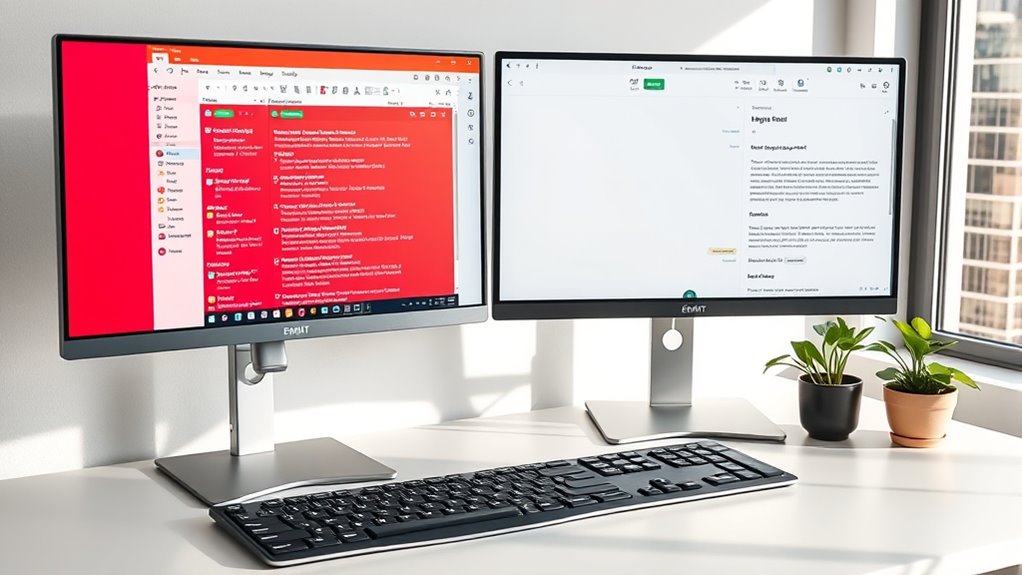
Using two windows effectively can substantially boost your email management efficiency. Start by dedicating one window to your inbox, where inbox segmentation helps you quickly scan and categorize messages. Use the second window for email prioritization, focusing on high-priority tasks or responses. This separation allows you to process incoming emails without distraction while working on important replies simultaneously. Keep your inbox segmented into folders or sections—such as urgent, follow-up, and informational—to streamline sorting. Regularly update your priority list during your email sessions, ensuring you handle critical messages first. Incorporating productivity techniques like clear boundaries and task separation can help you maintain focus and efficiency. Additionally, understanding the Paint Sprayer Zone can help you optimize your tools and routines for smoother workflow, whether you’re managing emails or working on projects. By maintaining clear boundaries between reading, sorting, and responding, you’ll reduce overwhelm and improve response times. Consistent application of these tips will make your email management more organized, focused, and efficient.
Troubleshooting Common Issues With the Two-Window Method
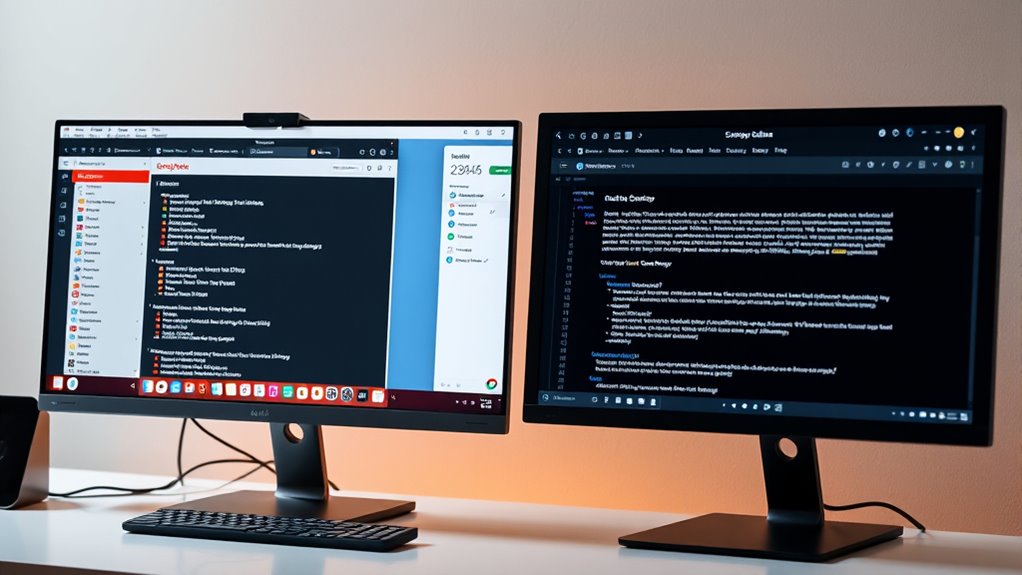
Despite its advantages, the two-window method can sometimes lead to issues like distraction, overlapping tasks, or technical glitches. If your email filtering isn’t effective, important messages may get lost or misplaced, disrupting inbox prioritization. To troubleshoot, review your filtering rules to verify they sort emails correctly, reducing clutter in both windows. If overlapping tasks occur, consider setting specific time blocks for processing emails, avoiding constant switching. Technical glitches—such as windows not syncing properly—may require updates or restarting your email client. Keep your software current to prevent bugs that interfere with the two-window workflow. Additionally, understanding email organization techniques can help you organize your workspace more effectively, minimizing clutter and distractions. By adjusting your filters and maintaining your system, you’ll minimize disruptions, stay focused, and keep your inbox prioritized effectively.
Final Tips for Maintaining Your Email Organization
Maintaining your email organization requires consistent effort and smart habits. Your inbox psychology influences how you handle messages, so establishing effective email habits is vital. To stay organized, consider these tips:
- Regularly review and delete unnecessary emails to prevent clutter.
- Use labels and folders strategically to categorize messages efficiently.
- Schedule specific times each day to process emails, avoiding constant interruptions.
- Practice quick decision-making—archive, reply, or delete immediately to keep your inbox manageable.
- Be aware of wave and wind patterns to anticipate and manage email influxes more effectively, aligning your habits with inbox psychology principles to foster better email management. Recognizing email flow trends can help you prepare for busy periods and reduce stress.
Frequently Asked Questions
Can the Two-Window Method Work on Mobile Devices?
Yes, the two-window method can work on mobile devices if you prioritize mobile optimization and app integration. You might need to use split-screen features available on many smartphones or tablets, enabling you to view two apps side by side. Look for email apps that support multitasking or multi-window mode, making it easier to manage your inbox and tasks simultaneously, even on smaller screens.
How Long Does It Typically Take to See Results?
You’ll usually see results within a few days to a week when you implement the two-window method, especially if you focus on improving your email habits. Consistency is key, and as you adopt this productivity tip, you’ll notice less inbox clutter and quicker responses. Keep practicing, and you’ll find your email management becoming more efficient, saving you time and reducing stress. Patience and regular use will maximize your success.
Is This Method Suitable for Team Email Management?
Yes, this method suits team email management because it enhances team collaboration and boosts email efficiency. You can assign shared inboxes, organize messages, and prioritize tasks seamlessly. By using this approach, your team stays aligned, responds faster, and reduces confusion. It promotes a streamlined workflow, making everyone’s communication clearer. Implementing the Two-Window Method guarantees that managing team emails becomes more effective, collaborative, and less chaotic for everyone involved.
What Tools or Software Support the Two-Window Setup?
You can support the two-window setup with email organization and productivity tools like Microsoft Outlook, Mailbird, or Spark. These apps let you split your inbox into multiple windows or panes, making it easier to manage emails efficiently. By using such software, you streamline your workflow, reduce clutter, and stay focused. Explore their features to customize the two-window setup, helping you stay organized and boost your productivity.
Can the Two-Window Method Be Combined With Other Email Strategies?
Think of the two-window method as the backbone of your email strategy—you can easily weave in other techniques. You can combine it with email integration tools to streamline workflows or manage notifications more effectively, ensuring you’re not overwhelmed. By layering strategies, you create a robust system that keeps your inbox organized and your focus sharp, turning chaos into clarity and productivity.
Conclusion
By adopting the two-window method, you can cut your inbox clutter by up to 50%, making email management more manageable. This simple system helps you stay focused and organized, saving you valuable time each day. Remember, consistent use is key—sticking with it can transform chaos into clarity. So give it a try, and watch your inbox become a productivity tool rather than a stress source. Your stress-free email experience is just a two-window setup away!