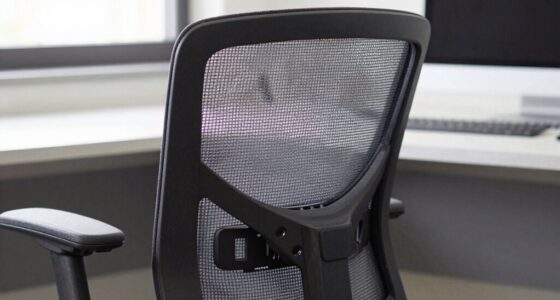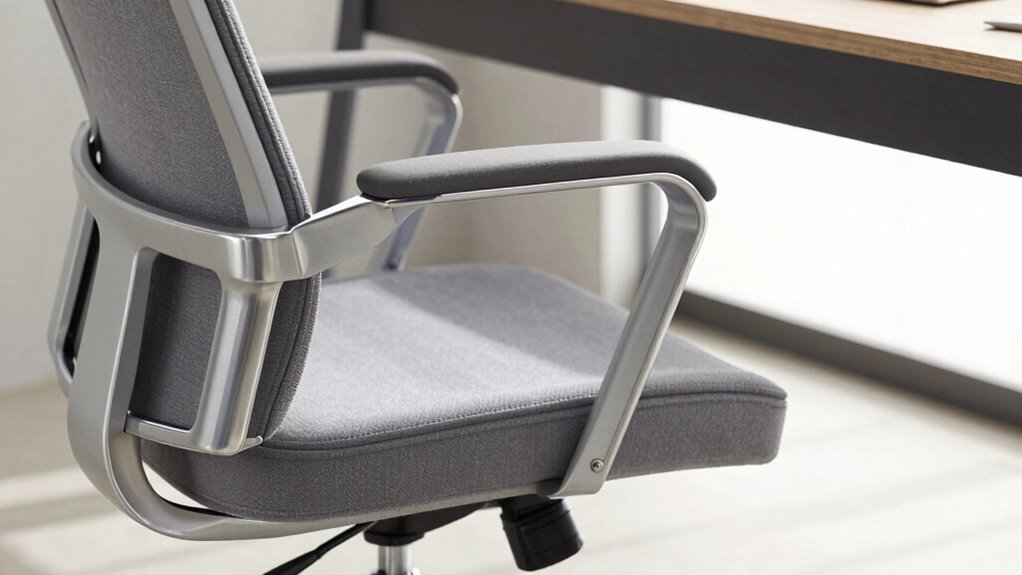

To quickly perform the Chair Fit Test, start by adjusting your seat height so your feet rest flat on the floor, with knees bent at roughly 90 degrees, supporting good posture. Check that your seat depth allows you to sit comfortably with a small gap behind your knees, avoiding circulation issues. Finally, set your armrests so your shoulders stay relaxed and arms rest naturally without lifting or stretching. If you want to optimize your comfort further, keep exploring these essential adjustments.

Prime made for students and young adults
- Fast, free delivery for dorm and study essentials
- Prime Video and Amazon Music included
- Member-only deals
Key Takeaways
- Adjust seat height so feet rest flat on the floor and knees are at a 90-degree angle for optimal posture.
- Ensure seat depth allows a small gap between the front edge and knees, supporting circulation and thigh comfort.
- Set armrests to support forearms without raising shoulders or spreading elbows, promoting relaxed shoulders.
- Check overall alignment by sitting upright, ensuring back contact with the backrest and proper lumbar support.
- Spend 5 minutes to evaluate and fine-tune seat height, depth, and armrests for maximum ergonomic comfort.
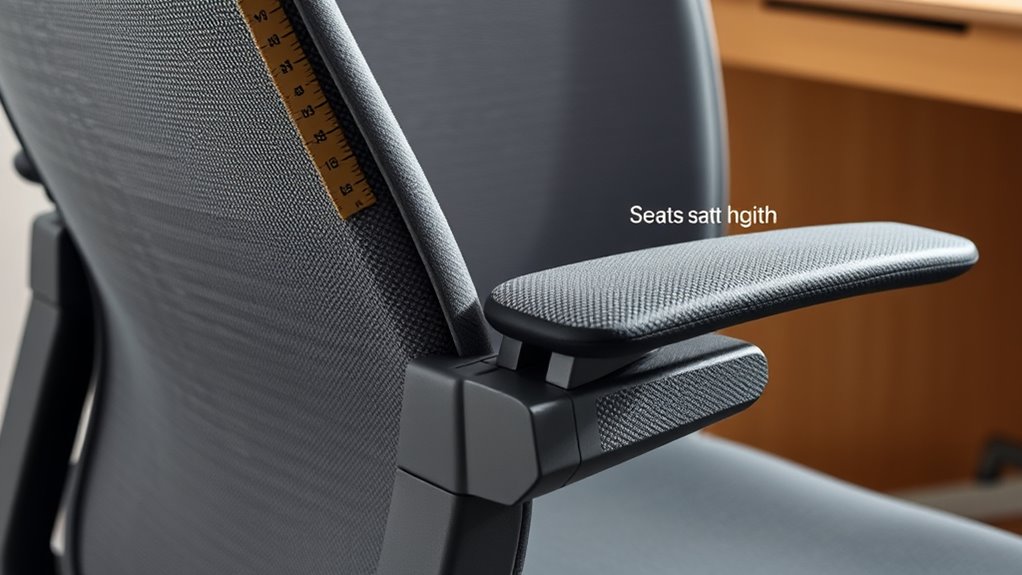
Finding the right chair is fundamental for comfort and productivity, but how do you know if your current chair truly fits your body? The key lies in conducting a proper ergonomic assessment to determine if your seat height, depth, and armrests support good posture correction. When your chair isn’t correctly adjusted, it can lead to discomfort, strain, and long-term musculoskeletal issues. So, taking the time to evaluate these elements helps guarantee your workspace promotes proper alignment and reduces fatigue.
Ensuring your chair fits properly is essential for comfort and long-term health.
Start with seat height. When you sit down, your feet should rest flat on the floor, with your knees bent at roughly a 90-degree angle. If your feet are dangling or your knees are elevated above your hips, your chair isn’t providing the proper support. Adjust the height so that your thighs are parallel to the ground, which helps maintain ideal circulation and prevents unnecessary pressure on your lower back. This adjustment is a fundamental part of an ergonomic assessment, ensuring your posture stays correct during extended periods of sitting. Proper seat height encourages posture correction by aligning your hips and spine, reducing the risk of slouching or hunching forward.
Next, consider seat depth. You want enough space between the front edge of the chair and the back of your knees to slide a finger comfortably. If the seat is too deep, it pushes against the back of your knees, restricting circulation and causing discomfort. Conversely, if it’s too shallow, your thighs won’t be adequately supported, leading to poor posture and fatigue. Adjusting the seat depth so that there’s a small gap allows your back to rest fully against the backrest while supporting your thighs evenly. This helps maintain proper spinal alignment and discourages slouching, which are essential elements of posture correction. Ensuring the seat depth accommodates proper lumbar support is vital for maintaining good spinal health during long sitting periods.
Finally, evaluate your armrests. They should support your arms without elevating your shoulders or forcing your elbows out to the sides. When adjusted correctly, armrests enable your shoulders to relax and your forearms to rest comfortably, preventing tension buildup in your neck and shoulders. If your armrests are too high or low, they can cause you to hunch or stretch awkwardly, compromising your posture. Adjusting armrest height and width is indispensable in maintaining a neutral arm and shoulder position, which is crucial for long-term comfort and reducing strain.
ergonomic office chair with adjustable height
As an affiliate, we earn on qualifying purchases.
As an affiliate, we earn on qualifying purchases.
Frequently Asked Questions
How Often Should I Retake the Chair Fit Test?
You should retake the chair fit test every six months or whenever you notice changes in your ergonomic posture. Regular chair maintenance helps keep your seat and armrests properly adjusted, supporting comfort and health. By periodically reevaluating, you ensure your chair continues to fit your body, reducing strain and promoting good posture. Consistent testing helps you stay comfortable and maintain an ergonomic setup tailored to your needs.
Can the Chair Fit Test Be Used for Ergonomic Assessment?
Yes, you can use the chair fit test for ergonomic assessment because it helps guarantee proper ergonomic posture and seating comfort. By evaluating seat height, depth, and armrest fit, you identify adjustments that reduce strain and improve comfort. Regularly using this test allows you to maintain ideal ergonomic alignment, preventing discomfort and injury, and making sure your workspace stays supportive and comfortable for your daily tasks.
Does Body Size Affect Chair Fit Test Results?
Your body size is a key player in chair fit test results, much like a tailor adjusting a suit. Larger or smaller frames require ergonomic customization, so the test must consider body size considerations for a suitable fit. If you ignore this, you risk discomfort or poor posture. Always adapt the chair to your body’s unique dimensions to guarantee it supports you comfortably and promotes healthy ergonomic habits.
Are There Specific Guidelines for Adjusting Armrests?
Yes, there are specific guidelines for adjusting armrests to optimize armrest ergonomics. You should set adjustable armrests so your shoulders are relaxed, elbows are bent at about 90 degrees, and forearms rest comfortably without lifting or straining. Guarantee the armrests support your forearms gently, reducing shoulder tension. Properly adjusted armrests promote good posture and prevent discomfort, helping you stay comfortable and productive throughout your workday.
Is the Chair Fit Test Suitable for All Types of Chairs?
Imagine switching from a traditional office chair to a yoga ball; the chair fit test isn’t suitable for all types of chairs, especially those with unique designs. Its universal applicability is limited, as different chair varieties require specific adjustments. While it works well for standard office chairs, you should seek tailored assessments for unconventional or specialized seats to guarantee maximum comfort and support.
seat depth adjustable desk chair
As an affiliate, we earn on qualifying purchases.
As an affiliate, we earn on qualifying purchases.
Conclusion
Now that you’ve completed the Chair Fit Test, you’re armed with the knowledge to find a seat that truly supports you. Think of your chair as a trusty companion, guiding you through your day with comfort and ease. When you prioritize proper seat height, depth, and armrests, you’re planting the seeds for better posture and less pain. Remember, a perfect fit isn’t just a goal—it’s the foundation for a healthier, happier workday.
ergonomic armrest pads for chairs
As an affiliate, we earn on qualifying purchases.
As an affiliate, we earn on qualifying purchases.
As an affiliate, we earn on qualifying purchases.
Halloween Picks
halloween
As an affiliate, we earn on qualifying purchases.