
If you’re a short person, you may overlook some key ergonomic adjustments that can greatly improve comfort and prevent strain. Many forget to customize desk height so your elbows stay at a 90-degree angle, or use footrests if your feet don’t reach the ground. Adjusting lumbar support and armrests properly is often missed too. Small changes make a big difference, and exploring these overlooked tips can help you create a truly comfortable workspace. Keep going to discover more helpful strategies.
Key Takeaways
- Many short users overlook the need to lower desk height or use raised platforms for proper elbow and arm positioning.
- Adjustable chairs often aren’t set correctly, causing feet to hang or knees to be misaligned, which impacts posture.
- Proper lumbar support and armrest height are frequently neglected, leading to back and shoulder strain.
- Footrests are underused or not chosen appropriately, leaving feet unsupported and affecting overall ergonomics.
- Regularly revisiting and fine-tuning ergonomic adjustments is often missed, reducing long-term comfort and posture health.
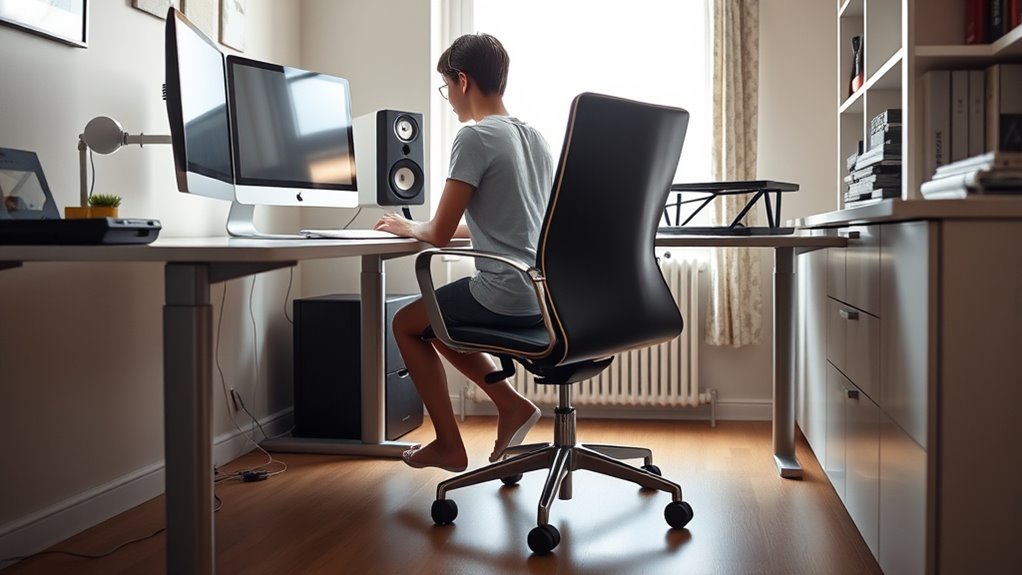
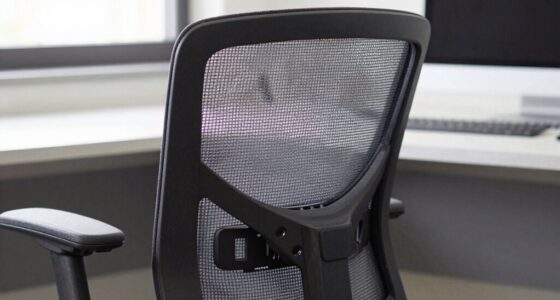
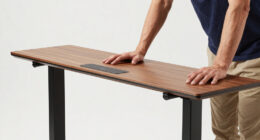
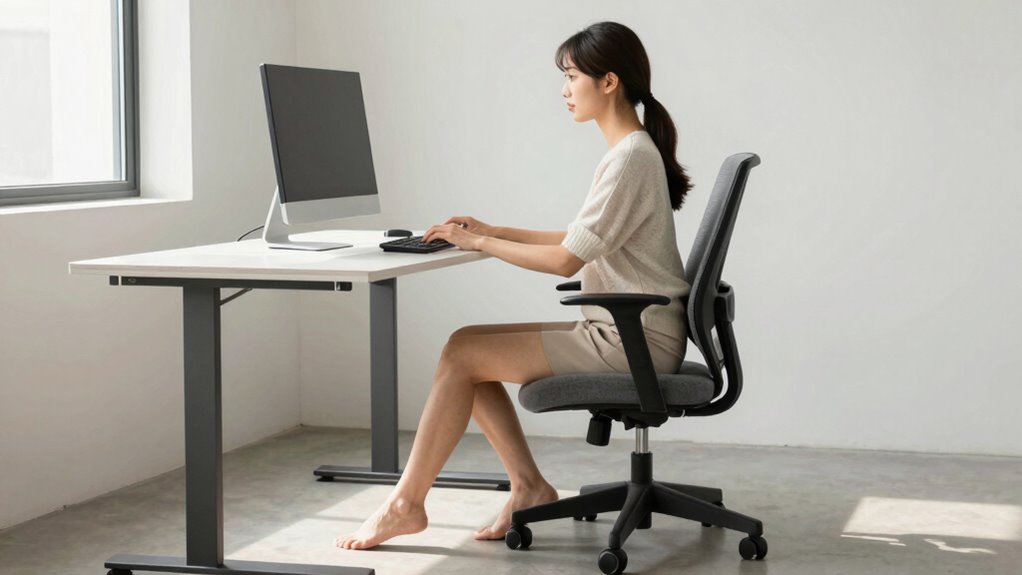
If you’re shorter than average, standard ergonomic setups might not fit your body comfortably, making everyday tasks more challenging. Many desks and chairs are designed with taller users in mind, which means you often have to make adjustments to ensure proper support and comfort. The key is understanding how to maximize your workspace by focusing on desk height and chair adjustment, two critical factors that are frequently overlooked. Ensuring your workspace is ergonomically correct can significantly reduce strain and prevent long-term discomfort. Starting with desk height, it’s essential that your workspace allows your elbows to rest at a 90-degree angle when typing or writing. If your desk is too high, you’ll find yourself shrugging your shoulders or leaning forward, leading to strain over time. Conversely, if it’s too low, you might be forced to elevate your shoulders or hunch over, which can cause discomfort and long-term posture issues. To address this, consider using a desk with adjustable height or adding a raised platform. A properly set desk height enables your forearms to be parallel to the ground, reducing tension and promoting better ergonomics. Chair adjustment is equally important for short people. Many standard chairs are too high or lack the necessary support when adjusted to a comfortable height. When you sit, your feet should rest flat on the floor, and your knees should be at a 90-degree angle. If your feet don’t reach the ground, look for an adjustable chair with a height mechanism or add a footrest to fill the gap. The seat depth should also fit your body; you should be able to sit back comfortably against the backrest with a small space between the edge of the seat and the back of your knees. Proper lumbar support is crucial, so adjust the backrest to provide adequate lower back support, which is often overlooked in standard chairs. Don’t forget to adjust the armrests if your chair has them. They should support your arms without raising your shoulders. When your arms are supported, your neck and shoulders stay relaxed, preventing fatigue. Regularly revisiting these adjustments ensures your setup remains effective as your posture shifts throughout the day.

GABRYLLY Ergonomic Office Chair, High Back Home Desk Chair with Headrest, Flip-Up Arms, 90-120° Tilt Lock and Wide Cushion, Big and Tall Mesh Chairs for Man Woman, Black Task Chair
【ERGONOMIC OFFICE CHAIR】- The ergonomic chair provides 4 supporting points(head/ back/ hips/ hands) and a proper lumbar support....
As an affiliate, we earn on qualifying purchases.
Frequently Asked Questions
How Can Short People Adjust Their Office Chairs Properly?
To adjust your office chair properly, start by setting the seat height so your feet rest flat on the floor or a footrest. Use a chair cushion if needed for added support and comfort. Adjust the lumbar support to match your lower back’s curve. If your feet don’t reach the ground, try footrest options like a small stool or adjustable footrest, ensuring your knees stay at a 90-degree angle for better posture.
What Ergonomic Tools Are Best for Petite Individuals?
You should consider ergonomic footrests and adjustable keyboard trays, as they’re perfect for petite individuals. Footrests help elevate your legs, reducing strain, while adjustable keyboard trays ensure your wrists stay in a comfortable position. These tools tailor your workspace, making it easier to maintain good posture and reduce discomfort during long hours. Incorporate them into your setup, and you’ll notice improved comfort and productivity throughout your workday.
Are There Specific Desk Setups for Short People?
They say, “A chain is only as strong as its weakest link,” so you need a tailored desk setup. For short people, make certain your desk height is adjustable to match your stature. Pair it with a chair that allows proper height adjustments, making sure your feet rest flat and your monitor is eye level. This setup minimizes strain, boosts comfort, and keeps you productive throughout your day.
How Can Short People Prevent Strain From Standard Keyboards?
To prevent strain from standard keyboards, you should adjust the keyboard height to make sure your wrists are straight and not bent up or down. Using wrist support can also help reduce pressure and keep your wrists in a neutral position. Make sure your elbows are close to your body and at a 90-degree angle. Taking regular breaks and stretching your hands and wrists will further keep strain at bay.
What Are the Best Monitor Heights for Short Users?
You should set your monitor height so it’s exactly at your eye level—no more, no less. Think of it as your personal throne for comfort! Use an adjustable stand or stack books to get that perfect eye level adjustment. When your monitor aligns with your eyes, you’ll dodge neck strain and keep your posture happy. Remember, the right monitor height transforms your workspace into a haven of ergonomic bliss!

ELABEST X100 Ergonomic Mesh Office Chair with Footrest, Big and Tall Hone Desk Chair with 5D Flip-Up Arms, Adjustable 3D Lumbar Support,Gaming & Executive Computer Chairs
【Your All-Day Comfort Solution】 Premium Ergonomic Desk Chair with Footrest featuring dynamic 3D lumbar support, 5D Flip-Up Armrests,...
As an affiliate, we earn on qualifying purchases.
Conclusion
Remember, about 20% of the population is considered short, yet many workplaces overlook their needs. By making simple adjustments—like lower desks or adjustable chairs—you can markedly improve comfort and productivity. Don’t settle for discomfort; advocating for these changes benefits everyone. When you customize your workspace, you’ll notice a difference in your focus and well-being. So, take the initiative—your body will thank you, and it’s a step toward a more inclusive environment for all.

Marsail Ergonomic Office Chair: Office Desk Chair with High Back Mesh and Adjustable Lumbar Support Rolling Work Swivel Task Chairs with Wheel 3D Armrests and Headrest
Fully Adjustable Office Chair: Customized chairs, featuring with an adjustable 2D headrest, backrest with 90° to 120° recline,...
As an affiliate, we earn on qualifying purchases.

CAPOT Ergonomic Mesh Office Chair, Adjustable Lumbar High Back Desk Chair 400lbs, 4D Flip-up Arms, 3-Level Tilt Backrest, 3D Headrest, PU Wheels, Swivel Rolling Computer Seating for Long Desk Work
【STURDY, SNUG WORK CHAIR】Made for long sits over 8 hours of desk work. Micro-adjust lumbar support, flip-up arms,...
As an affiliate, we earn on qualifying purchases.