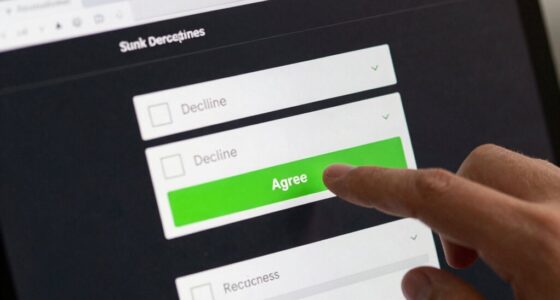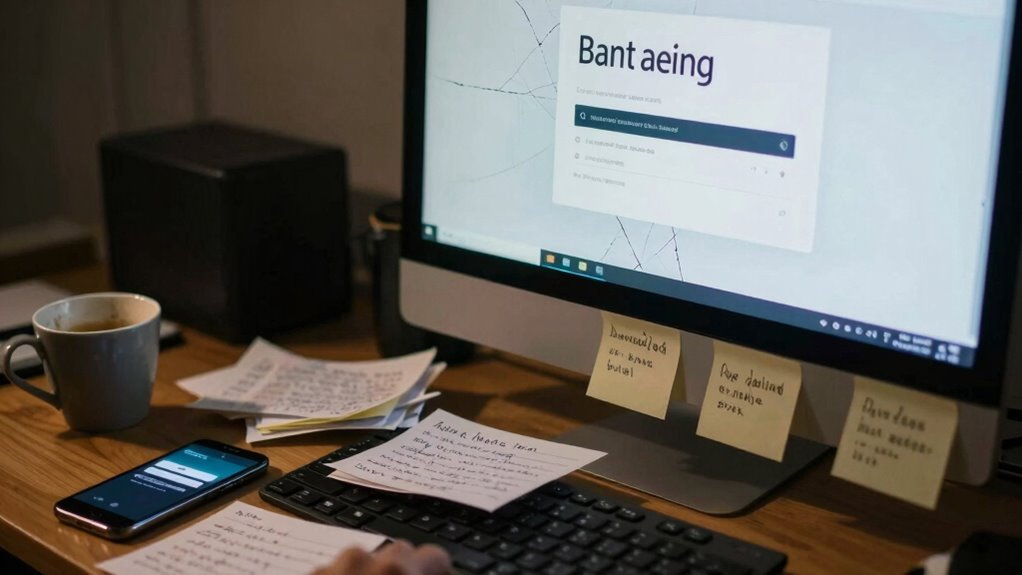

Using weak or reused passwords is the biggest mistake that makes account recovery harder later. Hackers can crack simple passwords easily, and if you haven’t set up multi-factor authentication, gaining access becomes even easier for them. When passwords are weak or the same across multiple accounts, recovering access after a lockout or breach becomes more complicated. Stay tuned to discover simple steps you can take to keep your accounts secure and easy to recover if needed.
Key Takeaways
- Using weak or simple passwords increases the risk of account compromise, making recovery more difficult later.
- Reusing passwords across multiple accounts can lead to widespread access issues if one password is cracked.
- Failing to enable Multi-Factor Authentication (MFA) removes an extra layer of security, complicating account recovery after a breach.
- Not updating or managing passwords regularly can weaken account security and hinder recovery efforts.
- Relying solely on email or security questions for recovery can be problematic if those methods are compromised or outdated.
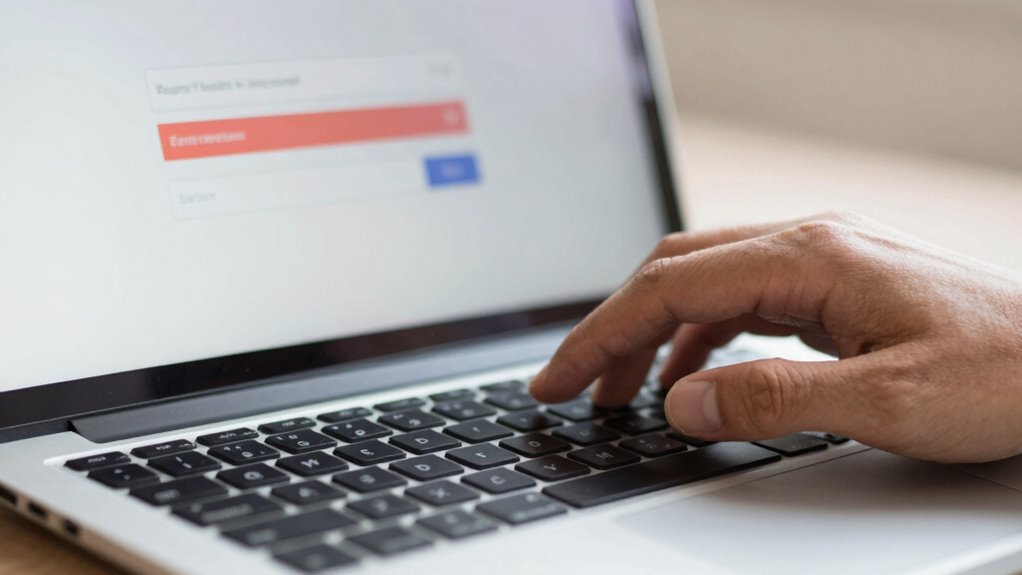
Many people overlook the importance of choosing a strong, unique password when creating their accounts, but this simple mistake can make recovery much harder if you forget your login details later. When your password lacks complexity, it’s easier for hackers to crack it, and if you don’t have additional security measures in place, regaining access becomes even more challenging. Password complexity involves using a mix of uppercase and lowercase letters, numbers, and special characters. This variety makes your password harder for automated programs or malicious actors to guess. Opting for simple, common passwords might seem convenient at first, but it leaves your accounts vulnerable and complicates recovery if you’re locked out.
Choosing a weak password makes account recovery difficult and leaves you vulnerable to hacking. Use strong, unique passwords for better security.
To strengthen your account’s security, enabling multifactor authentication (MFA) is essential. MFA adds an extra layer of protection by requiring you to verify your identity through a second factor—like a text message, authentication app, or biometric scan—beyond just your password. This means even if someone guesses or steals your password, they still can’t access your account without the second authentication step. Using MFA greatly reduces the risk of unauthorized access, and in case you forget your login credentials, it can also streamline the recovery process by providing multiple ways to verify your identity.
However, many people make the mistake of setting weak passwords and neglecting MFA altogether. When you combine a simple password with no additional security measures, recovering your account becomes a nerve-wracking experience. Account recovery options often rely on email or security questions, which can be compromised or forgotten. If your password was weak or predictable, hackers might have already gained access, or you might face difficulties proving your identity during recovery. That’s why creating a complex password and enabling multi-layered authentication methods aren’t just good practices—they’re essential safeguards. Additionally, understanding the importance of password strength can help you avoid vulnerable accounts and improve your overall security posture. It’s also helpful to stay informed about evolving cybersecurity threats that can target weak security practices.
Furthermore, managing your passwords responsibly is key. Using a password manager can help generate and store complex, unique passwords for every account, reducing the temptation to reuse passwords across platforms. This approach guarantees that, even if you forget your login details, the recovery process is more straightforward because you have a record of your strong passwords stored securely. Regularly updating your passwords and practicing security hygiene can further protect your digital presence. Staying aware of common security mistakes can help you identify and fix weak spots in your security practices. Recognizing that cybersecurity awareness is an ongoing process can motivate you to keep up with best practices and adapt to new threats. Remember, investing a little effort into creating complex passwords and activating multifactor authentication can save you a lot of trouble later, especially when you’re trying to regain access to your accounts. It’s a simple step that makes a meaningful difference in securing your digital life.

Yubico – YubiKey 5C NFC – Multi-Factor authentication (MFA) Security Key and passkey, Connect via USB-C or NFC, FIDO Certified – Protect Your Online Accounts
POWERFUL SECURITY KEY: The YubiKey 5C NFC is the most versatile physical passkey, protecting your digital life from…
As an affiliate, we earn on qualifying purchases.
As an affiliate, we earn on qualifying purchases.
Frequently Asked Questions
How Can I Prevent Forgetting My Login Credentials?
To prevent forgetting your login credentials, focus on password memorization by creating strong, unique passwords for each account. Use a password manager to securely store and organize your login details, which helps maintain account organization. Regularly review and update your passwords, and avoid writing them down in insecure places. These habits make it easier to recall your credentials when needed, reducing the risk of lockouts and login issues later.
What Are the Best Tools for Secure Password Management?
You should use trusted password managers like LastPass, 1Password, or Dashlane for secure storage. Did you know that using complex passwords with a mix of characters reduces hack success by over 80%? These tools generate and store high-entropy passwords, enhancing password complexity and making it harder for hackers to crack your accounts. Plus, they alert you about weak or reused passwords, boosting your hack prevention efforts effortlessly.
Does Using Biometric Login Reduce Recovery Issues?
Using biometric security can reduce recovery challenges because it offers quick, easy access without needing passwords. However, if your biometric data becomes inaccessible—like a fingerprint scanner malfunction—you might face difficulties recovering your account. To avoid this, make sure you set up alternative recovery options. Relying solely on biometric login can create problems later, so balance it with secure backup methods to prevent login issues and streamline recovery when needed.
How Often Should I Update My Recovery Options?
Think of your recovery options like a garden that needs regular tending. You should update them at least every six months, especially if you experience password expiration or account inactivity. This keeps your recovery methods fresh and reliable, preventing outdated info from blocking your access. Regular updates guarantee you can smoothly regain control if you forget your password or face security issues, saving you from future login headaches.
Can Two-Factor Authentication Impact Account Recovery?
Two-factor authentication can impact account recovery by increasing recovery complexity, especially if biometric security methods are involved. While it adds a layer of protection, it may require you to verify your identity through multiple steps during recovery, which can be challenging if you lose access to your biometric data or secondary authentication methods. To avoid issues, make sure your recovery options are up-to-date and secure, simplifying the process if you ever need to regain access.
![Steganos Password Manager 19 - Create and manage strong passwords! Windows 10|8|7 [Download]](https://m.media-amazon.com/images/I/51j016oxVUL._SL500_.jpg)
Steganos Password Manager 19 – Create and manage strong passwords! Windows 10|8|7 [Download]
Highly secure encryption: the encryption algorithm safely stores all login data with AES 256-bit encryption
As an affiliate, we earn on qualifying purchases.
As an affiliate, we earn on qualifying purchases.
Conclusion
If you skip the simple step of choosing a strong, memorable password, you’re setting a trap that’s hard to escape later. Think of your login details as the keys to your digital kingdom—lose them, and you might find yourself locked out for good. Take a moment now to create a secure, easy-to-remember password. It’s like planting a sturdy tree today, ensuring you won’t be stranded in a digital desert tomorrow.

Digital Persona 88003-001U.are.u 4500 Reader 70" Cable
Target Applications – Desktop PC security, Mobile PCs, Custom applications
As an affiliate, we earn on qualifying purchases.
As an affiliate, we earn on qualifying purchases.
Password Strength Checker by use of Machine Learning Strategies
As an affiliate, we earn on qualifying purchases.
As an affiliate, we earn on qualifying purchases.