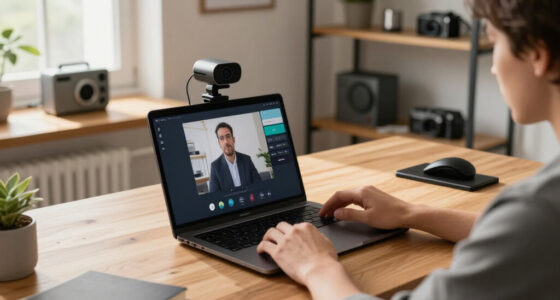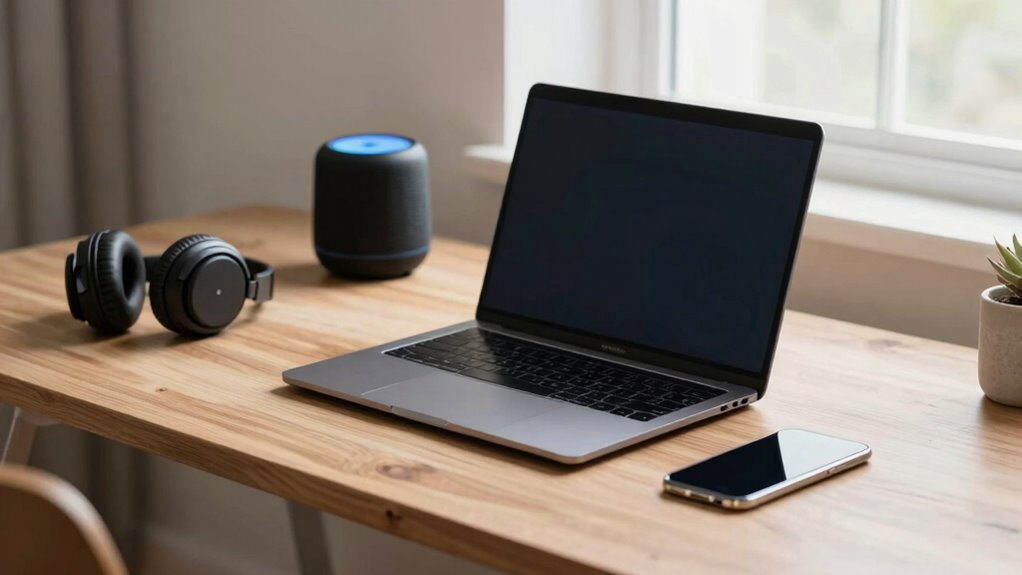

To separate your work devices from smart home noise, start by prioritizing their network bandwidth using modern routers and QoS settings, giving your laptops and conferencing tools more priority. Create a dedicated workspace with physical barriers like doors or curtains to contain noise. Use headphones with active noise cancellation and manage your smart devices’ notifications during work hours. Combining these strategies will help you stay focused even with smart home activity nearby—there’s more to explore on how to optimize your setup.

Prime made for students and young adults
- Fast, free delivery for dorm and study essentials
- Prime Video and Amazon Music included
- Member-only deals
Key Takeaways
- Designate a dedicated workspace area separated by physical barriers like doors or curtains.
- Use headphones with active noise cancellation to block ambient smart home sounds.
- Prioritize work devices with QoS settings to ensure stable bandwidth and reduce interference.
- Configure smart devices to minimize notifications during work hours.
- Implement soundproofing measures such as acoustic panels or rugs to reduce overall noise levels.
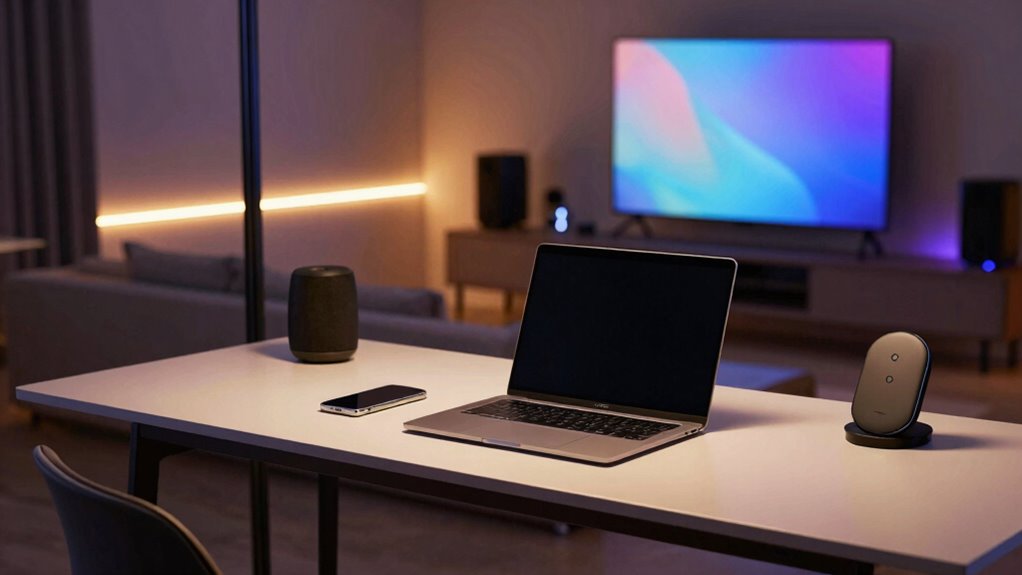
In today’s connected world, it can be challenging to keep work devices separate from the noise of your smart home. With smart speakers, thermostats, security cameras, and other gadgets all competing for attention, your focus can easily get scattered. To stay productive, you need to establish clear boundaries between your work environment and your smart home ecosystem. One effective way to do this is through device prioritization. By assigning priority levels to your work devices, you guarantee they receive the necessary bandwidth and attention when needed. Many modern routers and network management tools allow you to set Quality of Service (QoS) rules, which allocate more bandwidth to your laptop, work phone, or conferencing tools. This way, even if your smart home devices are streaming videos or running updates, your work devices stay responsive and efficient.
Alongside device prioritization, noise cancellation techniques play a crucial role in reducing distractions. Headphones with active noise cancellation can block out ambient sounds from your smart home environment, helping you focus on calls or deep work tasks. If you prefer to keep your environment quiet without headphones, consider installing soundproofing measures like door seals, acoustic panels, or rugs that absorb sound. These physical solutions diminish the overall noise levels, making your workspace more serene and conducive to concentration. Additionally, smart home devices themselves often come with noise filtering features. For example, some smart speakers can be configured to minimize their notifications or voice prompts during work hours, reducing auditory interruptions. Understanding how to manage the smart device ecosystem can further help in minimizing disruptions. Creating a physical separation can also make a significant difference. If possible, designate a specific room or corner of your home as your dedicated workspace. Use physical barriers, such as closed doors or curtains, to separate your work area from the rest of your smart home gadgets. This not only helps contain noise but also creates a psychological boundary, signaling to your brain when it’s time to focus. Incorporating home automation solutions can further streamline your environment and reduce manual disruptions. Additionally, utilizing smart device management tools can give you more control over notifications and device activity, helping to keep your workspace undisturbed. Regularly reviewing your device settings and smart home routines can ensure that your environment remains optimized for productivity. Combining these strategies—setting device priorities, employing noise cancellation techniques, and establishing physical boundaries—gives you a complete system to keep your work devices running smoothly amidst the smart home noise.
noise cancelling headphones for work
As an affiliate, we earn on qualifying purchases.
As an affiliate, we earn on qualifying purchases.
Frequently Asked Questions
Can I Use Voice Commands to Distinguish Between Work and Home Devices?
Yes, you can use voice commands to distinguish between work and home devices. By utilizing voice recognition technology, your smart system can identify specific voices, ensuring commands target the right devices. You can also set up device grouping, creating separate groups for work and home devices. This way, you can easily control and manage your devices with clear, tailored commands, minimizing confusion and noise between different environments.
What Are the Best Noise-Canceling Options for Home Offices?
You should consider noise-canceling headphones or smart speakers with active noise cancellation. Look for options with device compatibility to easily connect your work devices. These devices help block out background noise, improving focus. Also, keep privacy concerns in mind; choose trusted brands that safeguard your data. Properly configuring your device settings ensures your work remains private while enjoying a quieter home office environment.
How Do I Prevent Work Notifications From Interrupting Smart Home Devices?
You can prevent work notifications from interrupting smart home devices by prioritizing devices and adjusting privacy settings. Set your work devices to high priority, silencing notifications during off-hours, while smart home devices remain responsive. Conversely, configure privacy settings to restrict work-related alerts on shared smart home systems. This balance guarantees your work stays discreet without sacrificing the seamless operation of your smart home, creating harmony between productivity and relaxation.
Are There Specific Apps to Manage Work and Home Device Separation?
Yes, you can use apps like Cisco Meraki or Fing to manage device prioritization and network segmentation. These apps let you assign specific bandwidth and access rules, ensuring work devices stay separate from smart home devices. By creating dedicated network segments, you minimize interruptions and keep your work-related notifications and traffic isolated, improving overall stability and security for both your work and smart home environments.
How Can I Improve Wi-Fi Segmentation Between Work and Smart Home Devices?
Think of your Wi-Fi network as a busy highway—separating lanes help traffic flow smoothly. To improve segmentation, set up network isolation for your smart home devices, keeping them in a separate VLAN or subnet from your work devices. Use device prioritization features on your router to make certain work devices get steady bandwidth, reducing interruptions from smart home gadgets. This way, you keep work and home traffic flowing without congestion.
As an affiliate, we earn on qualifying purchases.
Conclusion
To keep work and smart home life running smoothly, you’ve got to set clear boundaries. Use dedicated devices, establish quiet zones, and turn off notifications outside work hours—think of it like installing a digital moat. Remember, even in a world full of bells and whistles, a little discipline goes a long way. So, stay sharp, stay focused, and don’t let your smart home turn into a modern-day Tower of Babel.
As an affiliate, we earn on qualifying purchases.
smart device notification management tools
As an affiliate, we earn on qualifying purchases.
As an affiliate, we earn on qualifying purchases.
Halloween Picks
halloween
As an affiliate, we earn on qualifying purchases.