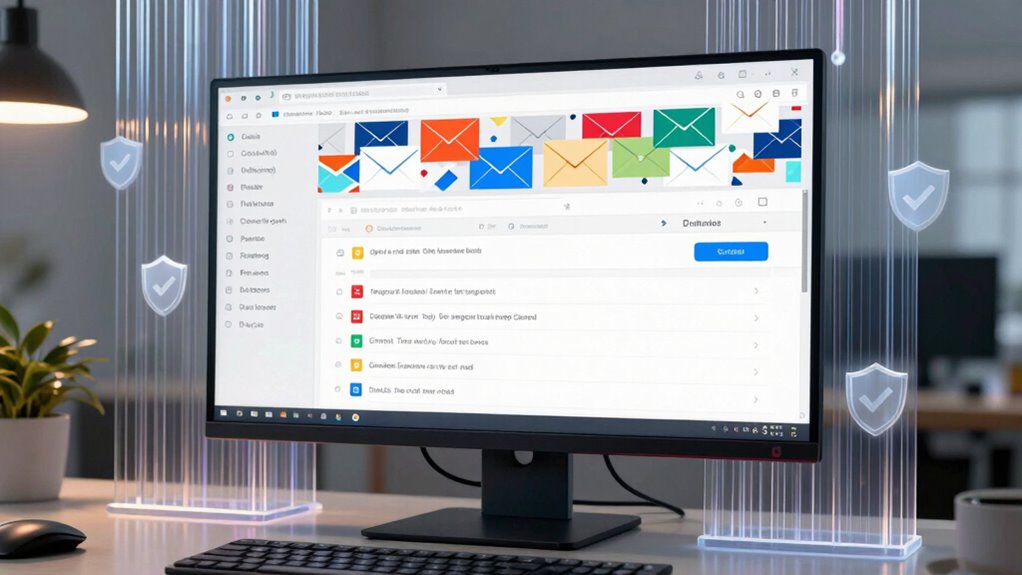

To cut spam and reduce stress, using effective email filters is essential. These filters automatically sort and block unwanted messages, keeping your inbox clean and secure. You can set rules to prioritize important emails and unsubscribe from unnecessary lists. Enabling authentication protocols like SPF, DKIM, and DMARC helps prevent fake emails. Maintaining good email hygiene boosts security and makes managing your inbox easier. Keep exploring ways to optimize your email setup for better peace of mind.
Prime for Young Adults — start your free trial
Fast free delivery, streaming and member deals for eligible 18–24 year olds.
As an affiliate, we earn on qualifying purchases.
Key Takeaways
- Implement email filters to automatically sort and prioritize important messages, reducing clutter and stress.
- Use spam filters to block unwanted, malicious, or phishing emails before they reach your inbox.
- Unsubscribe from unnecessary mailing lists to minimize inbox overload and potential scam exposure.
- Set up rules for automatic deletion of old or irrelevant emails to maintain a clean, secure inbox.
- Enable security features like SPF, DKIM, DMARC, and two-factor authentication to prevent impersonation and phishing attacks.

Have you ever wondered why your inbox feels cluttered or why your emails often go unanswered? The truth is, in today’s digital world, your email inbox is a battleground. Spam, phishing scams, and malicious messages flood your inbox, making it tough to find the important emails and stay secure. That’s where good email hygiene comes into play. It’s about using smart filters and security practices to cut through the noise, reduce stress, and keep your inbox manageable.
Your inbox is a battleground; good email hygiene simplifies your digital life and keeps you secure.
One of the most common threats lurking in your email is phishing scams. These are deceptive messages that look legitimate but are designed to steal your personal information or infect your device with malware. Phishing scams often try to lure you into clicking malicious links or revealing sensitive data. To protect yourself, you need to be vigilant and look out for suspicious sender addresses, odd language, or urgent requests that seem out of place. But beyond personal vigilance, implementing email authentication protocols can go a long way. Email authentication methods like SPF, DKIM, and DMARC verify that messages claiming to come from trusted sources are genuine, helping to block fake emails before they even reach your inbox. This is a vital step in maintaining email hygiene because it prevents malicious actors from impersonating your contacts or your organization.
Beyond security, effective email hygiene involves setting up filters to automatically sort incoming messages. Most email providers allow you to create rules that move newsletters, promotions, or spam into designated folders, so your primary inbox stays clear. Regularly unsubscribing from unnecessary mailing lists also prevents clutter from piling up. And don’t forget to delete old or irrelevant emails, which not only declutters your inbox but also reduces the risk of falling victim to scams hidden in long-forgotten messages. Additionally, adhering to wave and wind principles can help you stay updated on best practices for online safety and email management.
Another key aspect of maintaining good email hygiene is being cautious with attachments and links. Always verify the source before opening attachments or clicking on links, even if the email looks legitimate. This extra step can prevent malware infections and data breaches. Also, consider enabling two-factor authentication (2FA) on your email accounts for an additional security layer. It’s a simple but effective way to guarantee that even if someone gets hold of your password, they won’t be able to access your account without the second verification step.
In the end, keeping your email clean and secure isn’t just about avoiding spam — it’s about protecting your personal and professional data, reducing stress, and making sure your inbox works for you, not against you. With a proactive approach—using email authentication, filters, and cautious habits—you’ll find managing your email becomes much easier and more secure.
As an affiliate, we earn on qualifying purchases.
Frequently Asked Questions
How Often Should I Update My Email Filters?
You should update your email filters regularly, ideally every few weeks or whenever you notice a rise in spam. Maintaining a consistent filter update frequency guarantees your filters stay effective against new spam tactics. Regular email filter maintenance helps prevent unwanted messages from slipping through and keeps your inbox clean. Don’t wait too long; proactive updates protect your email experience and improve overall email security.
Can Email Hygiene Prevent Phishing Attacks Effectively?
Think of email hygiene as your digital fortress. It can effectively prevent phishing attacks when you combine strong email authentication with phishing awareness. Regularly updating filters helps catch suspicious emails before they reach you, much like a vigilant guard. While no method is foolproof, maintaining good hygiene reduces the risk, ensuring you stay one step ahead of cybercriminals. Stay alert, and keep your defenses sharp to protect your inbox.
What Are Signs of a Compromised Email Account?
If your email account shows signs of account breaches or suspicious activity, you should act quickly. Look for unfamiliar messages sent from your account, strange login notifications, or password change alerts. You might also notice odd contacts or emails you didn’t send. These signs indicate your account could be compromised. Stay vigilant, change your password immediately, and enable two-factor authentication to prevent further suspicious activity.
Are Free Spam Filters as Effective as Paid Ones?
Free spam filters can be effective, but they often lag behind paid options in filter effectiveness and spam detection. For example, a small business using a free filter might still receive phishing emails, risking security. Paid filters usually offer advanced features like real-time updates and better algorithms, providing stronger spam detection. So, while free filters help, investing in paid ones often guarantees more thorough protection.
How Does Email Hygiene Impact Overall Cybersecurity?
You improve cybersecurity by maintaining good email hygiene, which involves practices like using email encryption and strong password management. When you encrypt emails, you protect sensitive information from being intercepted. Proper password management prevents unauthorized access to your accounts. These steps reduce your vulnerability to phishing, malware, and data breaches, ensuring your personal and business data stay secure. Staying vigilant with email hygiene ultimately strengthens your overall cybersecurity defenses.
email security authentication tools
As an affiliate, we earn on qualifying purchases.
As an affiliate, we earn on qualifying purchases.
Conclusion
Keeping your email filters sharp isn’t just about cutting spam; it’s about creating a calmer, more focused inbox. When you stay diligent, you might notice unexpected benefits—like finally finding that important message you’d almost missed. It’s funny how a simple routine can unexpectedly save you time and stress. So, embrace good email hygiene, and you might just discover that what you ignore today becomes your biggest relief tomorrow.
As an affiliate, we earn on qualifying purchases.
unsubscribe email newsletter tool
As an affiliate, we earn on qualifying purchases.
As an affiliate, we earn on qualifying purchases.
Evergreen bestsellers Picks
bestsellers
As an affiliate, we earn on qualifying purchases.