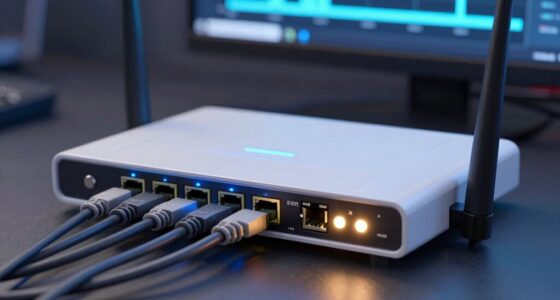
To build a safer home tech setup without going overboard, start by enabling device encryption on all your devices and using a strong, unique password for each account with a trusted password manager. Change your Wi-Fi password to a complex one and use WPA3 encryption if possible. Keep your router firmware up to date, regularly apply security updates, and enable two-factor authentication. Stay cautious of unsecured networks and unknown devices—these simple steps can make a big difference in protecting your digital life.
Open a free Amazon Business account
Business pricing, bulk buying and tax-exempt orders.
As an affiliate, we earn on qualifying purchases.
Key Takeaways
- Enable device encryption on all devices to protect data without adding complexity.
- Use a password manager to create and store strong, unique passwords for accounts and devices.
- Change default router passwords and enable WPA3 encryption to secure your Wi-Fi network.
- Regularly update device software and firmware to patch security vulnerabilities.
- Practice safe connectivity by avoiding unsecured networks and enabling two-factor authentication.
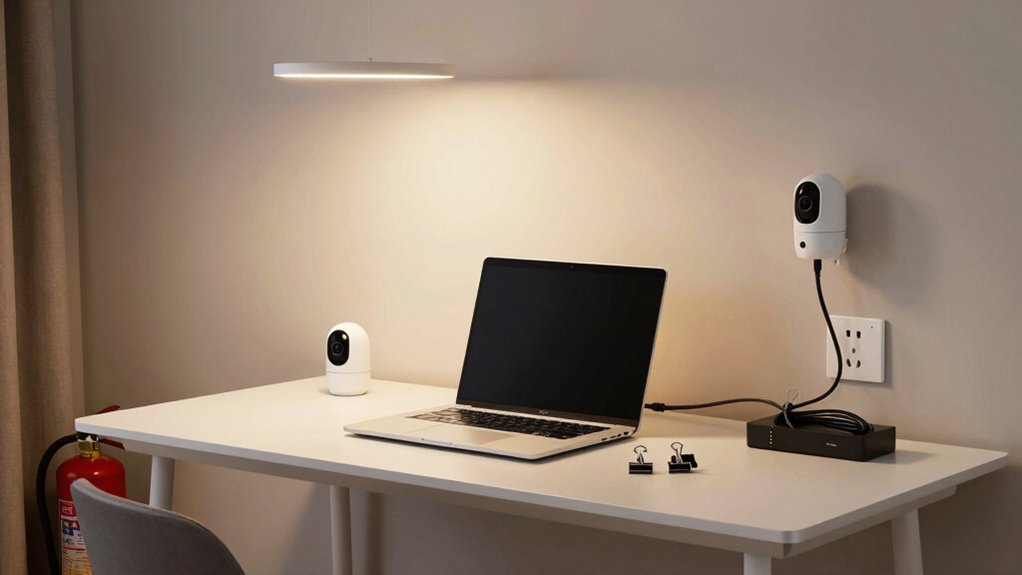
Creating a safer home tech setup is essential in today’s connected world, where our devices hold personal and sensitive information. To protect yourself, start with the basics—like ensuring your devices are encrypted. Device encryption secures your data by transforming it into a coded format that only you can access with a password or encryption key. This means that even if someone gains access to your device, they won’t be able to read your private information without the proper credentials. Make sure every device you use—smartphones, tablets, laptops—has encryption enabled. It’s a simple step that greatly reduces the risk of data breaches.
Another critical aspect is password management. Many people underestimate how vulnerable weak or reused passwords make them. Using the same password across multiple accounts or choosing simple passwords can lead to unauthorized access. Invest in a reputable password manager to generate and store complex, unique passwords for each of your accounts. This way, you won’t have to remember dozens of different passwords; the manager does it for you, and you only need to remember one strong master password. Regularly updating your passwords, especially for sensitive accounts like your email or banking apps, is also crucial. Avoid sharing passwords or writing them down where others can find them.
Beyond encryption and password management, consider your Wi-Fi network. Change the default password on your router to a strong, unique one, and enable WPA3 encryption if your router supports it. This prevents outsiders from easily accessing your network and intercepting your data. Additionally, keep your router’s firmware up to date, as manufacturers often release patches for security vulnerabilities. Network security is a fundamental part of protecting your home tech setup from external threats. Using security updates regularly helps patch known vulnerabilities and keeps your devices protected. Incorporate device encryption as a standard practice further enhances your overall security. Remember that securing your network also involves monitoring connected devices to identify any unauthorized access attempts.
You don’t have to go overboard with complex security measures to improve your home setup. Simple, consistent practices like enabling device encryption, managing passwords carefully, and securing your Wi-Fi can make a huge difference. Use strong, unique passwords for all your important accounts, and don’t forget to update them periodically. Enable two-factor authentication wherever possible, adding an extra layer of protection beyond just your password. Be mindful of what you connect to your network—avoid unknown devices or unsecured public networks when handling sensitive information. Being aware of potential security threats and taking preventative steps can significantly reduce your risk. By implementing these straightforward steps, you create a safer environment for your digital life without feeling overwhelmed or sacrificing convenience. Remember, securing your devices doesn’t mean sacrificing usability; it’s about making smarter choices that keep your data safe while still enjoying the benefits of modern technology.
device encryption software for smartphones
As an affiliate, we earn on qualifying purchases.
As an affiliate, we earn on qualifying purchases.
Frequently Asked Questions
What Are the Most Common Home Tech Security Risks?
You face risks like unauthorized access, so guarantee device encryption is enabled on your devices. Poor password management also puts you at risk; use strong, unique passwords for each account and change them regularly. Be cautious about connecting unsecured Wi-Fi networks and keep your software updated to patch vulnerabilities. These simple steps help protect your home tech setup without needing extreme measures, keeping your digital life safe and secure.
How Often Should I Update My Home Security Software?
You should update your home security software as soon as security patches become available, ideally at least once a month. Studies show that delayed updates increase vulnerability by 60%. Regular software updates fix bugs, close security gaps, and improve performance. By staying current with software updates, you guarantee your devices are protected against the latest threats, reducing the risk of breaches and safeguarding your home network effectively.
Are Smart Home Devices More Vulnerable to Hacking?
Yes, smart home devices can be more vulnerable to hacking if not properly secured. To protect yourself, guarantee device encryption is enabled on all devices and keep firmware updated regularly. You should also use network segmentation, isolating your smart devices from your main network. These steps make it harder for hackers to access your devices, keeping your home safer without needing to go overboard with security measures.
What Budget-Friendly Security Measures Are Effective?
You can boost your home’s security with budget-friendly measures that work. Use affordable locks on doors and windows to deter intruders. Install DIY alarms that are easy to set up and effective in alerting you to suspicious activity. Regularly update your passwords, enable two-factor authentication, and keep devices’ firmware current. These simple, cost-effective actions protect your home, giving you peace of mind without breaking the bank.
How Can I Educate Family Members About Home Tech Safety?
You can educate your family about home tech safety by fostering family tech awareness through regular safety discussions. Use safety communication to explain the importance of strong passwords, recognizing phishing attempts, and safe device usage. Demonstrate practical tips, encourage questions, and set clear rules for device handling. Making safety a family priority helps everyone stay informed and vigilant, reducing risks while keeping the learning process engaging and accessible for all ages.
password manager for Windows and Mac
As an affiliate, we earn on qualifying purchases.
As an affiliate, we earn on qualifying purchases.
Conclusion
So, here’s the punchline: with all these safety tips, your smart home might just become the safest place on Earth—until a hacker or a power surge proves otherwise. But hey, at least you’ll sleep soundly knowing you’ve done your part. Just remember, in the world of home tech, safety is a journey, not a destination. So keep updating, stay vigilant, and maybe, just maybe, you’ll outsmart the inevitable chaos.
As an affiliate, we earn on qualifying purchases.
As an affiliate, we earn on qualifying purchases.
College move-in / dorm season Picks
dorm essentials
As an affiliate, we earn on qualifying purchases.