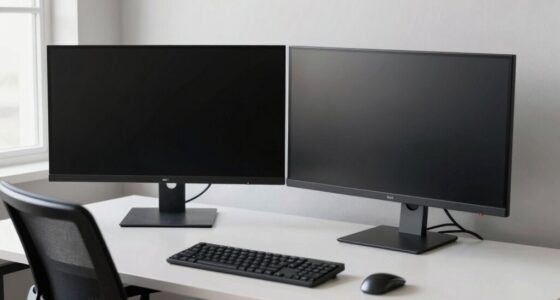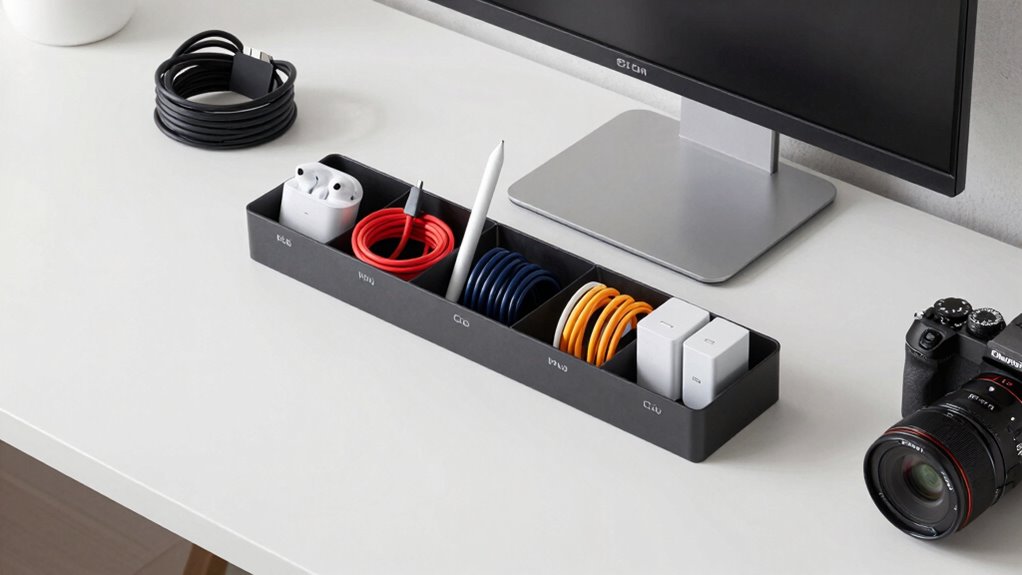

To prevent accessory chaos in a multi-device workspace, streamline your setup with wireless devices to reduce cable clutter and improve mobility. Use cable organizers, labels, and Velcro straps to neatly bundle and hide cords. Employ multi-port charging stations to minimize power strips and keep everything centralized. Arrange devices ergonomically and regularly tidy your space to avoid tangles and damage. By combining these tips, you’ll maintain a clean, efficient workspace—continue to discover even more ways to stay organized.
Key Takeaways
- Use cable organizers, labels, and ties to keep cords tidy and easily identifiable.
- Implement multi-port charging stations to reduce multiple chargers and streamline device connections.
- Arrange devices ergonomically, keeping essential items accessible and unnecessary items stored away.
- Routinely declutter and put away unused accessories to maintain a clean workspace.
- Route cables behind desks or along edges to prevent tangling and improve visual organization.
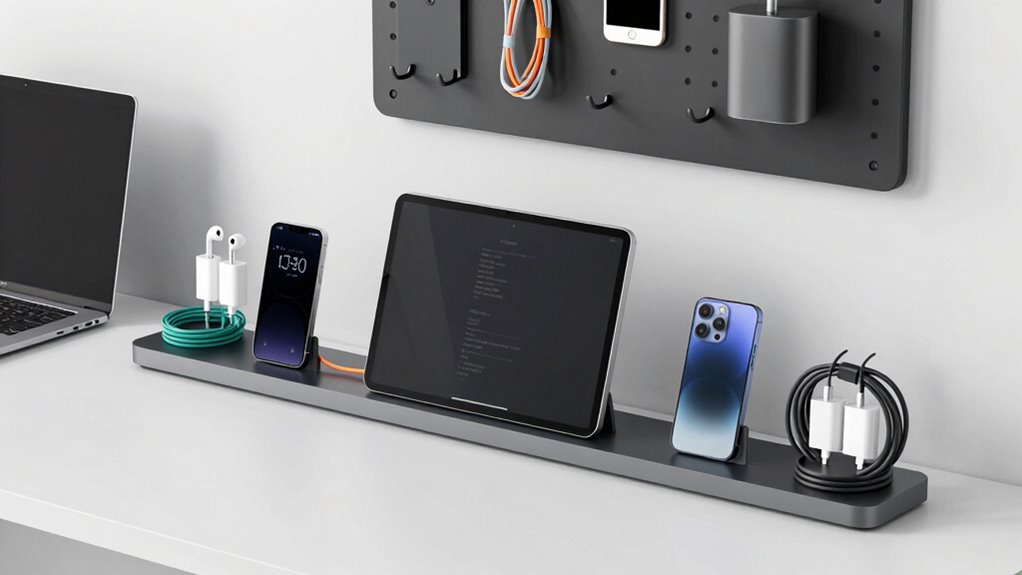
Managing multiple devices in a busy workspace can quickly turn into a cluttered mess if you’re not careful. When you have laptops, smartphones, tablets, and peripherals all vying for space, it’s easy for cables to snake across your desk, creating chaos and reducing productivity. To keep things organized, embracing wireless solutions can be a game-changer. Wireless chargers eliminate the need for multiple cords cluttering your workspace, while Bluetooth peripherals like keyboards, mice, and speakers free you from the tangle of cables. By switching to wireless devices, you not only declutter your desk but also make it easier to move and reconfigure your setup as needed. Additionally, cable management tools and techniques can significantly improve your workspace organization and efficiency. Cable management plays a vital role in preventing accessory chaos. Invest in cable organizers such as clips, sleeves, or trays that keep cords neatly bundled and out of sight. Labeling cables helps you quickly identify and disconnect or connect devices without rummaging through a tangled mess. Using cable ties or Velcro straps can also keep excess lengths of cord neatly coiled, reducing visual clutter and preventing accidental disconnections. When possible, route cables behind your desk or along edges to keep them out of sight and away from your workspace. These simple steps make a noticeable difference in maintaining a clean, efficient environment. In addition, consider utilizing multi-port charging stations and hubs. These devices allow you to charge multiple accessories from a single power source, reducing the number of chargers and power strips cluttering your space. With a central hub, you can connect all your devices neatly, minimizing cable clutter and making your workspace look more streamlined. Furthermore, choosing ergonomic arrangements can improve comfort and reduce strain during long work sessions. Proper workspace setup, including the placement of devices and accessories, can greatly impact your comfort and productivity. Regularly reviewing and tidying your workspace also helps prevent accessory chaos. Make it a habit to put away unused cables and devices, and keep only what you need within reach. Incorporating clear organization principles can enhance your overall setup and efficiency. Maintaining an organized workspace also involves understanding the importance of proper cable routing, which helps prevent damage and tangling over time. This proactive approach ensures that your workspace remains organized and functional. Remember, a clutter-free desk not only improves your efficiency but also reduces stress and makes your work environment more inviting.

Acer Gadget 7-in-1 Wireless Charging Station Charger Stand for Multiple Devices for Apple – iPhone 17 16 15 14 13 12 Pro Max Apple Watch Airpods, Wireless iPhone Charger Station with Bluetooth TimeSyn
- 7-in-1 Wireless Charging: Supports fast charging for multiple devices
- Universal Apple Compatibility: Compatible with iPhone, Apple Watch, AirPods
- Bluetooth Time Sync: Automatically syncs time via Bluetooth
As an affiliate, we earn on qualifying purchases.
As an affiliate, we earn on qualifying purchases.
Frequently Asked Questions
How Do I Track Misplaced Accessories Across Devices?
To track misplaced accessories across devices, start with an organized device inventory system. Use accessory tracking apps or labels to monitor each item’s location and status. Regularly update your inventory and assign responsibility for specific accessories. This way, you can quickly identify missing items, prevent chaos, and guarantee everything stays in its proper place. Consistent tracking and clear labeling are key to maintaining order in a multi-device workspace.
What Are the Best Storage Solutions for Multiple Accessories?
Think of your accessories as precious gems; you want them stored carefully. Using compartmentalized storage solutions like drawer organizers, cable boxes, or dedicated drawer dividers boosts accessory management and storage efficiency. Label sections for each device or accessory type, and keep chargers, earbuds, and adapters separated. This way, you’ll easily find what you need, avoid clutter, and keep your workspace tidy, turning chaos into clarity.
How Can I Label Accessories for Easy Identification?
You can easily label accessories by implementing color coding and labeling systems. Use colored labels or tags for different types of accessories, like red for chargers and blue for cables, making quick identification simple. Incorporate clear, consistent labeling with descriptive text or icons, so you know exactly what each item is at a glance. This organized approach keeps your workspace tidy and guarantees accessories are always easy to find and return.
What Safety Tips Prevent Accessory Damage?
Did you know that improper accessory handling can cause 30% of device malfunctions? To prevent damage, prioritize accessory maintenance by regularly inspecting cords and connectors for wear. Follow safety precautions like unplugging devices before cleaning, avoiding excessive tugging, and keeping accessories away from liquids. These steps protect your gear, extend accessory lifespan, and guarantee safe, efficient workspace operation. Always handle accessories carefully for long-lasting performance and safety.
How Do I Organize Accessories for Remote or Hybrid Work?
You should organize your accessories by designating specific spots for wireless charging devices and ergonomic accessories to keep your workspace tidy. Use cable organizers or storage bins to prevent tangling and guarantee everything is within reach. Regularly clean and check your accessories to maintain efficiency. This setup helps you stay focused and minimizes clutter, making remote or hybrid work more comfortable and productive.

Nettbe 60 PCS 6 Inches Reusable Cable Ties, Adjustable Cord Straps Wire Organizer Cord Wrap and Hook Loop Cable Management
- Reusable nylon cable ties: Made from durable, eco-friendly nylon
- Multi-purpose cable organizer: Wraps all loose cords effectively
- Suitable for various settings: Ideal for home, office, garage, outdoor
As an affiliate, we earn on qualifying purchases.
As an affiliate, we earn on qualifying purchases.
Conclusion
So, next time you marvel at your neatly organized workspace, remember it’s only a miracle—thanks to your diligent effort. Without proper cable management, your desk could easily transform into a tangled jungle of cords, resembling a wild, unruly forest. Ironically, what once promised efficiency can quickly become chaos when accessories rebel. Stay vigilant, stay organized, and keep those cables tamed—your sanity will thank you when your workspace stays a calm oasis, not a storm of chaos.

Anker Desktop Charger, 60W 6 Port USB Multiple Charging Hub
- Join the Anker Community: Over 50 million members worldwide
- Advanced Charging Technology: PowerIQ and VoltageBoost for fast charging
- High Power Output: 60W total power for multiple devices
As an affiliate, we earn on qualifying purchases.
As an affiliate, we earn on qualifying purchases.

Logitech MK250 Bluetooth Wireless Keyboard and Mouse Combo – Graphite
- Quick Bluetooth Pairing: Connects instantly via Bluetooth without dongle
- Durable and Spill-Resistant: Long-lasting keys with spill resistance and 12-month battery life
- Ergonomic Design: Deep-profile keys with adjustable tilt for comfort
As an affiliate, we earn on qualifying purchases.
As an affiliate, we earn on qualifying purchases.