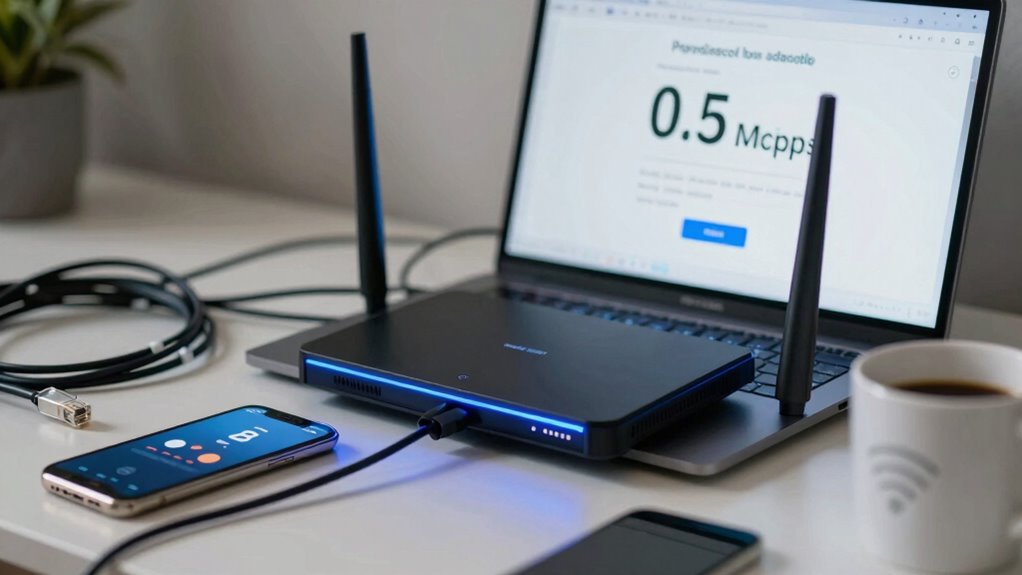

Many internet buyers mistake higher bandwidth for faster or more reliable speeds, but that’s not how it works. Bandwidth shows the maximum data your connection can handle, not the actual speed you’ll get at any moment. Factors like network congestion, data throttling, and peak usage times can impact your performance regardless of bandwidth. If you want to understand how these elements affect your internet, keep exploring what really influences fast, stable connections.
Listen free for 30 days with Audible
Thousands of audiobooks and originals — cancel anytime.
As an affiliate, we earn on qualifying purchases.
Key Takeaways
- Buyers often confuse maximum bandwidth with actual internet speed, leading to unrealistic performance expectations.
- High bandwidth does not guarantee consistent speeds due to network congestion and usage patterns.
- Many mistake data caps and throttling policies for poor service, affecting perceived speed.
- Hardware issues are commonly blamed, while congestion and throttling are the main speed influencers.
- Understanding the difference between bandwidth and real-world speed helps in making informed internet plan choices.
Have you ever wondered why your internet keeps slowing down despite paying for a high-speed plan? One common mistake many buyers make is misunderstanding what “bandwidth” really means. They see a number like 200 Mbps and assume their connection will always run at that speed. But that’s not entirely accurate. Bandwidth refers to the maximum data transfer rate your internet can support, not necessarily the speed you’ll experience at all times. A higher bandwidth doesn’t guarantee faster internet during peak hours or heavy usage periods. Instead, your actual speed can be affected by factors like network congestion, which occurs when many users are online simultaneously, especially during evenings or weekends. During these times, your internet provider’s network may become crowded, causing slower speeds for everyone sharing that bandwidth. This is often mistaken for a problem with your plan, but it’s simply a result of too many users competing for the same resources.
Another mistake is not understanding data throttling. Some internet providers intentionally slow down your connection once you hit certain data caps or during peak times to manage network load. This process, known as data throttling, isn’t always obvious and can be confused with poor service or a faulty connection. If you notice your internet slowing down after streaming, gaming, or downloading large files, it could be due to data throttling rather than your actual bandwidth. Many buyers assume that if they’ve paid for “high-speed internet,” they shouldn’t experience any slowdown, but data throttling can happen even on premium plans if you exceed your data limits or during high traffic periods. Recognizing the difference between bandwidth limitations and actual connection issues can save you from unnecessary troubleshooting.
Additionally, understanding network congestion can help you make more informed decisions when selecting an internet plan, especially if you experience slow speeds during certain times of day. People often overlook these subtleties when choosing an internet plan, leading to frustration and misinterpretation of their actual service quality. They might think their hardware or Wi-Fi setup is to blame, but the real issue could be network congestion or data throttling. Moreover, being aware of peak usage times can help you plan your online activities more effectively and avoid unnecessary disappointment. If you’re frequently experiencing slowdowns, check if your provider enforces data caps or throttling policies. Also, consider whether your connection is being affected by network congestion during peak hours. Knowing these factors and how they influence your internet speed variability helps you select a plan that matches your usage and sets realistic expectations, rather than being misled by advertised bandwidth numbers. Ultimately, understanding the difference between maximum bandwidth and real-world performance helps you avoid the bandwidth mistake that confuses many internet buyers.

NETGEAR Nighthawk Modem Router Combo (CAX30) DOCSIS 3.1 Cable Modem and WiFi 6 Router – AX2700 2.7 Gbps – Compatible with Xfinity, Spectrum, Cox, and More – Gigabit Wireless Internet
- Compatibility: Works with major cable providers
- Coverage and Speed: Up to 2,000 sq. ft., 25 devices, WiFi 6
- Ports and Connectivity: 4 Gig Ethernet ports, 1 USB 3.0 port
As an affiliate, we earn on qualifying purchases.
As an affiliate, we earn on qualifying purchases.
Frequently Asked Questions
How Can I Test My Current Internet Bandwidth Accurately?
To test your current internet bandwidth accurately, start with a reliable online speed test tool like Ookla Speedtest or Fast.com. Run multiple tests during different times of the day to get a true bandwidth measurement. Compare your results with your internet plan’s advertised speeds to perform a speed comparison. This helps identify if you’re getting the bandwidth you’re paying for and highlights any potential issues affecting your connection quality.
What Is the Difference Between Bandwidth and Internet Speed?
Bandwidth refers to the maximum amount of data your internet connection can handle at once, while internet speed is how quickly data moves during use. Network congestion and data throttling can slow down your actual experience, even if your bandwidth is high. So, you might have high bandwidth but still face slow speeds during peak times or when your provider limits data, impacting your overall internet performance.
How Does Latency Affect Online Gaming and Streaming?
Latency is the bottleneck that can make or break your online experience. It affects gameplay and streaming quality, causing delays and buffering. When latency is high, you’ll notice your actions lag behind, making fast-paced games frustrating. For streaming, it results in choppy visuals. Keep latency low to stay in sync with the action and enjoy smooth gaming and streaming — don’t let delays throw you off course.
Can Upgrading My Plan Improve My Internet Performance?
Upgrading your plan can improve your internet performance, especially if you’re experiencing data throttling or slow speeds during peak times. Service packages with higher bandwidth usually offer better speed and less congestion. However, check if your provider caps data or throttles speeds after a certain limit. Choosing a plan with unlimited data or higher bandwidth guarantees smoother streaming, gaming, and browsing without interruptions.
What Equipment Influences My Internet Bandwidth the Most?
Your modem and router are the key players affecting your bandwidth most. If your equipment isn’t up-to-date or properly configured, network congestion and signal interference can dramatically slow your connection. Outdated hardware struggles to handle multiple devices or high-speed demands, causing frustrating lag. Upgrading your equipment can reduce these issues, ensuring smoother, faster internet. Don’t let old tech hold you back—your performance depends on the right gear.

TP-Link AC1200 WiFi Router (Archer A54) – Dual Band Wireless Internet Router, 4 x 10/100 Mbps Fast Ethernet Ports, EasyMesh Compatible, Support Guest WiFi, Access Point Mode, IPv6 & Parental Controls
- Dual-band Wi-Fi: Up to 867 Mbps on 5 GHz, 300 Mbps on 2.4 GHz
- Wide Coverage: Covers up to 1,000 sq. ft.
- Multiple External Antennas: Four antennas for stable connections
As an affiliate, we earn on qualifying purchases.
As an affiliate, we earn on qualifying purchases.
Conclusion
Remember, choosing the right bandwidth isn’t just about what’s most advertised or seemingly sufficient. Sometimes, what appears to be enough can quietly hold you back when you need it most. By paying close attention to your actual usage needs, you’ll avoid unnecessary hurdles and find a connection that truly supports your digital life. So, consider your options carefully—because the right choice today can make your online experience smoother and more satisfying tomorrow.

NOYAFA NF-8506 Network Cable Tester with IP Scan, CAT5 CAT6 Ethernet Tester
- Multi-function Network Tester: IP scan, POE, interference testing, and more
- Cable Length Measurement: Measures up to 200 meters accurately
- Network Diagnostics: Ping test, IP scanning, and LAN maintenance
As an affiliate, we earn on qualifying purchases.
As an affiliate, we earn on qualifying purchases.

NetAlly EXG-300 EtherScope nXG 300 Ethernet Network Tester & Wi-Fi 6 & 7 Diagnostics Tool
- Wi-Fi 6/6E/7 Support: Handheld analyzer for Wi-Fi surveying and troubleshooting
- Advanced Network Testing: Verify and troubleshoot Ethernet, NBASE-T, and Wi-Fi networks
- High-Speed Ethernet Verification: Test up to 10G Ethernet links for critical devices
As an affiliate, we earn on qualifying purchases.
As an affiliate, we earn on qualifying purchases.
Baby shower & registry season Picks
baby registry must-haves
As an affiliate, we earn on qualifying purchases.