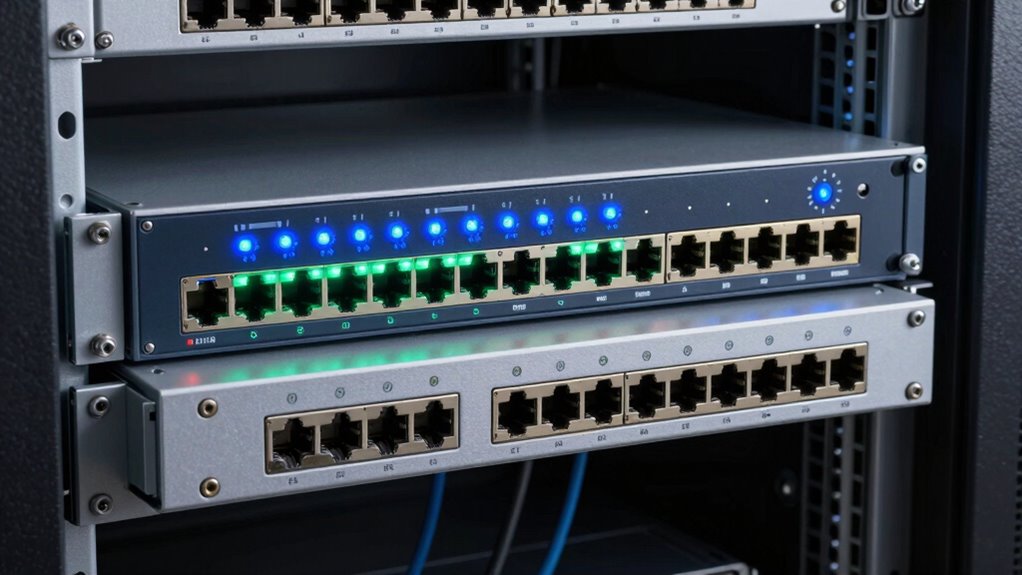
When choosing between managed and unmanaged switches, the extra features of managed switches really matter if you want better security, easier growth, and easier management. Managed switches let you control who accesses your network, monitor traffic, and make quick changes when needed. If your network is complex or handles sensitive data, these features keep things running smoothly and securely. To understand how these benefits can protect and grow your network, keep exploring further.
Listen free for 30 days with Audible
Thousands of audiobooks and originals — cancel anytime.
As an affiliate, we earn on qualifying purchases.
Key Takeaways
- Managed switches offer advanced security features like VLANs and access controls, reducing vulnerability compared to unmanaged switches.
- Extra features in managed switches enable network scalability and easier expansion for growing organizations.
- Managed switches provide detailed management and troubleshooting tools, improving network reliability and performance.
- Unmanaged switches are simpler and more cost-effective but lack the security and control features necessary for complex networks.
- The additional capabilities of managed switches justify higher costs by preventing issues and supporting future network growth.
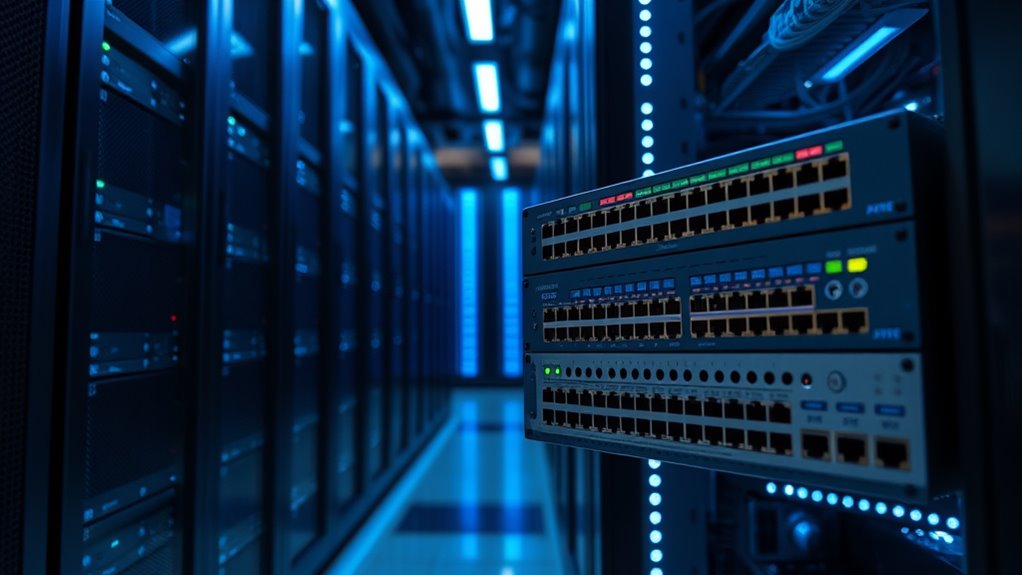
When choosing a network switch, understanding the differences between managed and unmanaged options is essential. Your decision impacts not only how your network performs but also its security and overall cost. Managed switches offer advanced features that can significantly enhance network security. With these switches, you can implement VLANs, enable access controls, and monitor traffic, all of which help protect your network from unauthorized access and potential threats. If security is a priority—say, for a business handling sensitive data—managed switches give you the tools to enforce policies, detect suspicious activity, and quickly respond to incidents. Conversely, unmanaged switches are simple plug-and-play devices with limited security capabilities. They don’t provide the granular control or monitoring options that managed switches do, which might leave your network more vulnerable to threats.
In terms of cost comparison, unmanaged switches are usually more affordable upfront. They cost less because they lack the sophisticated features found in managed switches, making them a tempting choice for small offices or home networks where budget constraints are tight. However, it’s important to recognize that the initial savings can be misleading. Without the ability to monitor and manage the network actively, you might face higher maintenance costs or security breaches down the line. Managed switches, though pricier initially, can save you money in the long run through more efficient network management and enhanced security. They allow you to troubleshoot problems quickly, optimize network performance, and prevent costly downtime or data breaches.
Your choice also affects how easily you can scale your network in the future. Managed switches give you flexibility—adding new devices, segmenting traffic, or upgrading security features becomes straightforward. This scalability makes managed switches a smarter investment if you anticipate growth, even if the upfront cost is higher. On the other hand, unmanaged switches are best suited for straightforward setups where minimal configuration is needed, and expansion isn’t a priority. They’re quick to deploy, but lack the control you might need as your network evolves.
Ultimately, the decision hinges on your priorities. If you need a secure, scalable network with detailed management capabilities, the extra investment in a managed switch pays off. If simplicity and initial cost are your main concerns, unmanaged switches might suffice—just keep in mind the potential trade-offs in security and future flexibility. Weighing these factors carefully ensures you select the right switch that balances your current needs with your future plans. Additionally, understanding network capabilities can help you make more informed decisions about which switch type best suits your requirements.
Managed network switch with VLAN support
As an affiliate, we earn on qualifying purchases.
As an affiliate, we earn on qualifying purchases.
Frequently Asked Questions
Can Unmanaged Switches Handle Large Enterprise Networks Effectively?
Unmanaged switches struggle to handle large enterprise networks effectively due to limited features. They lack advanced capabilities like network scalability and traffic management, making them less suitable for growing networks. With hardware simplicity, unmanaged switches are easy to set up, but they don’t offer the flexibility needed for complex environments. For larger networks, managed switches provide better control, scalability, and performance to meet your enterprise’s evolving needs.
Are Managed Switches More Cost-Effective Long-Term Than Unmanaged Switches?
Think of managed switches as a finely-tuned orchestra, where every feature plays a vital role. They’re more cost-effective long-term because a thorough cost benefit analysis shows their feature customization helps optimize network performance and security. While unmanaged switches save initial costs, managed switches adapt to evolving needs, prevent downtime, and reduce future expenses. Over time, their advanced control and flexibility make them a smarter, more economical choice for growing networks.
Do Managed Switches Require Specialized Technical Knowledge to Operate?
Managed switches do require some technical expertise for effective network management, but you don’t need to be an IT expert. With user-friendly interfaces and guided setup options, you can handle basic configurations. However, for advanced features like VLANs or traffic prioritization, possessing technical knowledge helps you optimize your network’s performance. Overall, a little learning curve is involved, but it’s manageable with available resources and support.
How Do Security Features Differ Between Managed and Unmanaged Switches?
Imagine walking into a busy office; with a managed switch, you control security features like network segmentation and VLAN configuration, keeping sensitive data protected. Unmanaged switches lack these options, leaving your network more vulnerable. Managed switches let you set access controls, monitor traffic, and isolate segments, making your network safer. So, if security matters, managed switches give you the tools to safeguard your infrastructure effectively.
Can Unmanaged Switches Be Upgraded to Managed Switches Later?
Unmanaged switches can’t be upgraded to managed switches later because of their hardware and firmware limitations. Their upgrade potential is minimal, and they lack the extra features you’d find in managed switches. If you need advanced security, network management, or traffic control, you’ll need to replace the unmanaged switch entirely. Upgrading isn’t a viable option, so choose a managed switch from the start if you anticipate needing those extra capabilities.
Gigabit unmanaged switch for small office
As an affiliate, we earn on qualifying purchases.
As an affiliate, we earn on qualifying purchases.
Conclusion
Choosing between managed and unmanaged switches is like picking between a simple compass and a GPS—the latter offers extra features to navigate complex networks with confidence. Managed switches are your seasoned tour guides, providing control and flexibility, while unmanaged ones are straightforward maps for basic needs. By understanding what each offers, you can steer your network smoothly through any terrain, ensuring your digital journey is efficient, secure, and always on course.
Managed switch with traffic monitoring
As an affiliate, we earn on qualifying purchases.
As an affiliate, we earn on qualifying purchases.
Network switch with access control features
As an affiliate, we earn on qualifying purchases.
As an affiliate, we earn on qualifying purchases.
Flea & tick season Picks
flea and tick prevention
As an affiliate, we earn on qualifying purchases.