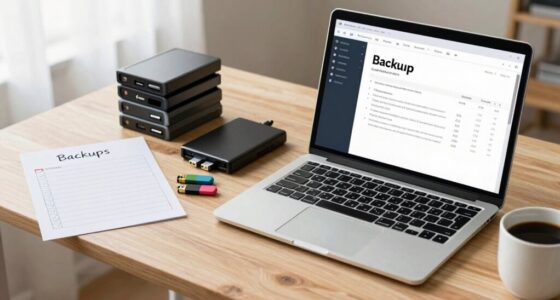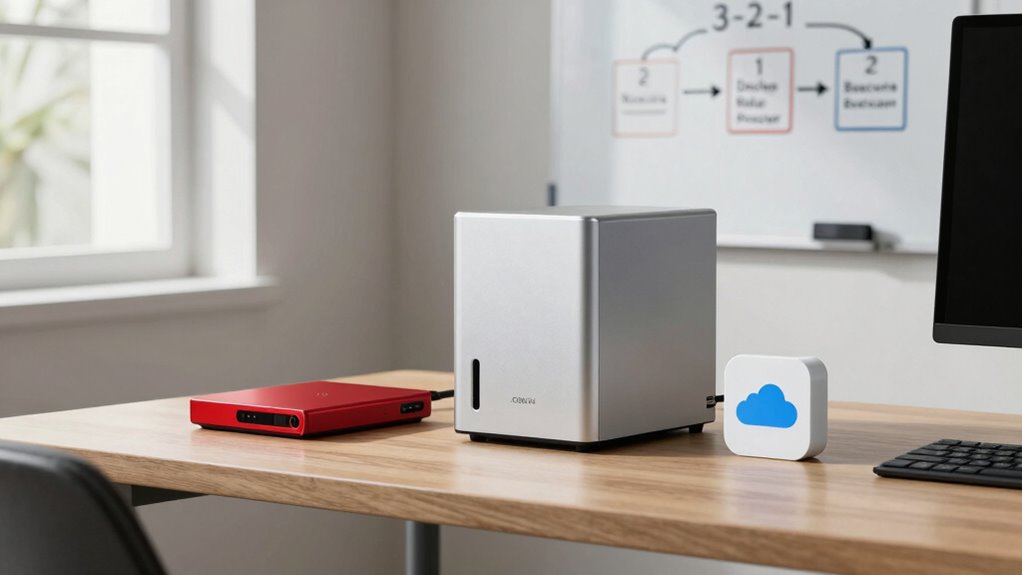

To follow the 3-2-1 backup rule, keep three copies of your data using two different storage media, like an external drive and a cloud service. Make sure at least one copy is stored offsite, such as in the cloud, to protect against local disasters. Regularly update and test your backups to guarantee they’re reliable. Keeping this in mind helps safeguard your data—learn more to build a robust backup plan.
Listen free for 30 days with Audible
Thousands of audiobooks and originals — cancel anytime.
As an affiliate, we earn on qualifying purchases.
Key Takeaways
- Maintain three copies of your data: one primary and two backups for redundancy.
- Use at least two different storage media types, such as external drives and cloud services.
- Keep at least one backup offsite to protect against natural disasters or theft.
- Regularly update and test backups to ensure data can be successfully recovered.
- Combine cloud and physical storage for comprehensive, secure data protection.
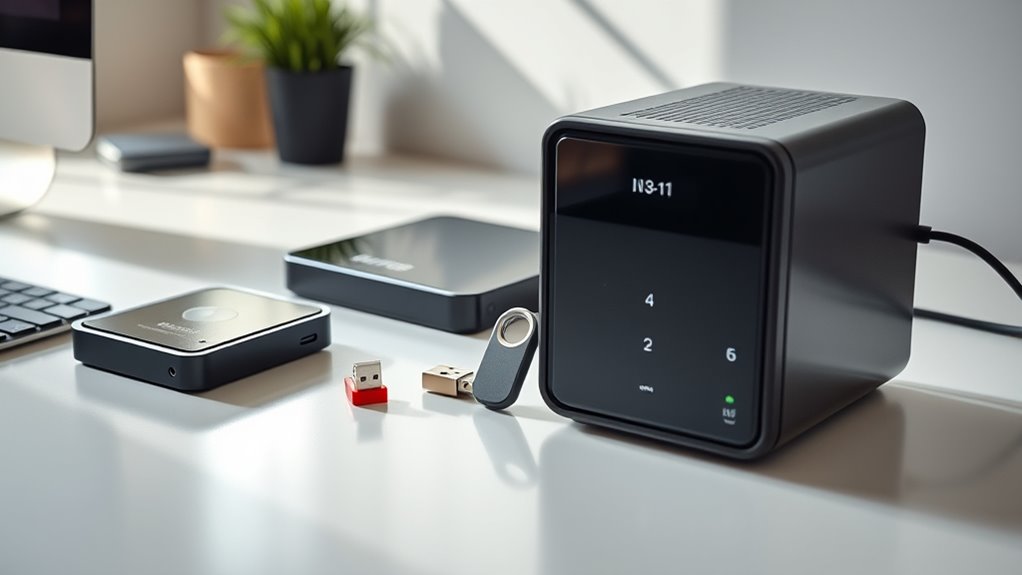
In today’s digital world, data loss can happen unexpectedly, whether from hardware failures, cyberattacks, or natural disasters. That’s why following the 3-2-1 backup rule is vital for protecting your valuable files, photos, and documents. This rule emphasizes having three copies of your data, stored on two different types of storage media, with at least one copy kept offsite. It’s simple but highly effective, especially for homes and small teams that may not have extensive IT support.
Protect your data with the 3-2-1 backup rule—three copies, two media types, one offsite.
The foundation of this strategy is creating multiple backups. Your primary data is on your device, but you need additional copies to safeguard against unforeseen issues. Using a cloud backup service allows you to store one copy of your data remotely. Cloud backups are convenient because they automatically sync your files to secure servers over the internet, ensuring that your data remains safe even if your physical devices are damaged or stolen. Plus, cloud storage providers typically maintain multiple redundancies, so your data is protected from hardware failures on their end as well.
Alongside cloud backup, maintaining physical storage copies is equally important. These are tangible backups stored on external drives, USB sticks, or network-attached storage (NAS). Physical storage offers rapid access to your backups, which can be vital during emergencies or when you need to recover large files quickly. Keeping these copies in a secure location—like a locked cabinet or a safe—adds an extra layer of protection against theft, fire, or water damage. Remember, the key to effective backup is diversity; don’t rely solely on one type of storage. Combining cloud backup with physical storage creates a robust safety net.
It’s also wise to regularly update your backups. As you create or modify files, confirm these changes are reflected across all your backup copies. Automation tools can help manage this process, reducing the risk of forgetting to back up new data. Additionally, periodically testing your backups by restoring some files will verify that your backup system works correctly and that your data can be recovered when needed.
Adopting the 3-2-1 backup rule isn’t complicated, but it requires discipline. Using cloud backup services along with physical storage solutions ensures your data remains protected from a wide range of threats. By maintaining multiple copies in different locations and on different media, you greatly reduce the risk of permanent data loss. Whether you’re safeguarding personal memories or critical work files, this approach gives you peace of mind knowing your data is resilient against the unpredictable. Considering the role of contrast ratio in image quality can also help you understand how to better protect your digital assets by choosing reliable hardware with superior display characteristics.
As an affiliate, we earn on qualifying purchases.
Frequently Asked Questions
How Often Should I Test My Backup Restores?
You should test your backup restores at least once a quarter to guarantee restore verification. Regular testing helps identify issues before a real emergency, so you know your backup frequency is effective. Don’t wait too long—monthly or bi-monthly checks are ideal for maintaining confidence in your data recovery process. Consistent restore verification ensures your backups are reliable when you need them most.
What Are Common Mistakes When Implementing the 3-2-1 Rule?
A common mistake is backup complacency, where you assume backups are always reliable without regular testing. Inconsistent labeling of backup files can also cause confusion, making it hard to find the right version when needed. To avoid these errors, schedule routine restore tests and label backups clearly and consistently. Staying vigilant guarantees your backups work when you need them and helps maintain data security and recovery readiness.
Can the 3-2-1 Backup Rule Apply to Mobile Devices?
Yes, the 3-2-1 backup rule applies to mobile device security. You should keep at least one backup on a different device or cloud service. Use backup app recommendations like Google Drive, iCloud, or Dropbox to guarantee your photos, contacts, and apps are safe. Regularly updating backups helps prevent data loss if your phone is lost, stolen, or damaged. Protect your mobile data by following this reliable backup strategy.
Is Cloud Storage Necessary for Effective Backups?
Cloud storage isn’t strictly necessary for effective backups, but it greatly enhances data redundancy. You might worry about security, but reputable cloud services use strong encryption to protect your files. By including cloud storage, you guarantee your data stays safe even if physical devices fail or are lost. So, while not mandatory, adding cloud backup substantially boosts your overall data protection strategy, keeping your files accessible and secure.
How Does Encryption Fit Into the 3-2-1 Backup Strategy?
Encryption is vital in your backup strategy because it protects your data from unauthorized access. You should use strong encryption methods, like AES or PGP, to secure sensitive information both during transfer and storage. This guarantees your backups remain private even if they’re physically stolen or hacked. Incorporating encryption into your 3-2-1 backup approach gives you peace of mind, knowing your data stays safe and confidential at all times.
cloud backup service subscription
As an affiliate, we earn on qualifying purchases.
As an affiliate, we earn on qualifying purchases.
Conclusion
Remember, the 3-2-1 backup rule keeps your data safe like a knight guarding a castle. Always have three copies of your files, on two different media types, with one off-site—think of it as your digital Bat-Signal. Don’t wait for your floppy disk to become as obsolete as a VHS tape; stay proactive. By following this simple rule, you’re prepared for any cyber-zombie apocalypse or accidental mishap, keeping your data secure and your mind at ease.
As an affiliate, we earn on qualifying purchases.
As an affiliate, we earn on qualifying purchases.
NFL season / tailgating Picks
team gear
As an affiliate, we earn on qualifying purchases.