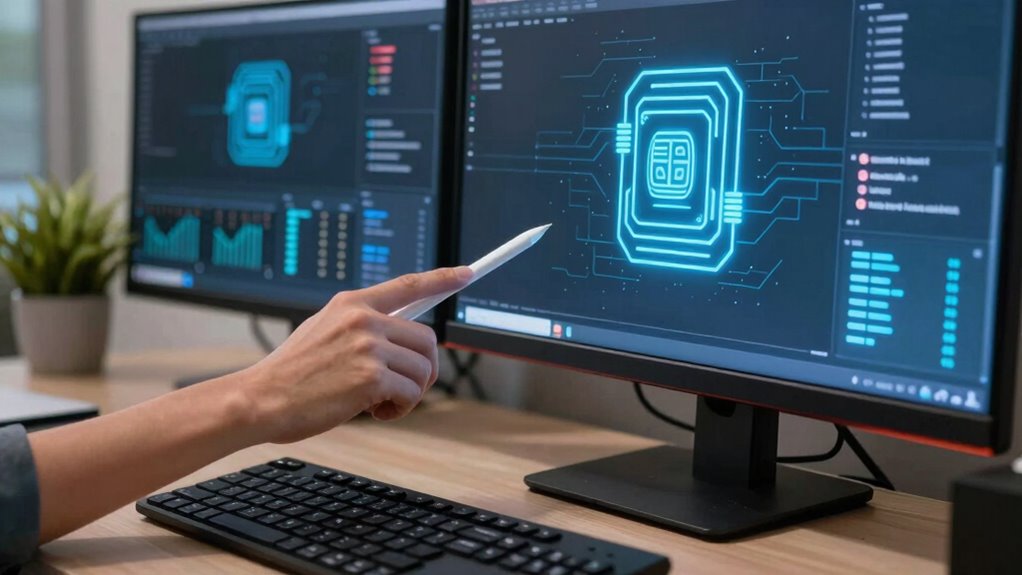

If you handle sensitive data, run a small home business, or have many connected devices, a dedicated firewall can add valuable protection, especially if your existing router lacks advanced security features. However, if your internet activity is simple, devices are trusted, and your router already has built-in protection, a firewall might be overkill. To find out more about balancing security needs, consider your devices, online habits, and current safeguards.

Prime made for students and young adults
- Fast, free delivery for dorm and study essentials
- Prime Video and Amazon Music included
- Member-only deals
Key Takeaways
- Assess your network’s complexity and the sensitivity of the data you handle at home.
- Check if your current router’s built-in firewall provides adequate protection for your devices.
- Consider your online habits, such as frequent downloads from untrusted sources or smart device usage.
- Evaluate whether your network has vulnerabilities or if you handle sensitive personal or business information.
- Determine if additional security layers are necessary based on potential threat exposure and device diversity.
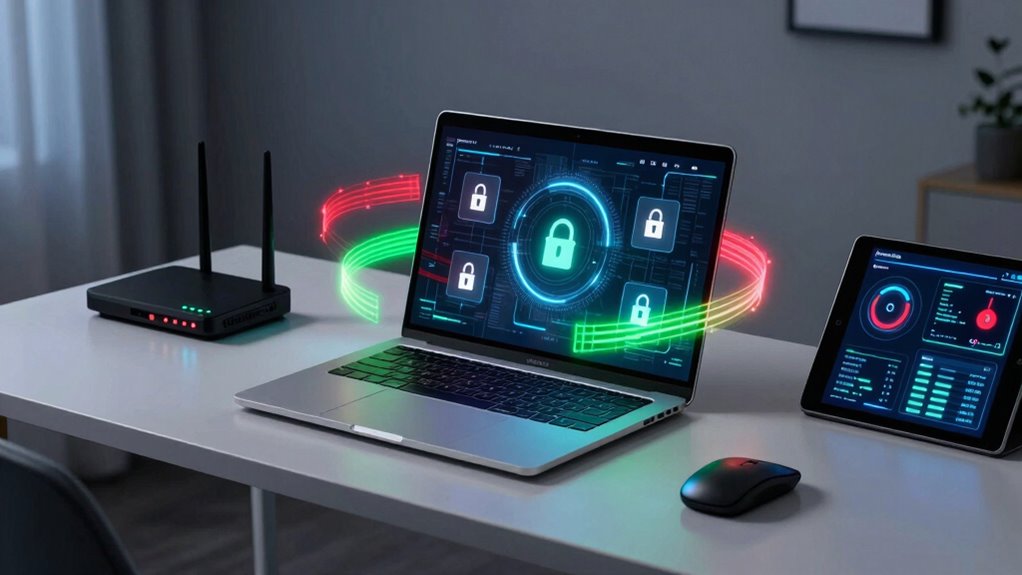
Have you ever wondered how secure your home network really is? The truth is, many people underestimate the importance of a home firewall until they experience a network intrusion or suspect their devices are vulnerable. A good firewall acts as a barrier between your devices and potential threats from the internet, filtering traffic to block malicious activity. But whether investing in a dedicated home firewall is necessary depends on several factors, especially the level of device compatibility and the types of risks you face.
If your internet setup includes multiple devices such as smart home gadgets, computers, tablets, and smartphones, a home firewall can help manage and secure all of them uniformly. It ensures that each device adheres to security policies, reducing the chances of an attack due to weak points. For instance, if you have smart thermostats or security cameras connected to your network, a firewall can prevent unauthorized access or data breaches. Without proper protection, cybercriminals might exploit vulnerabilities, leading to serious privacy compromises. Understanding your network security protocols can help you better evaluate your current defenses.
However, it’s also essential to evaluate whether your current setup already offers sufficient security. Many modern routers come with built-in firewall capabilities that are adequate for typical home use. These integrated firewalls are designed to block common network intrusion attempts and keep your devices safe from external threats. But their effectiveness depends on proper configuration and whether they support device compatibility with the latest security protocols. Sometimes, a more advanced or dedicated firewall provides better protection, especially if you have a complex network or sensitive data.
Determining if a home firewall is overkill involves assessing your specific needs and threat level. If you rarely download files from untrusted sources or browse only trusted websites, the risk of network intrusion is lower. Conversely, if you handle sensitive personal information, run a home business, or have numerous connected devices, a dedicated firewall might be worth the investment. Keep in mind that a firewall isn’t a silver bullet; it’s part of a layered security approach that includes strong passwords, regular updates, and cautious online behavior. Additionally, understanding the security protocols supported by your devices can help you make a more informed decision. Recognizing the potential vulnerabilities in your network setup can further aid in assessing your need for additional protection. Considering network monitoring tools can also help identify unusual activity and potential threats early on.
In the end, the usefulness of a home firewall depends on your network’s complexity, device compatibility, and risk exposure. Take a moment to analyze your devices, your online habits, and the potential threats you face. If you find that your current setup leaves gaps or you want an extra layer of security, then a dedicated firewall can be a smart choice. Otherwise, leveraging your existing router’s features and practicing good security habits might be enough to keep your home network safe.
As an affiliate, we earn on qualifying purchases.
Frequently Asked Questions
Can a Home Firewall Prevent All Cyber Threats?
A home firewall can’t prevent all cyber threats, but it considerably boosts your security. It works by controlling network segmentation and user access, blocking unauthorized connections, and monitoring traffic. While it reduces risks, you should also practice good cybersecurity habits like strong passwords and regular updates. Remember, no single tool offers total protection; combining a firewall with other security measures keeps your home network safer.
How Does a Home Firewall Differ From an Antivirus Program?
A home firewall is like a vigilant gatekeeper controlling network traffic, unlike antivirus programs that act as guards against malware on your device. While antivirus scans for threats inside your system, a firewall filters incoming and outgoing network connections based on your network configuration and firewall types. This distinction helps protect your entire home network, making a firewall an essential layer of security, unlike standalone antivirus software.
Is a Hardware Firewall Necessary if I Have Software Security?
A hardware firewall can be necessary even if you have software security because it offers network segmentation and controls user access more effectively. It acts as a barrier at your network’s entry point, preventing unauthorized devices from connecting. This layered protection reduces risks from external threats and limits internal access, ensuring your home network stays secure. Combining both hardware and software security provides all-encompassing protection for your devices and data.
Can a Home Firewall Block Specific Devices or Apps?
Sure, a home firewall can block specific devices or apps, turning your network into a digital fortress. Irony strikes—you might think your smart home gadgets are safe, but a firewall gives you device blocking and app control, so you decide which devices get in or out. It’s like having a bouncer for your Wi-Fi, ensuring only trusted apps and devices access your network, giving you peace of mind.
What Are Signs My Home Firewall Isn’t Working Properly?
If your home firewall isn’t working properly, you might notice unusual activity despite firewall configuration settings. You could experience frequent connection drops or slow internet speeds, indicating potential issues. Regular network monitoring can reveal suspicious traffic or unauthorized devices, showing your firewall isn’t blocking threats effectively. Keep an eye on alerts and logs; if they’re absent or inconsistent, your firewall may need a configuration review or troubleshooting to guarantee it’s functioning correctly.
As an affiliate, we earn on qualifying purchases.
Conclusion
Imagine your home network as a fortress, walls built to keep out intruders and protect your sanctuary. A good firewall acts like a vigilant gatekeeper, scanning every visitor before they enter. If your digital life feels exposed, or you’ve experienced suspicious activity, it’s time to strengthen those walls. But if you’re just browsing online without much risk, a simple barrier might suffice. Know your threat level, and let your firewall stand guard like a steadfast sentry.
As an affiliate, we earn on qualifying purchases.
As an affiliate, we earn on qualifying purchases.
Fall Picks
fall essentials
As an affiliate, we earn on qualifying purchases.