
Relying solely on Wi-Fi for your security system puts you at risk if your network experiences an outage or interference. Without cellular backup, you could lose critical security functions like surveillance, alarms, and data access during disruptions. Power failures or hardware issues can also take your Wi-Fi offline, leaving you vulnerable. Investing in cellular backup adds an essential layer of protection, ensuring continuous security even when Wi-Fi fails—learn how this can safeguard your assets more effectively.

Prime made for students and young adults
- Fast, free delivery for dorm and study essentials
- Prime Video and Amazon Music included
- Member-only deals
Key Takeaways
- Wi-Fi-only systems are vulnerable to outages caused by power failure, interference, or hardware issues, risking security lapses.
- Relying solely on Wi-Fi can disable critical security functions during disruptions, exposing systems to breaches.
- Wi-Fi networks lack the redundancy of cellular backup, increasing downtime and potential data loss during outages.
- Cellular backup ensures continuous connectivity, preventing vulnerabilities that arise from Wi-Fi-only dependencies.
- Investing in cellular backup enhances security, resilience, and peace of mind by maintaining system operation during network failures.
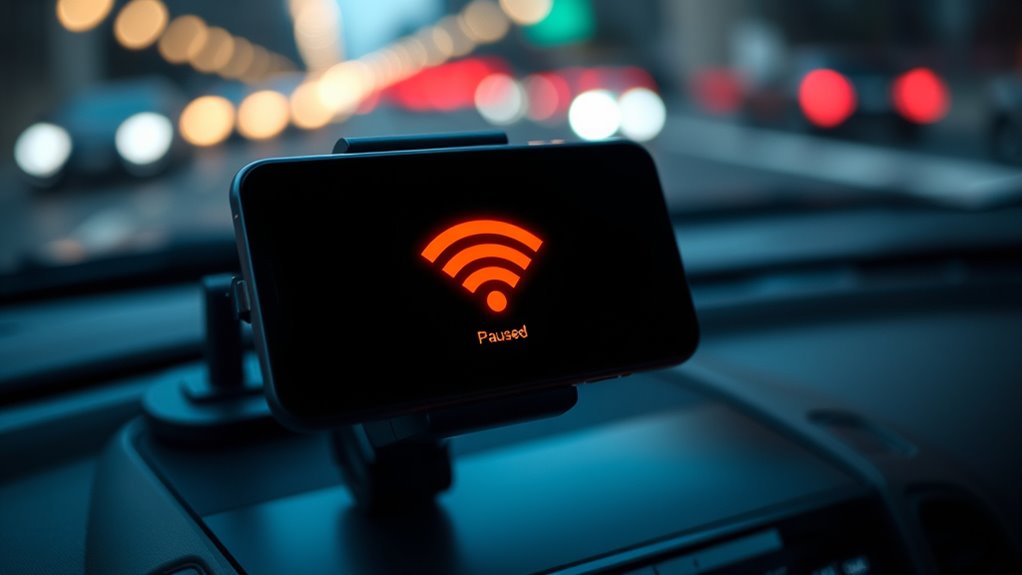
Have you ever wondered what happens if your internet goes down unexpectedly? Relying solely on Wi-Fi for your security systems or critical data access can leave you vulnerable when outages occur. That’s where cellular backup steps in, providing essential network redundancy to keep your operations running smoothly. When your primary internet connection drops, cellular backup kicks in automatically, ensuring continuous connectivity. This seamless changeover minimizes downtime, preventing interruptions that could compromise your security or result in data loss. Without it, a single Wi-Fi failure could mean losing access to surveillance feeds, alarm systems, or cloud-based data, exposing your assets to risks.
Network redundancy through cellular backup isn’t just about maintaining access; it’s also an indispensable component of data security. When your systems stay online, you reduce the chances of data breaches or malicious attacks that often exploit moments of vulnerability during outages. For instance, cybercriminals may attempt to infiltrate unprotected systems when they notice they’re temporarily offline. With cellular backup in place, your data remains protected, and your security protocols stay active, safeguarding sensitive information around the clock. This layered approach considerably boosts your overall security posture, giving you peace of mind that your systems are resilient against unexpected disruptions.
Implementing cellular backup is straightforward but highly effective. It works by integrating a cellular modem or hotspot with your existing network infrastructure. When your primary connection fails, the backup system automatically switches over, often within seconds. This rapid response prevents gaps in coverage and ensures continuous monitoring and data transmission. Plus, modern cellular backup solutions are designed with security in mind; they employ encryption and secure connections to prevent interception or malicious access during the switch-over process. Additionally, integrating network redundancy strategies ensures your entire system remains resilient against various points of failure.
Relying solely on Wi-Fi can be risky because it’s susceptible to various failures—power outages, hardware issues, or interference—all of which can disable your network unexpectedly. Without a backup, you’re left exposed, and critical security functions might be compromised. Cellular backup provides the necessary fail-safe, maintaining your network’s integrity and the confidentiality of your data. It’s an essential safeguard for anyone who depends on real-time security and data availability, especially in today’s environment where cyber threats are constantly evolving.
In short, investing in cellular backup ensures your security never takes a hit due to connectivity issues. It reinforces your network redundancy, enhances data security, and keeps your operations resilient. Don’t wait until an outage happens—prepare in advance by integrating cellular backup into your security setup. It’s a smart move to protect your assets and maintain peace of mind in an increasingly connected world.
Frequently Asked Questions
How Does Cellular Backup Impact Data Privacy and Security?
Cellular backup impacts your data privacy and security by providing an extra layer of protection, ensuring your data is encrypted during transfer. This reduces risks from Wi-Fi vulnerabilities. However, you should review privacy policies, as they dictate how your data is stored and used. By enabling cellular backup, you enhance security but stay vigilant about data encryption standards and how your provider handles your personal information.
Are There Additional Costs Associated With Cellular Backup Plans?
Think of cellular backup plans as a safety net—there are often additional costs to contemplate. You might face monthly fees, data overage charges, and plans that aren’t as flexible as Wi-Fi options. Cost concerns can add up quickly, so it’s wise to weigh plan flexibility against your budget. While cellular backup offers peace of mind, be prepared for these extra expenses that could turn your security net into a financial trap.
Can Cellular Backup Be Used Simultaneously With Wi-Fi?
Yes, cellular backup can be used simultaneously with Wi-Fi, ensuring network redundancy. Your device often prioritizes Wi-Fi to save on data costs, but it automatically switches to cellular when Wi-Fi weakens or drops, maintaining continuous security and connectivity. This data prioritization improves reliability, especially during outages, so you stay protected without interruption. Using both networks together offers a seamless experience, reducing vulnerabilities caused by relying solely on Wi-Fi security.
What Are the Limitations of Cellular Backup in Remote Areas?
Like a fragile lifeline in a storm, cellular backup in remote areas faces coverage gaps and weak signal strength. You might find yourself stranded when signals falter, leaving your device vulnerable. These gaps can cut off your connection entirely, making backups unreliable and risking data loss. Without consistent signal, cellular backup becomes a shaky safety net, and you need to be prepared for times when the connection simply isn’t there.
How Does Cellular Backup Affect Device Battery Life?
Cellular backup increases your device’s power consumption, leading to faster battery drain. When your device constantly switches to cellular data for backup, it uses more energy, affecting overall battery life. You might notice your battery depletes quicker than usual, especially during heavy data transfers. To conserve power, consider disabling cellular backup when not needed or limiting its activity, helping you extend your device’s battery life and reduce unnecessary power consumption.
Conclusion
Relying solely on Wi-Fi for your cellular backup is like sailing a ship with a broken compass—you might reach your destination, but the journey’s full of risks. When your Wi-Fi drops, your security’s left hanging in the wind, vulnerable to unseen threats. To truly stay afloat, you need the steady lighthouse of cellular backup. Don’t let your device become a sinking ship—arm it with the full fleet of backup options for safer sailing.
Halloween Picks
halloween
As an affiliate, we earn on qualifying purchases.