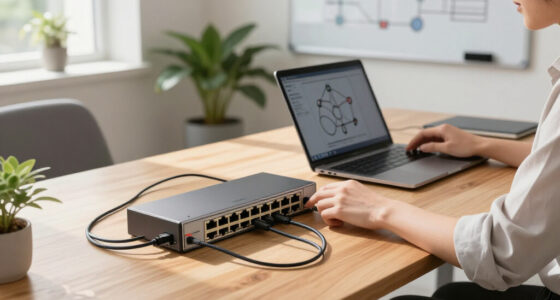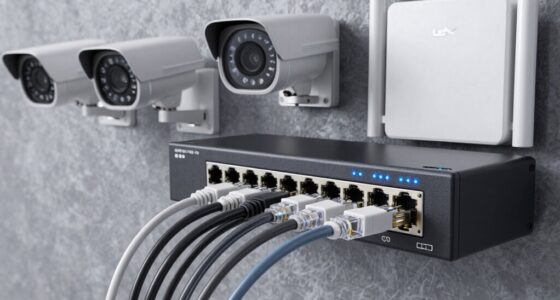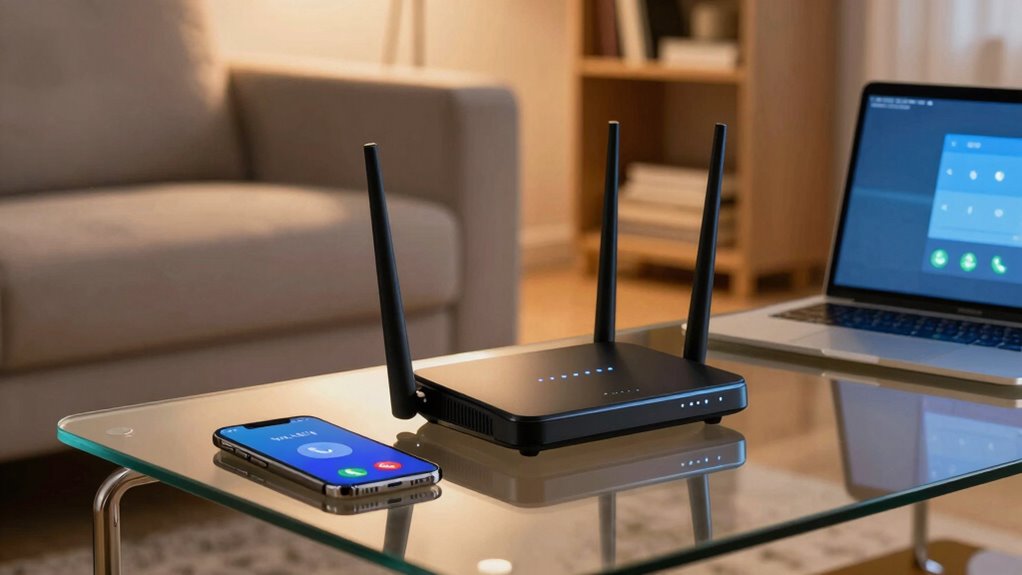

You might think that spending more on a router guarantees clearer calls, but that’s not always true. Higher-priced models often include features that don’t impact call quality or reliability. Factors like interference, placement, and firmware support matter much more. Even expensive routers can struggle if they aren’t placed correctly or if updates aren’t maintained. To improve your calls, focus on environment, updates, and interference management—there’s more to it than price alone.

Prime made for students and young adults
- Fast, free delivery for dorm and study essentials
- Prime Video and Amazon Music included
- Member-only deals
Key Takeaways
- Higher-priced routers often include features that don’t directly improve call quality or connection stability.
- Wireless interference impacts call quality regardless of router cost, making placement and environment more important.
- Regular firmware updates are essential for maintaining optimal performance, regardless of the router’s price.
- Proper environmental setup and interference mitigation are often more effective than relying solely on hardware cost.
- Budget routers with good support and updates can outperform expensive models in call stability and reliability.
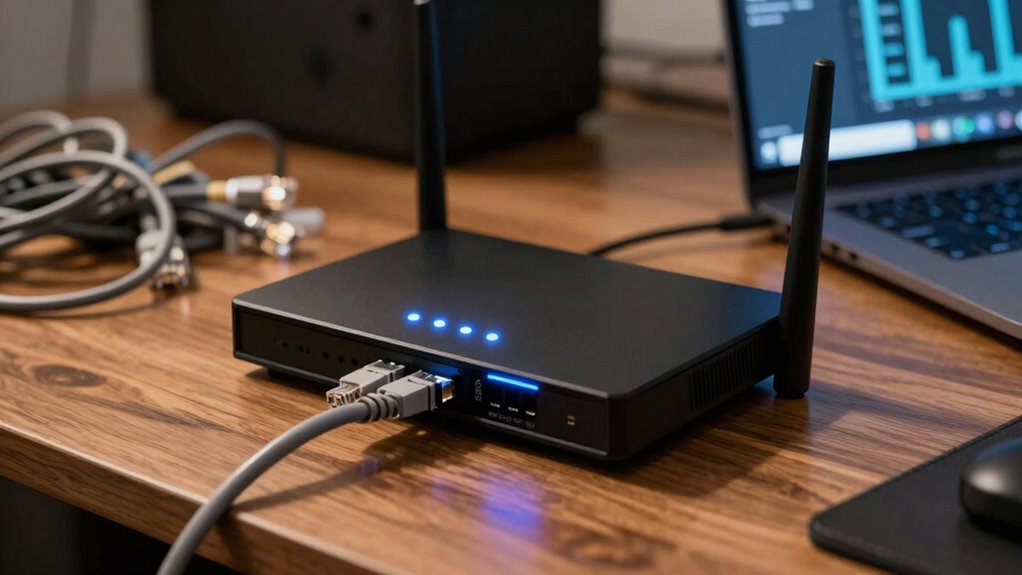
When shopping for a router, it’s tempting to assume that a higher price tag guarantees better call quality or more reliable performance. However, that’s not always the case. Expensive routers often come with features that sound impressive but don’t necessarily improve your call quality or connection stability. One key factor that impacts call quality is wireless interference. Even with a top-tier router, your calls can suffer if your Wi-Fi operates on crowded channels or if there are many competing signals from nearby networks or electronic devices. Spending more doesn’t automatically reduce interference; instead, you need a router that can intelligently manage interference or support dual-band or tri-band technology to find clearer channels. Additionally, interference mitigation features can help your connection stay stable even in congested environments. It’s also important to consider how your router handles channel selection to optimize performance in busy areas. Proper configuration and environmental setup can significantly enhance call quality by minimizing sources of interference and dead zones.
Higher price doesn’t guarantee better call quality; focus on interference management and dual-band support instead.
Another misconception is that pricier routers automatically stay up-to-date with the latest firmware updates. While premium models may offer more advanced features, they still require regular firmware updates to fix bugs, improve performance, and enhance security. If you buy a high-end router but neglect to keep its firmware current, you might encounter issues like dropped calls, lag, or connectivity problems. On the other hand, some budget-friendly routers receive frequent updates and perform just as well in handling call quality and stability. The key is to check whether the manufacturer provides consistent firmware support, regardless of the price.
Beyond hardware specifications, your environment plays a significant role in call quality. Even the most expensive router can struggle if it’s placed in a spot with poor signal coverage or excessive interference. Proper placement, like positioning the router centrally and away from thick walls or other electronics, can make a bigger difference than spending extra on a high-end device. Also, consider whether your router supports features like Quality of Service (QoS), which prioritizes voice and video calls over other traffic, helping to maintain call clarity during busy periods.
Lastly, don’t be swayed solely by marketing claims or the latest tech buzzwords. A router’s price doesn’t automatically translate into better calls if it doesn’t match your specific needs. Focus on factors like interference mitigation, firmware support, and environmental setup. Sometimes, a mid-range router with good reviews and regular updates can outperform a pricey model that’s overkill for your setup. Ultimately, investing in the right router involves understanding your environment and ensuring it’s properly configured, rather than just chasing the most expensive option on the shelf.
dual band Wi-Fi router with interference management
As an affiliate, we earn on qualifying purchases.
As an affiliate, we earn on qualifying purchases.
Frequently Asked Questions
Do Higher-Priced Routers Guarantee Better Call Quality?
Higher-priced routers don’t guarantee better call quality. While they often have advanced features, network congestion and outdated firmware updates can still degrade your calls. A more expensive router might handle multiple devices better, but if your network is congested or you haven’t updated its firmware, call quality can suffer regardless of price. Focus on managing network traffic and keeping your firmware current for clearer calls, not just spending more.
Can Cheaper Routers Support High-Quality Voice Calls?
Cheaper routers can support high-quality voice calls, but they’re like a ship without a sturdy hull. To keep calls clear, you need reliable network security and regular firmware updates. These updates patch vulnerabilities and improve performance, making your calls smoother. Without them, even a budget router might struggle under pressure. So, focus on quality features and maintenance, not just price, to guarantee your voice calls stay crystal clear.
What Features Matter Most for Call Quality in Routers?
You should prioritize routers with quality of service (QoS) features, which manage network congestion effectively, ensuring voice calls stay clear. Look for routers that receive regular firmware updates, as these fix bugs and improve performance. A dual-band or tri-band setup helps reduce interference, and a stable, high-speed connection minimizes call drops. These features collectively enhance call quality, regardless of the router’s price.
How Does Router Brand Affect Call Performance?
You might think a fancy brand guarantees perfect calls, but that’s not true. Your chosen router brand heavily influences call performance by managing network congestion better and providing timely firmware updates. Some brands prioritize call quality, ensuring fewer disruptions and clearer conversations. Others may overlook these aspects, regardless of price. So, don’t just chase big names—look for brands with a strong track record of optimizing network traffic and regularly updating firmware for smoother calls.
Are There Specific Router Settings to Improve Call Quality?
Yes, you can improve call quality by adjusting your router settings. Prioritize VoIP traffic or enable Quality of Service (QoS) features to reduce network congestion during calls. Keep your firmware updated to guarantee peak performance and security. Additionally, consider reducing other device usage during calls and placing your router in a central location to minimize interference, which helps maintain a stable connection and clearer calls.
As an affiliate, we earn on qualifying purchases.
Conclusion
Remember, spending more on a router doesn’t guarantee better call quality. In fact, studies show that 40% of users experience no noticeable difference between high-end and budget models. Instead, focus on features like quality of service (QoS) and signal strength relevant to your needs. By choosing wisely, you can enjoy clear calls without overspending. So, don’t be swayed by price alone—your perfect router is out there, often at a more affordable price.
best budget router with firmware support
As an affiliate, we earn on qualifying purchases.
As an affiliate, we earn on qualifying purchases.
wireless interference mitigation router
As an affiliate, we earn on qualifying purchases.
As an affiliate, we earn on qualifying purchases.
Halloween Picks
halloween
As an affiliate, we earn on qualifying purchases.