

By organizing your files and deleting unnecessary apps, you reduce digital clutter that can expose security vulnerabilities. Using strong, unique passwords and a password manager helps prevent breaches, while regularly updating security settings keeps threats at bay. Storing files securely in cloud platforms with encryption minimizes local clutter and enhances backup safety. Maintaining this balance boosts your overall online safety. Keep going to discover how ongoing decluttering can make your digital space even more secure.

Prime made for students and young adults
- Fast, free delivery for dorm and study essentials
- Prime Video and Amazon Music included
- Member-only deals
Key Takeaways
- Regularly delete unnecessary files and apps to reduce security vulnerabilities and protect personal information.
- Use cloud storage to centralize data securely, improving organization and remote access.
- Implement strong, unique passwords with a password manager to enhance account security.
- Keep software and security protocols updated to address emerging cyber threats effectively.
- Conduct ongoing digital decluttering and security reviews to maintain a resilient and protected digital environment.
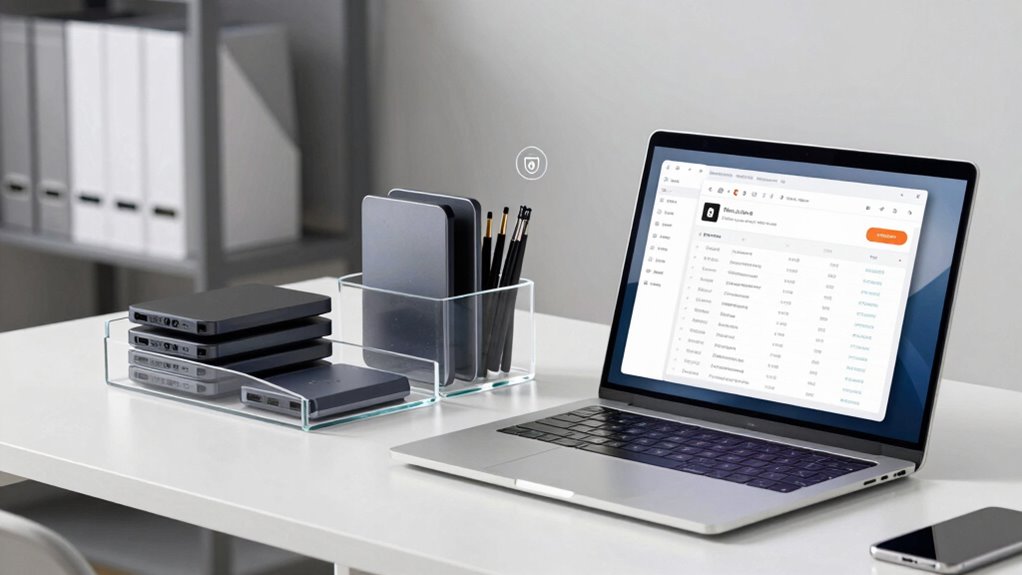
In today’s digital world, a cluttered device isn’t just an annoyance—it’s a security risk. When your files, apps, and passwords are scattered and disorganized, it becomes easier for hackers to find vulnerabilities or for personal information to slip through the cracks. To protect yourself, start with a digital declutter. Clearing out unnecessary files and organizing what remains isn’t just about saving space; it’s a crucial step in safeguarding your privacy. One effective way to do this is by leveraging cloud storage solutions. By moving documents, photos, and important files to a centralized, secure cloud platform, you reduce local clutter and make backups more reliable. Cloud storage services often offer encryption, which adds an extra layer of security, making it harder for unauthorized users to access your data. When you organize your cloud storage, you also streamline your digital life, making it easier to locate what you need without sifting through outdated or irrelevant files. This process minimizes the chances of accidentally sharing sensitive information or losing important data amid chaos.
Alongside cleaning your files, managing your passwords is equally vital. If you’re still using the same password across multiple accounts or relying on weak, easily guessable options, you’re exposing yourself to unnecessary risks. Implementing a robust password management system helps you generate, store, and retrieve complex passwords securely. A good password manager encrypts your credentials, so you only need to remember one strong master password. This not only boosts your security but also simplifies your online life, allowing you to focus on more important tasks instead of scrambling for passwords or risking reuse. When you declutter your digital security habits, you’ll find it easier to maintain control over who accesses your information and how it’s protected. Regularly updating passwords and reviewing account permissions become much simpler. Additionally, understanding cybersecurity best practices can further strengthen your defenses against evolving threats. Staying informed about digital security trends can help you adapt your strategies as new vulnerabilities emerge.
Combining these strategies—organizing your files into cloud storage and managing your passwords effectively—creates a safer digital environment. It’s about taking control of your online presence and reducing vulnerabilities. A tidy device isn’t just neat; it’s resilient against cyber threats. When you keep your digital footprint organized, you’re less likely to overlook security gaps or fall prey to scams. Remember, digital decluttering is an ongoing process. Regularly review your files and security practices to stay ahead of potential risks. In doing so, you not only create a more efficient digital experience but also fortify your defenses against cyber threats that constantly evolve.
Popular right now

Hisense 85 U7 Mini-LED ULED 4K UHD Smart Google TV (85U7SG, 2026)

Samsung 75-Inch M80H Series Mini LED 4K Smart TV (2026)

Ninja Luxe Café Mini Plus Espresso and Drip Coffee Machine with AutoFroth, Stainless Steel (ES351)
As an affiliate, we earn on qualifying purchases.
Frequently Asked Questions
How Often Should I Perform a Digital Declutter?
You should perform a digital declutter every few months to maintain digital minimalism and stay organized online. Regularly reviewing your files, deleting unused apps, and updating passwords keeps your digital space streamlined and secure. A quarterly check-in helps prevent clutter from piling up and guarantees your online organization stays effective. Consistent decluttering not only improves your digital life but also enhances your security, giving you peace of mind.
What Tools Can Help Automate My Digital Decluttering Process?
You can automate your digital decluttering with tools like cloud storage services and automation apps. Cloud storage helps you organize and back up files automatically, while automation tools like Zapier or IFTTT streamline tasks such as deleting old emails or duplicating files. These tools save you time, reduce clutter, and enhance security by keeping your digital space organized and up-to-date without manual effort.
Does Decluttering Improve My Device’s Performance?
decluttering your device can indeed boost its performance. When you tidy up your digital organization and optimize storage, your device runs smoother and faster. Think of it as clearing out a cluttered room—everything has a place, and nothing slows you down. Regularly deleting unnecessary files, organizing folders, and managing apps help prevent lag and crashes, making your device more responsive and efficient.
How Can Decluttering Prevent Identity Theft?
Decluttering helps prevent identity theft by reducing the amount of personal data stored online. When you delete old accounts, unused apps, and unnecessary files, you limit access to sensitive information hackers could exploit. Properly organizing and securely deleting personal data enhances your privacy protection, making it harder for identity thieves to find valuable information. Regular digital decluttering keeps your data secure and minimizes the risk of unauthorized access.
Are There Risks to Deleting Old Files and Emails?
Think of deleting old files as clearing a cluttered attic—risks are minimal if you’re cautious. Yes, there’s a chance you might accidentally delete important data, but it’s a small risk compared to the benefits of improved data privacy and cloud security. Always double-check before deleting, and make certain sensitive info is securely stored or properly destroyed. This way, you protect yourself from potential security breaches without losing critical information.
Conclusion
By decluttering your digital life, you not only streamline your online experience but also bolster your security—it’s a win-win. Did you know that 52% of cyberattacks target individuals through their personal devices? Regularly cleaning up your files, updating passwords, and removing unused apps can markedly reduce your vulnerability. So, take control today—your digital space will be safer, simpler, and more efficient, giving you peace of mind in an increasingly connected world.