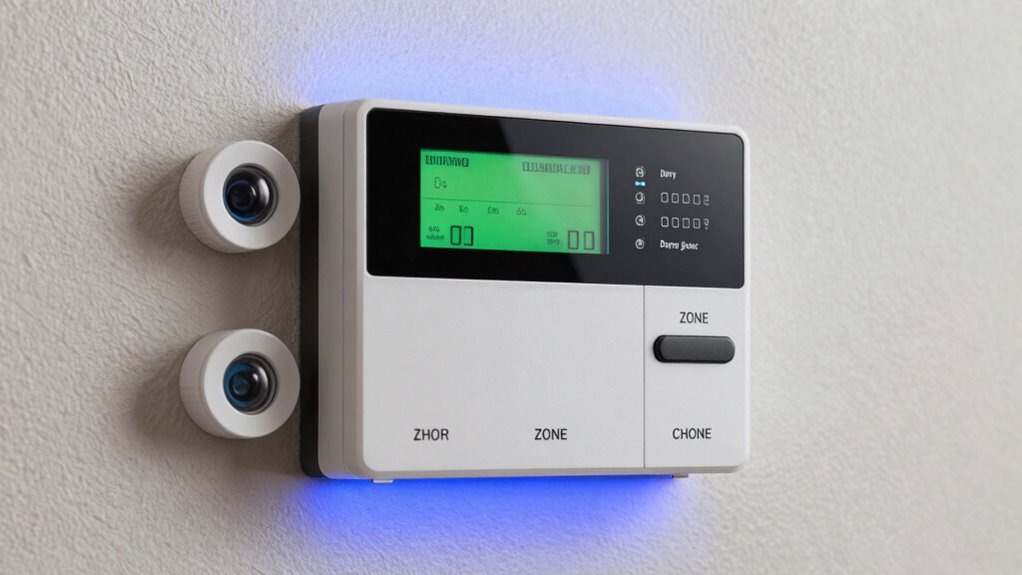
A home alarm system uses sensors on doors and windows to detect unauthorized entry, with each area assigned to specific zones for precise monitoring. Wireless connectivity connects these sensors to a control panel, making installation easier and system updates simple. Regular maintenance, especially battery checks, guarantees consistent protection. By understanding how zones and entry points work together, you can guarantee thorough security for your home. Keep exploring to discover how to optimize your security setup effectively.
Key Takeaways
- Sensors detect unauthorized access and movement; they are assigned to specific zones for precise monitoring.
- Zones segment the home for targeted security and reduce false alarms through customized settings.
- Entry point sensors, like contact sensors on doors and windows, trigger alerts upon unauthorized openings.
- Wireless connectivity links sensors and control panels, offering flexible installation and system upgrades.
- Proper placement of sensors at key entry points maximizes security coverage and minimizes vulnerabilities.
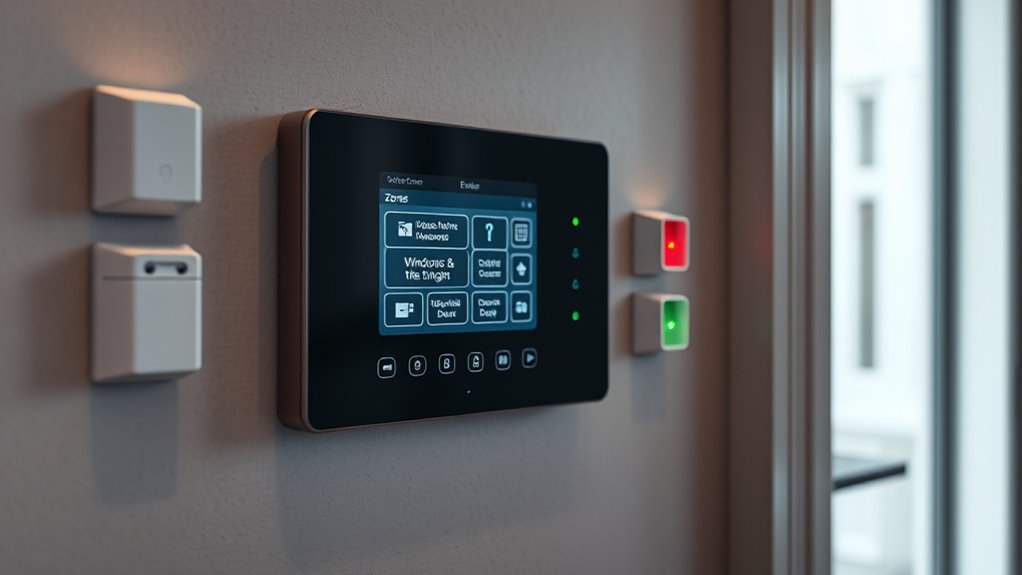
Are you looking for a way to protect your home and loved ones? Home alarm systems today rely heavily on sensors, zones, and entry points to create a thorough security network. Understanding how these components work together can help you choose the right system for your needs. One of the key aspects to consider is wireless connectivity. Many modern alarm systems use wireless tech to connect sensors and control panels, eliminating the need for complicated wiring and making installation straightforward. Wireless connectivity offers flexibility, allowing you to add or relocate sensors easily as your home evolves. Plus, it provides a more reliable connection, especially with advancements in Wi-Fi and cellular backup options. However, pay attention to the system’s battery life, as it directly impacts your security. Wireless sensors and control panels depend on batteries to function, and if those batteries run out, the system’s effectiveness diminishes. Look for systems with long-lasting batteries and, ideally, features that send alerts when batteries are low, so you can replace them before any vulnerability occurs. Many sensors now come with rechargeable or replaceable batteries designed to last several months, reducing maintenance worries. Additionally, selecting systems with remote monitoring capabilities can enhance your security by allowing you to oversee your home from anywhere.
When it comes to zones, think of them as different sections of your home that the alarm system monitors independently. Assigning sensors to specific zones helps you understand exactly where an issue arises, whether it’s a door, window, or motion detection in a particular area. This zoning system allows for targeted alerts, so you’re not overwhelmed with notifications about less critical areas. It also enhances your ability to customize security settings, such as arming only certain zones when you’re away or asleep. Proper zoning ensures you respond quickly to genuine threats without triggering false alarms. Entry points, like doors and windows, are the primary access points that sensors monitor for unauthorized entry. Installing sensors on these points is essential because they’re the most vulnerable. Contact sensors or magnetic reed switches are common choices—they trigger alarms when a door or window is opened unexpectedly. Some systems also incorporate glass-break sensors or motion detectors to cover larger or less obvious entry points. Combining these sensors with zones helps you create layered security, so even if one point is compromised, other sensors can alert you or authorities.
In essence, a well-designed home alarm system leverages wireless connectivity for seamless integration, relies on durable battery life to maintain continuous protection, and strategically places sensors across zones and entry points. By understanding these components, you can ensure your home stays safe, whether you’re there or away.
Frequently Asked Questions
How Do I Choose the Best Alarm System for My Home?
To select the optimal alarm system, consider your home’s size and security needs. Look for systems with reliable security monitoring and easy system integration with smart home devices. make certain it has sensors covering entry points and zones that fit your layout. Compare features like remote access, alerts, and customer support. A system that offers seamless integration and consistent security monitoring keeps your home safe and gives you peace of mind.
Can I Install Alarm Sensors Myself or Need Professional Help?
Installing alarm sensors is like assembling a puzzle—you might be able to do it yourself, but it’s often better with professional assistance. You can try DIY installation if you’re handy and follow clear instructions, but for maximum security and proper setup, hiring a professional ensures everything works flawlessly. Consider your experience and comfort level; sometimes, expert help saves time and guarantees your home’s safety.
What Is the Typical Lifespan of Alarm System Batteries?
The typical lifespan of alarm system batteries is about 3 to 5 years. You should follow the replacement schedule recommended by your alarm system manufacturer to guarantee reliable protection. Keep an eye on your battery life and replace batteries promptly when they start to weaken. Regular checks help prevent false alarms or system failure, giving you peace of mind knowing your home stays secure.
Are Wireless Alarm Systems More Secure Than Wired Ones?
Wireless alarm systems aren’t necessarily more secure than wired ones, but their reliability depends on quality. You might find wireless options convenient, yet wired security often offers a more stable connection with less interference. Coincidentally, advanced wireless tech now rivals wired systems in security, but you should consider your environment and needs. Ultimately, choose based on your home’s layout and the level of security you desire, balancing convenience and reliability.
How Often Should I Test and Maintain My Alarm System?
You should test your alarm system at least once a month to ensure sensors are working properly. Regularly calibrate sensors to maintain accuracy, and check for any malfunctions. It’s also wise to review your system’s upgrade frequency, typically every 3-5 years, to keep up with new technology and security features. Proper maintenance helps prevent false alarms and keeps your home protected effectively.
Conclusion
Just as a fortress relies on its gates, your home’s security depends on well-placed sensors, zones, and entry points. By understanding and properly configuring these elements, you become the guardian of your castle, much like a knight defending their domain. Remember, a well-guarded home isn’t just about technology; it’s about vigilance and preparation. Stay proactive, and you’ll keep your sanctuary safe—because in security, as in history, awareness is your greatest weapon.