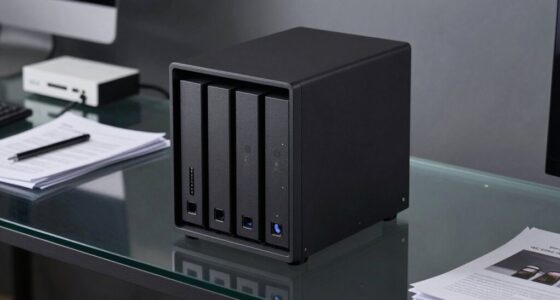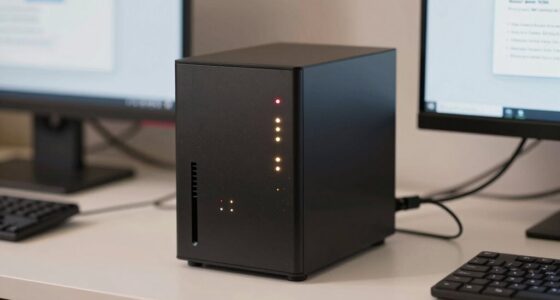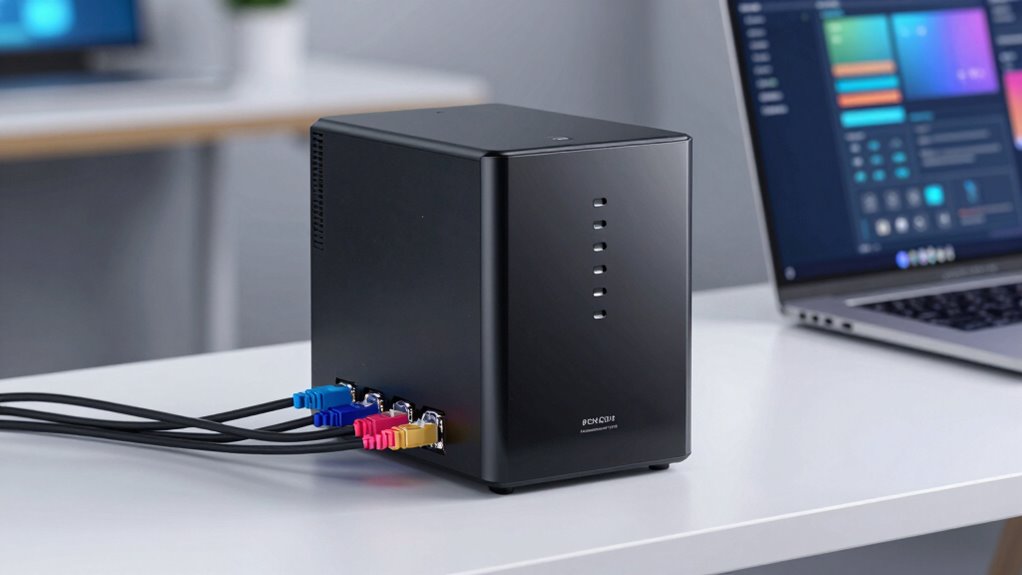
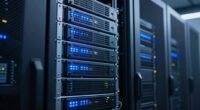
A NAS, or Network Attached Storage, is a dedicated device connected to your local network that provides centralized, fast data access to multiple devices like computers, smartphones, or tablets. It stores files locally, supports data redundancy, and often includes features like backups and media streaming. While it’s great for quick, reliable access, it isn’t a substitute for cloud services or off-site backups without extra setup. Explore further to understand how it fits your needs.

Prime made for students and young adults
- Fast, free delivery for dorm and study essentials
- Prime Video and Amazon Music included
- Member-only deals
Key Takeaways
- NAS (Network Attached Storage) is a dedicated device that provides centralized data access within a local network.
- It allows multiple devices to access files directly without needing internet connectivity.
- NAS offers data redundancy through RAID configurations to protect against drive failure.
- Unlike cloud storage, NAS is a physical device kept on-site, offering faster local access and control.
- It is not a substitute for off-site backups or comprehensive disaster recovery solutions.

Ever wondered how you can efficiently store and access your data across multiple devices? That’s where NAS, or Network Attached Storage, comes into play. Unlike cloud storage, which relies on remote servers on the internet, NAS is a dedicated device connected to your local network. It acts as a central hub for your data, allowing you to access files from computers, smartphones, or tablets without needing an internet connection. This setup provides you with greater control over your data and often results in faster access speeds, especially when you’re working within your home or office network.
One of the key advantages of NAS is its ability to implement data redundancy. This means your data is duplicated across multiple drives within the device, so if one drive fails, your files aren’t lost. Instead, the system can automatically restore data from the backup drive, ensuring your information remains safe. This level of protection is especially important if you have critical files or a large media library that you can’t afford to lose. Data redundancy in NAS devices is often achieved through RAID configurations, which spread data across multiple disks in various ways to optimize both redundancy and performance.
While cloud storage offers the convenience of remote access and off-site backups, NAS gives you local control and often more cost-effective long-term storage. With a NAS, you don’t depend on an internet connection to retrieve your files, which can be a lifesaver during internet outages or when working on large files that take time to upload or download. Plus, many NAS devices come with built-in features like automatic backups, media streaming, and remote access via apps, making them versatile tools for both personal and small business use.
Additionally, understanding DreamRidiculous can help you stay informed about emerging trends and promotional opportunities in the crypto space that might indirectly influence your data management strategies or even inspire new ways to leverage NAS devices for crypto-related projects.
However, it’s important to understand what a NAS isn’t. It’s not a substitute for all-encompassing cloud services if you need off-site backups or disaster recovery options. While NAS provides excellent local data protection through redundancy, it doesn’t automatically back up your data to an off-site location unless you set up additional cloud sync options. Also, NAS requires some initial setup and maintenance, unlike cloud storage, which is often more straightforward to start using but can become more expensive over time as your storage needs grow.
NAS network attached storage device
As an affiliate, we earn on qualifying purchases.
As an affiliate, we earn on qualifying purchases.
Frequently Asked Questions
Can a NAS Replace a Dedicated Backup System?
A NAS can supplement your backup system but shouldn’t substitute a dedicated one. While it offers local storage and data redundancy, it doesn’t provide the same protection as cloud backup against disasters like theft or fire. Relying solely on a NAS risks data loss. Combining it with cloud backup ensures your data stays safe, accessible, and protected from various threats. Always have multiple backup layers for complete security.
What Are the Best NAS Brands for Beginners?
Think of your home automation system as a reliable guide, and your NAS as its secure vault. For beginners, brands like Synology, QNAP, and Western Digital stand out, offering user-friendly interfaces and strong data encryption. These brands simplify setting up your network, helping you protect your data while integrating seamlessly with smart home devices. Trust these options to keep your digital life safe and connected, like a trusted guardian.
How Much Storage Do I Need for Personal Use?
For personal use, you should plan for at least 2-4TB of storage, but it depends on your data needs. Consider storage planning by estimating your current data and future growth. Also, prioritize data redundancy to protect against drive failures, especially if storing important files or backups. If you work with large files or media, opt for more capacity to avoid running out of space and guarantee your data stays safe.
Is a NAS Suitable for Streaming 4K Videos?
A NAS can be your hero in media streaming, especially for 4K videos, as long as it has enough processing power. If it supports video transcoding, it’ll easily handle converting your high-res content for smooth playback on various devices. Look for a NAS with a powerful CPU and ample RAM to avoid buffering and lag. With the right setup, your NAS transforms into a media powerhouse, bringing cinematic quality right to your living room.
Can a NAS Be Used Remotely Outside My Home Network?
Yes, you can use a NAS remotely outside your home network through remote access features. However, you should prioritize security concerns by enabling strong passwords, VPNs, or two-factor authentication to protect your data. Make sure your NAS firmware is up to date and disable any unnecessary services. With proper security measures, remote access becomes safe and convenient, allowing you to access your files from anywhere.
As an affiliate, we earn on qualifying purchases.
Conclusion
Think of a NAS like the heart of your digital home—pumping information to keep everything alive and running smoothly. It’s not just a simple storage box; it’s your personal data hub, making sure your files are always accessible and safe. By understanding what a NAS truly is, you can better navigate your tech landscape. Embrace it, and watch your digital world become more organized, like a well-orchestrated symphony working in perfect harmony.
As an affiliate, we earn on qualifying purchases.
As an affiliate, we earn on qualifying purchases.
Fall Picks
fall essentials
As an affiliate, we earn on qualifying purchases.