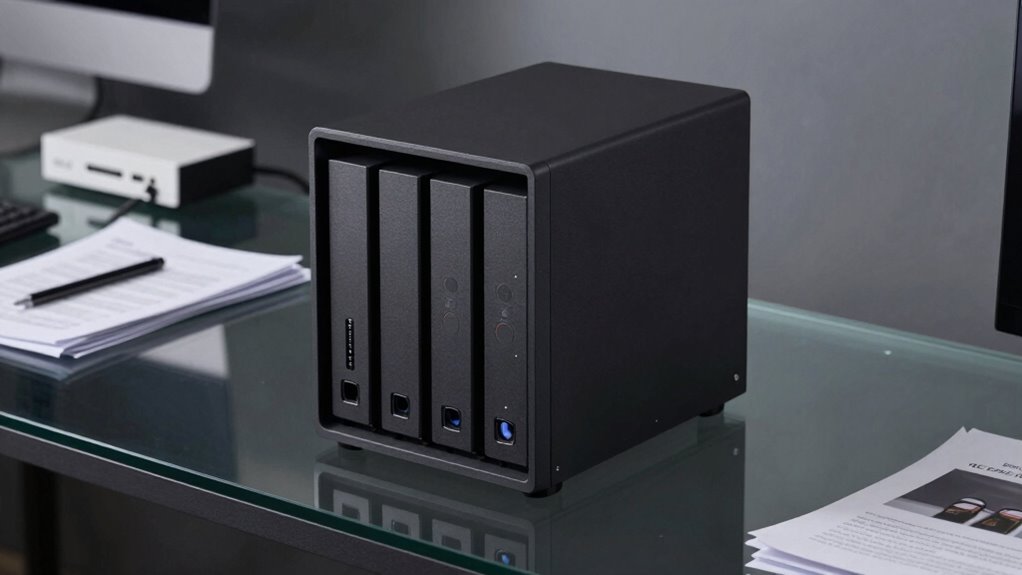

A NAS device isn’t a backup by default because it mainly manages data on your local network, not protecting it from all risks. It doesn’t automatically defend against threats like hardware failure, theft, natural disasters, or cyberattacks. Relying solely on a NAS leaves your data vulnerable. To keep your information safe, you need additional measures like cloud sync and off-site backups. Understanding these layers of protection can help you build a more resilient strategy.

Prime made for students and young adults
- Fast, free delivery for dorm and study essentials
- Prime Video and Amazon Music included
- Member-only deals
Key Takeaways
- NAS devices do not automatically protect data from all threats, such as physical damage or cyberattacks.
- Using NAS alone is insufficient; it should be part of a comprehensive backup strategy.
- Hardware redundancy in NAS reduces data loss from drive failure but doesn’t prevent physical disasters.
- Without off-site backups or cloud sync, data remains vulnerable to theft, fire, or natural disasters.
- NAS manages files efficiently but is not designed as a complete solution for data protection.
Have you ever assumed that simply having a Network-Attached Storage (NAS) device automatically protects your data? It’s a common misconception. While a NAS can be a powerful tool for centralizing your files, it doesn’t inherently safeguard your data from all threats. A vital mistake is thinking that the NAS alone is enough for backup. Instead, it’s a part of a broader data protection strategy that includes features like cloud synchronization and hardware redundancy, which help prevent data loss in different scenarios.
Having a NAS doesn’t mean your data is automatically protected; it’s only part of a comprehensive backup strategy.
Cloud synchronization is one such feature that highlights this point. When your NAS is set up to sync with a cloud service, it creates an off-site copy of your data. This means that even if your physical device suffers damage, theft, or a disaster at your location, your data remains safe in the cloud. Relying solely on your NAS without cloud sync leaves you vulnerable to localized issues, such as hardware failure or accidental deletion. Cloud synchronization acts as a safety net, ensuring your data is duplicated beyond the physical confines of your home or office.
Hardware redundancy is another essential aspect often overlooked. Many NAS devices come with multiple drives or support RAID configurations, designed to prevent data loss from hardware failure. However, hardware redundancy alone doesn’t cover all risks. For example, if a fire destroys your entire setup, having redundant drives won’t help. Combining hardware redundancy with cloud backup or synchronization creates a more resilient protection plan. Redundant hardware minimizes downtime and data loss due to drive malfunction, but it isn’t a substitute for off-site backups. Implementing comprehensive data protection strategies helps to mitigate these risks more effectively. Additionally, understanding the potential vulnerabilities of physical device theft or damage can further inform your backup approach.
Remember, a NAS is a centralized storage device meant to improve your data management, not a complete backup solution. It’s essential to understand that true data protection involves multiple layers. Cloud synchronization ensures your data exists in a remote location, protected from local disasters. Hardware redundancy reduces the risk of losing data due to drive failure, but it should be paired with other backup strategies. Without these complementary protections, your NAS is vulnerable to a range of threats, including malware, accidental deletion, or natural disasters.
In the end, your goal should be to implement a multi-faceted approach. Use your NAS as part of a broader backup plan that includes cloud sync and hardware redundancy. This way, you’re not just relying on the device itself but actively safeguarding your data against a variety of risks. Having the right combination of features and strategies ensures your data remains secure, accessible, and protected no matter what happens. Understanding the importance of multiple backup strategies can make all the difference in ensuring your data’s safety.
Popular right now

KitchenAid 5.5-Qt Bowl-Lift Stand Mixer, Porcelain White (KSM55SXXX)

Dyson V15 Detect Cordless Vacuum

Ninja CREAMi Scoop & Swirl 13-in-1 Ice Cream and Soft Serve Maker (NC701)
As an affiliate, we earn on qualifying purchases.
Frequently Asked Questions
Can a NAS Automatically Back up Cloud Data?
A NAS can automatically back up cloud data if it supports cloud synchronization features. You set up the NAS to sync with your cloud storage, which creates data redundancy by keeping copies in both locations. This automation guarantees your cloud data stays current on your NAS, providing an extra layer of protection. Just make sure your NAS’s software or apps support the cloud service you’re using for seamless, automatic backups.
How Often Should I Back up My NAS?
Think of your data as a precious book—regular backups are your safety net. You should back up your NAS at least once a week, or more often if you add or change files frequently. This guarantees data redundancy, protecting against hardware failure or accidental deletion. Consistent backup frequency keeps your digital library safe, so you can restore your data easily, just like replacing a lost chapter in your favorite story.
Is RAID Considered a Backup Solution?
Raid isn’t considered a complete backup solution because it provides data redundancy, not protection against data loss from theft, fire, or accidental deletion. While Raid can keep your data safe from drive failures, it doesn’t cover all risks. To truly back up your data, you should also use cloud synchronization and external backups, ensuring your information stays safe even if your NAS is compromised or destroyed.
What Are the Risks of Relying Solely on a NAS?
Relying solely on a NAS puts your data at risk of loss from hardware failure or disasters. While NAS offers data redundancy, it isn’t immune to threats like theft, fire, or corruption. If your NAS fails, you could lose everything without a backup. Don’t let complacency cost you irreplaceable memories or vital work. Always pair your NAS with a separate backup to guarantee true data security and peace of mind.
How Do I Securely Restore Data From a NAS Backup?
To securely restore data from a NAS backup, start by verifying your backup’s integrity. Use data encryption to protect the files during transfer and storage. Make certain your cloud security measures are robust, such as using secure connections and strong passwords. When restoring, do so over a secure network, and consider encrypting the data on your device before restoring. Regularly update your security protocols to prevent unauthorized access.
Conclusion
Remember, a NAS isn’t automatically a backup. You need to set up proper backup strategies to protect your data. Notably, a study shows that 60% of small businesses experience data loss due to inadequate backups. That’s a stark reminder to not rely solely on your NAS. Take the time to implement thorough backup plans, including off-site and cloud backups, to truly safeguard your important files. Don’t wait until it’s too late—backup smartly today.