To secure your camera access and footage, start by setting strong, unique passwords and enabling multi-factor authentication. Use encrypted networks like VPNs or secure Wi-Fi connections during remote viewing. Regularly update your device’s firmware and review app permissions to prevent unauthorized access. Store footage on encrypted drives or trusted cloud services with strict access controls. By following these steps, you’ll protect your privacy and keep your camera footage safe—discover more ways to enhance your security below.

Prime made for students and young adults
- Fast, free delivery for dorm and study essentials
- Prime Video and Amazon Music included
- Member-only deals
Key Takeaways
- Use strong, unique passwords and enable multi-factor authentication for camera accounts.
- Encrypt footage during storage and transmission; choose devices supporting robust encryption standards.
- Regularly update firmware, security settings, and review app permissions to prevent vulnerabilities.
- Access cameras over secure Wi-Fi networks or VPNs, avoiding public or unsecured connections.
- Limit access to trusted individuals and maintain ongoing security practices for proactive privacy management.
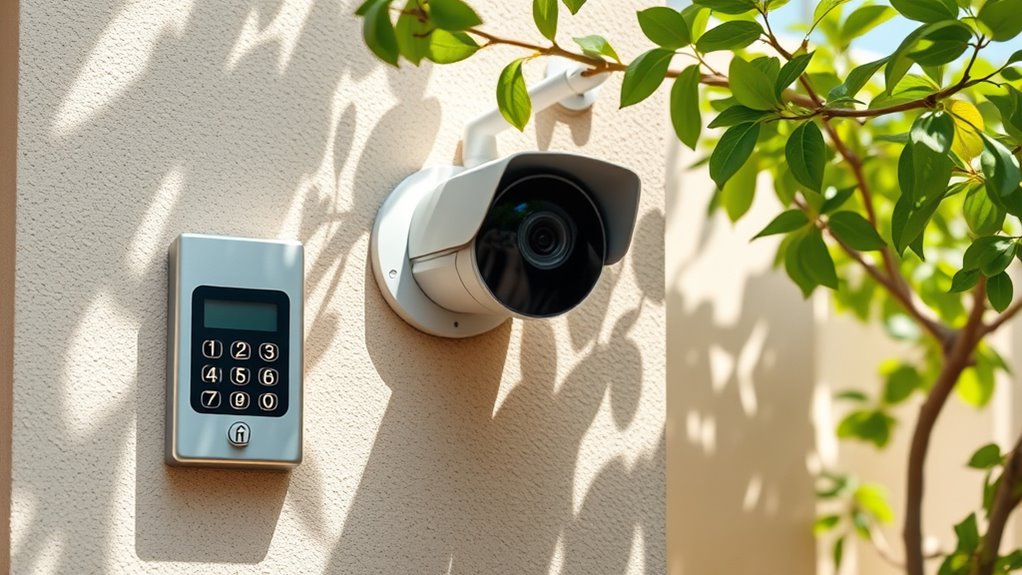
In today’s digital world, understanding camera privacy is essential to protect your personal information. With cameras becoming more integrated into our daily lives—from smartphones to home security systems—it’s crucial to know how to keep your footage secure and prevent unauthorized access. One of the most effective ways to do this is by implementing strong access controls. These controls limit who can view or manage your camera feeds, ensuring that only trusted individuals have access. You should set unique, complex passwords for your camera accounts and avoid sharing them openly. Many devices also allow you to enable multi-factor authentication, adding an extra layer of security that requires a second form of verification before granting access. Regularly updating your device’s firmware and security settings is also vital, as manufacturers often release patches that fix vulnerabilities that could be exploited by hackers.
Another key aspect of maintaining your camera privacy is using video encryption. When your footage is encrypted, it becomes unreadable to anyone who doesn’t have the decryption key. This means that even if someone intercepts your video stream or gains access to your storage, they won’t be able to view the content without the proper credentials. Many modern security cameras come with built-in encryption features, but you should verify that your device supports robust encryption standards, such as AES-256. If your camera doesn’t support encryption natively, consider using a secure network or a dedicated VPN to encrypt your internet traffic, adding an extra layer of protection. Always ensure that your footage is stored securely, whether on an encrypted cloud service or a local drive with strong access controls. This prevents unauthorized viewers from retrieving sensitive footage later on.
Furthermore, you should be cautious about where and how your camera streams footage. When setting up remote viewing, use secure Wi-Fi networks and avoid public or unsecured connections. This minimizes the risk of interception during transmission. Also, keep an eye on your device’s permissions and app settings—only grant access to apps and services you trust, and regularly review those permissions to revoke any unnecessary ones. Implementing vetted wave and wind precautions can further protect your network from external threats that may attempt to exploit vulnerabilities. By combining strict access controls with effective video encryption, you create a multi-layered defense that considerably reduces the risk of privacy breaches. Staying vigilant and proactive about your camera’s security settings ensures your footage remains private and your personal information protected. Ultimately, safeguarding your camera privacy isn’t a one-time task; it’s an ongoing process that requires regular updates and mindful management.
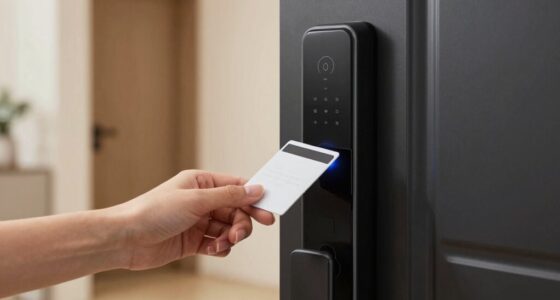
home security camera with encryption
As an affiliate, we earn on qualifying purchases.
As an affiliate, we earn on qualifying purchases.
Frequently Asked Questions
How Often Should I Update My Camera’s Firmware for Security?
You should update your camera’s firmware as soon as new security patches become available, ideally checking for updates monthly. Firmware updates fix vulnerabilities and enhance security, so neglecting them leaves your device open to hacking. Regularly updating ensures you’re protected against the latest threats. Set your camera to auto-update if possible, or manually check for firmware updates frequently to keep your footage and access secure.
Can I Remotely Disable My Camera if It’s Compromised?
When it comes to camera hijacking, “better safe than sorry” applies. Yes, you can remotely disable your camera if it’s compromised. Many security systems offer remote disablement features through their app or web portal, allowing you to cut off access quickly. This helps prevent ongoing misuse or further hijacking. Always guarantee your camera’s firmware is up-to-date and use strong passwords to minimize the risk of remote threats.
What Are the Signs of Unauthorized Access to My Camera?
You might notice signs of unauthorized access if your camera starts blinking unexpectedly or if it reboots without reason. These unusual behaviors suggest someone could be controlling your device remotely. Keep an eye out for these indicators, and if you see them, change your passwords, update your firmware, and review your access logs. Taking these steps helps protect your privacy and prevents further unauthorized intrusion.
How Do I Choose a Secure Password for My Camera Account?
Oh, the irony of choosing a weak password for your camera account, right? To avoid that, pick a password with good strength—mix uppercase, lowercase, numbers, and symbols. Make it unique and not obvious. Also, enable account recovery options to help you regain access if needed. Use a password manager if you have trouble remembering it all. Strong passwords keep unauthorized folks out and your footage safe.
Are There Legal Restrictions on Recording Footage in Public Spaces?
Yes, there are legal restrictions on recording footage in public spaces. You need to be aware of public recording laws, which vary by location, and respect others’ privacy rights. Generally, you can record in public where there’s no reasonable expectation of privacy, like streets or parks. However, avoid recording in private areas or situations where privacy is protected, such as restrooms or private property, to stay within legal boundaries.
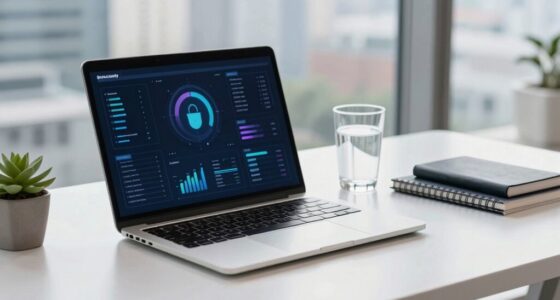
multi-factor authentication security camera
As an affiliate, we earn on qualifying purchases.
As an affiliate, we earn on qualifying purchases.
Conclusion
By understanding camera privacy basics, you can take control of your security and protect your footage. Remember, over 60% of homeowners worry about unauthorized access to their cameras, so staying vigilant is key. Regularly updating settings, strong passwords, and covering cameras when not in use can make a big difference. Take these simple steps today—your privacy is worth it! Protect your space and enjoy peace of mind knowing you’re in control.
encrypted cloud storage for video footage
As an affiliate, we earn on qualifying purchases.
As an affiliate, we earn on qualifying purchases.
As an affiliate, we earn on qualifying purchases.
Halloween Picks
halloween
As an affiliate, we earn on qualifying purchases.