
To make your smart lock safer, always use secure, encrypted methods when sharing guest access. Avoid sharing codes through insecure channels or leaving physical notes where others can find them. Instead, use trusted apps that support encryption and generate time-limited access codes for guests. Regularly update your security settings and stay informed about encryption protocols. Continuing this approach will help keep your smart lock protected and your home secure over time.

Prime made for students and young adults
- Fast, free delivery for dorm and study essentials
- Prime Video and Amazon Music included
- Member-only deals
Key Takeaways
- Use encrypted apps or platforms to share digital keys securely with guests.
- Generate time-limited access codes for temporary guest entry.
- Confirm guest identities before issuing access credentials.
- Regularly update lock security settings and encryption protocols.
- Avoid sharing access codes through insecure channels or in plain sight.
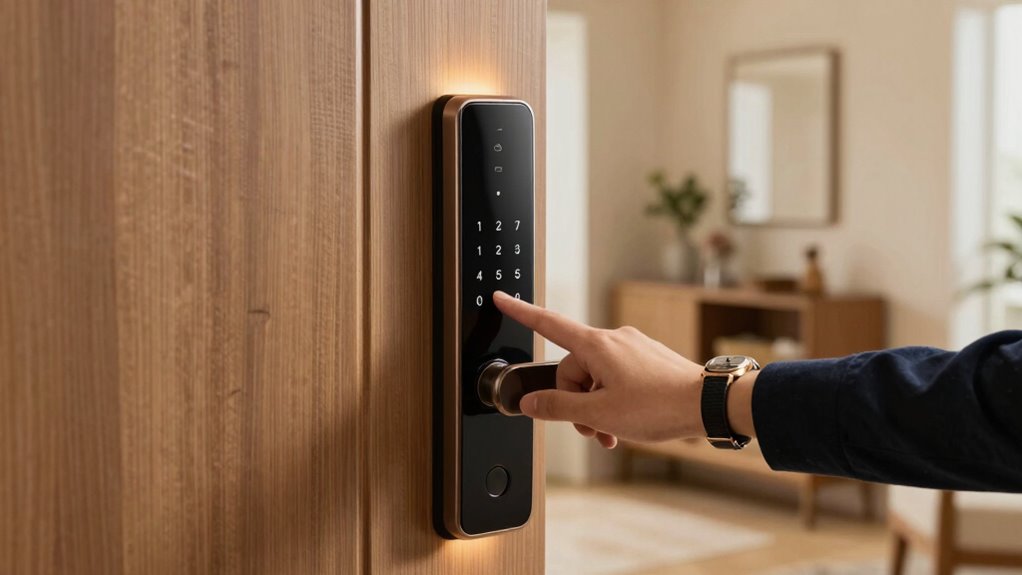
Smart locks have made it easier than ever to grant temporary access to guests, but without proper habits, these features can pose security risks. When you share access codes or digital keys, it’s essential to understand how your smart lock’s security mechanisms protect your home. Wireless encryption plays a key role here; it encrypts data transmitted between your device and the lock, preventing hackers from intercepting sensitive information. If your smart lock uses robust wireless encryption, your guest access codes are less likely to be intercepted or manipulated. However, if the encryption is weak or outdated, malicious actors could potentially exploit vulnerabilities, gaining unauthorized entry. That’s why choosing a smart lock that employs strong, up-to-date wireless encryption protocols is indispensable for safety.
Strong, up-to-date wireless encryption is essential to protect your smart lock and prevent unauthorized access.
Equally important is user authentication. When you generate temporary access, you’re fundamentally granting someone a form of user verification—verifying their identity before they can unlock your door. Many smart locks allow you to set time-limited codes or send secure digital keys through apps. You should always guarantee that these methods require secure user authentication—like multi-factor authentication or biometric verification—so that only your approved guests can access your home. Avoid sharing access codes through insecure channels or leaving them in plain sight. Instead, use the lock’s app or platform that supports encrypted communication, adding an extra layer of security. When your guest receives a digital key, confirm that they authenticate their identity correctly, which reduces the risk of unauthorized use. Understanding wireless encryption protocols helps you ensure your data remains protected during the sharing process. Regularly updating your security settings can further mitigate potential cybersecurity vulnerabilities. Staying informed about the latest encryption standards and adopting best security practices can help you choose the most secure devices and practices for your home.
smart lock encryption compatible app
As an affiliate, we earn on qualifying purchases.
As an affiliate, we earn on qualifying purchases.
Frequently Asked Questions
How Often Should I Change Guest Access Codes?
You should change guest access codes regularly, ideally after each guest’s stay, to maintain security. Effective guest code management involves updating codes promptly and avoiding predictable patterns. Keep access code complexity high by using a mix of numbers, letters, and symbols, making it harder for unauthorized people to guess. Regularly changing codes guarantees that even if a code is compromised, your smart lock remains secure, protecting your home and valuables.
Can Guest Access Be Revoked Remotely?
Yes, guest access can be revoked remotely. Modern smart locks allow you to manage guest authentication and adjust access permissions instantly through a smartphone app. This means you can revoke or modify guest permissions anytime, ensuring enhanced security. You don’t need to be physically present to control who has access, giving you peace of mind and better control over your property’s security.
Are There Temporary Access Options for Guests?
Yes, there are temporary access options for guests. You can easily generate temporary codes that grant access for a specific period, addressing concerns about security and control. These temporary codes allow you to manage access permissions without sharing permanent keys, reducing risks. With smart locks, you maintain peace of mind by customizing access duration, ensuring your home stays safe while welcoming guests.
How Do I Monitor Guest Entry Activity?
You can monitor guest entry activity by enabling visitor verification and access logging features on your smart lock system. Visitor verification confirms guest identities before granting access, while access logging records every entry and exit. Regularly review these logs through your app or smart lock dashboard to keep track of who enters and when. This proactive approach helps you detect any unauthorized access and guarantees your home stays secure.
What Security Features Protect Guest Access?
You might think your smart lock is secure, but hidden security features keep guest access safe. Smart lock integration guarantees only authorized users gain entry, while user access permissions let you set specific access times and restrict certain guests. These features work silently in the background, safeguarding your home. Stay vigilant—knowing these protections are in place gives you peace of mind, even when you’re away.
digital key sharing app for smart locks
As an affiliate, we earn on qualifying purchases.
As an affiliate, we earn on qualifying purchases.
Conclusion
Now, imagine a future where your smart lock isn’t just secure but smarter about who gets in—and when. By adopting this simple guest access habit, you’re not just safeguarding your home; you’re staying one step ahead of potential threats. But what if the next breakthrough in smart lock technology could change everything? Stay tuned, because the next update might just redefine what safety really means—and you won’t want to miss it.
time-limited access codes for smart locks
As an affiliate, we earn on qualifying purchases.
As an affiliate, we earn on qualifying purchases.
biometric smart lock with guest access
As an affiliate, we earn on qualifying purchases.
As an affiliate, we earn on qualifying purchases.
Halloween Picks
halloween
As an affiliate, we earn on qualifying purchases.