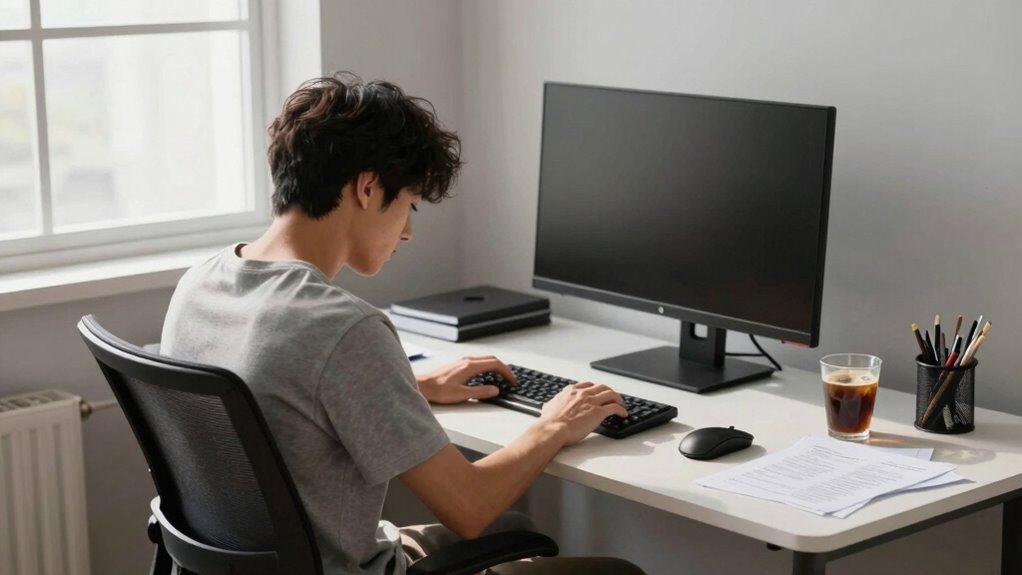

If your desk setup is causing fatigue, you’ll notice signs like neck, shoulder, or back soreness, and mental tiredness after work. Your body may react with discomfort during the day, and you might feel muscles tense or joints ache. Poor ergonomics often lead to slouching or hunching, and improper monitor or keyboard positioning can worsen strain. Pay attention to these signals; the next steps could help improve your comfort and reduce fatigue.
Play games included with Prime
Start a Prime free trial and play with Amazon Luna on your devices.
As an affiliate, we earn on qualifying purchases.
Key Takeaways
- You experience persistent neck, shoulder, or back soreness after work sessions.
- You feel unusually tired or mentally fatigued despite adequate rest.
- Your monitor, keyboard, or mouse are misaligned, causing you to hunch or strain.
- You notice discomfort or stiffness that improves only after stretching or repositioning.
- Frequent breaks or posture adjustments temporarily relieve fatigue but it quickly returns.

If you frequently feel tired or sore after work, your desk setup might be to blame. Poor ergonomics can lead to discomfort that drags you down physically and mentally. The good news is that you can often identify the problem by paying attention to how your body reacts during the day. Start by examining your workspace and consider whether you’ve made any ergonomic adjustments recently. Are your monitor, keyboard, and mouse positioned to support good posture? If they’re too high, too low, or misaligned, you’ll likely develop strain in your neck, shoulders, or back. Making simple ergonomic adjustments can make a significant difference. For example, your monitor should be at eye level, about an arm’s length away, to help you maintain a neutral neck position. Your keyboard and mouse should be within easy reach, allowing your elbows to stay close to your sides and your wrists straight. When these elements are in harmony, your posture awareness naturally improves because your body isn’t compensating for awkward positioning.
Posture awareness is crucial because even slight misalignments can cause fatigue over time. When you slouch or hunch your shoulders, you put unnecessary stress on muscles and joints, leading to soreness and tiredness. Pay attention to how you sit throughout the day. Do you find yourself leaning forward or hunching your shoulders? Do your feet rest flat on the ground? If not, consider adding a footrest or adjusting your chair height. An ergonomic chair that supports your lower back and encourages an upright posture can prevent fatigue caused by strained muscles. Regularly check in with yourself to correct your posture; it’s easy to forget how you’re sitting after a few hours of work. Setting reminders to adjust your position periodically can help you stay mindful of your alignment and prevent discomfort. Additionally, taking breaks frequently and incorporating movement can significantly reduce muscle tension and improve circulation, further alleviating fatigue. Being aware of ergonomic principles can help you make more informed adjustments that benefit your overall comfort. If you notice persistent fatigue, it might be your body’s way of signaling that your workspace isn’t supporting your physical health. Incorporate ergonomic adjustments that promote better posture awareness—like adjusting your chair height, monitor position, or desk layout—and make a habit of checking in with your body regularly. Small, consistent changes will help you work more comfortably and keep fatigue at bay, ensuring your workspace supports your health rather than undermines it.
ergonomic monitor stand adjustable
As an affiliate, we earn on qualifying purchases.
As an affiliate, we earn on qualifying purchases.
Frequently Asked Questions
Can Poor Lighting Contribute to Desk-Related Fatigue?
Yes, poor lighting can definitely contribute to desk-related fatigue. Insufficient lighting causes eye strain, making it harder to focus and increasing fatigue over time. It can also lead to a decline in mood, as you become frustrated or uncomfortable. To prevent this, make sure your workspace is well-lit with natural or adjustable light sources. Good lighting helps reduce eye strain and keeps your mood positive, improving your overall comfort during work.
Are Ergonomic Accessories Necessary for Preventing Fatigue?
Yes, ergonomic accessories are necessary for fatigue prevention. Studies show that 78% of office workers experience discomfort due to poor ergonomics. These accessories, like adjustable chairs and keyboard supports, help reduce strain and promote better posture. By investing in ergonomic tools, you prevent fatigue, increase comfort, and enhance productivity. Don’t overlook these essentials—they’re vital for maintaining your health and ensuring long-term comfort during long work hours.
How Often Should I Take Breaks During Work?
You should take breaks every 30 to 60 minutes during work. Use this time to do stretching routines, which help reduce muscle tension, and hydrate to stay energized. Short, frequent breaks prevent fatigue and improve focus. During these breaks, stand up, stretch your arms, neck, and back, and drink water. Incorporating these habits into your routine keeps your body refreshed and minimizes discomfort caused by prolonged sitting.
Does Desk Height Impact Overall Fatigue Levels?
Yes, desk height considerably impacts overall fatigue levels. When your desk is properly aligned with your posture, it reduces strain and prevents discomfort. Even if your chair is comfortable, an incorrect desk height can cause poor posture, leading to fatigue. Ensuring your desk is adjusted so your elbows are at a 90-degree angle and your monitor is eye level helps maintain ideal posture alignment, keeping fatigue at bay.
What Are Signs of Long-Term Damage From Bad Desk Posture?
Long-term damage from bad desk posture shows up through persistent muscle strain, especially in your neck, shoulders, and back. You might notice chronic pain, stiffness, or numbness that worsens over time. If you ignore these signs, it can lead to joint issues or nerve problems. To prevent this, prioritize posture correction by adjusting your desk setup and practicing stretches regularly, reducing ongoing muscle strain and safeguarding your health.
ergonomic keyboard and mouse set
As an affiliate, we earn on qualifying purchases.
As an affiliate, we earn on qualifying purchases.
Conclusion
If you often feel tired after work, your desk setup might be the culprit. For example, Sarah noticed persistent neck pain and fatigue after long hours at her cluttered desk. Once she adjusted her monitor height and added ergonomic accessories, her discomfort eased. Take a moment to evaluate your workspace—small changes can make a big difference in reducing fatigue and boosting your comfort. Don’t ignore these signs; a better setup could be your key to feeling energized.
ergonomic office chair with lumbar support
As an affiliate, we earn on qualifying purchases.
As an affiliate, we earn on qualifying purchases.
As an affiliate, we earn on qualifying purchases.
NFL season / tailgating Picks
team gear
As an affiliate, we earn on qualifying purchases.