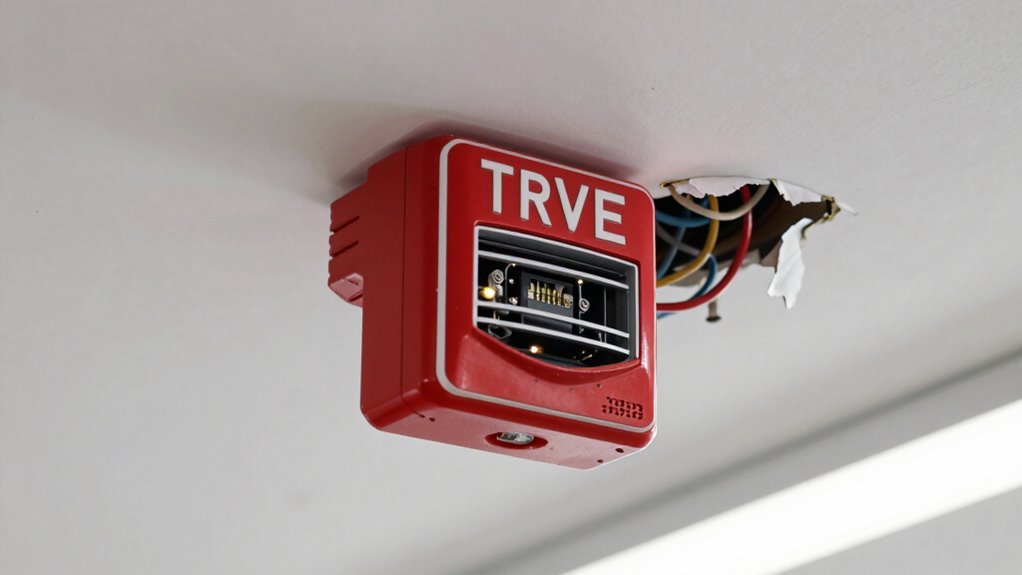

Many false alarms happen because of setup mistakes or poor calibration. You might place sensors in spots where environmental factors like shadows, moving plants, or passing animals cause them to trigger unnecessarily. Improper calibration or setting sensitivity too high can also lead to false alarms. To reduce these issues, check your sensor placement and adjust sensitivity carefully. If you want to prevent surprises, there’s more to uncover that can help improve your system’s accuracy.
Key Takeaways
- Incorrect sensor placement near heat sources, windows, or high-traffic areas can cause false triggers.
- Skipping or rushing calibration steps leads to sensors misinterpreting environmental changes.
- Setting sensitivity too high makes sensors overly reactive to minor movements or shadows.
- Failing to follow manufacturer instructions during installation can result in improper setup and false alarms.
- Neglecting regular maintenance and adjustments allows environmental factors to influence sensor accuracy.
Have you ever experienced the frustration of a false alarm? It’s a common annoyance, and often, the root cause is linked to setup mistakes. One of the most overlooked factors is sensor calibration. Sensors need to be properly calibrated to detect real threats accurately. If they aren’t, they might interpret harmless movements, shadows, or environmental changes as emergencies. For example, a motion sensor that’s not correctly calibrated can be triggered by small animals or even passing cars. When this happens repeatedly, it becomes clear that the sensor isn’t tuned to the specific environment, leading to false alarms that waste your time and diminish your trust in the system.
But calibration isn’t just a one-time task; it requires ongoing attention. Many users skip this step or don’t perform it correctly, which is a form of user error. User error can take various forms—incorrectly positioning sensors, failing to follow manufacturer instructions during installation, or neglecting regular maintenance checks. For instance, placing a sensor too close to heating vents or windows can cause false triggers due to temperature changes or drafts. Similarly, not securing sensors firmly or leaving them in areas with high foot traffic can lead to inconsistent readings. These mistakes are often innocent but have significant consequences, making your security system unreliable.
Another common user error is misconfiguring sensitivity settings. Most sensors allow you to adjust their detection range or sensitivity level, but if you set these too high, the sensor becomes overly reactive. This means it’s more likely to respond to minor movements or environmental factors, resulting in false alarms. Conversely, setting it too low might cause the sensor to miss actual intrusions. Striking the right balance is essential, and it often comes down to understanding your environment and carefully customizing the settings. Many users overlook this step or rush through it, which leaves their security system vulnerable to false alarms.
Proper sensor calibration and avoiding user error require attention and patience, but they’re well worth the effort. Regularly checking and adjusting your sensors ensures they function as intended, reducing false alarms and increasing your overall security. Remember, it’s easy to blame the technology when alarms go off unexpectedly, but often, the solution lies in correctly setting up and maintaining your system. Take the time to read instructions thoroughly, perform calibration correctly, and be mindful of placement. Doing so will help you distinguish real threats from false triggers, giving you peace of mind and a more dependable security system. Additionally, understanding sensor science & materials can help you select and maintain sensors more effectively, further minimizing false alarms.

Ring Alarm 14-Piece Kit (newest model), Wireless smart home or business security system, expandable, easy setup, Mobile App Control, 24/7 Professional Monitoring, Alexa Compatible
A great fit for 2-4 bedroom homes, this Alarm Kit includes one Base Station, two Keypads, eight Contact...
As an affiliate, we earn on qualifying purchases.
Frequently Asked Questions
How Can I Prevent False Alarms in Security Systems?
To prevent false alarms in your security system, regularly calibrate your sensors to guarantee accuracy. Proper sensor calibration minimizes false triggers caused by environmental factors. Additionally, invest time in user training so you understand how to operate the system correctly and avoid accidental activations. Checking sensor placement and maintaining equipment also helps reduce false alarms, giving you peace of mind and a more reliable security setup.
What Are the Most Common Setup Mistakes Leading to False Alarms?
You often trigger false alarms by setting sensor sensitivity too high or placing detectors incorrectly. To avoid this, adjust sensor sensitivity to the appropriate level, ensuring it’s not overly sensitive. Also, double-check detector placement—avoid areas with drafts, moving objects, or direct sunlight. Proper placement and sensitivity settings help your security system distinguish real threats from everyday disturbances, reducing false alarms and keeping your home safe and secure.
Do False Alarms Affect Emergency Response Times?
False alarms can profoundly impact emergency response times, according to false alarm statistics. When dispatchers receive frequent false alarms, they may become less responsive or delay responses to real emergencies. Proper alarm system calibration helps reduce these false alarms, avoiding false alarm fines and ensuring quicker dispatch. By minimizing false alarms, you help emergency services respond more efficiently, saving crucial time and resources when it truly matters.
Are There Specific Sensors More Prone to False Triggers?
Sensors with heightened sensitivity and expanded detection zones are more prone to false triggers. You’ll notice that motion detectors or infrared sensors, especially when set too sensitive or covering large areas, often mistake harmless movements or environmental factors for threats. To minimize false alarms, you should adjust sensor sensitivity carefully and optimize detection zones, ensuring they’re neither too broad nor too narrow, which helps maintain accurate and reliable security responses.
How Often Should Security System Settings Be Reviewed?
You should review your security system settings at least once every three to six months. During these reviews, guarantee your User Authentication protocols are up-to-date to prevent unauthorized access. Check your Video Surveillance footage and camera placements to verify they’re functioning correctly and covering critical areas. Regularly updating your security settings helps reduce false alarms and improves overall system reliability, giving you peace of mind and better protection.

Ring Alarm 8-Piece Kit (newest model), Home or business security system with optional 24/7 professional monitoring
A great fit for 1-2 bedroom homes, this kit includes one base station, one keypad, four contact sensors,...
As an affiliate, we earn on qualifying purchases.
Conclusion
Remember, false alarms are like sirens in the fog—distracting us from true signals. By avoiding setup mistakes, you prevent chaos and stay grounded, much like a sailor steering clear of storms. Every false alarm teaches you to listen more carefully, honing your instincts. When you get it right, you’re steering with confidence, not panic. So, keep your eyes open and your hands steady—true alerts await beyond the noise.

tolviviov WiFi Smart Door/Window Alarm System 8-Piece Kit – App Alerts, Compatible with Alexa, No Monthly Fee, Expandable DIY Wireless Home Security, 1 Siren, 5 Sensors & 2 Remotes (8 Pack)
Complete 8-Piece Security Kit: This tolviviov home security system includes 1 alarm siren station, 5 door/window sensors, and...
As an affiliate, we earn on qualifying purchases.

WiFi Door Alarm System, Wireless DIY Smart Home Security System, with Phone APP Alert, 8 Pieces-Kit (Alarm Siren, Door Window Sensor, Remote), Work with Alexa, for House, Apartment, by tolviviov
WIFI Network: WIFI connection, Only works on 2.4GHz WiFi network, does NOT support 5GHz WiFi networks.
As an affiliate, we earn on qualifying purchases.