

When capturing meeting notes that matter, focus on recording key decisions and essential takeaways instead of every sentence. Use clear bullet points to highlight responsibilities, deadlines, and finalized choices. Emphasize brevity and clarity so your notes are quick to scan and easy to act upon. Highlight decisions to prevent misunderstandings and ensure accountability. Keep your notes sharp and share them promptly to keep everyone aligned—continue exploring to learn how to make your notes even more effective.
Key Takeaways
- Focus on recording finalized decisions rather than verbatim discussions.
- Use bullet points to clearly outline action items with responsible persons and deadlines.
- Summarize key takeaways to quickly convey essential outcomes.
- Highlight decisions visually to ensure they stand out in the notes.
- Share notes promptly to reinforce accountability and prevent misunderstandings.
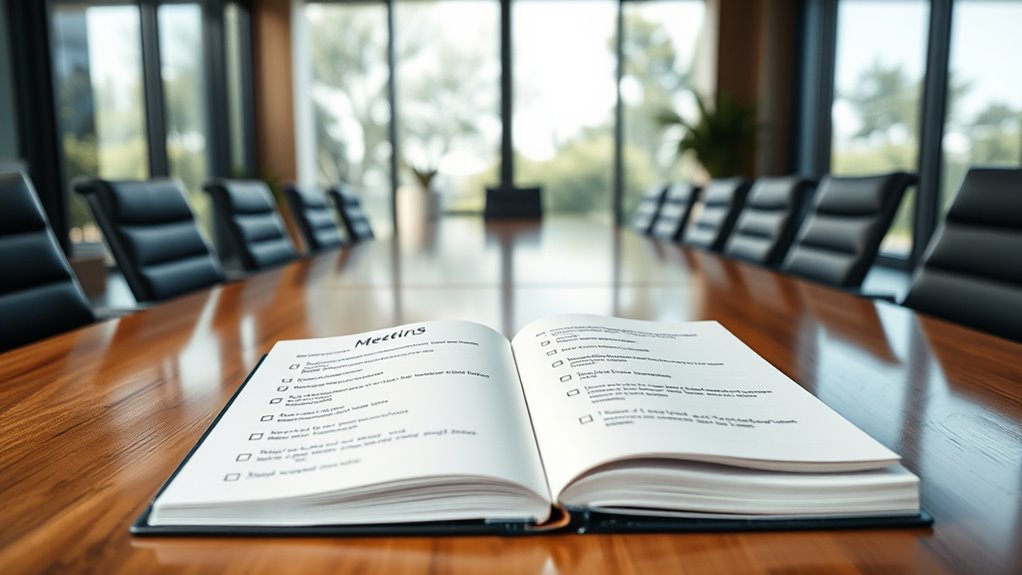
Effective meeting notes are essential for turning discussions into actionable outcomes. When you capture clear and concise notes, you create actionable summaries that highlight the most important points without drowning in unnecessary details. Instead of trying to record every word spoken, focus on distilling conversations into key takeaways that can guide future actions. This approach ensures that everyone leaves the meeting with a clear understanding of what needs to be done, who’s responsible, and by when. Your notes should serve as a roadmap, not a transcript, helping teams move forward efficiently. To do this effectively, you should prioritize capturing decisions made during the meeting. These are the moments when a choice is finalized—whether it’s approving a project, setting a deadline, or assigning a task. Document these decisions precisely, as they form the backbone of your actionable summaries. Alongside decisions, note the key takeaways—those critical points that summarize the essence of discussions without unnecessary elaboration. Think of key takeaways as the “elevator pitch” of the meeting, giving everyone a quick refresher on what was covered and what’s next. When taking notes, avoid recording every sentence or trying to transcribe conversations verbatim. Instead, listen actively and identify the core ideas. Use bullet points to organize your notes, making them easy to scan later. For each topic discussed, write down the main conclusion or action item. If a task is assigned, clearly specify who is responsible and the deadline. This clarity helps prevent misunderstandings and ensures accountability. Remember, your goal is to produce notes that are quick to read and easy to act upon, so clarity and brevity are key. Incorporating vintage-inspired tools like analog notepads or vintage-style planners can also help make note-taking feel more engaging and memorable. Another tip is to highlight or underline decisions and key takeaways, drawing attention to the most critical parts of your notes. This visual cue helps team members quickly identify what’s most important when reviewing the document. Sharing the notes promptly after the meeting reinforces the accountability loop and keeps everyone aligned. It also provides an opportunity for participants to clarify or add missing details, ensuring your notes remain accurate and useful.

Templatables Meeting Minutes Note Taking Professional Notepad | Plan, Record and Track Actions, Agendas from all your Important Meetings Desk Pad | 50 Undated Tear Away Sheets A4 | Mono
Capture key meeting information such as the topic and meeting objective
As an affiliate, we earn on qualifying purchases.
As an affiliate, we earn on qualifying purchases.
Frequently Asked Questions
How Can I Ensure Meeting Notes Are Accessible to All Team Members?
You can guarantee meeting notes are accessible by adopting good note-taking etiquette, such as clear formatting and concise summaries, so everyone can understand quickly. Use a shared platform like Google Docs or your team’s intranet, and avoid accessibility barriers by including alt text for images and using readable fonts. Encourage team members to review and update notes regularly, making sure everyone stays informed and engaged.
What Tools Are Best for Capturing Decision-Focused Meeting Notes?
Sure, you could stick with basic tools, but for decision-focused notes, advanced note-taking frameworks like SMART or DACI excel. They streamline capturing decisions rather than sentences. Digital collaboration platforms like Notion, Microsoft Teams, or Confluence make sharing effortless. These tools keep everyone on the same page, ensuring decisions are clear and accessible, turning your meetings into action-oriented sessions rather than endless chatter. Ironically, simplicity often isn’t simple enough!
How Do I Handle Disagreements Over Documented Decisions?
When disagreements arise over documented decisions, you should focus on conflict resolution by encouraging open communication and clarifying the decision’s intent. Revisit the decision with relevant stakeholders to guarantee decision clarity, and document any adjustments transparently. This approach helps resolve conflicts efficiently, maintains trust, and ensures everyone is aligned, preventing future misunderstandings and reinforcing a collaborative environment.
What Strategies Improve Team Engagement in Note-Taking?
Think of note-taking like a team sport—you’ll score more if everyone plays their part. To boost engagement, encourage brainstorming techniques that foster participation and make note-taking interactive. Share success stories where clear habits improved team clarity. Make it fun and relevant, so team members see value in capturing decisions, not just sentences. This approach builds a culture where everyone’s active, motivated, and invested in creating meaningful meeting notes.
How Often Should Decision-Based Meeting Notes Be Reviewed or Updated?
You should review decision-based meeting notes regularly, ideally within a week after the meeting, to guarantee decision review and note accuracy. Consistent updates help confirm that all team members are aligned and any changes are documented promptly. By setting a routine, you prevent outdated information from affecting progress, maintaining clarity and accountability. This proactive approach keeps decision records reliable and ensures everyone stays informed and engaged in ongoing projects.

Plaud Note Pro AI Voice Recorder, Transcribe & Summarize with AI, App Control, Note Taker for Meetings & Calls, Supports 112 Languages, Ultra-Slim w/InstantView Display, Case Included, Black
AI-POWERED TRANSCRIPTION & MULTI-DIMENSIONAL SUMMARIES: Plaud Note Pro is your professional voice transcriber, delivering high-accuracy transcription in 112…
As an affiliate, we earn on qualifying purchases.
As an affiliate, we earn on qualifying purchases.
Conclusion
Remember, your meeting notes are the compass guiding your team forward. Focus on capturing decisions, not every sentence, and you’ll steer clear of confusion. Think of your notes as a lighthouse, shining a clear path through the fog of discussions. When you zero in on what truly matters, your team moves with purpose and precision. Make every note count—it’s the secret to turning meetings into meaningful progress, not just meetings.

CAGIE Bullet Dotted Journal Notebook 320 Pages 100 GSM Paper Hardcover A5 Dot Grid Notebook Leather Journals for Writing Women Men Work Journaling, Green
BULLET DOTTED JOURNAL- A5 dotted notebook features 314 pages with 6 pages of contents. Inside, 5mm × 5mm…
As an affiliate, we earn on qualifying purchases.
As an affiliate, we earn on qualifying purchases.
Templatables Meeting Minutes Note Taking Professional Notepad | Plan, Record and Track Actions, Agendas from all your Important Meetings Desk Pad | 50 Undated Tear Away Sheets A4 | Mono
Capture key meeting information such as the topic and meeting objective
As an affiliate, we earn on qualifying purchases.
As an affiliate, we earn on qualifying purchases.