
Choosing between Cat5e, Cat6, and Cat6a Ethernet cables depends on your needs for speed, distance, and future-proofing. Cat5e supports up to 1 Gbps over 100 meters, while Cat6 can handle 10 Gbps short distances and offers better insulation. Cat6a extends 10 Gbps over the full 100 meters with enhanced shielding. Understanding these differences helps you pick the right cable, and exploring more will help you make the best choice for your network.
Key Takeaways
- Cat5e supports up to 1 Gbps over 100 meters, suitable for basic internet needs.
- Cat6 offers up to 10 Gbps speeds over shorter distances (up to 55 meters), with better insulation.
- Cat6a can handle 10 Gbps over the full 100 meters, with improved shielding and interference reduction.
- Choose Cat6 or Cat6a for high-speed, high-demand environments; Cat5e suffices for everyday use.
- Fiber optics provide higher capacity over longer distances but require higher investment compared to Ethernet cables.
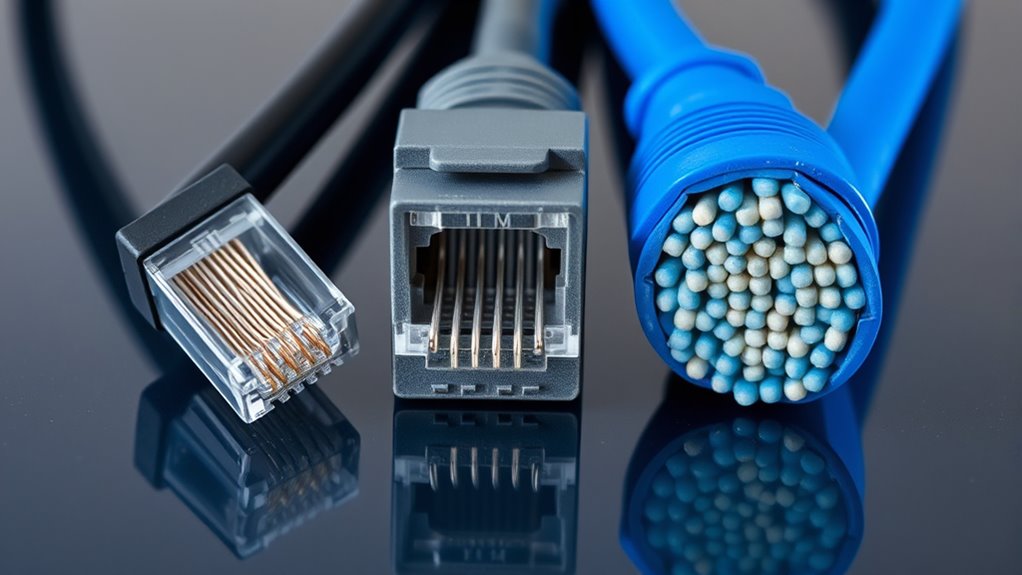
Ethernet cable categories define the standards that determine how well a cable can transmit data at different speeds and distances. When choosing the right cable for your network, it’s important to understand how each category stacks up, especially considering your need for speed, distance, and future-proofing. While Ethernet cables are a reliable wired solution, you might also be exploring wireless alternatives or fiber optic options, which can influence your decision. Wireless setups offer convenience and flexibility, but they often fall short in speed and stability compared to wired connections, especially in high-demand environments. Fiber optic options, on the other hand, provide extremely fast and long-distance data transmission, making them a solid choice for large networks or data-intensive tasks. Still, Ethernet cables remain a cost-effective and straightforward solution for many users, especially when understanding the differences among categories like Cat5e, Cat6, and Cat6a.
Starting with Cat5e, it’s the most basic of the three, supporting speeds up to 1 Gbps over distances up to 100 meters. It’s suitable for everyday internet browsing, streaming, and basic office setups. However, if you’re looking for higher speeds or more future-proofing, you’ll want to consider Cat6. This category enhances performance with better insulation and reduced crosstalk, supporting speeds up to 10 Gbps over shorter distances (up to 55 meters). It’s a popular choice for modern homes and small businesses that need a reliable, high-speed wired connection without breaking the bank. Moving up, Cat6a doubles down on performance, supporting 10 Gbps speeds over the full 100-meter length with improved shielding to minimize interference. If your network demands high bandwidth, such as for large file transfers, video editing, or gaming, Cat6a is a solid investment. Additionally, understanding Ethernet cable categories is crucial for selecting the right infrastructure for your specific needs.
While Ethernet cable categories serve well for wired networks, you should also weigh the benefits of wireless alternatives, especially if running cables isn’t practical. Wireless systems have improved considerably, but they still can’t match the consistent speed and low latency of wired options, especially in crowded environments. For long-term scalability and maximum speed, fiber optic options are worth considering—they handle enormous data loads over long distances with minimal loss. However, fiber requires more upfront investment and installation effort. Ultimately, your choice depends on your specific needs: Ethernet categories offer a reliable, cost-effective solution for many, but if you need speed over longer distances or want to minimize physical wiring, fiber optics or wireless might be better suited.
Top picks for "ethernet cable category"
As an affiliate, we earn on qualifying purchases.
Frequently Asked Questions
Which Ethernet Cable Category Is Most Future-Proof?
If you’re aiming for future-proof networking, go with Cat6a. It supports higher speeds and bandwidths, making it more suitable for upcoming technology demands. This category offers better cable longevity and can handle more data over longer distances, ensuring your setup stays relevant longer. Investing in Cat6a now means you’re less likely to need upgrades soon, giving you peace of mind and a more resilient, future-proof network.
Do Higher Categories Always Guarantee Better Performance?
Is a higher category always better? Not necessarily. While higher categories like Cat6a reduce signal interference and support faster speeds, they can also introduce installation challenges due to thicker cables and tighter bends. You might face issues if your setup isn’t prepared for these demands. So, yes, higher categories often perform better, but only if your environment and installation are suitable for their advanced features.
Are There Compatibility Issues Between Different Cable Categories?
Yes, compatibility issues can arise between different cable categories, especially when using cable adapters or during installation. You might encounter challenges if older cables like Cat5e are connected to newer Cat6 or Cat6a cables, which require higher specifications. To avoid installation challenges and guarantee peak performance, verify that your devices and connectors support the cable category you’re using, and consider upgrading all cables for consistent compatibility.
How Do Environmental Factors Affect Cable Performance?
You might think environmental factors don’t impact cable performance, but experiments show electromagnetic interference can seriously degrade signals, especially with lower-category cables. High temperatures reduce a cable’s temperature resilience, causing insulation to weaken and increasing data errors. To guarantee ideal performance, choose cables rated for your environment, shielded when necessary, and maintain proper installation practices to minimize interference and temperature-related issues.
Can Existing Cables Be Upgraded to Higher Categories Easily?
Upgrading existing cables to higher categories isn’t always easy. You’ll need to check cable installation quality and guarantee connector compatibility, as older cables may not support the higher speeds and frequencies of Cat6 or Cat6a. Often, replacing the cables entirely is the best option, especially if you want maximum performance. Upgrading connectors alone might not suffice if the cable’s shielding or wiring doesn’t meet the new standards.
Conclusion
Understanding the differences between Cat5e, Cat6, and Cat6a cables helps you choose the right one for your needs. Did you know that upgrading from Cat5e to Cat6 can nearly triple your network’s bandwidth? This means faster speeds and better reliability for streaming, gaming, or working from home. By selecting the appropriate category, you guarantee your network stays future-proof and ready for the demands of tomorrow’s technology.