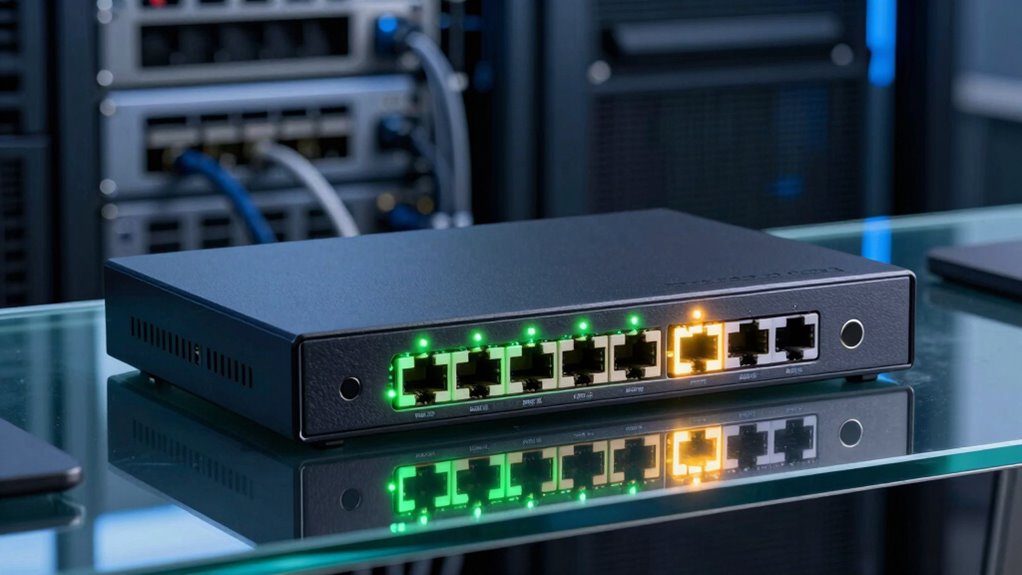

Many features on managed switches, like network segmentation with VLANs and advanced security options, are often unnecessary for small networks. You might never use features designed for large, complex setups, and managing them can become a hassle. These tools add complexity without offering real benefits in simple environments. If you want to avoid wasting time on features you don’t need, stay tuned to discover which options are truly useful for you.

Prime made for students and young adults
- Fast, free delivery for dorm and study essentials
- Prime Video and Amazon Music included
- Member-only deals
Key Takeaways
- VLAN management features are often unnecessary for small networks with few devices.
- Advanced network segmentation adds complexity without significant benefits in simple setups.
- Enterprise-focused security tools may be overkill for basic home or small office environments.
- Extensive QoS and traffic prioritization options are rarely needed in small networks.
- Management features like port mirroring and detailed monitoring often remain unused by typical buyers.
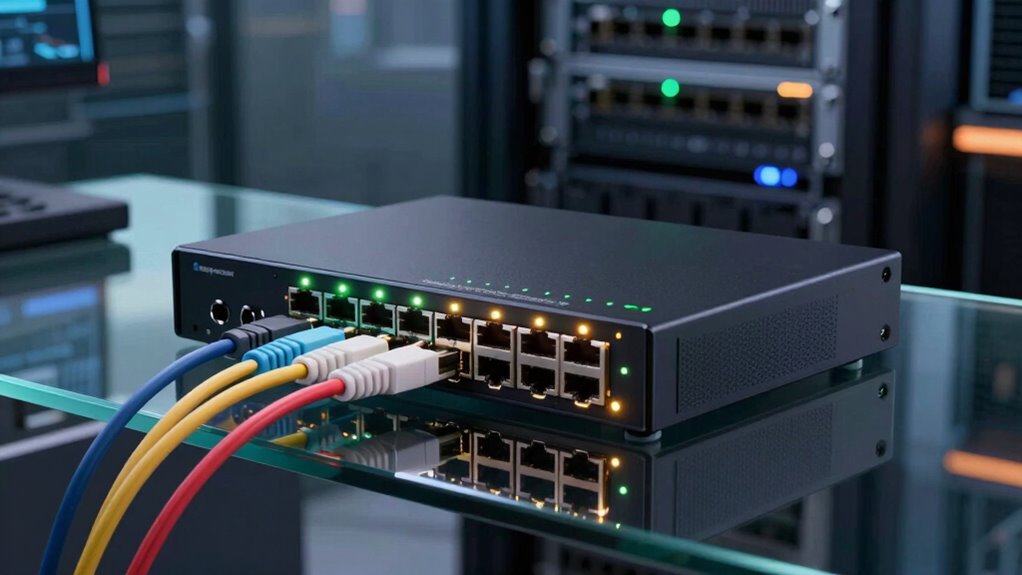
Many buyers of managed switches are often overwhelmed by a long list of advanced features that they’ll likely never need. One common area where this confusion arises is in network segmentation and VLAN management. While these features sound impressive and are crucial in large, complex networks, they may be unnecessary and overly complicated for smaller setups. If your network only consists of a handful of devices, delving into VLAN management and network segmentation might be overkill, adding unnecessary complexity without meaningful benefit.
VLAN management and network segmentation are often unnecessary for small networks, adding complexity without real benefits.
Network segmentation is designed to divide a large network into smaller, isolated sections. This can improve security and performance by limiting broadcast domains and containing network issues. However, if your network is simple—say, a small office or home setup—these features become less relevant. Managing VLANs and segmenting your network can be time-consuming and requires a solid understanding of networking principles. Without a clear need, you might find yourself wasting time configuring and maintaining features that won’t substantially enhance your network’s performance or security. Additionally, understanding advanced network features can be intimidating for those unfamiliar with networking concepts. Many users also overlook the fact that for small networks, these features might introduce additional management overhead that outweighs their benefits.
VLAN management, in particular, is a feature that many buyers overlook but may also overlook their actual needs for. Setting up Virtual Local Area Networks (VLANs) allows you to logically separate traffic on the same physical switch, which sounds useful in theory. But for small networks, this added layer of complexity can be more of a hassle than a help. Unless you’re managing multiple departments, guest networks, or have specific security requirements, VLAN management may be more trouble than it’s worth. It can require a steep learning curve, and misconfiguration can lead to network issues that are difficult to troubleshoot. Furthermore, for most small-scale networks, simpler management features can provide all the necessary control without the complexity.
In many cases, these advanced features are built into managed switches to appeal to large enterprise users. They’re powerful tools for complex networks but serve little purpose for smaller or straightforward setups. If you’re not planning to implement network segmentation or VLANs, it’s better to focus on the core features that improve reliability and ease of use, such as quality of service (QoS) or port monitoring. You don’t need to get bogged down in features that won’t add value to your specific setup. Instead, choose a managed switch that emphasizes ease of management and essential controls, avoiding unnecessary complexity that can lead to confusion and wasted effort.
As an affiliate, we earn on qualifying purchases.
Frequently Asked Questions
Can Managed Switches Improve Network Security Beyond Basic Firewalls?
Yes, managed switches can improve network security beyond basic firewalls. You can set up VLAN segmentation to isolate sensitive data and reduce unauthorized access. Port security features allow you to restrict device access on specific ports, preventing unauthorized users from connecting. These advanced options give you granular control over your network, helping you protect your data and improve overall security, especially in complex or sensitive environments.
Are There Managed Switch Features Optimized for Large Enterprise Networks?
In large enterprise networks, managed switches excel with features like VLAN segmentation and PoE capabilities. For example, a multinational company uses VLANs to isolate sensitive data across departments, enhancing security and traffic management. PoE powers VoIP phones and security cameras without extra wiring, simplifying infrastructure. These features optimize network performance, scalability, and security, making managed switches essential for complex enterprise environments.
How Do Managed Switches Handle Network Traffic Prioritization?
Managed switches handle network traffic prioritization through Traffic shaping and QoS prioritization. You can assign different priority levels to specific types of traffic, ensuring critical data like VoIP or video streams get precedence over less urgent traffic. This process optimizes network efficiency, reduces latency, and prevents congestion, especially in busy environments. By configuring these features, you guarantee smoother performance for essential applications, enhancing overall network reliability.
Do Managed Switches Support Advanced Network Monitoring Tools?
A stitch in time saves nine, and with managed switches, staying ahead is easy. They support advanced network monitoring tools like VLAN segmentation and port mirroring, helping you analyze traffic and troubleshoot issues efficiently. These features let you isolate network segments and mirror port traffic for detailed inspection. So, if you want to keep your network running smoothly, managed switches offer the monitoring capabilities you need to stay proactive.
Can Managed Switches Integrate With Cloud-Based Network Management Platforms?
Yes, managed switches can integrate with cloud-based network management platforms, enabling seamless cloud integration. This allows you to perform remote management effortlessly, monitoring and configuring your network from anywhere. By leveraging cloud connectivity, you gain centralized control, real-time insights, and easier troubleshooting. This setup simplifies network administration, reduces on-site visits, and enhances overall efficiency, making managed switches a powerful tool for modern, flexible network management.
home network switch with basic features
As an affiliate, we earn on qualifying purchases.
As an affiliate, we earn on qualifying purchases.
Conclusion
Most buyers explore managed switches thinking they’ll need every feature, but in reality, many of those options are like fancy ornaments on a tree—beautiful but unnecessary. You can navigate your network effectively without every bell and whistle, focusing only on what truly matters for your setup. Remember, a well-chosen switch is like a finely tuned instrument—simple, efficient, and perfectly suited to your needs, not cluttered with features you’ll never use.
unmanaged switch for small networks
As an affiliate, we earn on qualifying purchases.
As an affiliate, we earn on qualifying purchases.
simple network switch for home use
As an affiliate, we earn on qualifying purchases.
As an affiliate, we earn on qualifying purchases.
Fall Picks
fall essentials
As an affiliate, we earn on qualifying purchases.