Your modem connects your home to your Internet Service Provider and sets the maximum speed you can get. The router manages how that speed is distributed among your devices and guarantees a stable Wi-Fi connection. If either device isn’t current, your internet may slow down or become unreliable. Knowing which is responsible for what helps you optimize your network. To learn more, keep going to see how upgrading each device can improve your connection.
Key Takeaways
- The modem connects your home to the internet service provider and determines the maximum internet speed.
- The router distributes internet to multiple devices and manages Wi-Fi connectivity within your network.
- The modem handles data transfer between your network and the internet, while the router manages internal traffic.
- Upgrading the modem boosts maximum speed; upgrading the router improves Wi-Fi coverage and device management.
- Both devices are essential; ensuring compatibility and updates enhances overall network performance.
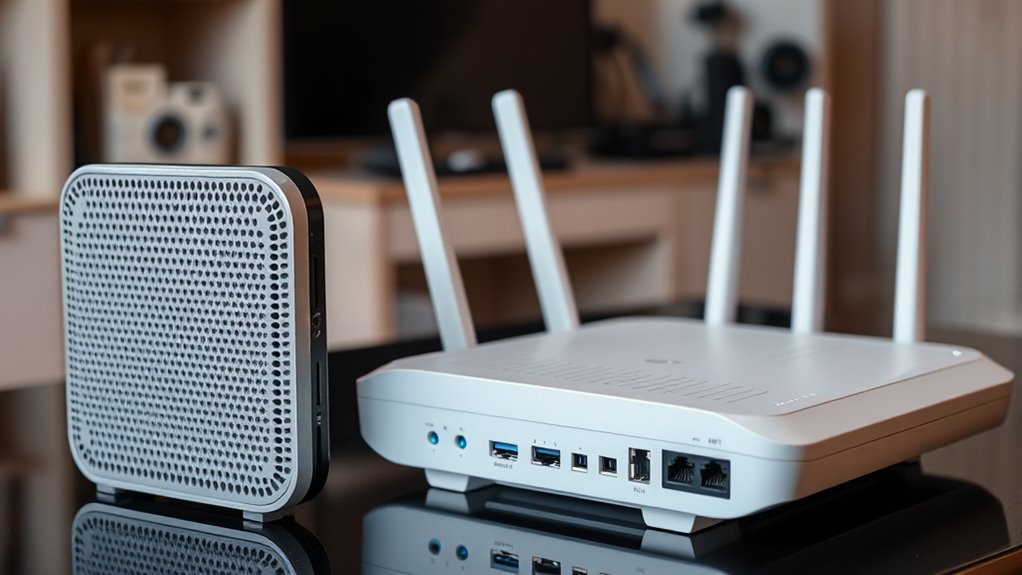
When it comes to internet speed, both devices play vital roles. Your modem determines the maximum possible speed you can get from your ISP, so upgrading your modem can sometimes boost your overall internet performance. However, your router influences how efficiently that speed is shared among your devices. A high-quality router can handle multiple streams simultaneously, providing faster Wi-Fi and reducing lag during online gaming or streaming. Poor routers, or outdated ones, can bottleneck your connection, making it seem like your internet is slow even if your modem supports high speeds. So, for the best internet speed, make certain both your modem and router are up to date and compatible with your ISP’s service. Ensuring your network’s performance can be optimized by understanding these roles and upgrading the appropriate equipment.
Frequently Asked Questions
Can I Use a Modem Without a Router?
Yes, you can use a modem without a router for your internet setup, but it restricts your device compatibility. Without a router, only wired devices connected directly to the modem can access the internet, which may not be practical if you want wireless connectivity. Keep in mind, some modems have built-in routers, so check your device’s features to ensure it suits your needs.
Do All Routers Include a Built-In Modem?
Imagine a sleek device sitting on your desk, ready to connect you to the world. Not all routers include a built-in modem, so you need to check for compatibility if you want an all-in-one solution. Without a modem, your router can’t provide internet connectivity. So, if you’re seeking simplicity, choose a combo device; otherwise, you might need to pair a separate modem with your router for seamless device compatibility and reliable internet access.
How Do I Know if My Device Is a Modem or Router?
You can identify if your device is a modem or router by checking its labels or model number for device compatibility details. A modem connects directly to your internet service and provides internet access, while a router creates a Wi-Fi network for multiple devices. To determine its function, review the setup configuration options—if it manages IP addresses and Wi-Fi, it’s a router; if it connects to your ISP, it’s a modem.
Is It Necessary to Upgrade Both Devices Simultaneously?
You don’t need to upgrade both devices at the same time. Focus on device compatibility and upgrade timing. If your modem can’t support faster internet speeds or new features, it’s wise to upgrade first. Then, check if your router is compatible with the new modem or if it needs an upgrade for maximum performance. Upgrading selectively ensures smooth operation without unnecessary expenses.
What Are Common Issues Caused by Modem-Router Conflicts?
Like a broken record, modem-router conflicts can cause frustrating issues. You might experience network congestion, where your connection slows down or drops unexpectedly. Signal interference from other electronic devices or overlapping Wi-Fi channels can also disrupt your internet. These conflicts often result from incompatible settings or outdated firmware, making your network unstable. To fix this, verify both devices are updated and properly configured, reducing interference and improving overall performance.
Conclusion
Now that you know the difference between a modem and a router, you can confidently troubleshoot your internet setup. Remember, the modem is your gateway to the internet, while the router is the traffic cop directing data within your home. So, next time your Wi-Fi stalls, ask yourself: are you focusing on the right device? With clarity on their roles, you’ll keep your connection smooth and your digital world humming seamlessly. Who’s really in control of your online experience?