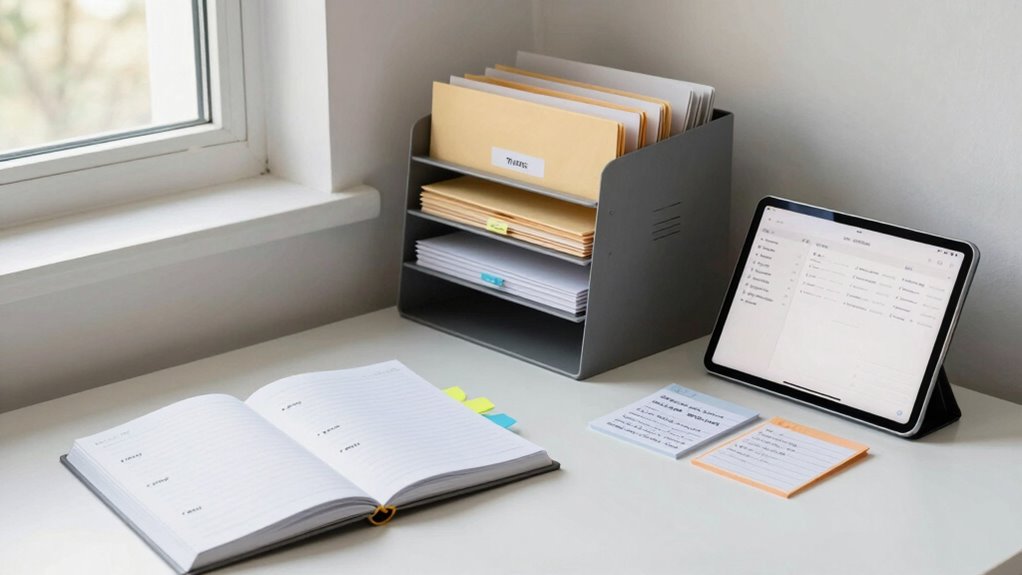

To organize information without creating a giant system, focus on broad, simple categories like Work, Personal, and Projects. Regularly spend 10-15 minutes to declutter by deleting, archiving, or organizing files and messages. Use intuitive digital tools and keep your folder structure straightforward. Prioritize quality over quantity, saving only valuable info, and develop habits like quick daily reviews. Consistent routines will keep your digital space manageable; explore more tips to refine your approach.

Prime made for students and young adults
- Fast, free delivery for dorm and study essentials
- Prime Video and Amazon Music included
- Member-only deals
Key Takeaways
- Create broad, easily identifiable categories aligned with daily life and work to quickly sort new information.
- Regularly review and declutter digital files, deleting unnecessary items and archiving useful ones.
- Use simple, consistent folder structures and labels to streamline organization without overcomplicating.
- Focus on capturing only valuable information, summarizing or discarding non-essential data.
- Develop sustainable habits like routine decluttering and categorizing to maintain a manageable digital environment.
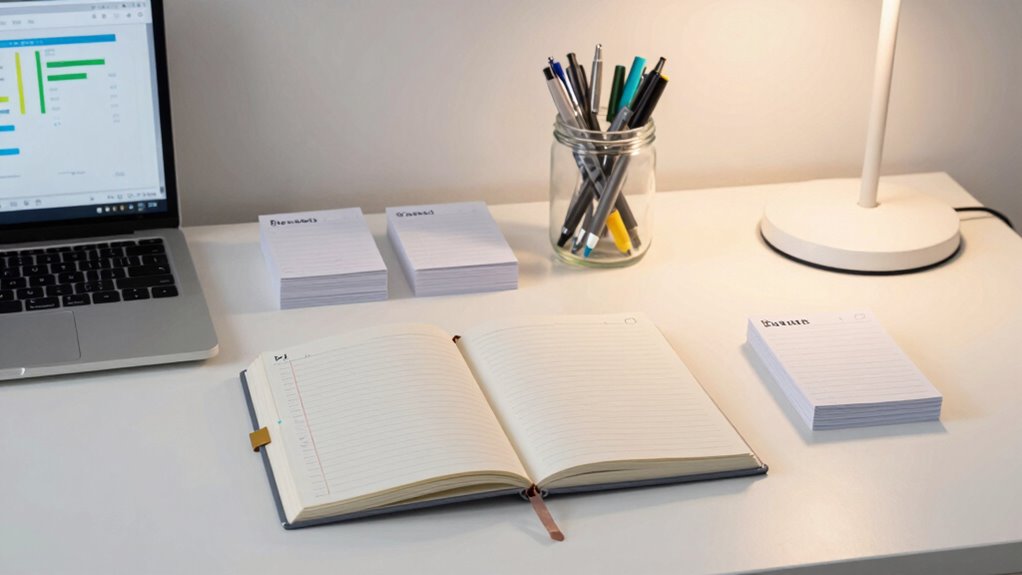
Have you ever felt overwhelmed by a flood of information with no clear way to make sense of it? That feeling often comes from digital clutter—an endless stream of emails, files, notes, and links that pile up without organization. When your digital space is cluttered, it’s easy to experience cognitive overload, where your brain struggles to process and prioritize what’s important. The good news is, you don’t need a gigantic system to get a handle on your information. Instead, simple, targeted strategies can make a big difference.
Start by creating a few broad categories that match your daily life and work. Think of these as buckets for your digital clutter—maybe “Work,” “Personal,” “Learning,” or “Projects.” Having these main groups helps you quickly identify where new information should go, reducing the temptation to leave things scattered across your devices. When you get a new email or file, ask yourself, “Which bucket does this belong in?” This quick decision-making prevents clutter from spreading out and becoming overwhelming.
Create broad categories like Work, Personal, or Projects to keep your digital clutter organized and manageable.
Next, develop a habit of regular decluttering. Set aside 10-15 minutes each day or week to review your files and messages. Delete what’s unnecessary, archive what you might need later, and organize what remains. This routine keeps your digital clutter manageable and prevents it from turning into a mountain of unread emails or forgotten notes. When you clear out clutter regularly, your mind feels lighter, and cognitive overload diminishes because you’re not constantly sifting through irrelevant information. Additionally, understanding the importance of digital systems can help you appreciate the value of maintaining an organized digital environment. Building a digital organization routine can also improve your overall productivity and mental clarity. Incorporating digital tools that suit your workflow can further streamline the process and save you time. Recognizing the significance of consistent digital management practices can motivate you to sustain these habits over time. Developing awareness of digital clutter and its impact can also help you stay motivated to keep your system streamlined, preventing overwhelm before it happens.
Use simple tools to streamline this process. Apps like note-taking platforms or task managers help you capture ideas and to-dos without losing them in the chaos. When you come across useful information, save it in a designated folder or label that makes sense—avoid creating dozens of tiny folders. Instead, keep it simple and consistent so that retrieval becomes effortless.
Finally, focus on quality over quantity. Don’t feel pressured to save every piece of information. Ask yourself if it’s truly valuable or if it can be summarized or discarded. This discipline keeps your digital environment lean and your mind clearer. Remember, the goal isn’t to build a perfect, sprawling system but to create a straightforward, sustainable way to manage your information. By maintaining a few effective habits—categorizing, decluttering regularly, and simplifying your storage—you’ll reduce digital clutter, ease cognitive overload, and make your digital world more manageable.
As an affiliate, we earn on qualifying purchases.
Frequently Asked Questions
How Can I Prioritize Which Information to Organize First?
You should start by identifying the most critical information using prioritization strategies like urgency and importance. Focus on data categorization by grouping similar items together, which helps clarify what needs immediate attention. Tackle high-impact or frequently used data first, then gradually organize less critical information. This approach guarantees you efficiently manage your resources while creating a streamlined system without becoming overwhelmed, making your organization process more effective.
What Tools Are Best for Quick Information Sorting?
For quick information sorting, digital tools like Trello, Evernote, or Notion work great. Use categorization strategies such as tagging and color-coding to quickly identify and group info. Digital decluttering is essential—you’ll want to delete or archive outdated data first. These tools help you swiftly organize without overcomplicating your system, making it easier to find what you need while keeping your digital space tidy and manageable.
How Do I Handle Constantly Changing Data?
You can handle constantly changing data by minimizing data redundancy and using flexible organizational hierarchies. Regularly review and update your data structures to reflect current priorities. Automate updates where possible, and keep your hierarchy adaptable to accommodate new information. This approach guarantees your system remains efficient and relevant, preventing chaos from frequent changes. Trust that a dynamic, streamlined organization helps you stay on top without overcomplicating your system.
Can Organization Methods Differ for Personal vs. Professional Info?
Yes, organization methods differ for personal and professional info. You can tailor your system to fit personal routines, like using simple notebooks or apps for daily tasks and reminders. For professional workflows, you might adopt more structured tools, like project management software or shared drives, to guarantee collaboration and efficiency. Adjust your approach based on the type of info, making certain it’s accessible and manageable without creating overwhelming systems.
What Are Common Mistakes to Avoid When Organizing Data?
To avoid common mistakes, stay alert for data redundancy and misclassification. You might duplicate information or categorize data incorrectly, which hampers retrieval and causes confusion. Regularly review and update your system to catch these errors early. Don’t rely on vague labels or inconsistent formats, as they complicate organization. Be precise and systematic, ensuring each piece of data is unique, correctly classified, and easy to find.
note-taking and task management tools
As an affiliate, we earn on qualifying purchases.
As an affiliate, we earn on qualifying purchases.
Conclusion
Think of organizing your information like tending a lush garden. With a few well-placed stakes and careful pruning, you keep everything tidy and thriving. You don’t need a sprawling, complicated system—just a few clear pathways and thoughtful arrangements. When you nurture your data this way, it flows smoothly, like a gentle stream, making everything easier to find and use. With a bit of care, your knowledge blooms beautifully, without the chaos of overgrown weeds.
simple folder structure for digital files
As an affiliate, we earn on qualifying purchases.
As an affiliate, we earn on qualifying purchases.
As an affiliate, we earn on qualifying purchases.
Halloween Picks
halloween
As an affiliate, we earn on qualifying purchases.