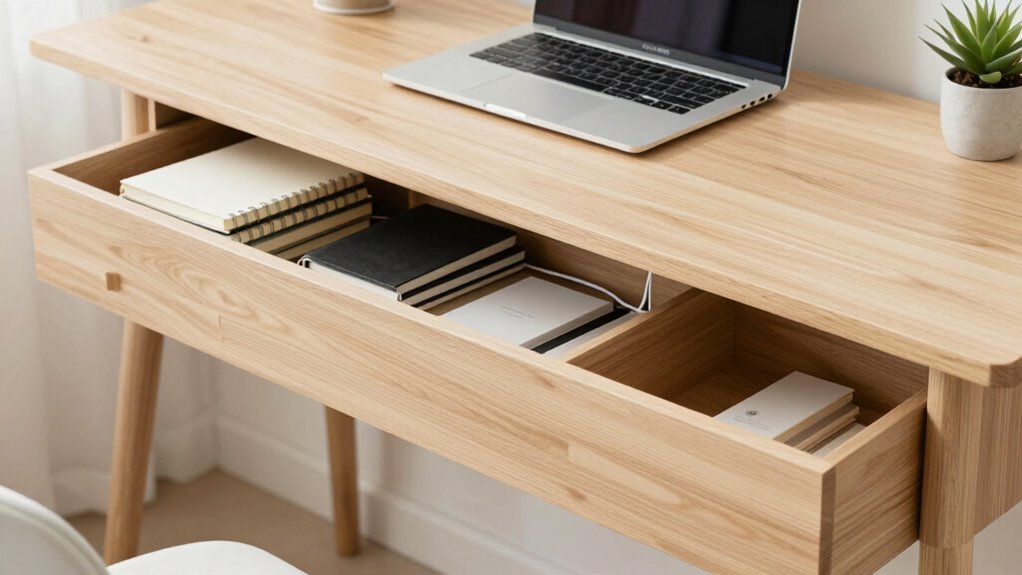

To build a cleaner desk without losing functionality, focus on organizing essential items and using ergonomic accessories that support comfort. Invest in cable management tools like clips and trays to keep cords out of sight and prevent clutter. Incorporate space-saving storage solutions and regularly declutter to maintain order. Using wireless peripherals also reduces cable chaos. Keep everything within reach for efficiency while maintaining a tidy workspace—continue to explore simple tips that can transform your setup seamlessly.

Prime made for students and young adults
- Fast, free delivery for dorm and study essentials
- Prime Video and Amazon Music included
- Member-only deals
Key Takeaways
- Prioritize essential items and remove unnecessary clutter regularly to maintain a tidy workspace.
- Use cable organizers and wireless peripherals to reduce cable clutter without sacrificing functionality.
- Elevate screens and incorporate ergonomic accessories to enhance comfort while keeping the surface clear.
- Implement smart storage solutions and designated zones for frequently used tools for quick access.
- Conduct weekly tidy-ups to sustain organization and prevent clutter buildup over time.
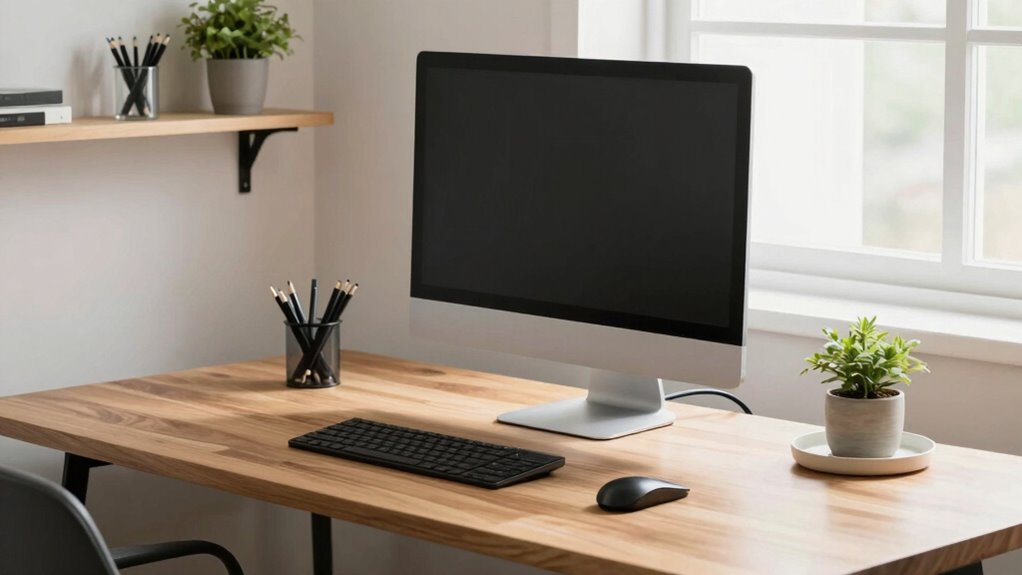
Ever wondered how to keep your desk tidy without sacrificing the tools and space you rely on? The key is to streamline your setup with smart solutions that maximize functionality while minimizing clutter. Start by evaluating your essential items and considering how they can be organized more efficiently. Use ergonomic accessories to improve your workspace comfort and promote better posture, but choose those that also help keep your desk clear. For example, adjustable monitor stands elevate screens, freeing up surface area and reducing neck strain. Keyboard trays and wrist supports not only boost comfort but can be tucked away when not in use, helping your desk stay organized. Incorporating cable management strategies can significantly enhance your workspace’s overall appearance and safety. Implementing effective organization techniques can make a noticeable difference in maintaining a tidy environment.
Cable management plays a pivotal role in maintaining a clean workspace. Tangled cords can quickly turn a tidy desk into a chaotic mess, so invest in cable organizers like clips, sleeves, or under-desk trays. Route cables neatly along the edges or underneath your desk, securing them out of sight. This not only creates a visually cleaner space but also prevents accidents and makes it easier to access your devices. Using wireless peripherals, such as a Bluetooth mouse and keyboard, can further reduce cable clutter, giving your desk a sleek, modern look. Additionally, ergonomic design principles can help you choose accessories that support your posture and reduce strain, making your workspace both functional and comfortable. Incorporating space-saving storage solutions can also maximize your limited desk area and keep essentials within reach. Regularly declutter your desk by removing unnecessary items and resetting your organization system. A quick weekly tidy-up prevents buildup of clutter and keeps your workspace inviting. Incorporating ergonomic accessories can also enhance your comfort and efficiency throughout the day. Remember, a cleaner desk isn’t just about aesthetics—it boosts productivity and reduces stress. By integrating ergonomic accessories thoughtfully and mastering cable management, you create a functional, comfortable, and visually appealing workspace. This way, you don’t have to compromise on your tools or workspace size; instead, you optimize what you have for maximum efficiency and minimal mess. Keep your desk clear, and you’ll find it easier to focus, work effectively, and enjoy a workspace that genuinely supports your daily tasks.
cable management clips and trays
As an affiliate, we earn on qualifying purchases.
As an affiliate, we earn on qualifying purchases.
Frequently Asked Questions
What Are the Best Storage Solutions for Small Desk Spaces?
You should use compact storage containers and vertical organizers to maximize small desk space. Opt for stackable drawers or desk caddies to keep essentials within reach, yet neatly tucked away. Incorporate desk organizers that encourage good desk organization, like trays or small bins, to reduce clutter. These solutions help maintain a clean look while ensuring your most-used items are accessible, making your workspace both functional and tidy.
How Can I Keep Cables Organized Without Clutter?
To keep cables organized and prevent clutter, you should focus on effective cable management. Use cable clips or sleeves to bundle cords together, keeping them neat and accessible. Consider installing a cable tray or under-desk cable management system to hide excess wiring. Regularly review and remove unused cables, and position your devices to minimize tangled cords. These steps help maintain a tidy workspace while ensuring all your devices stay connected and functional.
What Are Quick Decluttering Tips for Daily Use?
To keep your desk clutter-free daily, adopt a minimalist approach by only keeping essentials within arm’s reach. Spend a few minutes each day on quick maintenance: clear stray papers, put away used items, and organize cables. Use small containers or trays for frequently used objects, and routinely reevaluate what’s necessary. This routine streamlines your workspace, reduces distractions, and keeps your desk clean without sacrificing functionality.
How to Choose Functional Accessories That Don’T Add Clutter?
Pick practical, minimalist accessories that promote aesthetic organization, avoiding clutter-casting items. Focus on functional features like sleek pen holders, compact organizers, and multi-use gadgets that streamline your space. Opt for simple, stylish designs that blend seamlessly into your workspace, ensuring every item serves a purpose. By choosing carefully curated, clutter-free tools, you maintain a clean desk without sacrificing the functionality you need to stay productive and organized.
What Cleaning Products Are Safe for Electronic Devices?
You should use eco-friendly cleaners and antistatic sprays for electronic devices. Eco-friendly cleaners are gentle, safe, and free from harsh chemicals, making them ideal for screens and keyboards. Antistatic sprays help prevent static buildup that can damage electronics. Always spray these products onto a soft cloth first, then gently wipe your devices. Avoid using abrasive or liquid cleaners directly on electronics to prevent damage and guarantee longevity.
wireless Bluetooth keyboard and mouse
As an affiliate, we earn on qualifying purchases.
As an affiliate, we earn on qualifying purchases.
Conclusion
By gently simplifying your workspace, you create a more inviting environment where focus can flourish. Remember, a tidy desk isn’t about stripping away essentials but about making space for what truly matters. With small, thoughtful adjustments, you can maintain all your favorite functions while enjoying a more harmonious surface. Embrace these changes gradually, and soon, your desk will feel like a calming haven—ready to support your best work with ease and grace.
As an affiliate, we earn on qualifying purchases.
desk organization storage solutions
As an affiliate, we earn on qualifying purchases.
As an affiliate, we earn on qualifying purchases.
Fall Picks
fall essentials
As an affiliate, we earn on qualifying purchases.