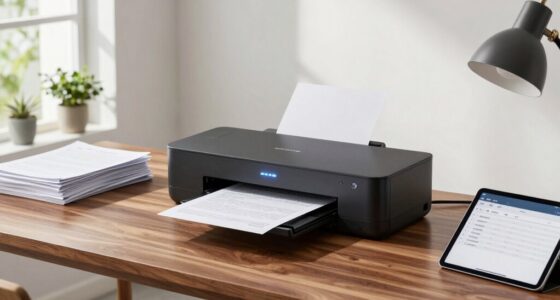

Switching to a digital home office system saves you more time than you might think by reducing clutter, speeding up document retrieval, and cutting down on manual filing. By digitizing receipts, invoices, and notes, you create organized, easy-to-access files that streamline your daily routines. Automating reminders and setting up a clear folder structure minimizes search time and disorganization. Keep exploring to uncover simple tips that can transform your workspace into a more efficient, stress-free zone.
Open a free Amazon Business account
Business pricing, bulk buying and tax-exempt orders.
As an affiliate, we earn on qualifying purchases.
Key Takeaways
- Digitizing documents enables quick retrieval, reducing time spent searching for physical papers.
- Organized digital folders streamline document access and prevent clutter buildup.
- Automating routine tasks like bill payments saves time and minimizes manual effort.
- Digital note-taking and task management tools enhance workflow efficiency.
- Regular maintenance of digital files ensures ongoing productivity and reduces time lost on disorganization.
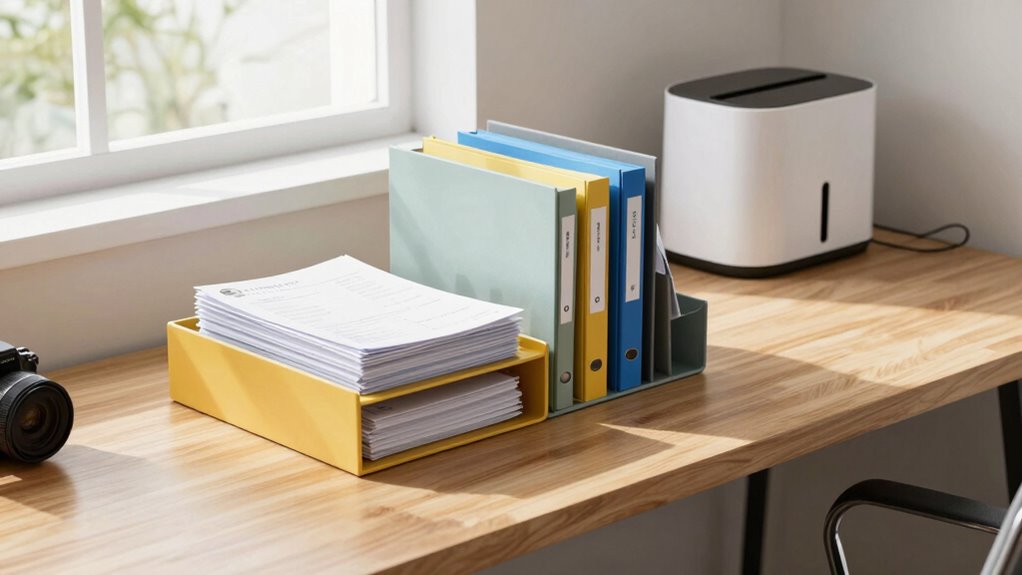
Have you ever struggled to keep your home office organized and efficient? If so, you’re not alone. Cluttered desks, misplaced papers, and lost documents can slow down your workflow and increase your stress. But what if you could transform your space into a streamlined, productive environment? The key lies in adopting a home office paper system that emphasizes digital organization and a paperless workflow. This approach not only clears physical clutter but also saves you significant time in the long run.
Struggling with clutter? Embrace digital organization and go paperless to boost productivity and reduce stress.
Digital organization is the backbone of an efficient home office. Instead of stacking papers or hunting through piles, you digitize important documents and store them systematically on your computer or cloud services. Use clear, consistent naming conventions for files, and create folders for different categories—such as bills, contracts, or project files. This way, you can locate any document within seconds, reducing time spent searching through physical papers. Incorporate tools like document scanners or apps that allow you to scan and organize paper documents quickly. By doing this, you eliminate the need to keep physical copies of everything, freeing up space and reducing clutter. Additionally, understanding digital storage options can help you select the most secure and accessible solutions for your needs. Developing a solid digital organization habit further enhances your productivity and keeps your workspace tidy. Implementing a system that promotes environmentally friendly practices can also contribute to sustainability goals and reduce paper waste. Improving your digital literacy can help you utilize these tools more effectively and make your workflow even smoother.
A paperless workflow is the next step to maximizing your efficiency. Transition all your routine paperwork—receipts, invoices, memos—to digital formats. Use apps and software designed for digital note-taking, task management, and collaboration, so everything is stored electronically. When you receive a document, immediately assess whether it needs to be saved or can be discarded after processing. Many tasks that once required manual handling, such as filing or searching through paper files, can now be completed with a few clicks. This not only saves your time but also minimizes the risk of losing important information. Incorporating digital tools can further enhance your organization and efficiency.
Implementing a paperless system takes some initial effort, but it pays off quickly. Create a dedicated digital folder structure that mirrors your physical filing system, making it easy to transition and find documents later. Automate routine tasks, like bill payments or reminders, through digital tools. Establish daily habits of reviewing and organizing new digital documents, so you don’t accumulate unnecessary clutter. Over time, you’ll notice a significant reduction in the time spent managing paperwork, and your workspace will stay cleaner and more organized. Embracing these practices can also contribute to a more sustainable and environmentally friendly workspace.
In the end, a home office paper system rooted in digital organization and a paperless workflow simplifies your daily routine. It allows you to focus more on your work and less on managing clutter. With a little effort upfront, you’ll enjoy a more efficient, stress-free environment that helps you get more done in less time.

Brother DS-640 Compact Mobile Document Scanner, (Model: DS640)
- High-Speed Scanning: Up to 16 pages per minute
- Color and B&W: Same fast scan speed for both
- Ultra Compact Design: Less than 1 foot long, lightweight
As an affiliate, we earn on qualifying purchases.
As an affiliate, we earn on qualifying purchases.
Frequently Asked Questions
How Much Initial Setup Time Is Required for the System?
You’ll need about an hour to set up the system, focusing on paper organization and storage efficiency. During this time, you sort through existing documents, categorize them, and establish designated storage spots. This initial effort streamlines your workflow, making future paper management quicker and easier. Once set up, you’ll notice how smoothly the system helps you keep everything organized and accessible, saving you time in the long run.
Can the System Integrate With Existing Office Software?
Yes, the system seamlessly integrates with your existing office software, transforming your paper workflow effortlessly. Imagine instantly connecting your scanner, document management, and email platforms—no complicated setup required. Its compatibility guarantees smooth operation, so you can focus on what matters most. This clever integration not only saves time but also boosts efficiency, making your entire workflow feel more streamlined and intuitive than you ever thought possible.
What Is the Cost Comparison With Traditional Paper Storage?
You’ll find that the paper storage system is more cost-efficient than traditional methods, saving you money on physical supplies and space. It reduces the need for extensive storage areas and minimizes paper waste, leading to lower operational costs. By switching to this system, you streamline your document management, cutting expenses and improving overall cost efficiency, making it a smart choice for your office budget.
Is Training Provided for New Users?
Yes, training is provided for new users, making onboarding a breeze. You’ll find extensive training resources, including tutorials and guides, to help you get started quickly. Think of it as hitting two birds with one stone—avoiding headaches and saving time. The user onboarding process is smooth, ensuring you understand the system’s features and benefits without any hassle. Rest assured, you’ll be up to speed in no time.
How Secure Is the Digital Document Storage?
You’ll find that the digital document storage is highly secure, thanks to advanced digital encryption that protects your files from unauthorized access. Plus, cloud backups guarantee your data is safe even if there’s a technical issue or hardware failure. This combination of encryption and backups provides peace of mind, knowing your sensitive documents are well-protected and easily recoverable, making the system both reliable and secure for your needs.
As an affiliate, we earn on qualifying purchases.
Conclusion
Imagine a clutter-free desk, your papers neatly organized, and your tasks flowing seamlessly—yet just yesterday, chaos reigned. The home office paper system transforms frustration into efficiency, saving you more time than you’d expect. It’s the quiet hero behind your productivity, turning chaos into clarity. So, embrace the system, and watch your workday shift from overwhelming to effortless—proving that sometimes, the smallest change makes the biggest difference.
cloud storage solutions for documents
As an affiliate, we earn on qualifying purchases.
As an affiliate, we earn on qualifying purchases.
As an affiliate, we earn on qualifying purchases.
College move-in / dorm season Picks
dorm essentials
As an affiliate, we earn on qualifying purchases.