
To keep your receipt and bill archiving simple and effective, start by digitizing all documents with a reliable scanner or smartphone app, then store them in organized folders using consistent naming conventions. Regularly review and delete duplicates to prevent clutter, and back up files to multiple locations for safety. Setting reminders for updates and maintaining a systematic approach helps prevent collapse of your system. Discover more ways to streamline your digital records efficiently.
Key Takeaways
- Use consistent naming conventions and organized folder structures to keep digital receipts and bills easily accessible.
- Regularly scan and upload documents, setting reminders to prevent backlog and maintain up-to-date records.
- Convert images into searchable PDFs for quick retrieval and improved document management.
- Backup files regularly on external drives or cloud services to protect against data loss.
- Periodically review and delete outdated or duplicate files to keep your archive streamlined and efficient.
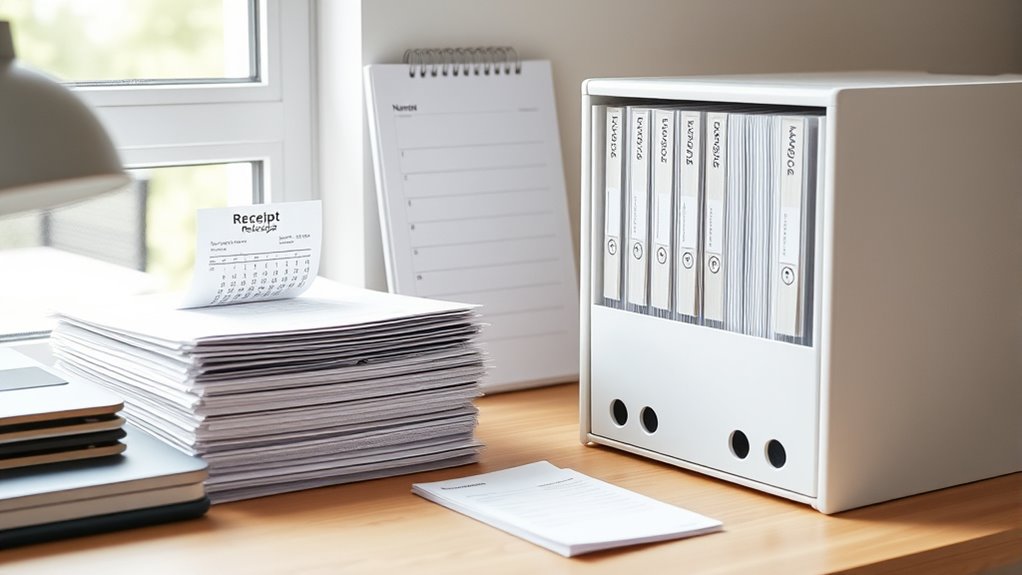
Keeping track of your receipts and bills is essential for managing your finances and ensuring you have proof of purchases when needed. One effective way to stay organized is by utilizing digital storage. Instead of relying solely on paper copies that can get lost or damaged, scan your receipts and bills and save them in a dedicated folder on your computer or cloud service. Digital storage not only saves physical space but also makes it easier to search for specific documents when needed. You can create subfolders categorized by month, year, or expense type to streamline your system further.
Organizational tips are vital when setting up your digital archive. Start by establishing a consistent naming convention for your files, such as “2024-03-15_Grocery_Receipt” or “ElectricBill_March2024.” This way, you’ll be able to locate specific documents quickly without opening each file. Regularly updating your digital files prevents backlog and ensures your records are current. Consider setting a weekly reminder to scan and upload new receipts and bills, so your system remains tidy and up-to-date.
Another helpful tip is to invest in reliable scanning equipment or use high-quality smartphone apps designed for document capture. Many apps allow you to scan receipts directly into organized folders, crop out unnecessary background, and even convert images into searchable PDFs. This makes managing your digital receipts seamless and reduces the chances of losing important details. Additionally, understanding the importance of digital organization can help you develop a system that is both efficient and sustainable over time.
In addition to digital storage, keep a backup of your files in an external drive or a secondary cloud service. This extra layer of security protects your records from hardware failure or accidental deletion. When it comes to bills, consider setting up automatic downloads or alerts from service providers to guarantee timely payments and avoid missed deadlines, which can complicate your record-keeping.
Finally, stay disciplined about your organizational system. Review your digital archive periodically, delete duplicates, and remove outdated files to keep your storage clean and relevant. This habit prevents clutter and makes your system more efficient. By combining digital storage with smart organizational tips, you’ll create a simple, reliable receipt and bill archiving system that won’t collapse under pressure. It’s a practical approach that saves time, reduces stress, and guarantees you always have proof of your transactions at your fingertips.
Frequently Asked Questions
How Secure Is My Digital Receipt Storage?
Your digital receipt storage is quite secure if it uses strong encryption protocols and access controls. Encryption protects your data from unauthorized access, while access controls ensure only you can view or modify your receipts. Make certain the system employs up-to-date security measures. Regularly update your passwords and enable two-factor authentication for added protection. With these practices in place, your receipts are well safeguarded against potential threats.
Can I Access Archived Receipts Offline?
Did you know that 78% of users prefer offline access for quick retrieval? Yes, you can access archived receipts offline, especially if your system offers receipt categorization and offline search functionality. By storing receipts locally or syncing them periodically, you guarantee you can find what you need anytime, even without internet. This way, your receipts are always within reach, organized, and easy to locate whenever you require them.
What Devices Are Compatible With the System?
You can access the system on most devices, including smartphones, tablets, and computers, thanks to its broad device compatibility. It seamlessly integrates with popular apps like cloud storage and email for efficient app integration. Whether you’re using iOS, Android, Windows, or macOS, the system adapts easily, so you can manage your receipts and bills effortlessly across all your devices, ensuring smooth access and organization wherever you are.
How Long Should I Retain Digital Receipts?
You should retain digital receipts for at least one year, especially for expenses that could be tax-deductible or require warranty claims. Good receipt organization helps you stay on top of your records, so regularly review and delete outdated files. Use digital storage tips like backing up your files securely and categorizing receipts by date or purpose, which makes retrieval easier and keeps your system reliable over time.
Is There a Backup Option for Archived Data?
Yes, you absolutely need a backup for your archived data. Rely on cloud backup services to safeguard your receipts and bills—think of it as having a vault in the sky! This way, if your device crashes or data gets lost, data recovery becomes a breeze. Don’t risk losing critical financial records—use cloud backup to keep everything secure and easily retrievable whenever you need it.
Conclusion
By now, you see how a simple receipt and bill archiving system can save you time and stress. Don’t let clutter pile up or important documents slip through the cracks. With a straightforward approach, you keep everything organized and accessible, making your life easier. Remember, a little effort now can save a big headache later—it’s better to be safe than sorry. Stick to your system, and you’ll stay on top of your finances without breaking a sweat.