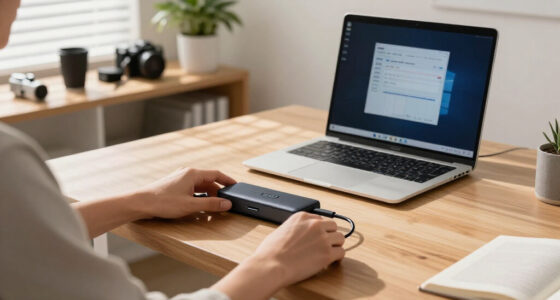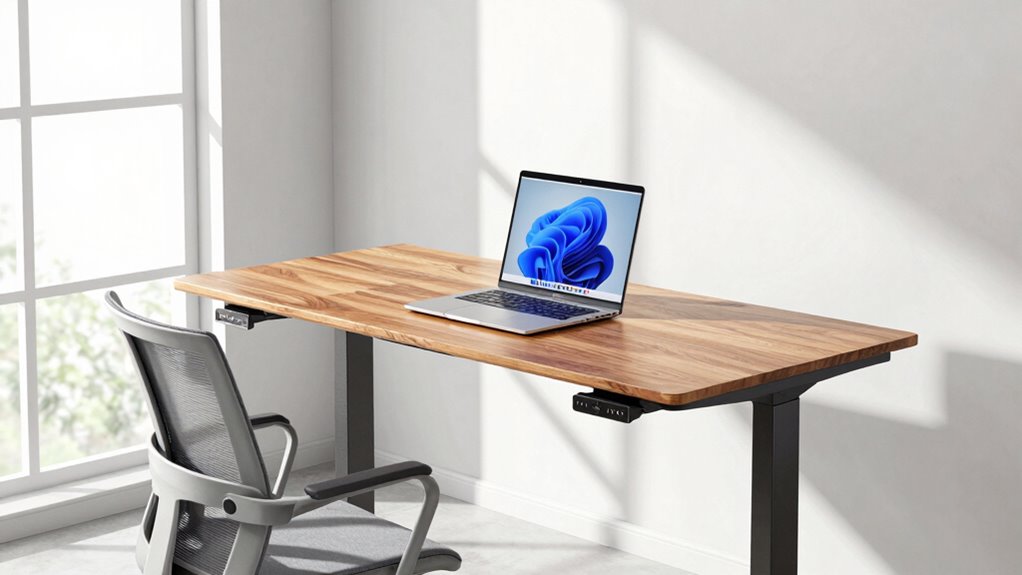

To set your standing desk height accurately, start by adjusting it so your elbows are at about a 90-degree angle when your hands are on the keyboard. Keep your wrists straight and relaxed, and make certain your monitor is at eye level to avoid neck strain. Use ergonomic accessories like a footrest or desk converter for additional adjustments, and pay attention to your body’s signals. Continuing them ensures you’ll discover more tips to perfect your setup.

Prime made for students and young adults
- Fast, free delivery for dorm and study essentials
- Prime Video and Amazon Music included
- Member-only deals
Key Takeaways
- Adjust your desk height so your elbows are at a 90-degree angle when typing, ensuring ergonomic comfort.
- Position the monitor at eye level to prevent neck strain and promote proper posture.
- Use adjustable ergonomic accessories like monitor arms or keyboard trays to fine-tune your setup precisely.
- Incorporate footrests or anti-fatigue mats to support proper alignment during standing work.
- Regularly reassess and modify your setup based on body signals to maintain optimal comfort without guessing.
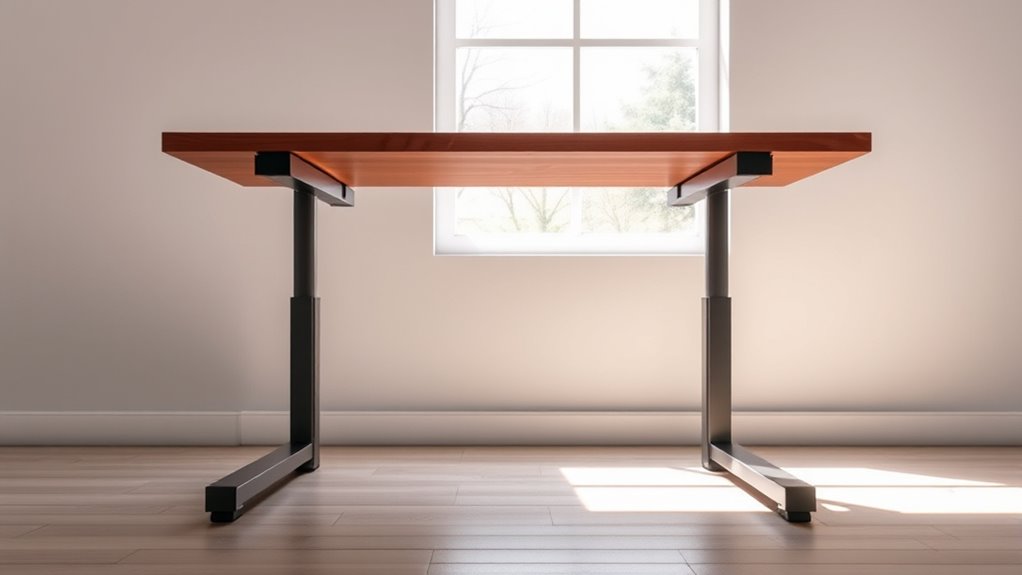
Have you ever wondered how to set your standing desk to the perfect height? Getting it just right isn’t about guesswork; it’s about understanding your body’s needs and making smart adjustments. When you enhance your desk height, you’ll reduce discomfort and boost productivity. The key is to approach desk customization thoughtfully, using ergonomic accessories to fine-tune your setup. These accessories, like monitor arms, keyboard trays, and footrests, make it easier to achieve ideal alignment. They allow you to adapt your workspace to your unique body dimensions, ensuring your posture stays healthy throughout the day.
Adjust your standing desk with ergonomic accessories for perfect comfort and posture.
To begin, you should aim to keep your elbows at roughly a 90-degree angle when your hands rest on your keyboard. Your wrists need to be straight and relaxed, not bent or strained. When standing, your monitor should be at eye level so that you don’t have to tilt your head up or down. Proper desk customization involves adjusting both the height of your work surface and the placement of your screen. Using ergonomic accessories, you can easily modify these elements without purchasing an entirely new desk. For example, a monitor arm can lift or lower your screen, while a keyboard tray can bring your keyboard to a comfortable height. Footrests help maintain proper posture if your desk or monitor needs additional adjustments.
Next, pay attention to your body’s signals. If your shoulders are tense, or if you experience neck or back pain, it’s a sign your setup isn’t quite right. Small tweaks can make a significant difference. Elevate or lower your monitor, shift your keyboard, or add ergonomic accessories until your body feels supported. Remember, your goal is to maintain a natural, relaxed posture. Standing for long periods without proper setup can cause fatigue, so consider using anti-fatigue mats and adjustable desk converters that allow you to switch between sitting and standing. Additionally, understanding modern ergonomic principles can help you create a more efficient workspace that adapts to your needs.
Finally, don’t forget about the importance of consistency. Once you find the ideal height, stick to it. Regularly reevaluate your setup, especially if you notice discomfort creeping in. Ergonomic accessories empower you to customize your desk easily, so you can make quick changes as needed. Proper desk customization isn’t a one-time task; it’s an ongoing process that ensures your workspace adapts to you, promoting better health and productivity. With a few simple adjustments, you’ll be standing comfortably and confidently, knowing your desk setup is tailored for your needs.
As an affiliate, we earn on qualifying purchases.
Frequently Asked Questions
How Often Should I Adjust My Standing Desk Height?
You should modify your standing desk height whenever you notice discomfort or fatigue. Using ergonomic accessories like adjustable monitor arms and keyboard risers helps maintain proper posture. Incorporate desk calibration methods, such as setting your elbows at a 90-degree angle, to find the ideal height. Regularly reassess your setup, especially if you experience aches, to ensure your workspace stays ergonomic and supports your health throughout the day.
What Tools Can Help Me Set the Perfect Desk Height?
You can use ergonomic tools like adjustable desk height rulers or laser measurement devices to set your standing desk perfectly. These measurement devices help you determine the ideal height by providing precise readings, ensuring your elbows are at a 90-degree angle and your monitor is at eye level. Investing in these tools makes setup easier, so you can work comfortably and reduce strain without guesswork.
Does Desk Height Affect Long-Term Posture and Health?
Absolutely, your desk height impacts your long-term posture and health—no joke! When you ignore ergonomic accessories and posture correction, you risk aches, fatigue, and even chronic issues. Setting your desk at the right height keeps your body happy and avoids the trap of slouching or straining. Invest in proper ergonomic accessories, adjust your desk correctly, and you’ll thank yourself later for avoiding a lifetime of discomfort.
Can Standing Desk Height Vary for Different Tasks?
Yes, standing desk height should vary for different tasks. For tasks like typing, keep the desk at elbow height, while for reading or reviewing documents, adjust it slightly higher. Use ergonomic accessories like an adjustable monitor to maintain proper eye level, and guarantee your wrists stay neutral. This way, you stay comfortable and avoid strain, no matter what task you’re doing. Adjusting your desk for each activity keeps your posture healthy.
How Do I Know if My Desk Height Is Causing Discomfort?
Did you know 86% of office workers experience discomfort from improper desk setup? If your neck, shoulders, or wrists ache, your desk height might be the culprit. Check if your ergonomic chair feels supportive and your keyboard placement is level with your elbows. If you’re reaching or hunching, adjust your desk height. Proper alignment reduces strain, so make sure your desk allows your forearms to be parallel to the floor while typing.
As an affiliate, we earn on qualifying purchases.
Conclusion
So, set your standing desk to suit your stature, save yourself stress, and stay satisfied. By balancing, benchmarking, and bracing your body properly, you’ll banish aches and boost your best. Don’t guess, don’t gamble—go for a guided, grounded goal. With a little focus and finesse, you’ll find freedom from fuss and friction. Make the move, master your measurement, and marvel at the magic of a perfectly positioned standing desk. Stay steady, stay strong!
As an affiliate, we earn on qualifying purchases.
As an affiliate, we earn on qualifying purchases.
Halloween Picks
halloween
As an affiliate, we earn on qualifying purchases.