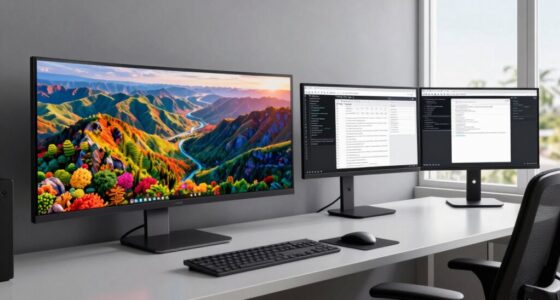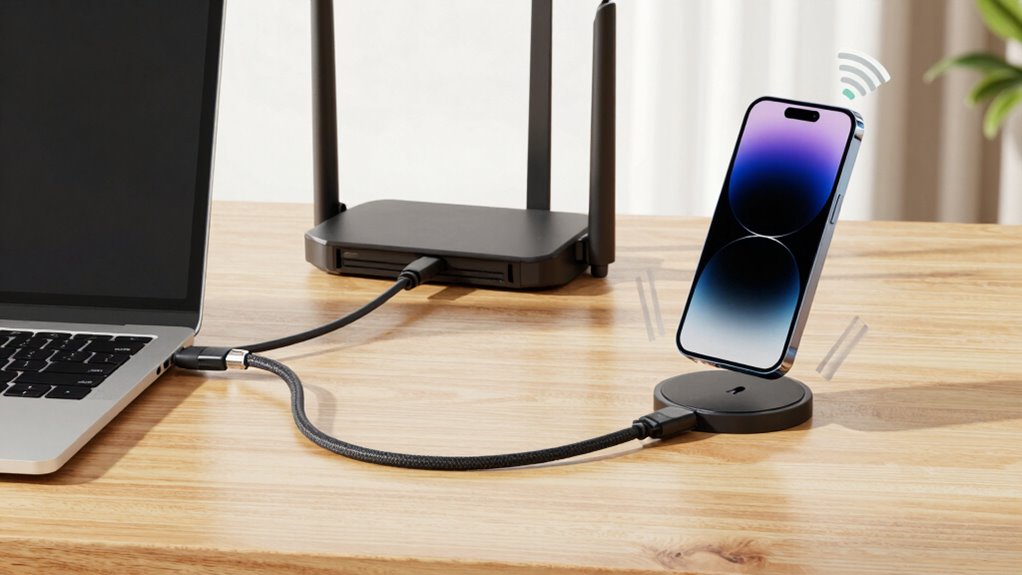

For a reliable WFH setup, the simple rule is to use wired connections for tasks that need maximum stability, speed, and security, especially during important work or video calls. Wireless networks offer flexibility and convenience for everyday browsing, emails, or casual tasks. Combining both — a hybrid approach — can give you best of both worlds. To guarantee smooth, uninterrupted work, understanding when and how to use each type is key; discover more insights ahead.
Key Takeaways
- Use wired connections for critical tasks requiring maximum reliability and security during WFH.
- Opt for wireless networks to enhance mobility and reduce workspace clutter.
- A hybrid setup balances wired stability with wireless flexibility for diverse work needs.
- Choose wired if consistent performance and security are top priorities; prefer wireless for convenience.
- Regular maintenance and proper placement improve wireless reliability for a smoother WFH experience.

While wired connections shine in stability, security, and device compatibility, they do have drawbacks. Running Ethernet cables can be inconvenient, especially if your workspace is far from your router or if you need to move devices frequently. The cables can also clutter your space, reducing the neatness of your home office. Wireless networks eliminate these issues by providing mobility and a clean setup, but they can be susceptible to interference from other electronic devices, walls, or distance, which may cause connection drops or slower speeds. Additionally, network sanitation and maintenance are important to ensure consistent performance over time.
In the end, choosing between wired and wireless depends on your specific needs. If your work demands maximum reliability, security, and consistent speeds, a wired connection is often the best choice. If you prioritize flexibility and device compatibility, wireless might be more suitable. Sometimes, a hybrid approach—using wired for your primary workstation and wireless for mobile devices—gives you the best of both worlds. Your decision should align with your work habits, security concerns, and the layout of your home, ensuring you stay connected and productive at all times.
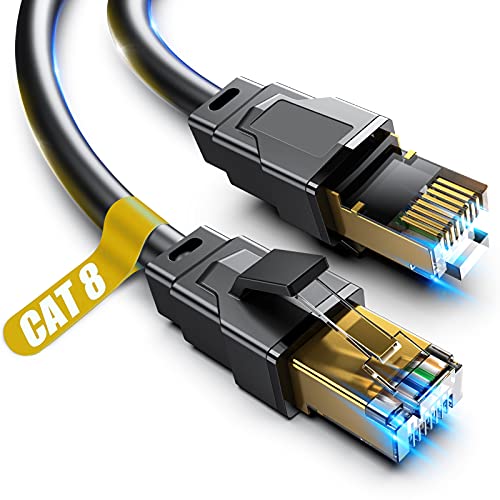
Vabogu Cat 8 Ethernet Cable 6FT, Heavy Duty 26AWG High Speed 40Gbps 2000MHz, Gold Plated RJ45 Shielded, Weatherproof Indoor & Outdoor LAN Cable for Gaming PC PS5 Xbox Modem Router
【Ultra Internet speed】Cat 8 ethernet cable support bandwidth up to 2000MHz and boosts the speed of data transmission…
As an affiliate, we earn on qualifying purchases.
As an affiliate, we earn on qualifying purchases.
Frequently Asked Questions
How Do I Troubleshoot Wi-Fi Disconnections During Video Calls?
When your Wi-Fi disconnects during video calls, start by checking for signal interference from nearby devices like microwaves or Bluetooth gadgets. Make certain your router is placed centrally and elevated to improve coverage. Restart your router to refresh the connection, and consider connecting via a wired Ethernet if possible for stability. Updating your Wi-Fi drivers and reducing the number of devices using your network can also help maintain a reliable connection.
What Security Measures Are Recommended for Wired Home Networks?
Are you ensuring your wired home network is secure enough? You should implement strong security measures like network encryption to protect your data and prevent unauthorized access. Additionally, enable device authentication to verify every device connecting to your network. Regularly update your firmware and change default passwords. These steps help safeguard your network from cyber threats, keeping your work and personal information safe while maintaining reliable, secure wired connections.
Can Switching Between Wired and Wireless Improve Overall Work Performance?
Switching between wired and wireless can improve your overall work performance by creating a hybrid network that offers better connection stability. When you use wired connections for bandwidth-heavy tasks, you reduce lag and interruptions. Switching to wireless for less critical activities gives you flexibility. This dynamic approach ensures you maintain ideal connection quality across different tasks, boosting productivity and reducing frustration during your work-from-home day.
How Does Network Latency Affect My Remote Work Experience?
Did you know that even a 50-millisecond delay can disrupt your video calls? Network latency directly impacts your remote work by causing lag or interruptions, especially during busy times. Network congestion and signal interference from other devices can increase latency, making your connection sluggish. To improve your experience, use wired connections when possible and minimize interference, ensuring smoother video meetings, faster file transfers, and overall productivity.
What Are the Cost Implications of Upgrading to Wired or Wireless Setups?
Upgrading to wired or wireless setups impacts your costs through installation expenses and ongoing expenses. Wired setups typically have higher initial installation costs due to cabling and hardware, but may save you money long-term with fewer disruptions. Wireless setups usually cost less upfront but might require occasional upgrades and maintenance. Consider your budget and needs to choose the option with the best cost comparison, balancing upfront costs and long-term value.

TP-Link AC1200 WiFi Extender – 1.2Gbps Home Signal Booster, Dual Band 5GHz/2.4GHz, Up to 1600 Sq.ft and 32 Devices, EasyMesh Compatible, One Ethernet Port (RE315)
𝐒𝐭𝐫𝐨𝐧𝐠𝐞𝐫 𝐖𝐢-𝐅𝐢 𝐢𝐧 𝐄𝐯𝐞𝐫𝐲 𝐂𝐨𝐫𝐧𝐞𝐫 – Enjoy extended coverage with strong performance powered by Adaptive Path Selection and…
As an affiliate, we earn on qualifying purchases.
As an affiliate, we earn on qualifying purchases.
Conclusion
Ultimately, wired connections offer reliability and stability, like a steady hand guiding your work, while wireless options provide freedom and convenience, like a breeze that moves with you. Choosing between them depends on your needs—do you prioritize consistent performance or flexible mobility? Remember, it’s not about one being better; it’s about what fits your work style best. Whether wired or wireless, make sure your connection supports your productivity without compromise.

TP-Link AX1800 WiFi 6 Router (Archer AX21 V5) – Dual Band Wireless Internet, Gigabit, Easy Mesh, Works with Alexa – A Certified for Humans Device, Free Expert Support
DUAL-BAND WIFI 6 ROUTER: Wi-Fi 6(802.11ax) technology achieves faster speeds, greater capacity and reduced network congestion compared to…
As an affiliate, we earn on qualifying purchases.
As an affiliate, we earn on qualifying purchases.
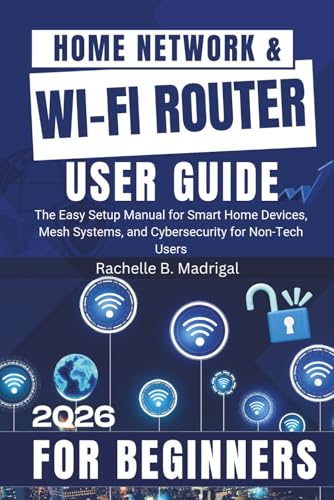
Home Network & Wi-Fi Router User Guide: The Easy Setup Manual for Smart Home Devices, Mesh Systems, and Cybersecurity for Non-Tech Users
As an affiliate, we earn on qualifying purchases.
As an affiliate, we earn on qualifying purchases.