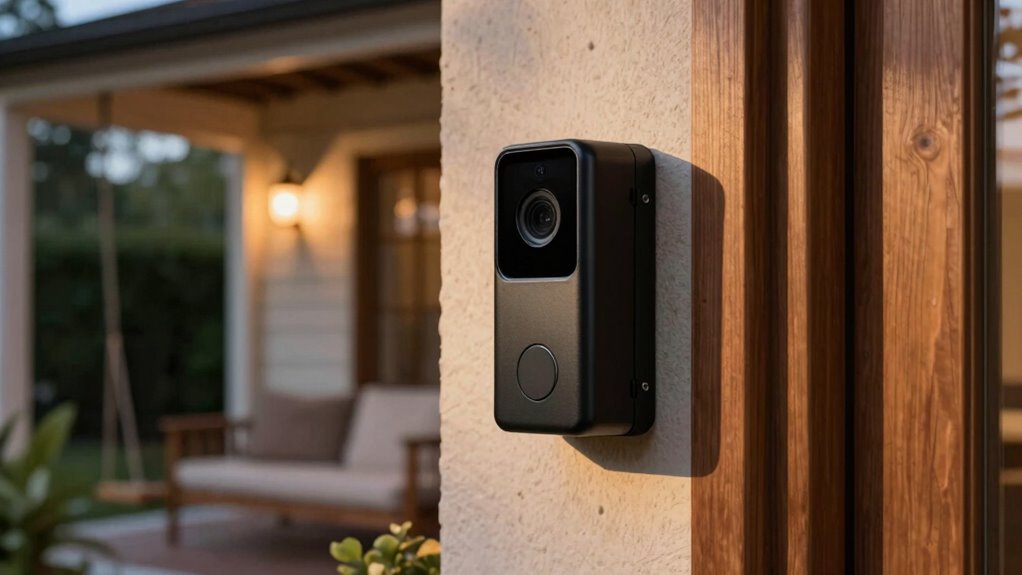
When considering camera and doorbell privacy at home, focus on respecting others’ boundaries and being transparent about data collection. Balance security benefits with privacy risks by choosing local storage options and securing your Wi-Fi with strong passwords. Regularly update device software and adjust settings to control what gets recorded and who has access. Being proactive helps protect both your safety and privacy. To learn practical steps for managing these devices responsibly, keep exploring further tips and strategies.

Prime made for students and young adults
- Fast, free delivery for dorm and study essentials
- Prime Video and Amazon Music included
- Member-only deals
Key Takeaways
- Respect neighbors’ privacy by avoiding camera placement that captures private areas or private conversations.
- Clearly inform visitors and household members about recording practices to ensure transparency.
- Choose local storage options and strong security measures to protect footage from unauthorized access.
- Regularly review and update privacy settings and device firmware to maintain data security.
- Balance security benefits with privacy considerations, ensuring surveillance does not infringe on personal or community boundaries.
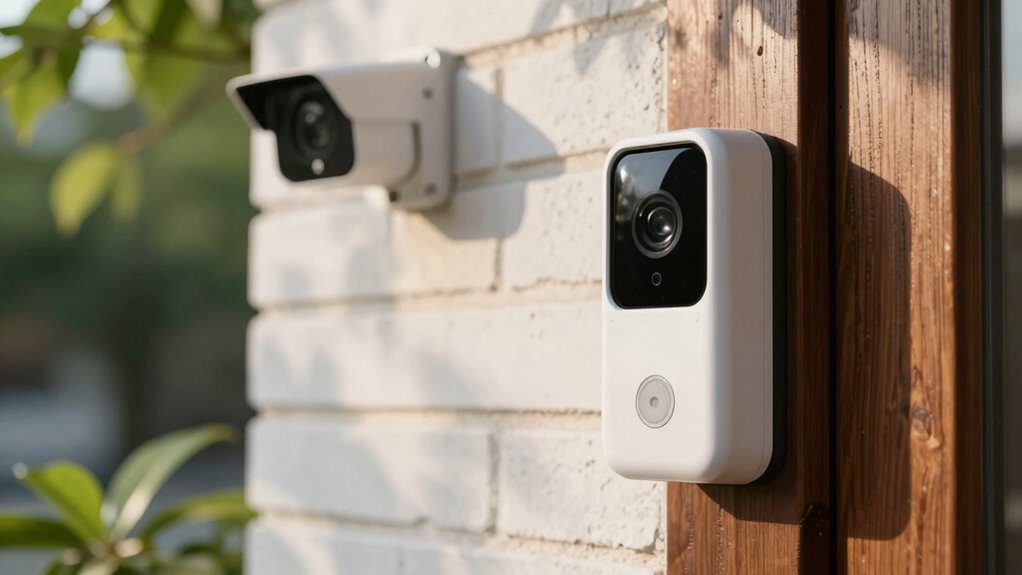
With the rise of smart home devices, it’s more important than ever to think about how your cameras and doorbells impact your privacy. These devices offer convenience and security, but they also raise critical questions about surveillance ethics and data security. When you install a camera or doorbell, you’re fundamentally choosing to share parts of your daily life with a company that manages the footage. It’s crucial to understand how this data is stored, who has access to it, and how it’s protected. Surveillance ethics come into play here—consider whether it’s appropriate to record your neighbors or visitors, and how your devices might be used beyond their intended purpose. Ethical use of surveillance technology doesn’t just involve legality; it involves respecting privacy boundaries and being transparent about data collection.
Smart home devices raise privacy and ethics questions—understand data storage, access, and responsible use for a safer, respectful smart home.
Data security is another essential aspect to think about. When your cameras capture footage, it’s stored either locally or in the cloud. Cloud storage can be convenient, but it also makes your data vulnerable if the service provider doesn’t implement robust security measures. Weak passwords, outdated firmware, and unsecured networks can all expose your footage to hackers. You need to guarantee that your devices use strong encryption, that you regularly update their software, and that your Wi-Fi network is secure. These precautions help prevent unauthorized access and protect your personal information from falling into the wrong hands. Remember, a breach isn’t just about losing footage—it can compromise your identity and personal safety. Understanding data security best practices is essential to safeguarding your privacy. Additionally, staying informed about privacy laws can help you navigate your rights and responsibilities as a user. Being aware of how surveillance ethics intersect with privacy can guide you in making responsible choices about device placement and usage. It’s also wise to consider whether your device’s local storage options better serve your privacy needs compared to cloud-based solutions.
Another point to ponder is how much you want to record and share. You can adjust camera settings to limit recording times or disable features that may infringe on privacy, like continuous monitoring. If you’re concerned about surveillance ethics, think about whether you need cameras in certain areas, especially where guests or family members might expect privacy. Transparency also matters—informing visitors that they’re being recorded and explaining how footage is used can foster trust and respect. It’s also helpful to familiarize yourself with data protection practices and how they can help secure your footage from potential threats.
Finally, consider the long-term implications of your surveillance setup. Regularly review your device’s privacy settings, stay informed about data security best practices, and be aware of evolving laws and regulations regarding surveillance technology. By actively managing your privacy, you ensure that your smart home remains a safe space—not just for security, but for personal privacy as well.
Popular right now

Samsung 65-Inch The Frame Pro Neo QLED 4K TV (2026) Bundle with Modern Brown Bezel, HDMI Cables, and Home Theater Guide

Samsung QN65LS03FAFXZA 65 The Frame QLED 4K Art Mode Vision AI Smart TV (2025)

Bose QuietComfort Headphones (2nd Gen), Wireless Over-Ear Noise-Cancelling Headphones, Black
As an affiliate, we earn on qualifying purchases.
Frequently Asked Questions
How Do I Secure My Camera and Doorbell Data From Hackers?
You can safeguard your camera and doorbell data from hackers by enabling strong privacy settings on your devices. Always update firmware regularly and use unique, complex passwords. Look for encryption protocols that protect your video streams and data. Additionally, consider activating two-factor authentication for extra security. These steps guarantee your footage stays private, making it much harder for hackers to access your camera and doorbell information.
Are There Legal Restrictions on Recording Neighbors With Cameras?
Yes, there are legal restrictions on recording neighbors with cameras to take into account. You should be aware of privacy laws that limit recording in areas where neighbors have a reasonable expectation of privacy, like their yards or windows. In neighborhood surveillance, respecting privacy is essential, and privacy advocacy emphasizes transparency and consent. Always check local laws before installing cameras, and avoid capturing areas beyond your property to stay within legal boundaries.
How Often Should I Update My Camera and Doorbell Firmware?
You should update your camera and doorbell firmware at least once every three to six months. For example, a homeowner noticed their camera’s motion detection slowed down, so they performed a firmware update, restoring full functionality. Regular camera maintenance, including firmware updates, guarantees your device stays secure and runs smoothly. Staying on top of updates protects your privacy and helps prevent vulnerabilities that hackers could exploit.
Can I Use Third-Party Apps to Enhance Privacy Controls?
Yes, you can use third-party apps to enhance privacy controls for your cameras and doorbells. These apps often offer additional privacy enhancements, such as better encryption, customizable access, or remote control features. However, make sure to research and select reputable third-party apps to avoid security risks. Always verify compatibility with your devices and ensure that using these apps complies with your privacy and security standards.
What Are the Best Practices for Camera Placement to Protect Privacy?
You should carefully choose camera angles to avoid capturing private areas like bedrooms or bathrooms. Position cameras high and outward, focusing on entrances and common spaces. Use privacy zones in your camera settings to block views of sensitive areas. Regularly review footage to guarantee privacy is maintained. By adjusting angles and setting privacy zones, you protect your home’s privacy while keeping an effective security system.
Conclusion
Remember, balancing security and privacy is like walking a tightrope—stay vigilant and intentional. Think about where you place cameras and doorbells, who can access the footage, and how you’ll handle data. It’s easy to forget that in the age of the internet, privacy is precious, even if it feels like something out of a Victorian novel. Keep your home secure without sacrificing your peace of mind—after all, a little caution goes a long way.