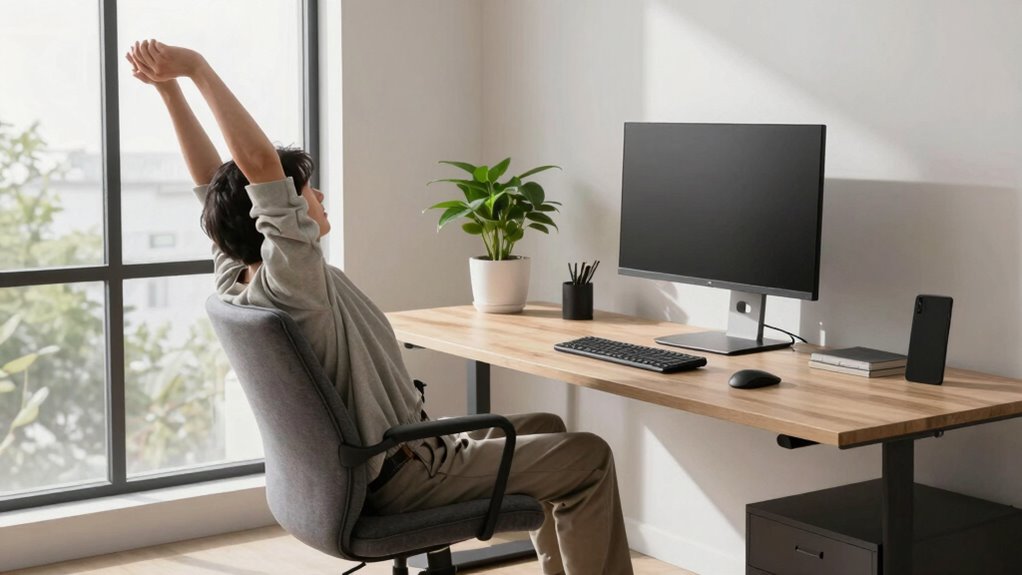

Even if you have a larger workstation, it’s easy to develop poor movement habits without intentional organization and posture awareness. Bigger setups can tempt you to reach far, lean in awkwardly, or stay static for too long, causing muscle strain and discomfort. Using ergonomic accessories and staying active helps you maintain healthy posture and prevent strain. If you want to learn how to keep your workspace comfortable and promote better movement, keep exploring these key tips.

Prime made for students and young adults
- Fast, free delivery for dorm and study essentials
- Prime Video and Amazon Music included
- Member-only deals
Key Takeaways
- Larger workstations can encourage reaching or leaning, increasing risk of muscle strain without mindful movement habits.
- Spacious setups may lead to static sitting or awkward postures if ergonomic principles are not applied.
- Proper organization and ergonomic accessories are essential to prevent unnecessary stretching and twisting.
- Regular movement, stretching, and posture shifts are crucial to counteract the tendency to stay static in big workspaces.
- Promoting active movement helps maintain good posture, reduce fatigue, and improve overall workspace comfort.
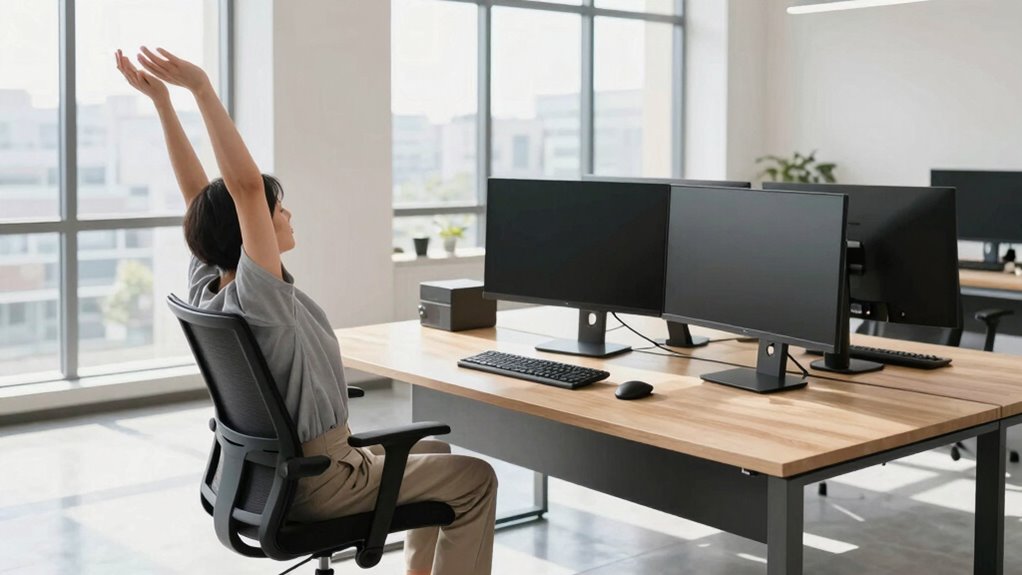
Have you ever considered how your workstation setup influences your movement habits throughout the day? Even if you have a spacious desk or multiple monitors, it doesn’t automatically mean you’re practicing good movement habits. In fact, larger workstations can sometimes encourage more static sitting or awkward postures if you’re not mindful. That’s where understanding posture alignment and incorporating ergonomic accessories make a real difference.
Your posture alignment is the foundation of comfortable, healthy work habits. When you sit with your shoulders relaxed, back supported, and feet flat on the ground, you reduce strain on your neck, shoulders, and lower back. A bigger workstation might tempt you to stretch out or lean in ways that throw off your posture, but maintaining proper alignment keeps your muscles engaged and prevents discomfort. Using ergonomic accessories like adjustable monitor stands, footrests, and lumbar supports helps you create a workspace that promotes good posture, regardless of how large or complex your setup is.
Proper posture keeps muscles engaged and prevents discomfort, regardless of your workspace size.
Bigger workstations often give you more space, but that space can become a trap. You might find yourself reaching farther for your keyboard or mouse, or twisting your torso to access different areas of your desk. These movements, if repeated frequently, can lead to muscle strain and fatigue. To avoid this, you need to consciously adopt better movement habits. This means organizing your workspace so that everything you need is within easy reach, minimizing unnecessary stretching or twisting. Small adjustments, such as placing frequently used items at arm’s length, can make a significant difference in how often you move and how comfortably you do it. Being aware of your ergonomic habits can help prevent discomfort and improve your overall well-being. Incorporating proper ergonomic principles into your workspace setup can further support healthier movement patterns. Paying attention to workspace organization ensures that your setup promotes natural, comfortable movements throughout your workday.
Additionally, incorporating ergonomic accessories encourages better movement patterns. Adjustable chairs that support your lower back and promote active sitting keep your core engaged. Standing desks or sit-stand converters allow you to change positions throughout the day, reducing the risk of prolonged static postures. By alternating between sitting and standing, you promote blood flow and encourage natural movement. When your workstation is large, it’s even more important to be intentional about how you move around it—stretching periodically, shifting your position, and avoiding staying in one static posture for too long. Recognizing the importance of ergonomic accessories can help you create a healthier workspace.
adjustable monitor stand for ergonomic setup
As an affiliate, we earn on qualifying purchases.
As an affiliate, we earn on qualifying purchases.
Frequently Asked Questions
How Often Should I Take Breaks During Extended Work Sessions?
You should take breaks every 30 to 60 minutes during extended work sessions. This break frequency helps prevent fatigue and promotes better movement variety, reducing strain from prolonged static positions. During each break, stretch, walk around, or change your posture to keep your muscles active and blood flowing. Incorporating regular movement breaks is essential for maintaining your health, productivity, and comfort throughout long work periods.
What Are the Best Stretches to Perform at My Desk?
To keep your body happy at your desk, try simple desk stretches like shoulder rolls, neck tilts, and seated spinal twists. Incorporate quick movement routines every hour—stand, stretch, and breathe deeply. These gentle desk stretches help to loosen tight muscles and boost circulation, making your workday smoother. Remember, small but consistent movement routines can considerably enhance your comfort and productivity, even at a larger workstation.
How Can I Improve Posture With a Larger Workstation?
To improve posture with a larger workstation, focus on posture awareness and proper workstation setup. Adjust your chair height so your feet are flat on the ground and your knees are at a 90-degree angle. Make sure your monitor is at eye level to prevent neck strain. Keep your shoulders relaxed and back straight. Regularly check and correct your posture throughout the day, making small adjustments to stay aligned and comfortable.
Are Ergonomic Accessories Necessary for Better Movement Habits?
Absolutely, ergonomic tools are your secret weapon for transforming your workspace into a movement-friendly paradise. Without them, you might as well be sitting on a mountain of discomfort! Ergonomic accessories—like adjustable chairs, keyboard supports, and monitor stands—make workspace customization a breeze, encouraging better movement habits. They help you avoid strain, boost productivity, and turn your larger workstation into a haven of comfort. Don’t just sit—sit smart and move with purpose!
What Are Signs of Poor Movement Habits at Work?
You might notice signs of poor movement habits at work, like frequent aches, stiffness, or fatigue. You may also feel discomfort after long periods of sitting or standing. To identify these issues early, consider ergonomic assessments and using movement trackers to monitor your posture and activity levels. These tools help you recognize habits that need improvement, so you can adjust your workstation and movement patterns for better comfort and health.
ergonomic footrest for office desk
As an affiliate, we earn on qualifying purchases.
As an affiliate, we earn on qualifying purchases.
Conclusion
Even if you have a spacious workstation, good movement habits are essential. Nearly 80% of office workers experience discomfort due to poor posture and repetitive motions, highlighting that size alone isn’t enough. By taking small steps—like stretching regularly and adjusting your chair—you can prevent long-term strain. Remember, a bigger workspace doesn’t automatically mean better health; it’s your mindful movements that truly make the difference for your well-being.
lumbar support cushion for office chair
As an affiliate, we earn on qualifying purchases.
As an affiliate, we earn on qualifying purchases.
As an affiliate, we earn on qualifying purchases.
Halloween Picks
halloween
As an affiliate, we earn on qualifying purchases.