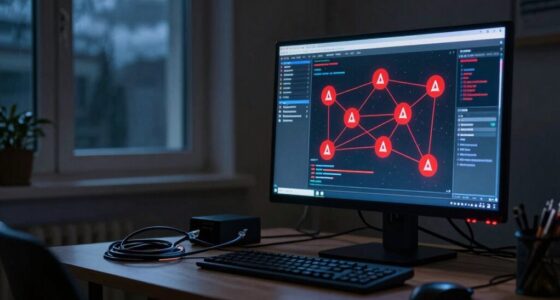

You need good network habits for your camera system because weak security or poor management can make your footage vulnerable to hacking and unauthorized access. Strong passwords, regular updates, and encryption help protect your footage from interception. Managing bandwidth ensures smooth operation without lag or dropped feeds. Segmentation keeps cameras secure and prevents network congestion. Staying vigilant with monitoring and maintenance keeps your system reliable. Keep going to discover more ways to keep your system safe and efficient.

Prime made for students and young adults
- Fast, free delivery for dorm and study essentials
- Prime Video and Amazon Music included
- Member-only deals
Key Takeaways
- Proper network habits protect camera systems from cyber threats and unauthorized access.
- Good bandwidth management ensures high-quality footage without causing network lag.
- Regular updates and encryption safeguard footage and device integrity.
- Network segmentation isolates cameras, reducing security risks and improving performance.
- Continuous monitoring detects vulnerabilities and maintains overall system reliability.
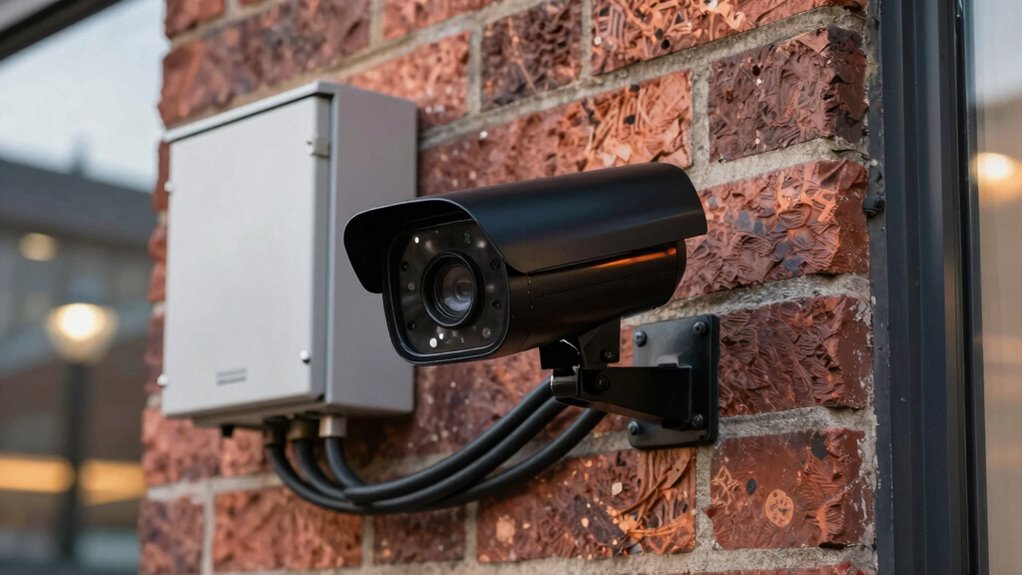
While camera systems are essential for security, they can become vulnerable if your network isn’t secure. Cybercriminals often target network-connected devices, and your camera system is no exception. To keep your surveillance footage safe and ensure your system runs smoothly, you need to prioritize good network habits. One of the most critical aspects is maintaining strong network security. This means setting strong, unique passwords for your cameras and network routers, regularly updating firmware, and enabling encryption where available. These steps prevent unauthorized access, which could compromise your footage or even allow hackers to manipulate your security system.
Secure your cameras with strong passwords, regular updates, and encryption to protect footage and prevent unauthorized access.
In addition to security, bandwidth management plays a key role in maintaining an effective camera system. Cameras, especially high-definition ones, consume significant bandwidth, and if your network isn’t managed properly, you could experience lag, dropped feeds, or poor image quality. To avoid these issues, you should carefully allocate bandwidth based on your camera’s resolution and recording needs. Prioritize critical cameras, such as entry points or areas with high foot traffic, and limit bandwidth for less critical zones. Implementing Quality of Service (QoS) settings on your router helps control traffic flow, ensuring your cameras get enough bandwidth without overwhelming the entire network.
Good network habits also include segmenting your network. Creating a dedicated subnet for your cameras separates their traffic from your other devices, reducing congestion and improving overall security. If a camera is compromised, segmenting the network limits the potential damage, preventing hackers from accessing sensitive data or other connected devices like computers and smart systems. Additionally, establishing clear network segmentation practices can further enhance your security and performance. Understanding the importance of network security can help you better protect your entire smart home. Regularly reviewing your network’s device access controls can also prevent unauthorized devices from connecting without your knowledge. Incorporating proper network design principles can help optimize your network layout for security and efficiency.
Regular monitoring and maintenance are essential components of good network practices. Check your network logs frequently for suspicious activity, and perform routine updates on your camera firmware and network hardware. These updates often contain security patches that protect against known vulnerabilities. Setting up alerts for unusual network activity can help you respond quickly to potential threats.
Lastly, educate yourself on best practices for network security and bandwidth management. Understand how your devices communicate and keep an eye on your network’s performance. Using strong passwords, enabling encryption, segmenting your network, and managing bandwidth diligently all work together to keep your camera system protected and functioning at its best. Maintaining good network habits might require effort upfront, but the payoff is a more secure, reliable surveillance system that provides peace of mind.
As an affiliate, we earn on qualifying purchases.
Frequently Asked Questions
How Often Should I Update My Camera System’s Firmware?
You should update your camera system’s firmware as soon as updates are available to guarantee peak performance and security. Regular firmware updates help patch vulnerabilities and improve features. Keep your network stable during updates, as disruptions can cause issues. Check for updates monthly or whenever notifications appear, and always ensure your network is secure to support smooth firmware installation and maintain reliable camera operation.
What Are Common Network Vulnerabilities for Camera Systems?
A stitch in time saves nine, so protect your camera system from vulnerabilities. Common issues include weak passwords, outdated firmware, and insecure Wi-Fi connections. Hackers exploit vulnerabilities like unencrypted data, outdated encryption protocols, and poor network segmentation. To safeguard your system, use strong encryption protocols and segment your network, keeping cameras isolated from other devices. Regular updates and monitoring help prevent breaches, ensuring your security stays tight.
Can I Access My Camera Remotely Without a Secure Network?
You can attempt remote access on an unsecured network, but it’s risky. Without proper security measures, hackers can intercept your data or take control of your camera system. To safely access your cameras remotely, always use a secure, encrypted network, enable strong passwords, and consider VPNs. Avoid relying on unsecured networks to prevent unauthorized access and protect your privacy and security effectively.
How Do Network Outages Affect Camera System Functionality?
Network outages can disrupt your camera system’s functionality, making remote access or live viewing impossible. To minimize this, you need good network habits like maintaining network stability and implementing outage prevention strategies. Regularly check your connections, upgrade your hardware if needed, and consider backup options such as a secondary internet connection. These habits guarantee your camera system remains reliable, even during unexpected network disruptions.
What Are the Best Practices for Password Management?
You should prioritize password management by creating complex passwords with a mix of letters, numbers, and symbols to enhance security. Enable multi-factor authentication whenever possible, adding an extra layer of protection. Avoid reusing passwords across devices, and regularly update them to reduce risks. Using password managers can help you securely store and manage your passwords. These practices guarantee your camera system remains protected from unauthorized access and potential breaches.
As an affiliate, we earn on qualifying purchases.
Conclusion
Remember, a chain is only as strong as its weakest link. Just like a camera system relies on good network habits for security and performance, neglecting these can leave you vulnerable. Keep your network updated, use strong passwords, and monitor your connections regularly. By practicing these habits, you’re safeguarding your footage and peace of mind. Don’t wait for trouble to find you—stay proactive and secure your system today. After all, an ounce of prevention is worth a pound of cure.
network segmentation for security cameras
As an affiliate, we earn on qualifying purchases.
As an affiliate, we earn on qualifying purchases.
As an affiliate, we earn on qualifying purchases.
Fall Picks
fall essentials
As an affiliate, we earn on qualifying purchases.