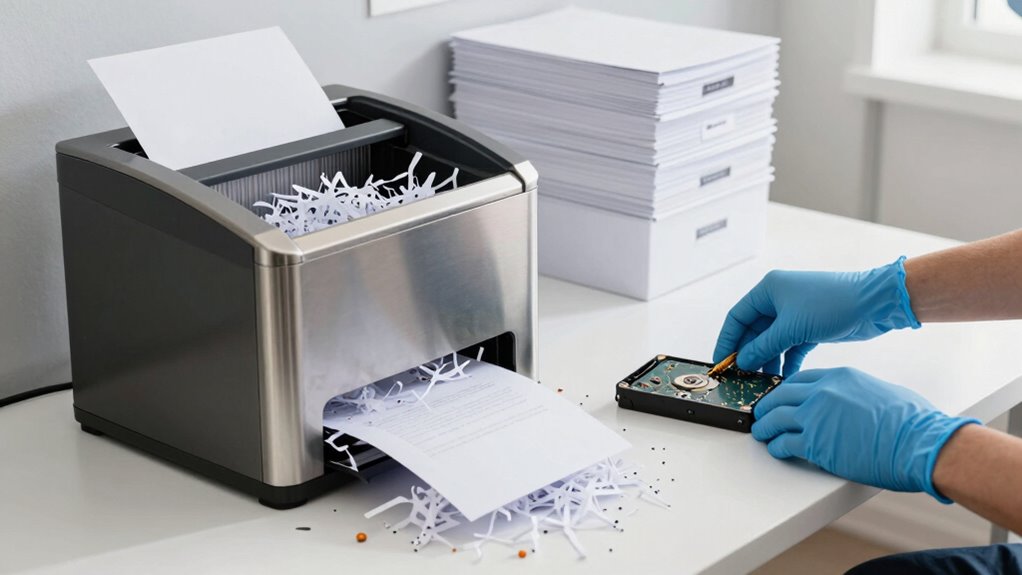

To retire old drives, papers, and devices securely, start by thoroughly sanitizing data. Use certified software tools to overwrite digital storage or physically destroy drives through shredding or degaussing. For paper documents, shred or burn them to prevent reconstruction. Make certain devices are properly wiped or destroyed—factory resets often aren’t enough. Working with certified disposal services guarantees compliance and proof of data removal. Keep these best practices in mind to protect your sensitive info and avoid risks; more details await you.

Prime made for students and young adults
- Fast, free delivery for dorm and study essentials
- Prime Video and Amazon Music included
- Member-only deals
Key Takeaways
- Use certified data sanitization techniques like overwriting, degaussing, or physical destruction for drives and devices.
- Shred or burn paper documents into small, unreadable pieces to prevent reconstruction or retrieval.
- Perform thorough data wipes, including factory resets, before disposing of smartphones or tablets.
- Employ professional destruction services and verify their compliance with industry standards for secure disposal.
- Follow legal regulations and best practices to ensure all residual data is properly destroyed and documented.
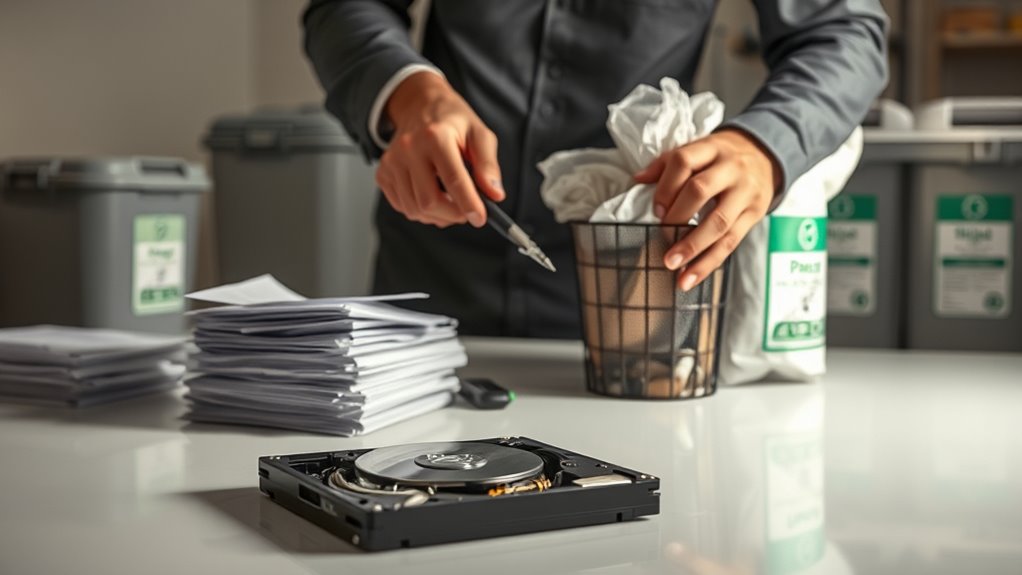
Have you ever considered what happens to your sensitive information after you dispose of it? When you throw away old drives, papers, or devices without proper precautions, you risk exposing personal or confidential data to malicious actors. That’s where understanding secure disposal becomes essential. Properly retiring old equipment involves more than just tossing it in the trash; it requires deliberate steps to guarantee your information can’t be recovered or misused. Digital forensics plays a key role here, as it’s the field that investigates how data can be retrieved from discarded devices. Knowing this, you should focus on effective data sanitization techniques that make your data unreadable or irrecoverable before disposal.
Proper disposal of old devices and documents is essential to prevent data breaches and protect your privacy.
Data sanitization is a critical process that destroys or renders data inaccessible on storage devices. You can choose from several methods, depending on the device type and sensitivity level. For hard drives and SSDs, physical destruction—such as shredding or degaussing—is often the most foolproof way to prevent recovery. Alternatively, software-based sanitization tools can overwrite existing data multiple times, making recovery virtually impossible. These tools follow strict standards, ensuring every sector of the storage device is thoroughly cleaned. When handling sensitive information, it’s crucial to verify that the sanitization process was successful, often through validation scans or reports. This way, you avoid leaving residual data that could be retrieved through digital forensics investigations. Employing data sanitization standards helps ensure your disposal practices meet industry best practices and regulatory requirements.
For paper documents, secure disposal involves shredding or burning. Shredding into small, unreadable pieces ensures that sensitive information cannot be reconstructed. Burning documents completely destroys the paper, leaving nothing behind that could reveal your data. Never just toss documents into the trash, as they can be retrieved and pieced back together by someone with malicious intent. Keep in mind that even seemingly insignificant information—like account numbers or personal identifiers—can be exploited if not properly destroyed.
When it comes to disposing of devices such as smartphones or tablets, factory resets alone often aren’t enough. You should perform a thorough data wipe, followed by physical destruction if the device contains highly sensitive info. Many organizations now adopt certified data destruction services that specialize in secure device retirement. These services ensure compliance with data protection regulations and provide proof of destruction, giving you peace of mind. Remember, failing to properly dispose of outdated hardware could expose you to data breaches, identity theft, or legal liabilities.
Frequently Asked Questions
How Often Should I Dispose of Outdated Electronic Devices?
You should dispose of outdated electronic devices when they near the end of their device lifespan, typically every 3-5 years, depending on usage and technological advancements. Regular disposal frequency guarantees your data remains secure and your devices stay efficient. Don’t hold onto old devices too long, as they can become security risks or slow down your workflow. Stay proactive by setting reminders for proper disposal and recycling to keep your digital environment safe.
What Are the Legal Requirements for Document Disposal?
You must follow confidentiality compliance and legal documentation laws when disposing of documents. Ignoring these rules risks hefty fines or legal trouble—because who doesn’t love a costly lesson? Confirm shredding or secure destruction methods are used for sensitive materials. Check your jurisdiction’s regulations, as they often specify retention periods and proper disposal procedures. Remember, legal requirements aren’t optional—they’re the bare minimum to keep you out of trouble.
Can Recycling Companies Guarantee Data Destruction?
Recycling companies can’t always guarantee complete data destruction, but you can improve security by choosing providers that use data encryption and secure shredding methods. Ask if they follow industry standards like NAID AAA certification. While they handle physical disposal, make sure you remove sensitive data beforehand and confirm their processes are transparent. This way, you reduce risks and ensure your information stays protected during recycling.
What Signs Indicate a Drive Is No Longer Secure?
When your drive shows signs of hardware failure or no longer responds even after attempts to fix it, it’s a red flag that it’s no longer secure. If drive encryption is compromised or gone, your data’s vulnerable—think of it as an open book. Keep an eye out for strange noises or errors, and remember, when in doubt, it’s better to retire the drive and destroy it properly to keep your data safe.
How Do I Verify Data Has Been Completely Erased?
To verify data has been completely erased, you should use robust data wiping methods like multiple passes with software designed for secure deletion. Afterward, employ verification techniques such as scanning the drive with data recovery tools to check for residual information. If no data is recoverable, you’re confident the drive is securely wiped. Always follow manufacturer instructions and consider professional verification for sensitive information.
Conclusion
By taking these secure disposal steps, you’re not just safeguarding your data—you’re fortress-building against future threats. Remember, each piece of outdated hardware or paper is a potential breach waiting to happen. So, don’t let your guard down; instead, see it as an ongoing battle where vigilance is your greatest weapon. In the end, safe disposal isn’t just a task, it’s a shield—protecting your privacy today, and tomorrow.
Halloween Picks
halloween
As an affiliate, we earn on qualifying purchases.