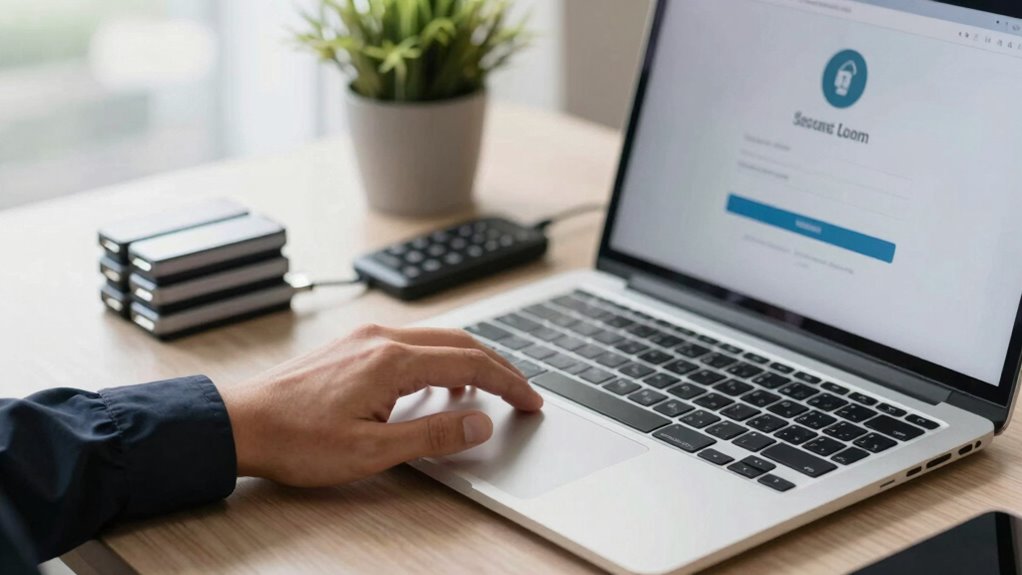

To build a better home document security routine, start by organizing and digitizing your essential papers like passports and insurance policies, then back them up regularly using secure cloud storage or external drives. Limit physical access to trusted family members and store originals in a safe place, like a locked safe or hidden spot. Use strong passwords and enable two-factor authentication for online storage accounts. Regularly review and update your routines to stay ahead of potential risks—there’s more to strengthen your setup.

Prime made for students and young adults
- Fast, free delivery for dorm and study essentials
- Prime Video and Amazon Music included
- Member-only deals
Key Takeaways
- Regularly review and update both physical and digital document storage and backup practices.
- Use strong passwords and two-factor authentication for all online storage accounts.
- Store physical documents securely in a hidden, locked safe or secure location.
- Digitize new documents immediately and keep digital backups current.
- Educate family members on security routines and proper handling of important documents.
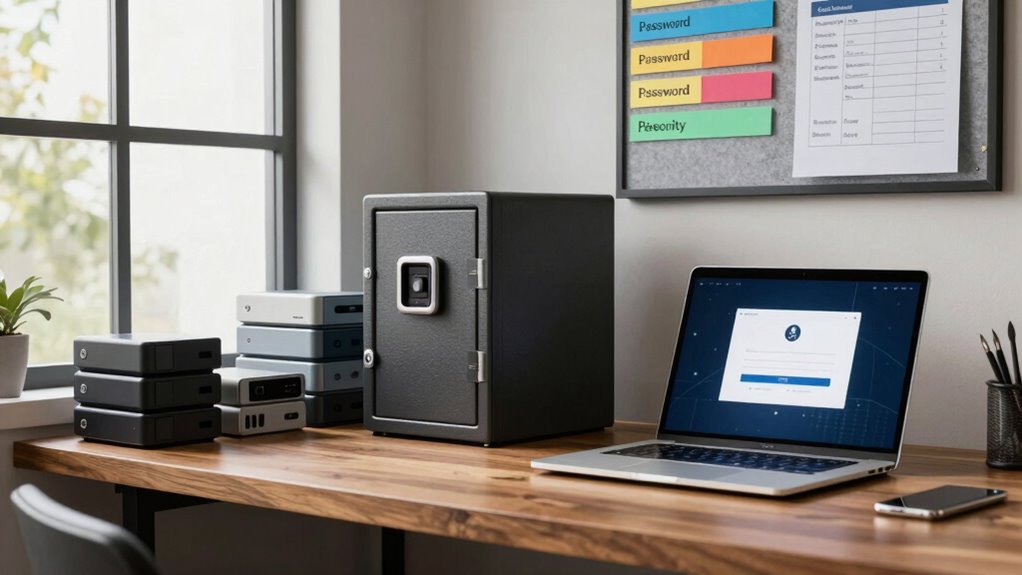
In today’s digital age, safeguarding your important documents at home isn’t just a good idea—it’s essential. With so much personal and financial information stored electronically, creating a strong routine helps prevent loss, theft, or damage. Start by establishing a digital backup system. Save copies of vital documents—like passports, birth certificates, insurance policies, and financial records—on secure cloud storage or an external hard drive. This ensures that even if your physical documents are misplaced or destroyed, you still have access to crucial information. Regularly updating these backups guarantees you’re always working with current data, minimizing potential setbacks in emergencies.
Create regular digital backups of vital documents to ensure access and security during emergencies.
Implementing access control is equally critical. Limit who can view or handle your sensitive documents. Use strong, unique passwords for your digital storage accounts, and enable two-factor authentication whenever possible. For physical documents, keep them in a locked safe or a secure, hidden location that only trusted family members know about. This prevents unauthorized access, reducing the risk of identity theft or fraud. Be mindful of who has copies of your documents, especially if you share a household or have service providers that might need access. Clear boundaries on access help you maintain control and protect your privacy.
Create a routine for organizing and reviewing your documents. Set aside time every few months to check your physical files and ensure your digital backups are up to date. During these reviews, discard outdated or unnecessary papers to keep your storage organized and manageable. Consider digitizing new documents immediately and updating your backups. This habit keeps your system streamlined and reduces clutter, making it easier to locate important papers when needed. Incorporating proper document storage practices can further enhance your security by preventing physical damage and unauthorized access. Additionally, understanding the importance of cloud security can help you choose safer online storage options and implement best practices. Maintaining awareness of potential cybersecurity threats is also vital to protecting your digital information from evolving risks. Using encryption techniques can also add an extra layer of protection to sensitive digital files, making unauthorized access even more difficult.
Security isn’t just about storage; it’s about awareness. Be cautious when sharing personal information online or with third parties. Always verify the legitimacy of requests for your data, and avoid sending sensitive documents via unsecured email or messaging apps. When you’re away from home, be vigilant about where and how you store physical documents—consider portable safes or lockable briefcases for transport. Teaching family members about your security routines also helps ensure everyone contributes to maintaining your home’s document safety.
Popular right now

TCL 65 Inch QM8L Series SQD-Mini LED QLED 4K Smart Google TV

Ninja Foodi 10-Qt DualZone Air Fryer, 6-in-1, Black (DZ302)

TCL 65-Inch QM6K QLED Mini-LED 4K HDR Smart Google TV, 144Hz
As an affiliate, we earn on qualifying purchases.
Frequently Asked Questions
How Often Should I Update My Security Protocols?
You should update your security protocols at least every six months or whenever there’s a significant change, like new employees or updated access controls. Regular updates guarantee employee training stays relevant and effective. Review and adjust access controls to prevent unauthorized access. Staying proactive helps you identify vulnerabilities early, maintain strong security, and ensure your team understands current procedures. Consistent updates keep your home document security routine resilient and trustworthy.
What Are the Best Tools for Secure Document Storage?
For secure document storage, you should use cloud encryption services like Tresorit or Sync.com to protect digital files. Additionally, invest in a high-quality physical safe for paper documents, ensuring it’s fireproof and bolted down. Combining cloud encryption for digital security with a physical safe for hard copies provides thorough protection, reducing risks of theft, damage, or unauthorized access. Regularly review and update your storage methods to stay secure.
How Do I Handle Security Breaches Effectively?
When you face a security breach, act quickly by evaluating the extent of the breach and containing it immediately. Review your encryption practices to guarantee data remains protected, and update access controls to restrict further unauthorized access. Notify any affected parties as required, and document the incident thoroughly. Strengthen your security measures afterward, including encryption and access controls, to prevent future breaches and maintain your home document security.
Can I Automate My Document Security Routine?
Yes, you can automate your document security routine, making it almost effortless—because who wouldn’t want their passwords managed and encryption techniques handled automatically? Imagine a world where your password management system updates itself and encryption runs in the background, protecting your files without your input. While automation sounds perfect, remember to stay vigilant; technology can’t replace your oversight entirely. Still, it’s a smart step forward.
What Legal Considerations Exist for Document Security?
You must guarantee your document security practices comply with legal standards, including data protection laws and privacy policies. This means implementing measures that prevent unauthorized access, maintaining records of security protocols, and respecting individuals’ privacy rights. Stay informed about applicable regulations like GDPR or HIPAA, and regularly review your privacy policies. Doing so helps you avoid legal repercussions and builds trust with those whose documents you handle.
Conclusion
By adopting a solid document security routine, you greatly reduce the risk of identity theft and data breaches. Think of it as an investment in your peace of mind—protecting your personal information from falling into the wrong hands. Some believe that digital security is enough, but research shows combining both digital and physical safeguards offers the best defense. Strengthening your routine now guarantees your valuable documents stay safe, giving you confidence in your home’s security.