When operating a 3D printer, ensuring proper ventilation is vital to protect yourself from fumes and ultrafine particles that different filaments can release. Using the printer in a well-ventilated area and adding air filtration can markedly reduce health risks. Always handle filament safely, wear protective gear, and keep your workspace organized to prevent accidents. Staying vigilant about these safety basics helps keep your environment safe—more tips are available to help you print securely and confidently.

Prime made for students and young adults
- Fast, free delivery for dorm and study essentials
- Prime Video and Amazon Music included
- Member-only deals
Key Takeaways
- Ensure proper ventilation and use air filtration systems to reduce inhalation of hazardous fumes and ultrafine particles from filament printing.
- Always operate 3D printers in well-ventilated areas and avoid enclosed spaces without airflow.
- Use protective gear like masks and gloves when handling filament and cleaning printers to minimize exposure to fumes and particles.
- Regularly inspect electrical cords and maintain fire safety equipment, such as fire extinguishers, to prevent fire hazards.
- Keep the workspace organized, free of clutter, and monitor printer operation to ensure safety and reduce accident risks.
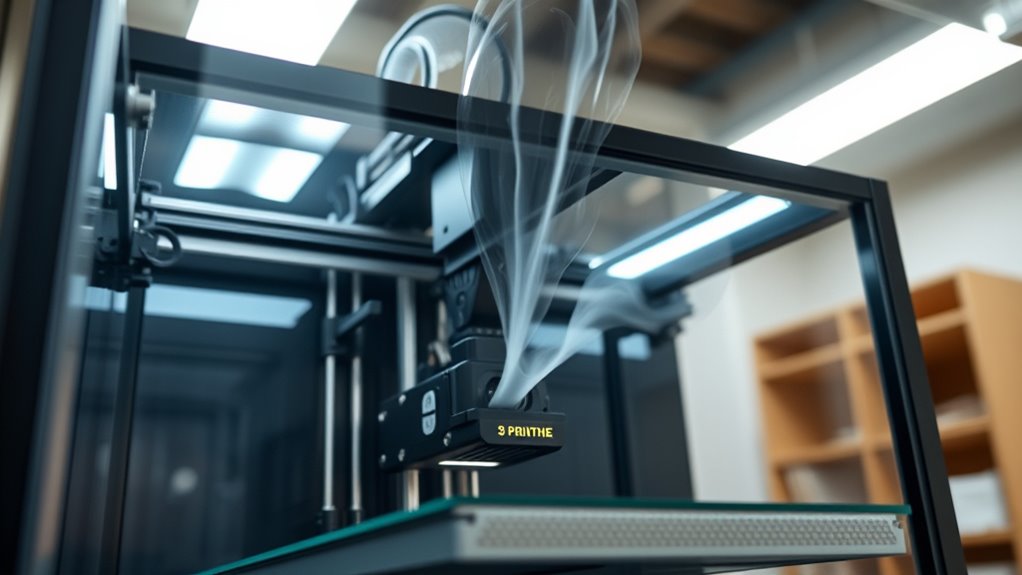
Are you aware of the potential hazards when operating a 3D printer? While this technology offers incredible creative possibilities, it also presents safety challenges you need to address. One of the main concerns involves filament hazards. Different filament types release varying fumes and particles when heated, some of which can be harmful if inhaled over time. For example, certain plastics like ABS emit volatile organic compounds (VOCs) and ultrafine particles that can irritate your respiratory system or cause long-term health issues. To minimize exposure, always operate your 3D printer in a well-ventilated area and consider installing an air filtration system. Proper ventilation helps to clear out these potentially dangerous fumes, reducing your risk of inhalation. Additionally, safety measures for filament hazards include wearing protective gear such as masks and gloves, especially when handling raw filament or cleaning the printer after use. Maintaining awareness of Free Floating conditions around your workspace can further enhance safety by preventing accidental contact or spills.
Fire prevention is another critical aspect of 3D printer safety. Since 3D printers operate with high temperatures, there’s always a risk of overheating or electrical faults leading to fires. To prevent this, ensure your printer is placed on a stable, non-flammable surface away from combustible materials. Regularly inspect electrical cords, connections, and the machine itself for signs of wear or damage, and replace any frayed wires immediately. Setting up your workspace with a fire extinguisher nearby is a smart move, just in case. Additionally, never leave your 3D printer unattended during long prints. Many fires start because of unattended equipment overheating or electrical faults going unnoticed. Using a smoke detector in the room can provide extra warning if something goes wrong.
Furthermore, keep your workspace clear of clutter, so there’s nothing that could catch fire or obstruct airflow. When you’re done printing, turn off and unplug the printer and allow it to cool down before cleaning or storing it. This simple step helps prevent accidental burns or fire hazards. Remember, even small sparks or overheated components can ignite nearby materials, so maintaining good housekeeping habits is essential. Ultimately, understanding filament hazards and implementing fire prevention techniques go hand-in-hand in creating a safe environment for 3D printing. By staying vigilant and proactive, you protect yourself, your equipment, and your surroundings from preventable accidents. Safe 3D printing isn’t just about the finished product; it’s about taking the necessary precautions to keep everyone safe throughout the process.
Popular right now

Ninja Foodi 6-in-1 DualZone Air Fryer, 8 qt, Grey (DZ201)

Ninja Foodi 10-Qt DualZone Air Fryer, 6-in-1, Black (DZ302)

Hisense 65-inch U6 Pro Mini-LED 4K UHD Smart Fire TV
As an affiliate, we earn on qualifying purchases.
Frequently Asked Questions
Are All 3D Printer Filaments Equally Safe to Use Indoors?
Not all 3D printer filaments are equally safe indoors. Filament toxicity varies; some, like ABS, can emit harmful fumes, especially without proper indoor airflow. PLA is generally safer, producing fewer fumes, but good ventilation still helps. Always check the filament’s safety data, confirm your workspace has adequate airflow, and consider using enclosures or air filters. This approach minimizes health risks regardless of the filament type you choose.
How Often Should I Clean My 3D Printer’s Ventilation System?
You should clean your 3D printer’s ventilation system every 3 to 6 months, depending on usage. For example, if you notice reduced airflow or increased dust buildup, it’s time for a filter maintenance check. Regular airflow inspection helps guarantee efficient fume extraction and safety. Keep filters clean and replace them when necessary to prevent fumes from accumulating and to maintain ideal ventilation performance.
Can I Use an Air Purifier Alongside a DIY Ventilation Setup?
Yes, you can use an air purifier alongside a DIY ventilation setup. Just ensure the air purifier’s compatibility with your space and that it doesn’t interfere with your ventilation system’s efficiency. Combining both can substantially improve air quality by filtering out fumes more effectively. Make sure the purifier’s filter is suitable for VOCs and fumes from 3D printing, optimizing your setup for safer, cleaner air during printing sessions.
What Are the Signs of Harmful Fumes in My Workspace?
You’ll notice harmful fumes if you detect faint odors or unusual smells in your workspace. Be alert for signs like headaches, dizziness, or nausea, which could indicate dangerous fumes like carbon monoxide. If you experience these symptoms, improve your ventilation immediately and move to fresh air. Using an air purifier alongside your DIY ventilation can help, but always prioritize proper airflow and monitor for any signs of fumes to stay safe.
Is It Safe to Leave a 3D Printer Unattended Overnight?
Leaving your 3D printer unattended overnight is like leaving a sleeping dragon unguarded—risks are lurking. Overnight risks include fire hazards, fumes buildup, and mechanical failures that can go unnoticed. For unattended safety, always make certain of proper ventilation, use smoke detectors, and never leave the printer running without supervision. It’s best to monitor your printer actively or set it up with safety features to prevent accidents while you’re away.
Conclusion
Remember, keeping your workspace well-ventilated isn’t just a tip — it’s a lifesaver. While some say 3D fumes are harmless, studies suggest prolonged exposure can cause health issues. Think of it like cooking; you wouldn’t ignore the smoke, right? Staying safe with proper ventilation and awareness isn’t just about rules — it’s about protecting yourself while you bring your creative ideas to life. So, breathe easy and keep safety first!