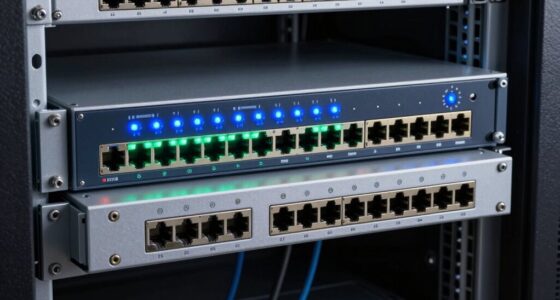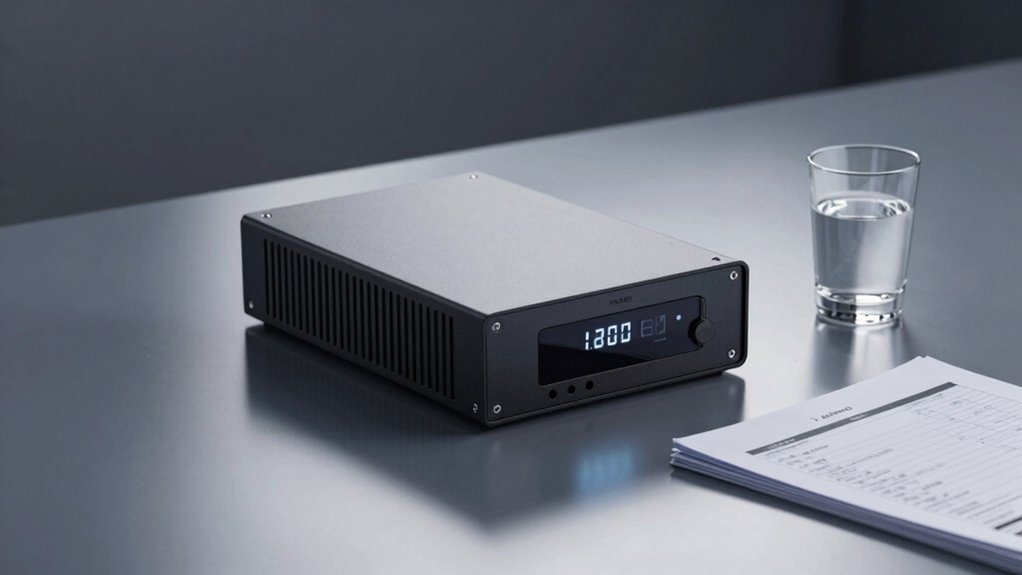

A UPS protects your devices from power interruptions and voltage spikes, giving you backup power during outages and helping prevent damage from surges. However, it doesn’t shield your equipment from hardware failures, software issues, or power fluctuations outside its operational range. While it offers essential protection, it’s not foolproof and works best alongside additional surge protectors. To understand how to maximize your safeguards, you’ll find useful insights as you explore further.
Key Takeaways
- UPS systems primarily protect against power outages and voltage drops, providing backup power during electrical failures.
- They often include surge suppression features that guard against voltage spikes caused by surges or storms.
- UPS does not prevent hardware failures, software issues, or physical damage unrelated to power supply interruptions.
- They are not foolproof against extremely powerful or prolonged surges; additional surge protectors may be necessary.
- Proper maintenance and understanding of power quality are essential for effective protection and maximizing UPS lifespan.

Surge suppression is another critical feature a UPS provides. Power surges—sudden spikes in voltage—can wreak havoc on sensitive electronics. A good UPS includes surge suppression capabilities, which divert excess voltage away from connected devices, protecting them from damage. This feature is especially important during thunderstorms or when power lines are unstable. By absorbing or redirecting surges, the UPS acts as a shield, preventing costly repairs and reducing downtime. However, it’s important to remember that surge suppression isn’t foolproof. Extremely powerful or prolonged surges may still get through, so using additional surge protectors alongside your UPS can offer extra peace of mind. Additionally, understanding the power quality in your home or office can help you determine the appropriate level of protection needed for your devices. While a UPS is excellent for safeguarding against power interruptions and surges, it doesn’t protect against everything. For example, it won’t shield your devices from power fluctuations that occur outside its operational range, nor will it prevent hardware failures, software issues, or physical damage. A UPS is a crucial part of your protection plan, but it shouldn’t be your only line of defense. Regular maintenance, including checking batteries and ensuring surge suppression features are active and functional, is essential. Understanding these limitations helps you better prepare for electrical issues and ensures your equipment stays safe and reliable for the long term.

aosu Security Cameras Outdoor Wireless, 4 Cam-Kit, No Subscription Required, Solar-Powered, Home Security Cameras System with 360° Pan & Tilt, Auto Tracking, 2K Color Night Vision, Easy Setup
No Subscription Required with aosuBase: All recordings will be encrypted and stored in aosuBase without subscription or hidden...
As an affiliate, we earn on qualifying purchases.
Frequently Asked Questions
How Long Can a UPS Power My Devices During an Outage?
Your UPS can power your devices for about 5 to 30 minutes during an outage, depending on its battery runtime and the load you connect. Smaller units may last only a few minutes, while larger, more robust models can provide power for over half an hour. To guarantee your critical devices stay on longer, consider a UPS with a higher capacity or add external batteries for extended power duration.
Can a UPS Protect Against Power Surges and Spikes?
Think of your UPS as a shield for your devices. It does provide surge protection, helping guard against power spikes that can damage sensitive equipment. When a power spike occurs, the UPS absorbs the excess energy, preventing it from reaching your devices. However, not all UPS units offer this feature, so make sure yours specifically includes surge protection to keep your gear safe from sudden voltage surges and spikes.
What Is the Difference Between Online and Offline UPS Systems?
Online UPS systems continuously supply power by converting AC to DC and back, providing seamless protection and filtering. Offline UPS systems switch to battery mode only during outages, offering basic backup. When choosing, consider battery maintenance needs and installation procedures. Online units require professional setup and regular checks, while offline systems are simpler to install. Your choice depends on your power quality needs and willingness to maintain the system properly.
How Often Should I Replace My UPS Battery?
Your UPS battery won’t last forever—it’s like expecting a marathon runner to keep sprinting without rest. Usually, you should replace it every 3 to 5 years, depending on usage and maintenance. Regular battery maintenance, like keeping it clean and ensuring proper charge cycles, helps prolong its life. Keep an eye on performance and replace it promptly when it shows signs of aging to ensure your backup power stays reliable.
Does a UPS Provide Backup for Internet and Network Equipment?
Yes, a UPS provides backup for your internet and network equipment. It guarantees internet protection by maintaining power during outages, preventing disruptions. With a UPS, you get reliable network backup, so your routers, modems, and switches stay online even during power failures. This helps keep your internet connection stable and secure, allowing you to work uninterrupted and protect sensitive data from sudden outages.

ANSQUE Security Cameras Wireless Outdoor Home System, 4 Camera Kit, No Subscription Fees, Solar Powered, Local Storage, 365-Day Battery Life, 360°PTZ Surveillance, Auto Tracking, 2K Color Night Vision
No Subscription Fees, Secure Local Storage: AnsqueBase features built-in 32GB local storage with up to 120 days of...
As an affiliate, we earn on qualifying purchases.
Conclusion
Understanding what your UPS protects and what it doesn’t is like knowing the boundaries of a fortress. It shields your valuable devices from sudden power surges and outages, but it’s not a magic wand that guarantees uninterrupted service. By recognizing its limits, you can better prepare for unexpected failures. Think of your UPS as a vigilant guardian—steadfast and reliable, yet not invincible. Staying informed guarantees you’re always one step ahead in defending your tech.

ANNKE 3K Lite Wired Security Camera System Outdoor with AI Human/Vehicle Detection, 8CH H.265+ DVR and 8 x 1920TVL 2MP IP67 Home CCTV Cameras with Smart Dual Light, Color Night Vision, 1TB Hard Drive
AI Motion Detection 2.0 – Driving AI to the next level, human&vehicle detection and flexible detection area are...
As an affiliate, we earn on qualifying purchases.

Schlage Encode Smart Wi-Fi Deadbolt Lock with Touchscreen Keypad, Keyless Front Door Entry, App Control, Alexa, Google Home and Airbnb Compatible, Matte Black, BE489WB CEN 622
ANYWHERE ACCESS: With built-in WiFi compatibility, you can easily and securely connect your Schlage Encode Deadbolt to your...
As an affiliate, we earn on qualifying purchases.