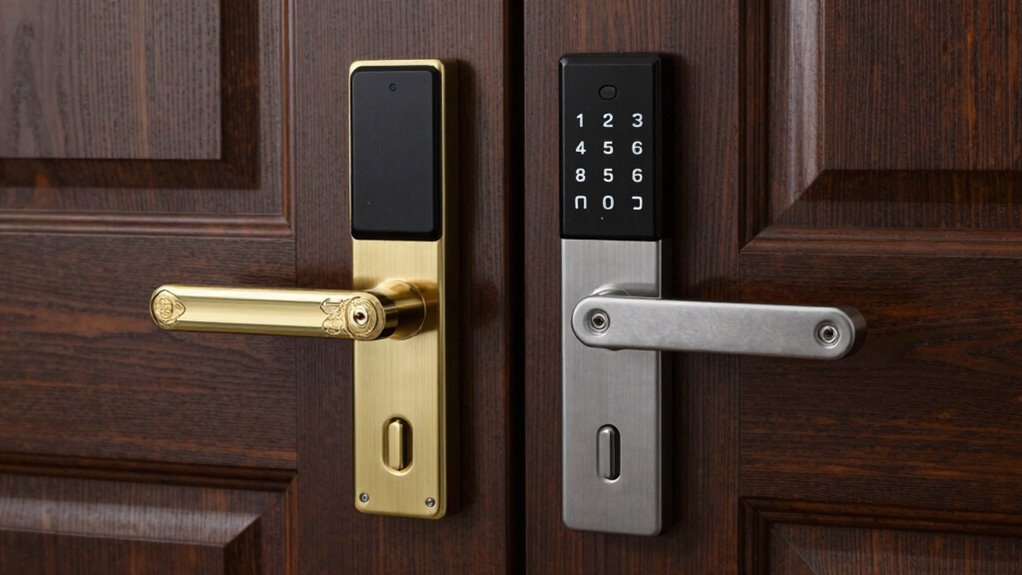

When choosing a smart lock, it’s key to understand deadbolt types and your door’s fit. Single-cylinder deadbolts are the most compatible and easy to upgrade, while double-cylinder ones offer extra security but can be trickier to install. Measure your door thickness and backset carefully to make certain the smart lock fits properly and functions smoothly. Getting these details right boosts your security and convenience—keep going to uncover important tips for a perfect fit.
Listen free for 30 days with Audible
Thousands of audiobooks and originals — cancel anytime.
As an affiliate, we earn on qualifying purchases.
Key Takeaways
- Single-cylinder deadbolts are most compatible with smart locks due to their design and ease of integration.
- Measure door thickness and backset to ensure the smart lock fits and operates properly.
- Double-cylinder deadbolts provide higher security but may complicate smart lock installation and emergency access.
- Proper alignment of the deadbolt with the strike plate is crucial for secure locking and smooth operation.
- Consider door material and fit to ensure the deadbolt and smart lock function reliably and securely.
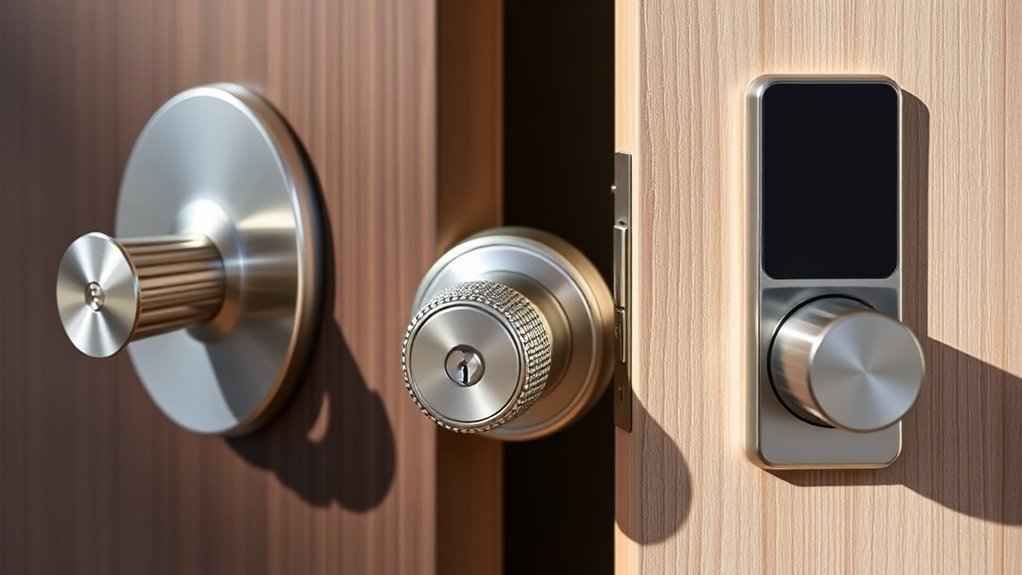
Are you curious about how smart locks can simplify your home security? If so, understanding the different deadbolt types and how they fit your door is essential. Smart locks come with various features that enhance security and convenience, but the foundation lies in choosing the right deadbolt and guaranteeing it fits your door properly. When exploring smart lock options, you’ll notice that keypad security and Bluetooth connectivity are common features. Keypad security allows you to enter a code to open your door, eliminating the need for physical keys, which can be lost or stolen. Bluetooth connectivity, on the other hand, lets you unlock your door remotely via your smartphone, providing seamless access and control. Both features add layers of security and convenience that traditional locks can’t match.
The deadbolt type you select will influence how easily your smart lock integrates into your home. Single-cylinder deadbolts are the most common and are often compatible with smart lock conversion kits. These deadbolts have a keyhole on the exterior and a thumb turn on the interior, making them easy to replace or upgrade. Double-cylinder deadbolts require a key on both sides, which can be more secure but may pose safety concerns in emergencies. When choosing a deadbolt, measure the thickness of your door and the backset—the distance from the edge of the door to the center of the bore hole—to guarantee compatibility. Many smart locks are designed to fit standard doors, but verifying these measurements helps prevent installation issues. Additionally, understanding deadbolt types and their features can help you select the best option for your security needs.
Door fit is vital for the smart lock to function correctly. If the deadbolt doesn’t align with the strike plate or the lock doesn’t fit snugly, you might experience issues with unlocking or security gaps. For peak performance, your door should be solid and properly aligned, with the deadbolt extending fully into the strike plate. If your door is thicker or thinner than standard, look for adjustable smart lock models or those with mounting plates that can accommodate different door thicknesses. Additionally, consider the type of door frame you have—wood, metal, or fiberglass—as this can influence installation and security. Properly fitting deadbolts not only guarantee your smart lock works smoothly but also provide better protection against forced entry.

Kwikset 660 Deadbolt Lock, Satin Nickel Round Exterior Keyed Front Entry Door, Single Cylinder Dead Bolt, with Microban Protection
- High-security keyed deadbolt: Suitable for exterior doors with key access
- SmartKey Security technology: Resists break-in techniques and re-keys easily
- Easy DIY installation: Install in minutes with included hardware and instructions
As an affiliate, we earn on qualifying purchases.
As an affiliate, we earn on qualifying purchases.
Frequently Asked Questions
Are Smart Locks Compatible With All Door Types?
Not all smart locks are compatible with every door type. You need to take into account your door material and lock size to ensure a proper fit. For example, some smart locks work best on wooden doors, while others are suitable for metal or fiberglass. Measure your existing deadbolt and check the lock’s specifications before purchasing. This way, you’ll ensure a secure and seamless installation, no matter your door material.
How Secure Are Smart Locks Against Hacking?
Smart locks are generally secure, but cybersecurity vulnerabilities can exist if you don’t take proper precautions. Hackers may try to access your system through weak passwords or unpatched firmware. To prevent hacking, use strong, unique passwords, enable two-factor authentication, and keep your software updated. With these hacking prevention strategies, you can markedly reduce risks and enjoy the convenience of your smart lock without compromising your security.
Can I Install a Smart Lock Myself?
Yes, you can install a smart lock yourself. DIY installation is straightforward, allowing you to replace your existing deadbolt with minimal tools and effort. Just follow the step-by-step instructions, align the lock precisely, and secure it firmly. Once installed, you’ll enjoy seamless lock maintenance and control. This hands-on approach empowers you to upgrade your home security quickly, ensuring your smart lock fits perfectly and functions flawlessly.
Do Smart Locks Require Wi-Fi or Bluetooth?
Smart locks typically need wireless connectivity, such as Wi-Fi or Bluetooth, to function properly. Bluetooth allows you to *release* your door nearby with your smartphone or key fob, while Wi-Fi enables remote access and control from anywhere. Both types use security protocols to protect your data and prevent unauthorized entry. So, depending on the features you want, you’ll choose a lock with either Bluetooth or Wi-Fi, or even both for added flexibility.
What Happens During a Power Outage?
You might think a power outage restricts you out, but smart locks often have a battery backup that keeps them functioning. During an outage, your lock continues to operate normally, and you can still open it via traditional keys or emergency access features. Always check if your smart lock has a battery backup and emergency access options, so you’re prepared and secure even when the power’s out.
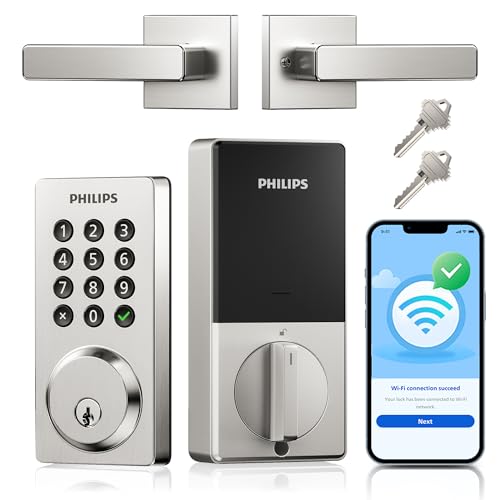
Philips WiFi Keypad Door Lock with Handle, App Control Smart Deadbolt Lock
- Remote Control Access: Control lock remotely via app from anywhere
- Multiple Unlock Methods: Use voice, keys, passcode, or app to unlock
- Custom Password Options: Create up to 100 passwords with various modes
As an affiliate, we earn on qualifying purchases.
As an affiliate, we earn on qualifying purchases.
Conclusion
Now that you know the basics of deadbolt types and door fit, you’re ready to choose the perfect smart lock for your home. Remember, even in this digital age, a solid deadbolt remains your first line of defense—like the trusty knight guarding a castle. So, weigh your options carefully, verify it fits well, and you’ll enjoy peace of mind with a modern twist. After all, security never goes out of style!

Philips WiFi Keypad Door Lock with Handle, Built-in WiFi, APP Remote Control, Voice & Fingerprint Unlock, Smart Locks for Front Door with Auto Lock, Digital Front Door Lock Set, Keyless Entry Deadbolt
- WiFi Connectivity: Connects directly to 2.4GHz WiFi without hub
- Remote App Control: Manage lock remotely via Philips Home Access App
- Real-Time Access Monitoring: Check lock status and access history instantly
As an affiliate, we earn on qualifying purchases.
As an affiliate, we earn on qualifying purchases.
Philips WiFi Keypad Door Lock with Handle, Built-in WiFi, APP Remote Control, Voice & Fingerprint Unlock, Smart Locks for Front Door with Auto Lock, Digital Front Door Lock Set, Keyless Entry Deadbolt
- WiFi Connectivity: Connects directly to 2.4GHz WiFi without hub
- Remote App Control: Manage lock remotely via Philips Home Access App
- Real-Time Access Monitoring: Check lock status and access history instantly
As an affiliate, we earn on qualifying purchases.
As an affiliate, we earn on qualifying purchases.
Labor Day sales Picks
labor day deals
As an affiliate, we earn on qualifying purchases.